AI School Photo Generator
Turn an everyday portrait into a school-picture-day photo. Choose a classic blue, soft gray, or retro laser backdrop for a fresh take on a familiar look.
The classic picture-day look.
3. Quality
5. Number of images
15 credits · one AI photo
Photo uploads require any plan or credit pack. Sign in to upload and generate.
For creative portraits and keepsakes. Check your school’s requirements before submitting an image.
Choose your look
Select a preset to use it in the tool above.
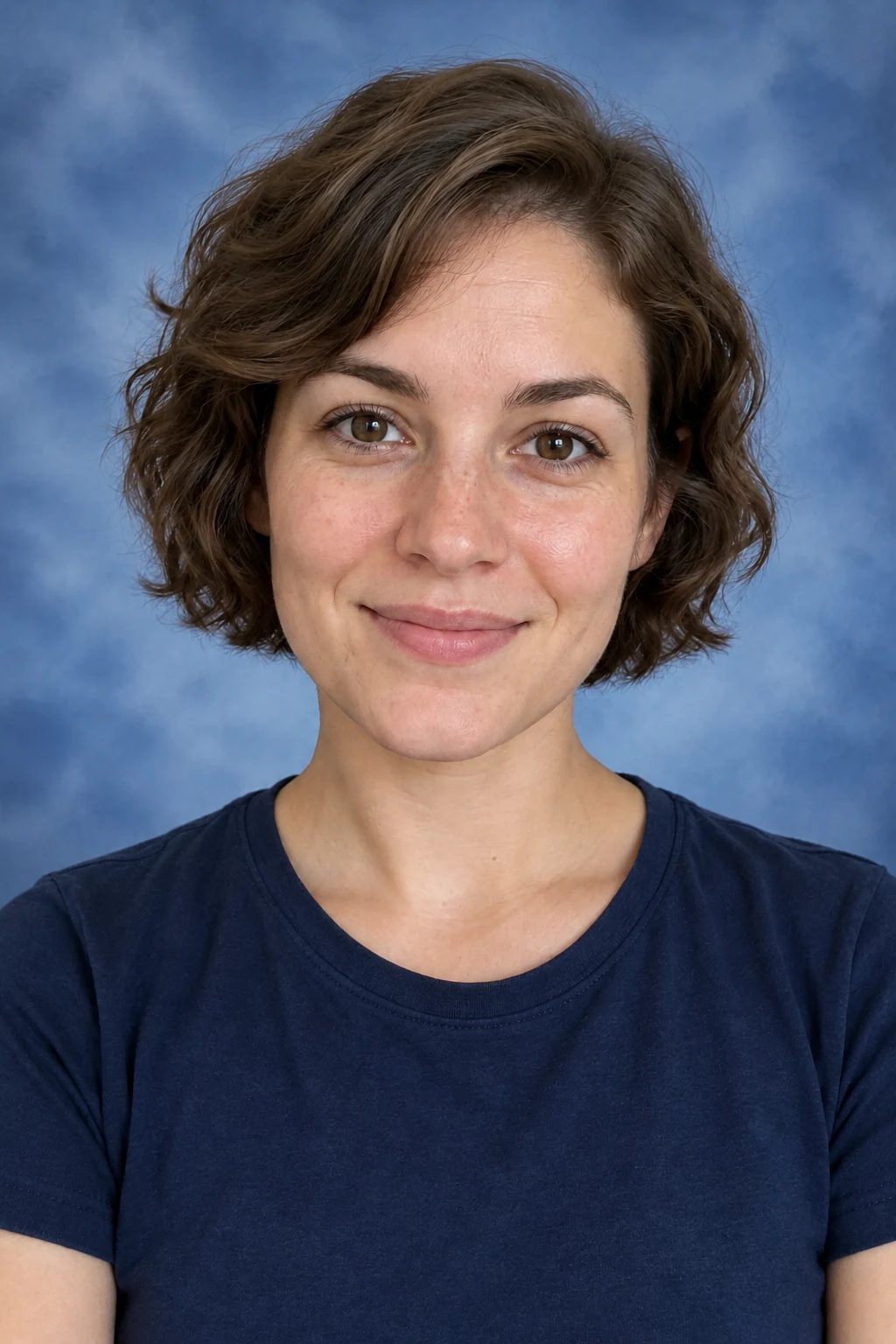
From source photo to a new look
AI illustrations made by editing fictional source photos. Your generated results may vary.
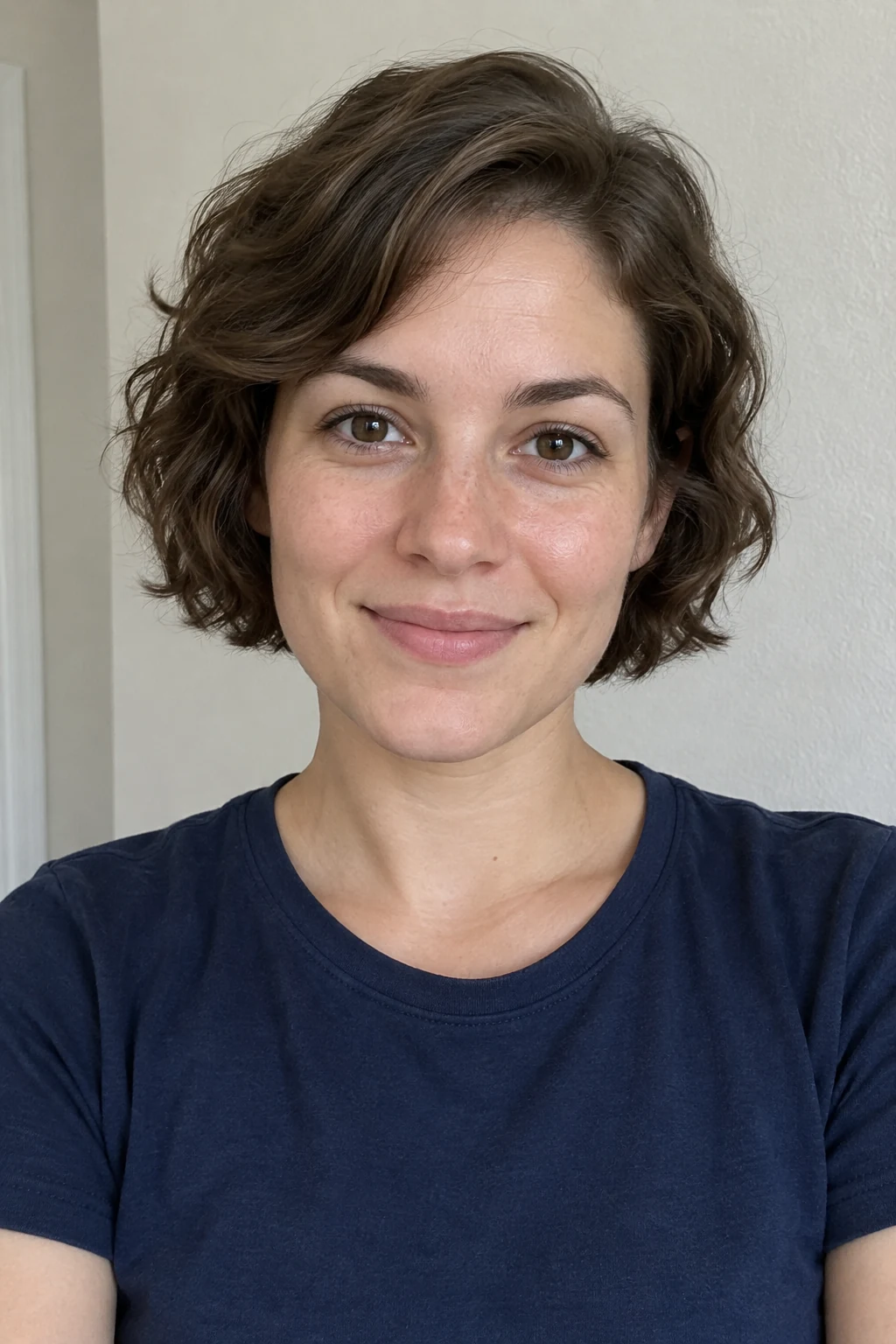
Source photo
Example result

Source photo
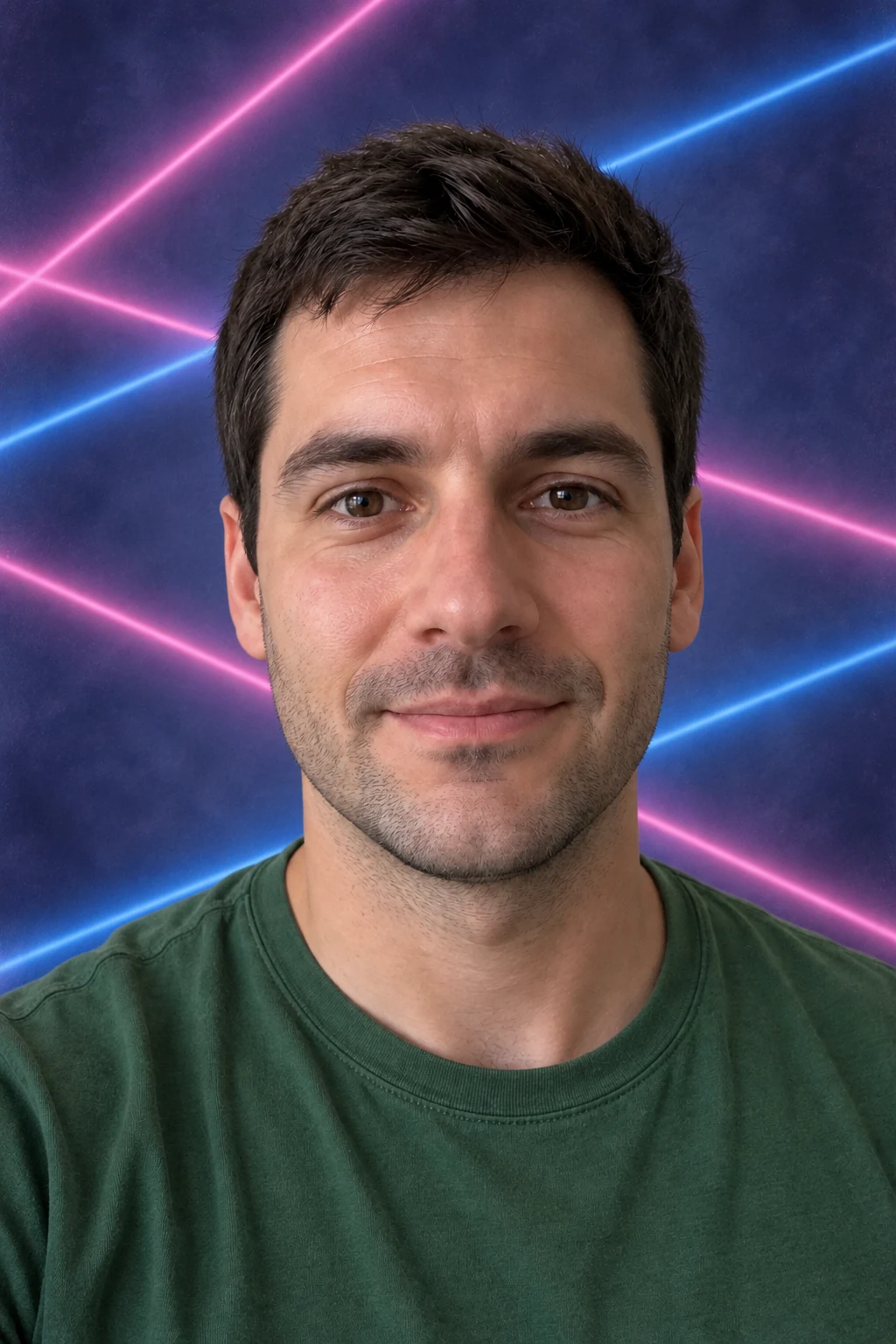
Example result
How it works
- 01
Upload your photo
Use a well-lit photo of one person facing the camera, with the face and shoulders clearly visible.
- 02
Choose your look
Select a preset and adjust the available options.
- 03
Generate and download
Review your AI-generated result, then download your image.
A familiar backdrop, a fresh portrait
Give an everyday photo a picture-day setting with soft studio lighting and a neatly framed composition. Start with classic blue or gray, or choose retro lasers for a more playful result.
Choose how much to change
Keep your original outfit or try a simple picture-day look. The edit should focus on the backdrop and portrait styling while aiming to retain recognizable facial features and apparent age.
Upload tips and FAQ
Use a well-lit photo of one person facing the camera, with the face and shoulders clearly visible.
Can I use this for an official school photo?
Requirements vary by school. These are AI-generated portraits, so check whether edited images are accepted before submitting one.
Will it change my face or age?
The edit aims to retain your recognizable features and apparent age, but AI may alter details. Review the result before using it.
What photo works best?
Use a well-lit photo of one person facing the camera, with the face and shoulders clearly visible.
Can I keep my original outfit?
Yes. Choose Keep My Outfit to ask the AI to retain your clothing while changing the portrait setting. Small details may still change.
Related tools
AI School Photo Generator
For creative portraits and keepsakes. Check your school’s requirements before submitting an image.