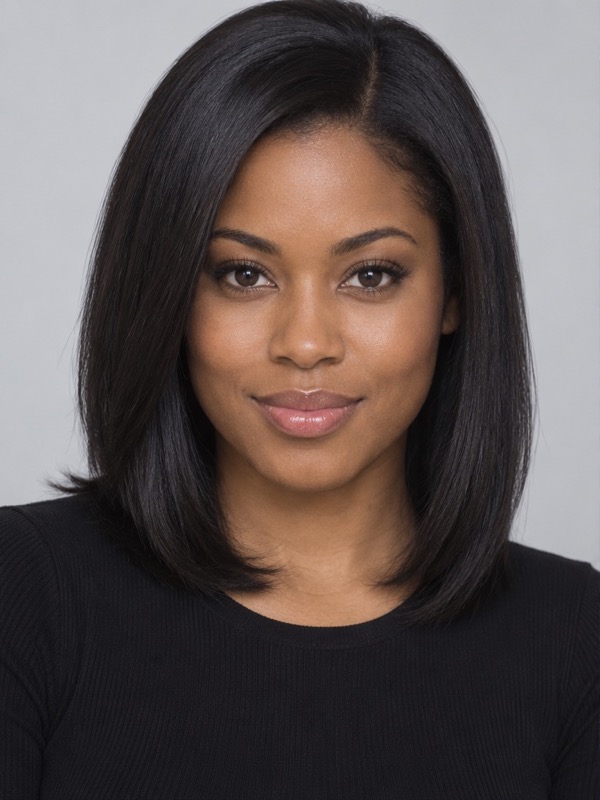
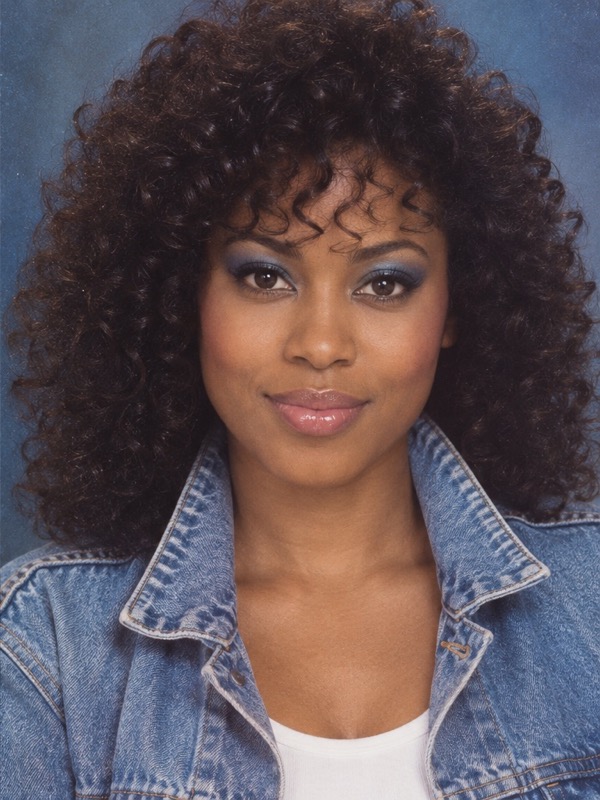
Big hair. Vintage clothes. That old-photo feel.
The transformation brings together the details that make an 80s portrait: fuller hairstyles, period-inspired clothing, softer light, and a film-like finish.
Give my photo the 80s treatmentYour photo. A whole different decade.
15 credits · one 80s photo
Photo uploads require any plan or credit pack. Sign in to upload and generate.
One photo in, one portrait out. Facial details can vary.
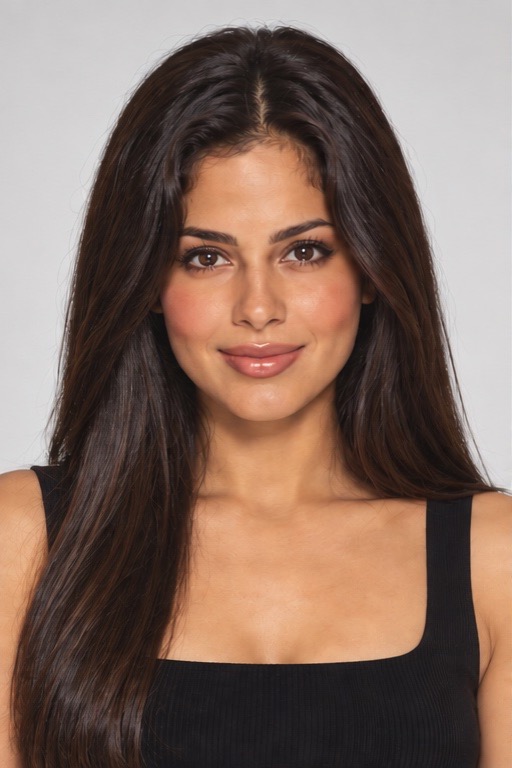
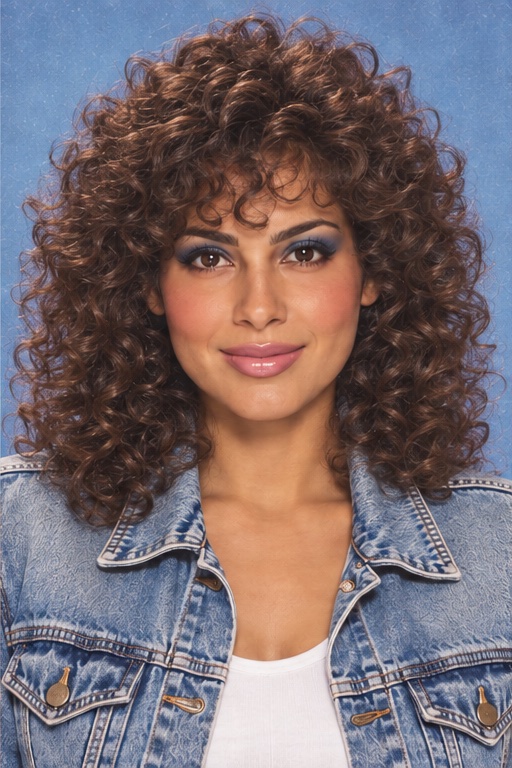
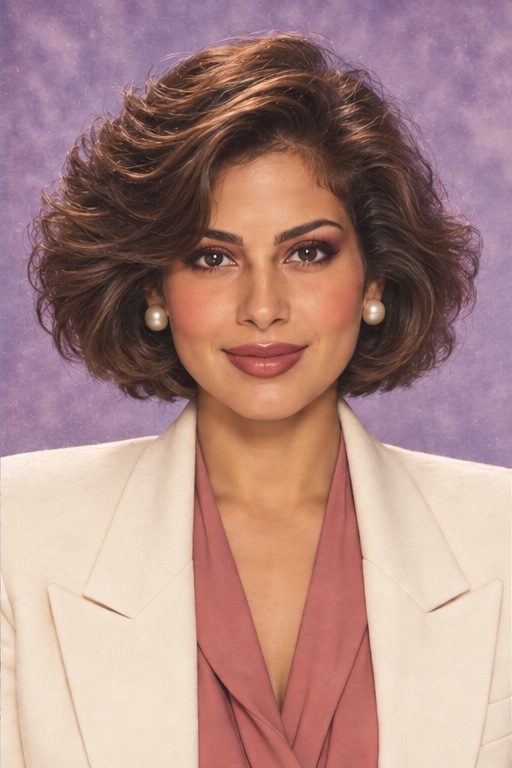
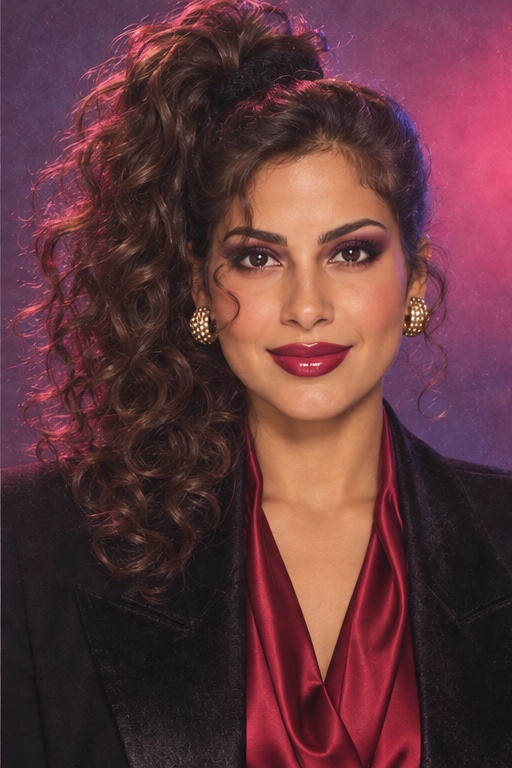
Same person. Same pose. Three 80s transformations.
AI-created illustrations of possible looks. Each generation makes one portrait; results vary.
Ever wondered what your photo might have looked like in 1985? Give a present-day portrait big hair, vintage clothes, and the soft texture of an old photo album—with Image25’s 80s AI photo generator.
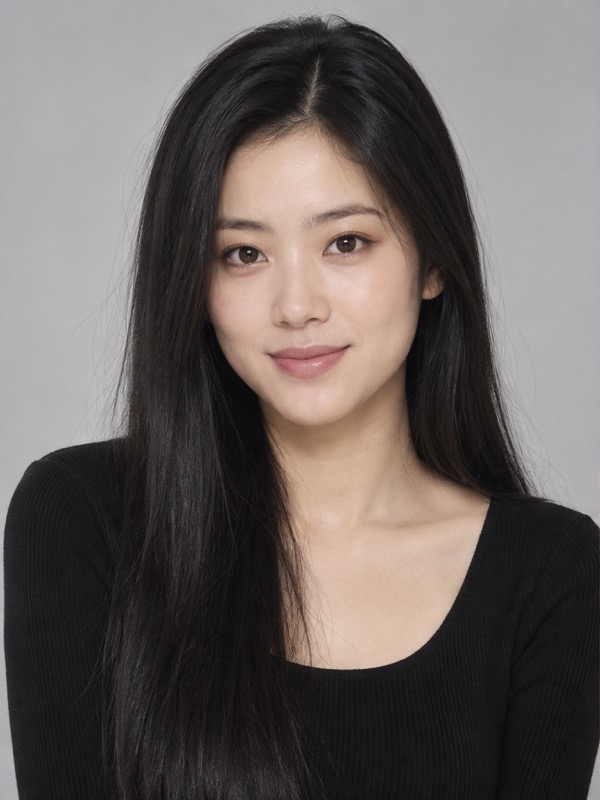
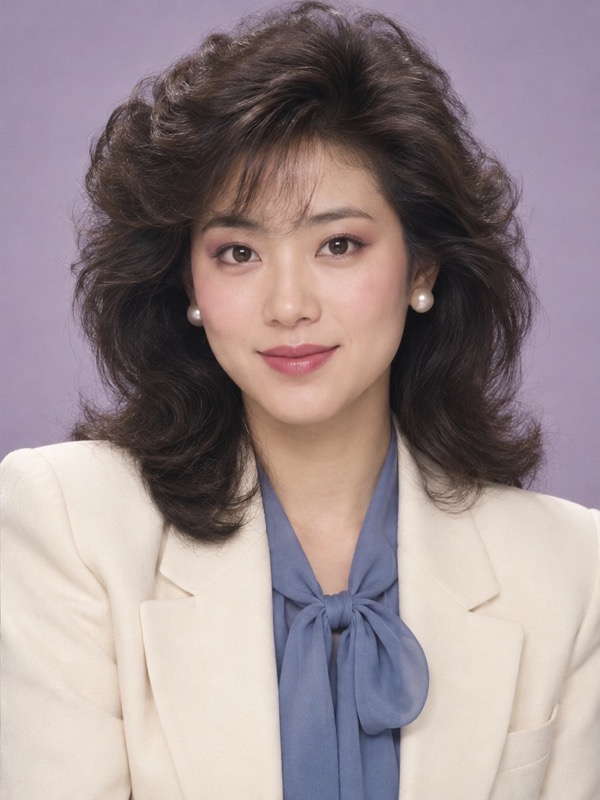
Choose a well-lit portrait with your face clearly visible. An everyday selfie is a good place to start.
Hit generate. Image25 builds the 80s look around your reference photo, with no prompt to write.
Check the result, download your favorite, and share your trip back in time.
The transformation brings together the details that make an 80s portrait: fuller hairstyles, period-inspired clothing, softer light, and a film-like finish.
Give my photo the 80s treatment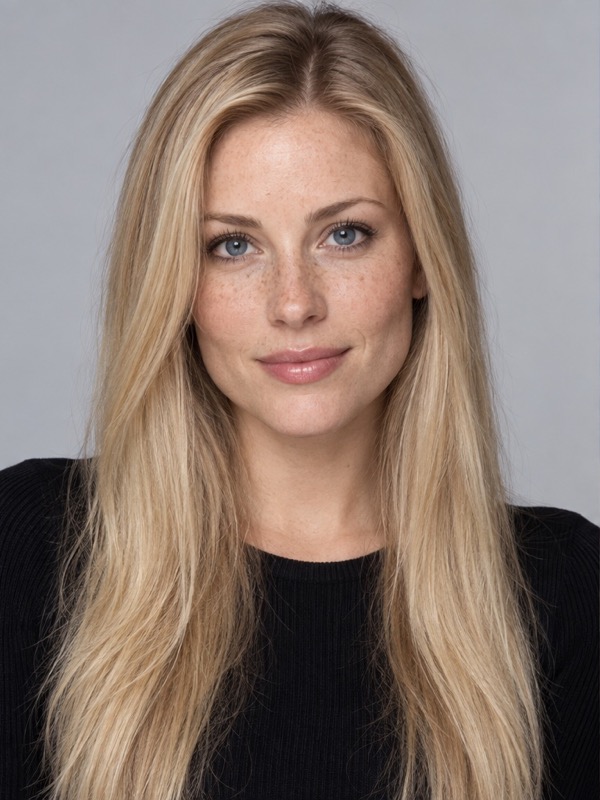
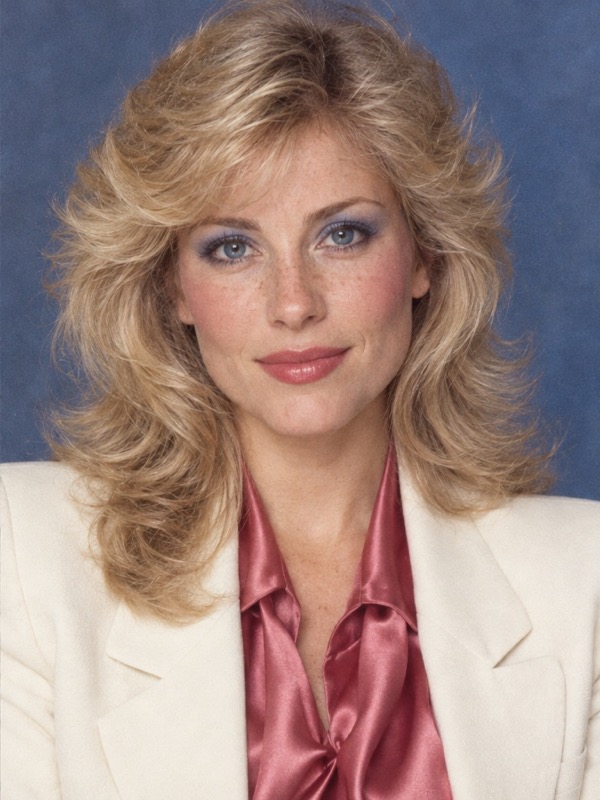
There’s no scene to describe or preset collection to sort through. This tool has one job: turn your photo into an 80s portrait.
Start with my photo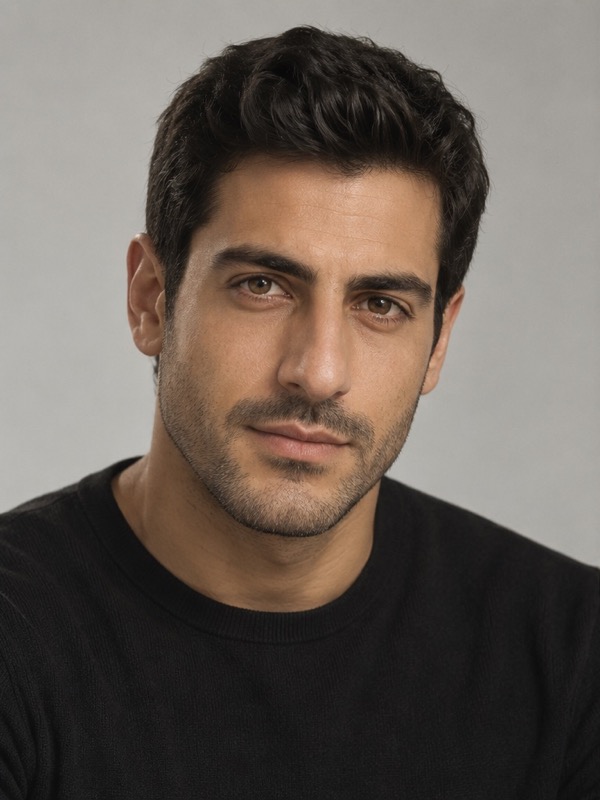
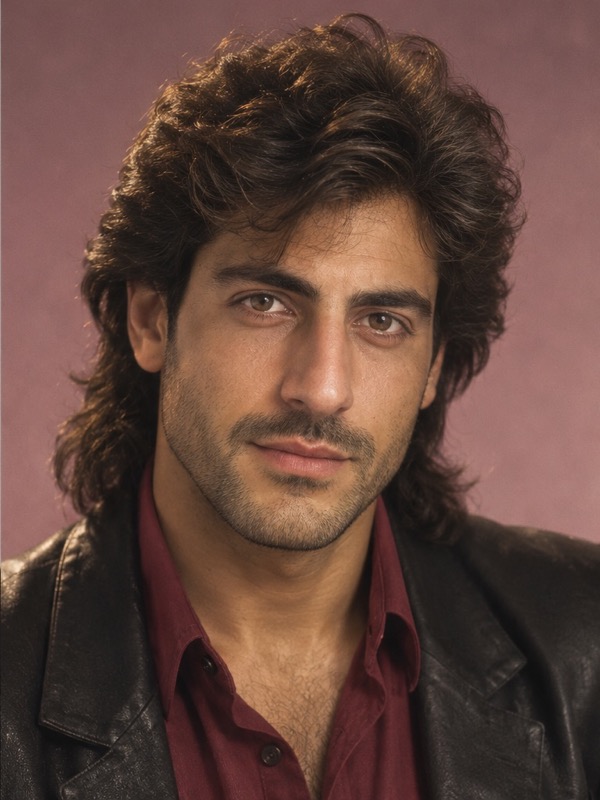
Your photo guides the person in the picture while the clothes, hair, and setting change around them. Use a clear portrait to give the generator a stronger reference for your facial features. Likeness can vary.
Try my portrait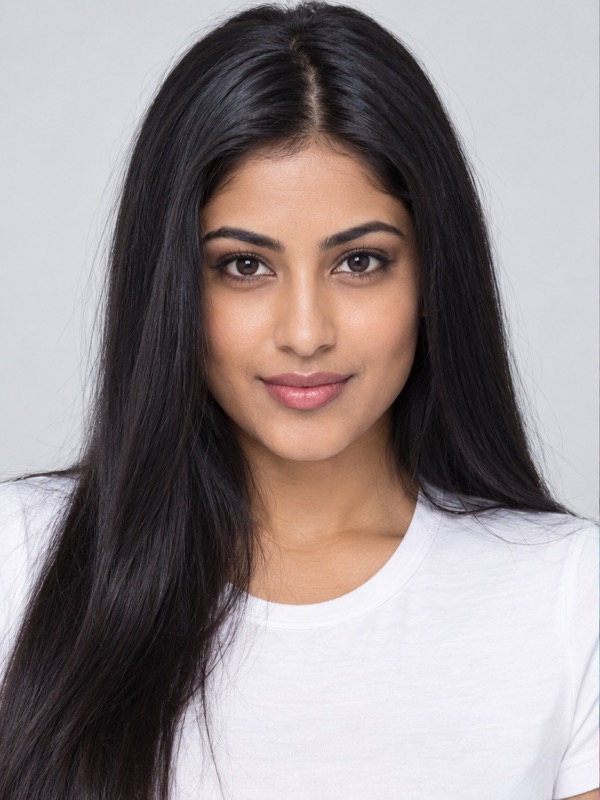
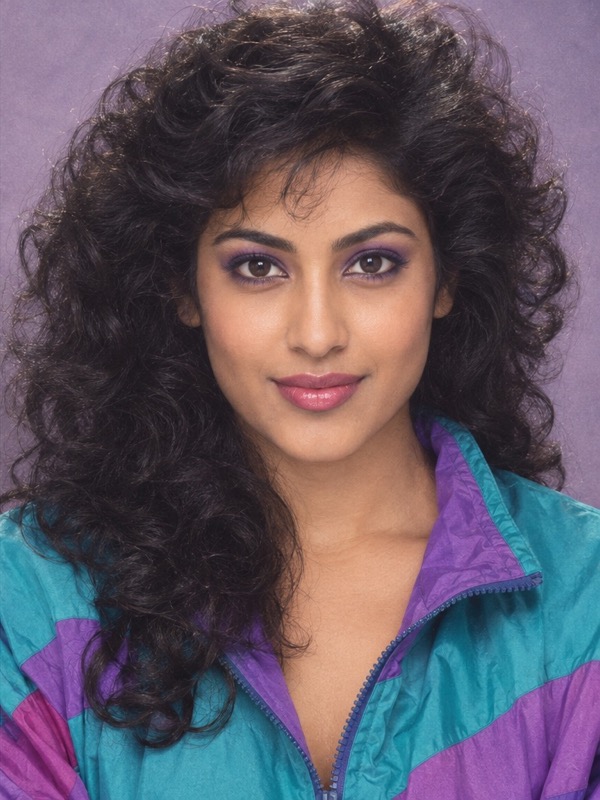
Post your before-and-after or join the 80s photo trend with your own face.
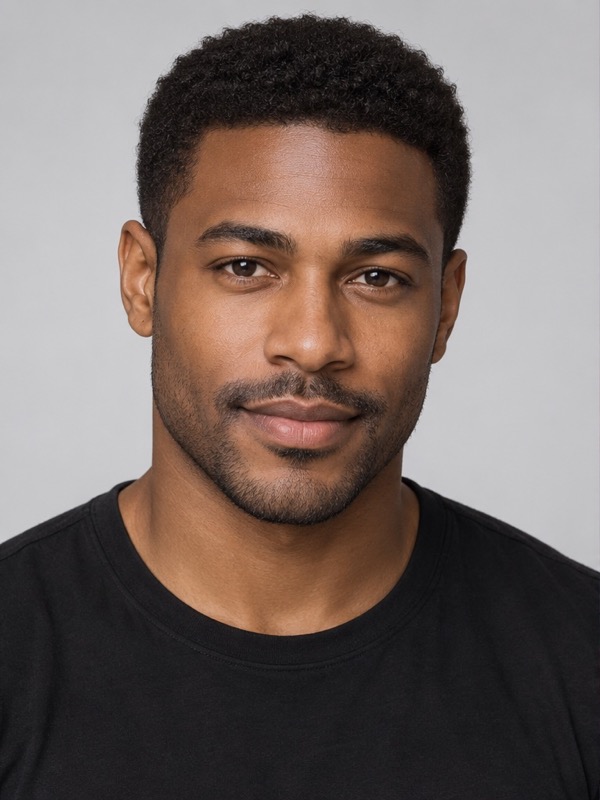
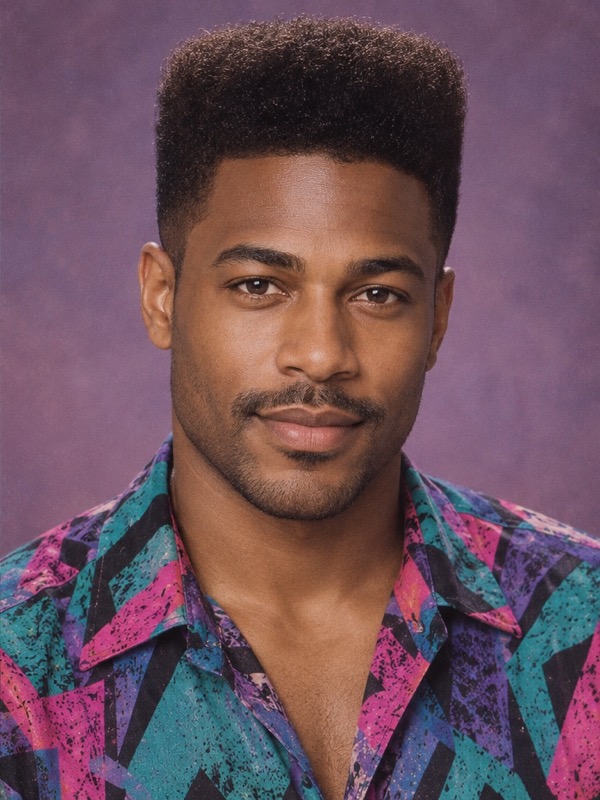
Add your retro portrait to a birthday invite, reunion announcement, or party post.
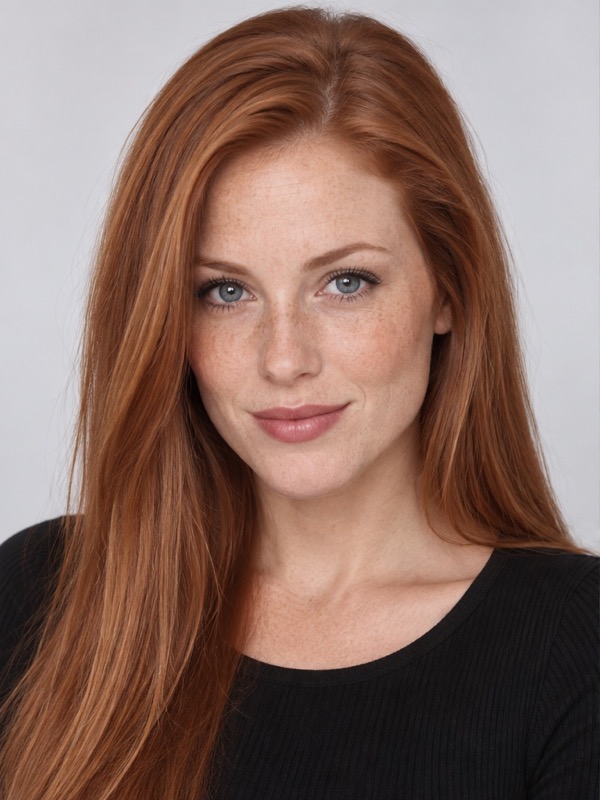
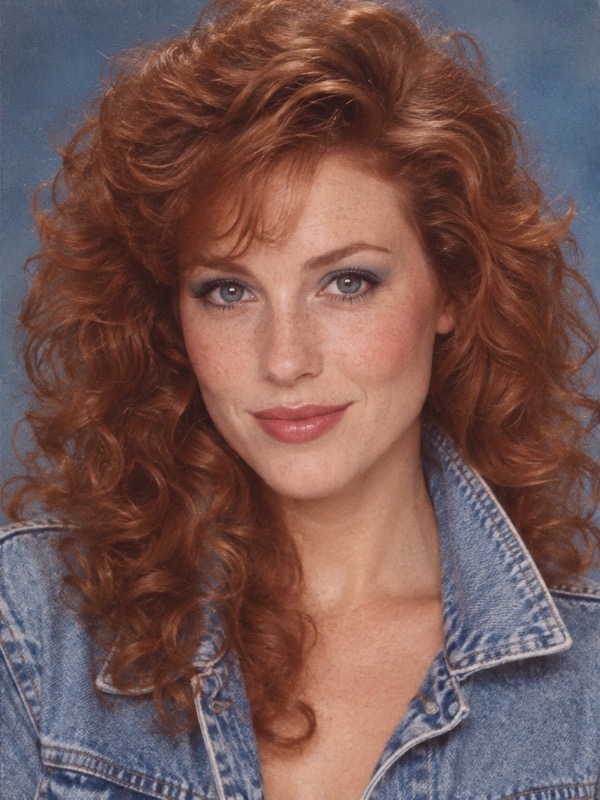
See how vintage hair and clothing could look on you before putting together an 80s-inspired outfit.

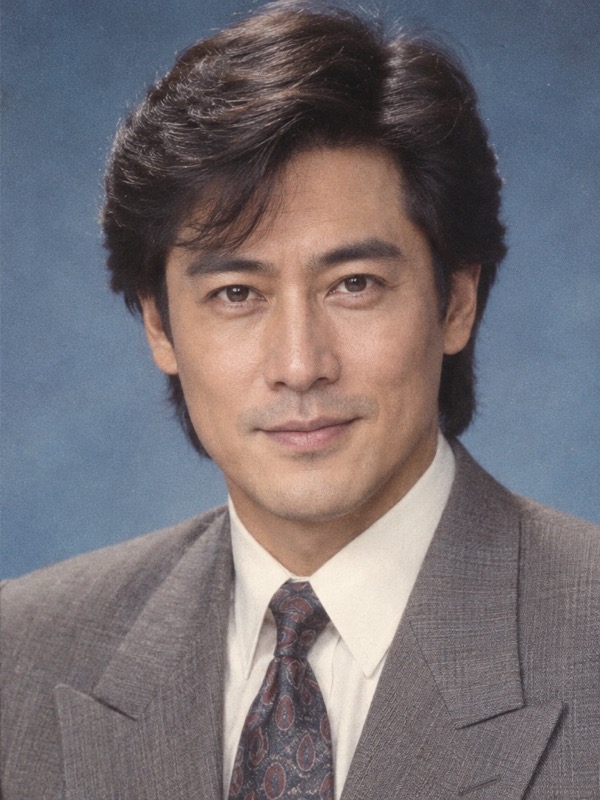
Send your portrait to someone who remembers the decade and ask whether you would have fit right in.
No. The 80s look is already set up for this tool. Add your photo and start the generation. Each generation makes one portrait; the three example looks are illustrations, not selectable styles.
The generator uses your photo as its reference, but facial details can vary. A sharp, well-lit image gives it more useful detail to work with. Compare the result with your original before sharing.
Yes. Choose one with your face in focus and little obstruction from sunglasses, hair, or shadows. Upload one JPG, PNG or WebP. Your browser compresses it before uploading, so you do not need a professional headshot.
Each generation costs 15 credits, including one reference photo. Photo uploads unlock with any paid plan or credit pack; free starter credits alone do not unlock this tool. The cost appears before you generate. Your account’s generation and concurrency limits still apply.
Use Download 80s photo below your finished portrait to save the original output. Make another 80s photo reuses your uploaded photo and costs 15 credits. If your upload is no longer available, upload it again.
A failed generation releases its held credits. You can try again with the same photo. If the connection drops before a result arrives, use Check my request to recover that request before starting another generation.
Reference uploads are private and scheduled for deletion after one day. Generated portraits use your account’s retention rules: kept while a subscription is active, 90 days after it ends, or 365 days after the latest credit-pack purchase, with the longest applicable window used. My Creations shows the expiry for each image. Download a copy you want to keep.
Pick a portrait from your camera roll and imagine the 80s version of you.