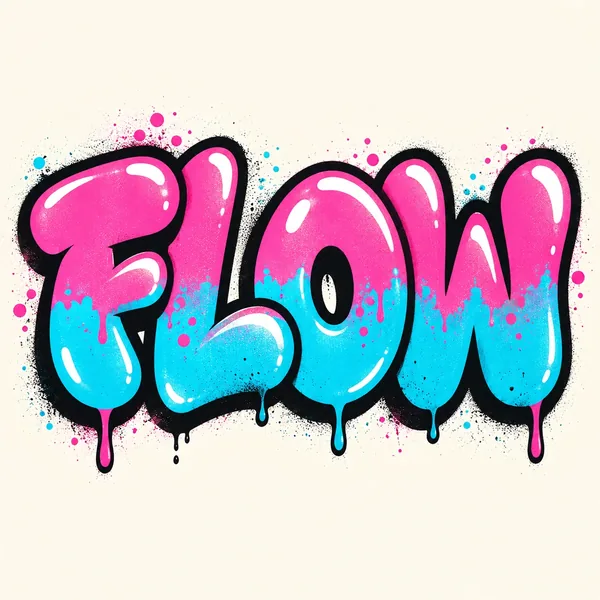
Bubble Graffiti Letters
Rounded shapes, thick outlines, and playful colors. Start here for a bold name design with a softer look.
AI Graffiti Art
Turn your text and names into graffiti art.
Create graffiti lettering from a name, word, or short phrase. Choose a style, then customize the colors and background.
10 credits · one graffiti image
Sign in to generate your graffiti.
Image25’s AI graffiti generator turns ordinary words into street-art-inspired lettering. Start with the text you want to see, then choose a style, palette, and background. Generate a colorful name design, a bold phrase for a poster, or a lettering concept for your next creative project.
Explore rounded bubble letters, interlocking wildstyle shapes, dimensional lettering, and stencil effects. Each result is a generated image you can review and download.
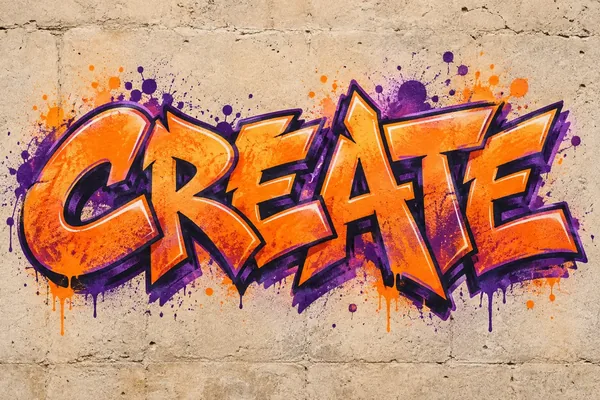
Type the word, nickname, or short phrase you want in your artwork. Start with a single word to give the letters more room in the image.
Select Bubble, Wildstyle, 3D, or Stencil. Pick a color palette and a plain, brick, or concrete background to guide the look.
Generate your image, check the spelling and letter shapes, and download the version you like. Try another style or palette to explore a different direction.
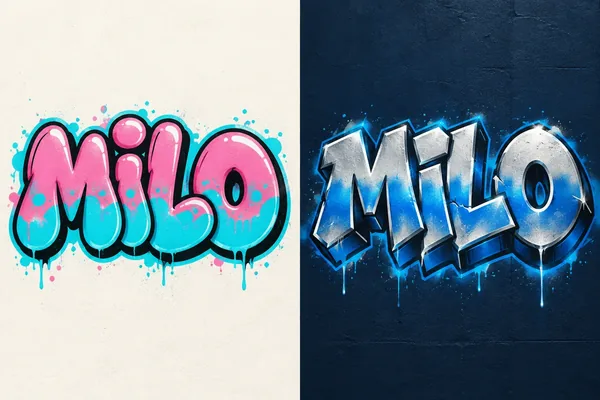
See your name in graffiti lettering. Enter a first name, nickname, or creator alias, then explore different shapes and colors. Bubble letters give a name a rounded, playful look, while 3D lettering adds depth and a stronger visual presence.
Use your favorite result as a starting point for a profile graphic, personal poster, or sticker concept.
Make my name in graffitiThe lettering style shapes the whole design. Compare the same word in four graffiti treatments to find the look you want.
Rounded shapes, thick outlines, and playful colors. Start here for a bold name design with a softer look.
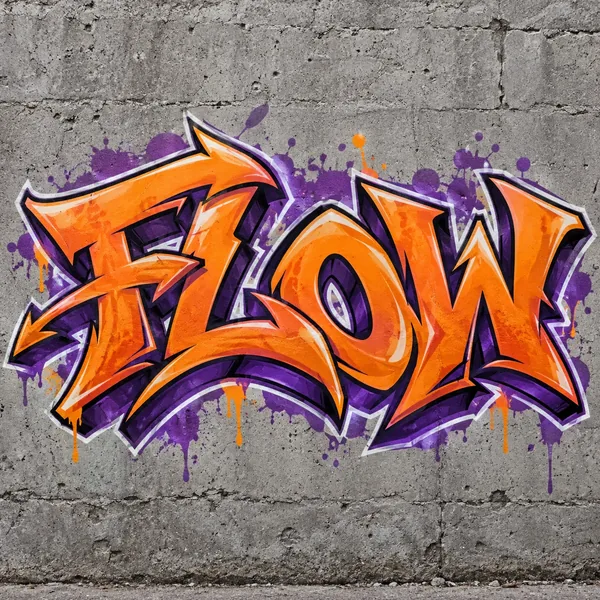
Interlocking letters, sharp extensions, and layered shapes. Short text leaves more space for intricate details.
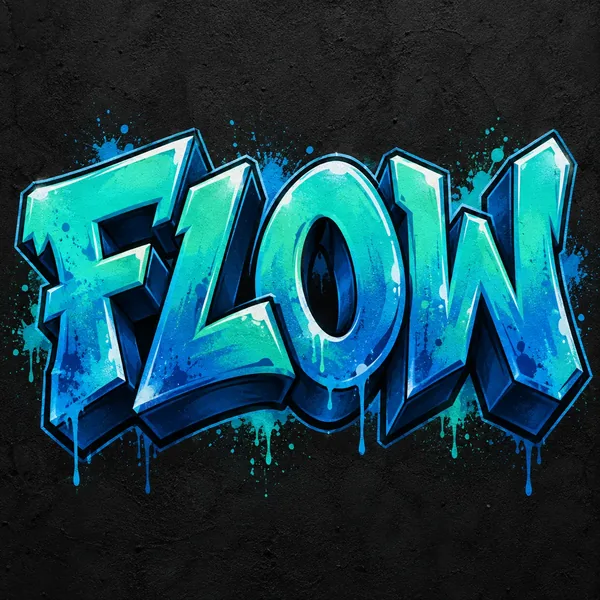
Dimensional letters with depth, highlights, and shadows. Try this style when you want your word to feel solid and dimensional.
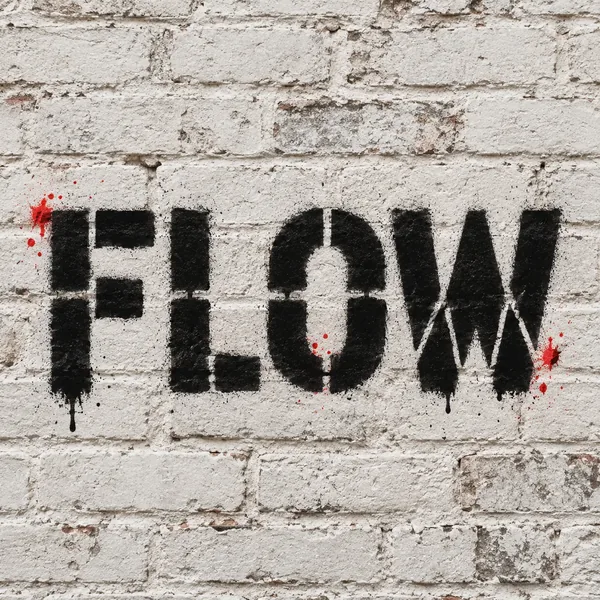
Cutout-style shapes and strong graphic contrast. Try a limited palette for a simpler, striking composition.
Change the mood with bright contrasting colors, softer candy tones, or a monochrome palette. A plain background keeps the focus on the lettering, while brick and concrete add a textured street-art setting.
Try the same word with different combinations to compare a clean graphic treatment with a wall-style composition.
Customize my graffiti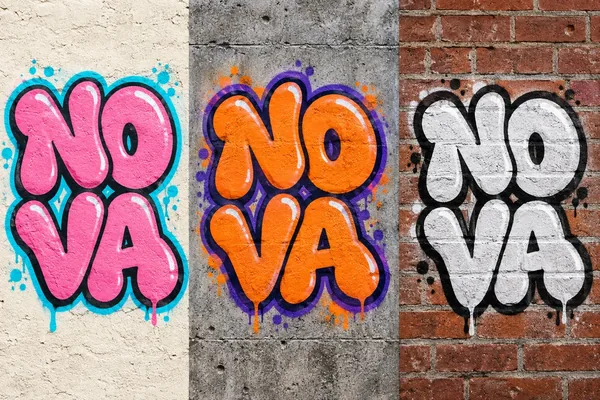
Start with one of these combinations, then replace the example text with your own.
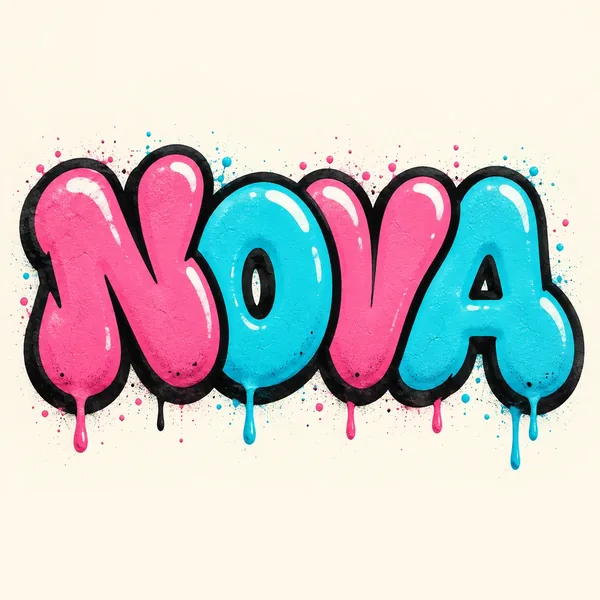
Bubble · Pink and cyan · plain
Wildstyle · Orange and purple · concrete
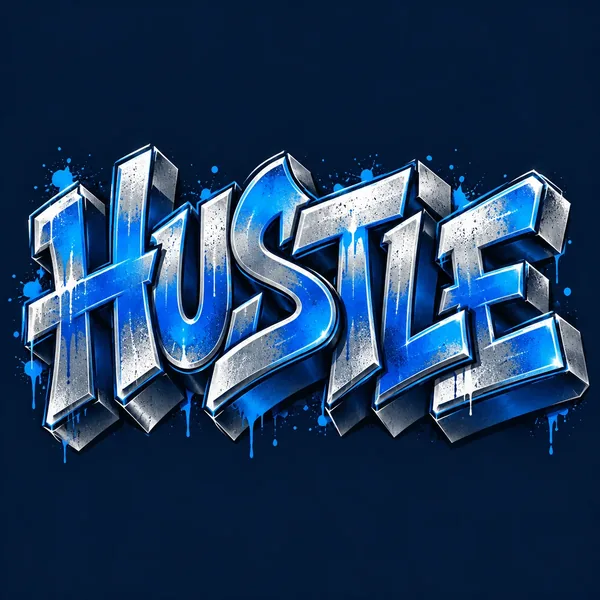
3D · Blue and silver · plain
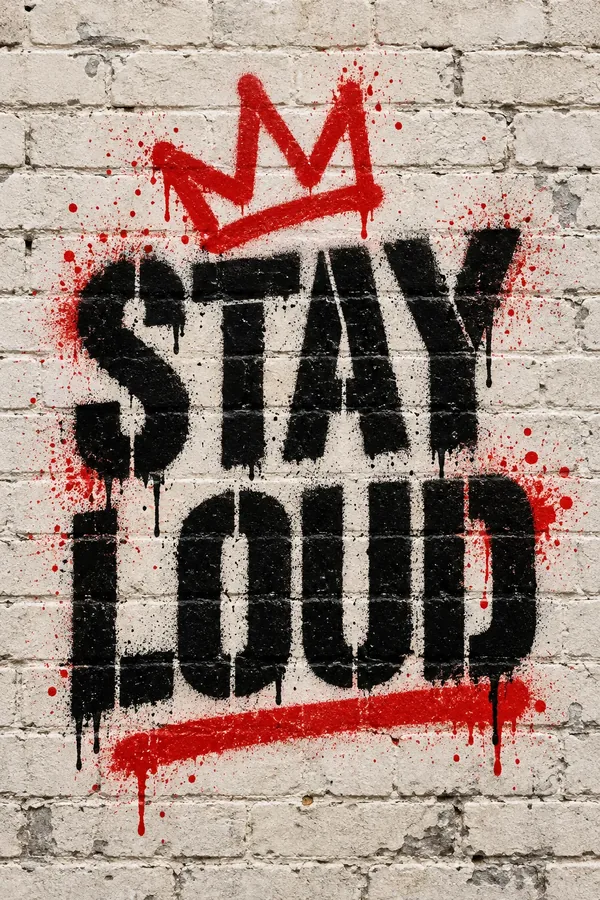
Stencil · Black and red · brick
For clearer graffiti text, start with a short word, choose contrasting colors, and check every letter after generation. If the result is hard to read, try Bubble or Stencil with a simpler background. Examples are AI illustrations; settings guide the look rather than reproduce an exact image.
Create a name or alias graphic for a profile image, creator page, or personal post.
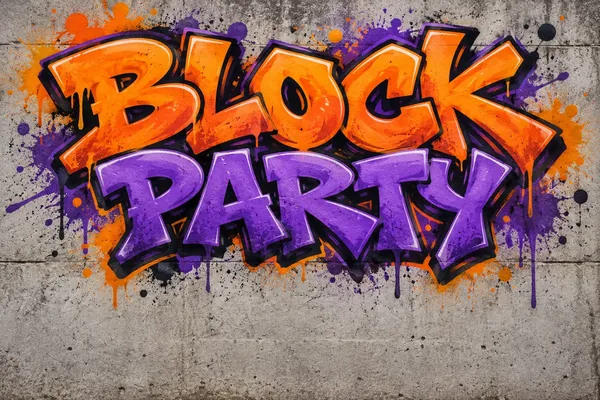
Generate a graffiti headline concept for a party, dance event, or skate meetup. Add dates and venue details later in your layout editor.
Explore graffiti lettering for a playlist cover, video thumbnail, or music-inspired visual.
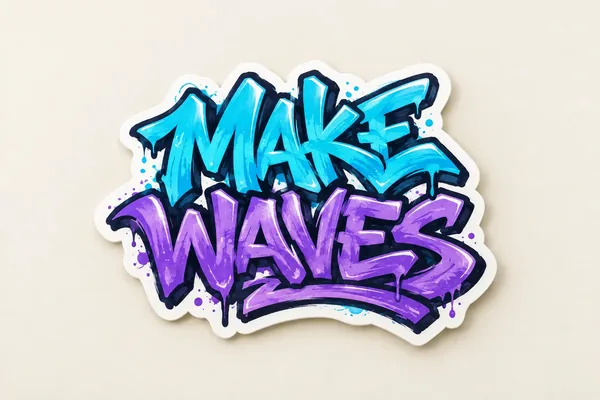
Try lettering ideas for stickers, shirts, or personal projects. Review the image size and refine the artwork before printing.
An AI graffiti generator creates graffiti-style images from text and visual settings. Image25 uses your word or name, chosen style, colors, and background to generate a lettering design.
Enter your name or nickname, choose a graffiti style, and select your colors and background. Generate the image and check the lettering. A short name is a useful starting point for exploring different styles.
Yes. You can use a short phrase as well as a single word, up to 40 characters. Longer text gives each letter less room and may be harder to render clearly, so start with a few words and review the result carefully.
Choose Bubble for rounded letters, Wildstyle for interlocking shapes, 3D for dimensional lettering, or Stencil for a cutout-style look. You can also change the palette and background.
Image25 generates images of graffiti lettering. You can explore font-like styles, but the output is an image rather than an installable font, editable text layer, or vector alphabet.
The generator uses your entered text as its instruction, but AI can miss, repeat, or change letters. Check the spelling before sharing or printing. If needed, shorten the text or try a simpler style and generate again.
No photo is needed for this text-based tool. Enter your text and use the style, color, and background controls to guide the image.
Each generation creates one image and costs 10 credits. Sign in to generate; the cost is shown above the button. Each new variation costs another 10 credits. Your account’s generation limits apply.
Use Download image after generation finishes. You can also find your result in My Creations. Save a copy of any result you want to keep before its account retention period ends.
A failed generation releases its held credits. If the connection drops, use Check my request to recover the same request before starting another generation.
Turn a name, word, or short phrase into a design with your choice of graffiti style, colors, and background.