AI Photo Tool

AI Halloween Costume Generator

Upload a photo, pick a costume and a background, then generate.

New Google or Gmail accounts get 20 free credits, enough for 1 costume photo.

1. Your photo

Sign in to upload. Free accounts can use signup credits with Fast · Medium, Low or Auto (Low). The default photo costs 15 credits.

2. Choose your lookVampire

A high-collar cape and a pale, elegant finish.

3. Aspect ratio
Aspect ratio
Background
Advanced settingsFast · Medium · 1 image

Quality

Auto uses Low, the lowest quality and credit cost for this mode.

Quality

Number of images

Number of images

15 credits · one AI photo

Includes 5 credits per reference photo. Sign in to upload and generate.

Use a well-lit photo with your face and most of your body visible.

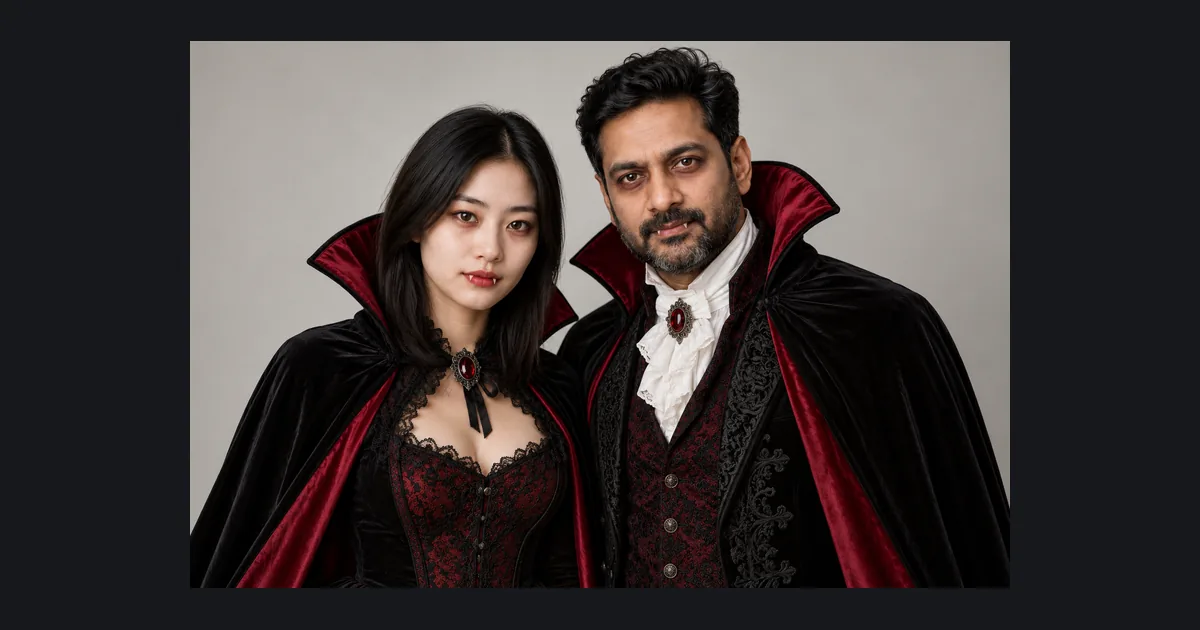
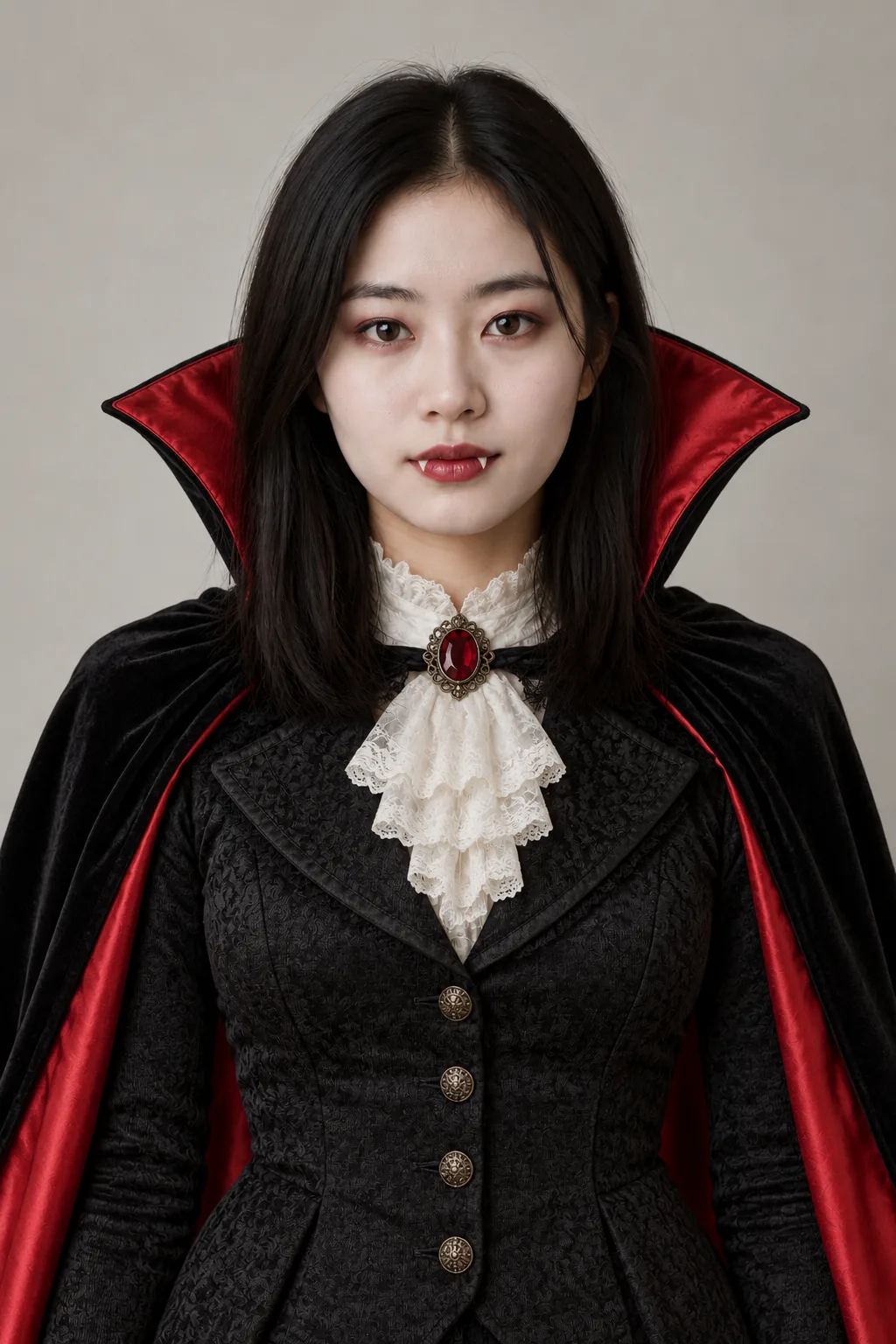
Woman in a black and red high-collar vampire cape with pale costume makeup
Example result · AI illustration. Your result may vary.

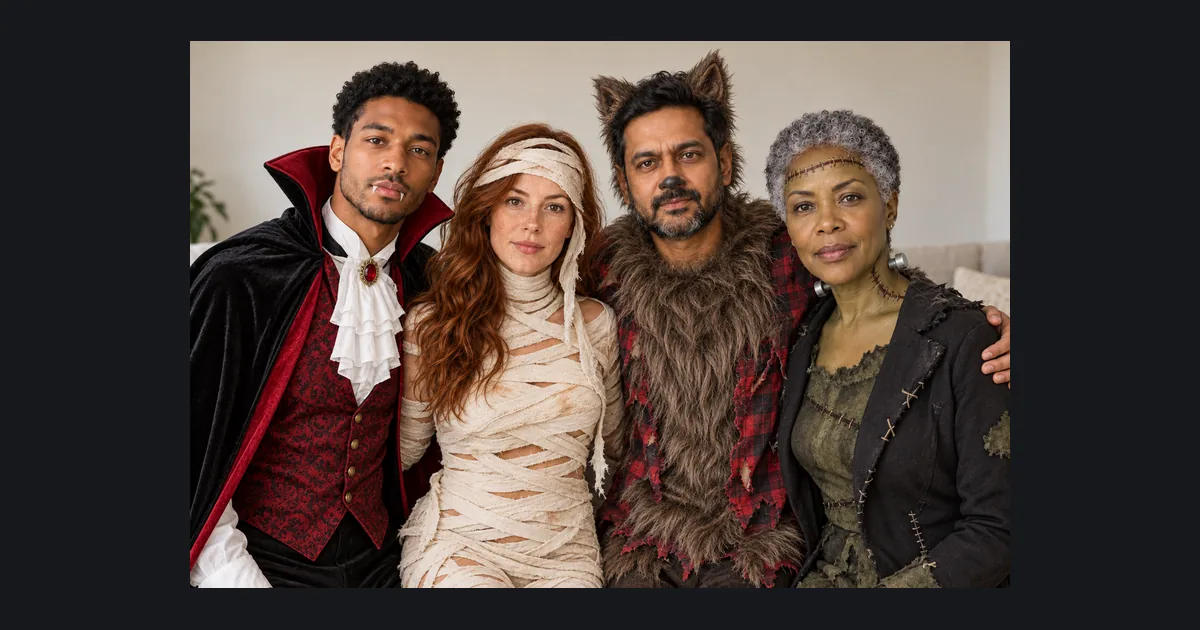
Example looks · press Use to load one into the generator above. AI illustrations; your results will vary.

  • Woman in a black and red high-collar vampire cape with pale costume makeup

    Vampire

    Classic

    Preset: Edit the person in the reference photo so they are wearing this Halloween costume: a classic vampire costume: black high-collar cape with a red satin lining, dark Victorian waistcoat or bodice, pale costume makeup and subtle plastic fangs. Keep their face, facial features, skin tone, hairline, body shape, pose and expression unchanged so they stay clearly recognizable. Fit the costume naturally to their body with realistic fabric, seams, folds and accessories; add matching costume makeup only where the costume calls for it. Background: keep the original background from the photo and focus every change on the costume. Photorealistic, lighting consistent with the original photo. Costume-level effects only, nothing graphic; fake blood only as a small makeup accent. No text, watermarks, logos, extra people or extra limbs.

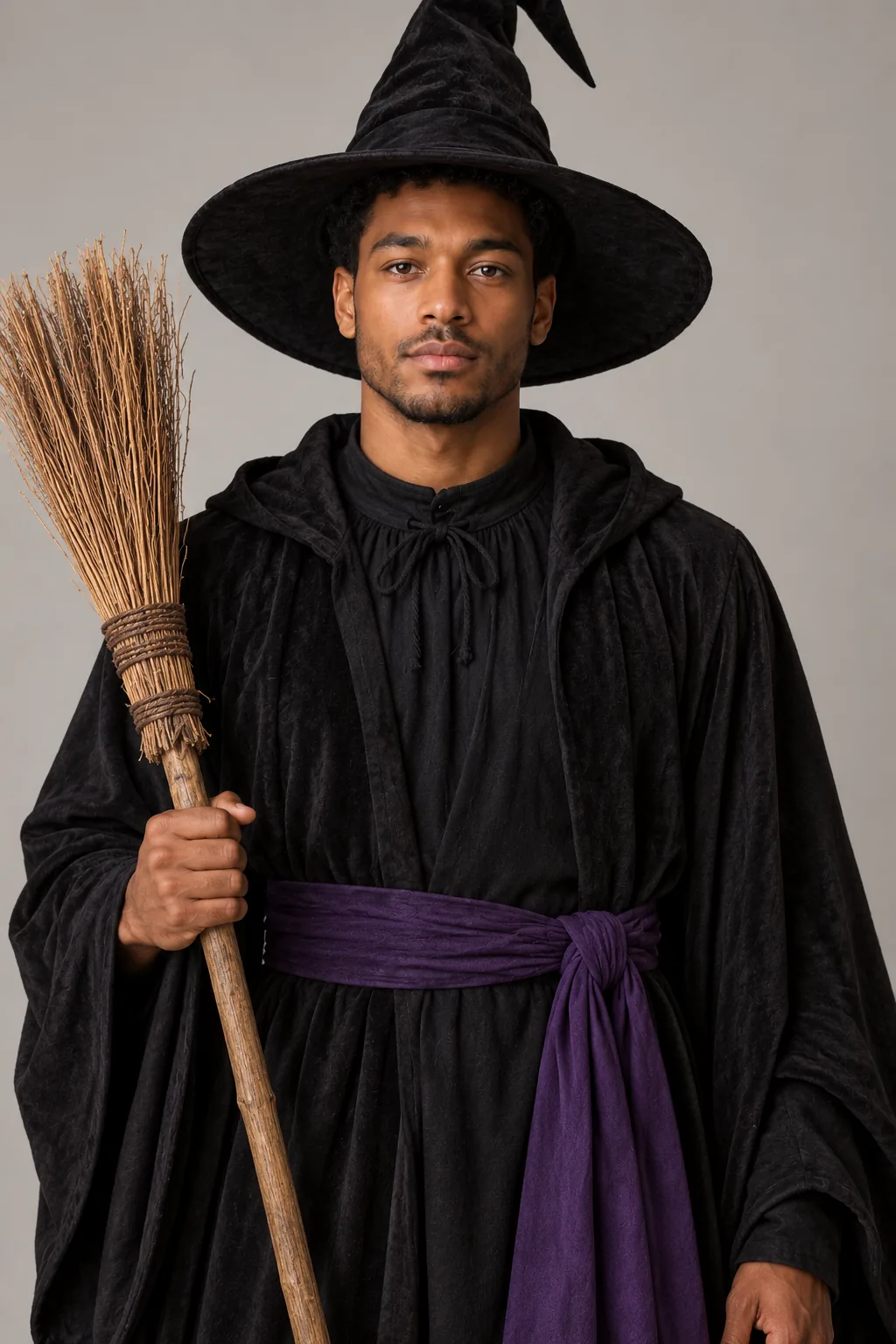
  • Man wearing a tall black witch hat and a long dark robe with a broom

    Witch

    Classic

    Preset: Edit the person in the reference photo so they are wearing this Halloween costume: a classic witch costume: tall pointed black hat, long black dress or robe with a purple sash, striped stockings and a straw broom. Keep their face, facial features, skin tone, hairline, body shape, pose and expression unchanged so they stay clearly recognizable. Fit the costume naturally to their body with realistic fabric, seams, folds and accessories; add matching costume makeup only where the costume calls for it. Background: keep the original background from the photo and focus every change on the costume. Photorealistic, lighting consistent with the original photo. Costume-level effects only, nothing graphic; fake blood only as a small makeup accent. No text, watermarks, logos, extra people or extra limbs.

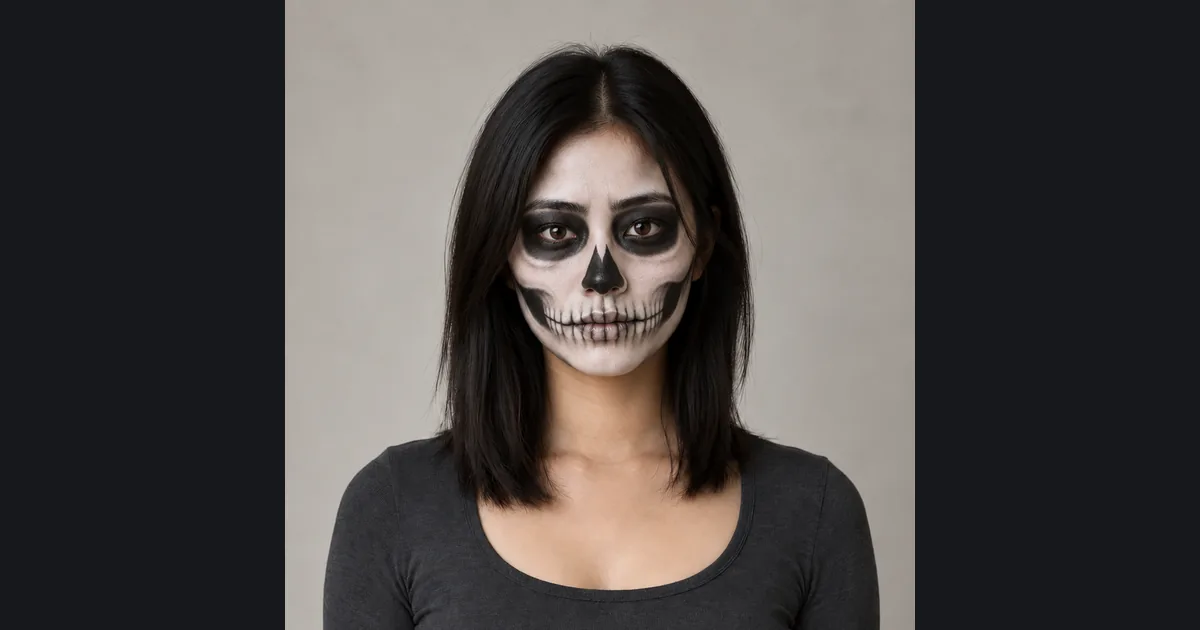
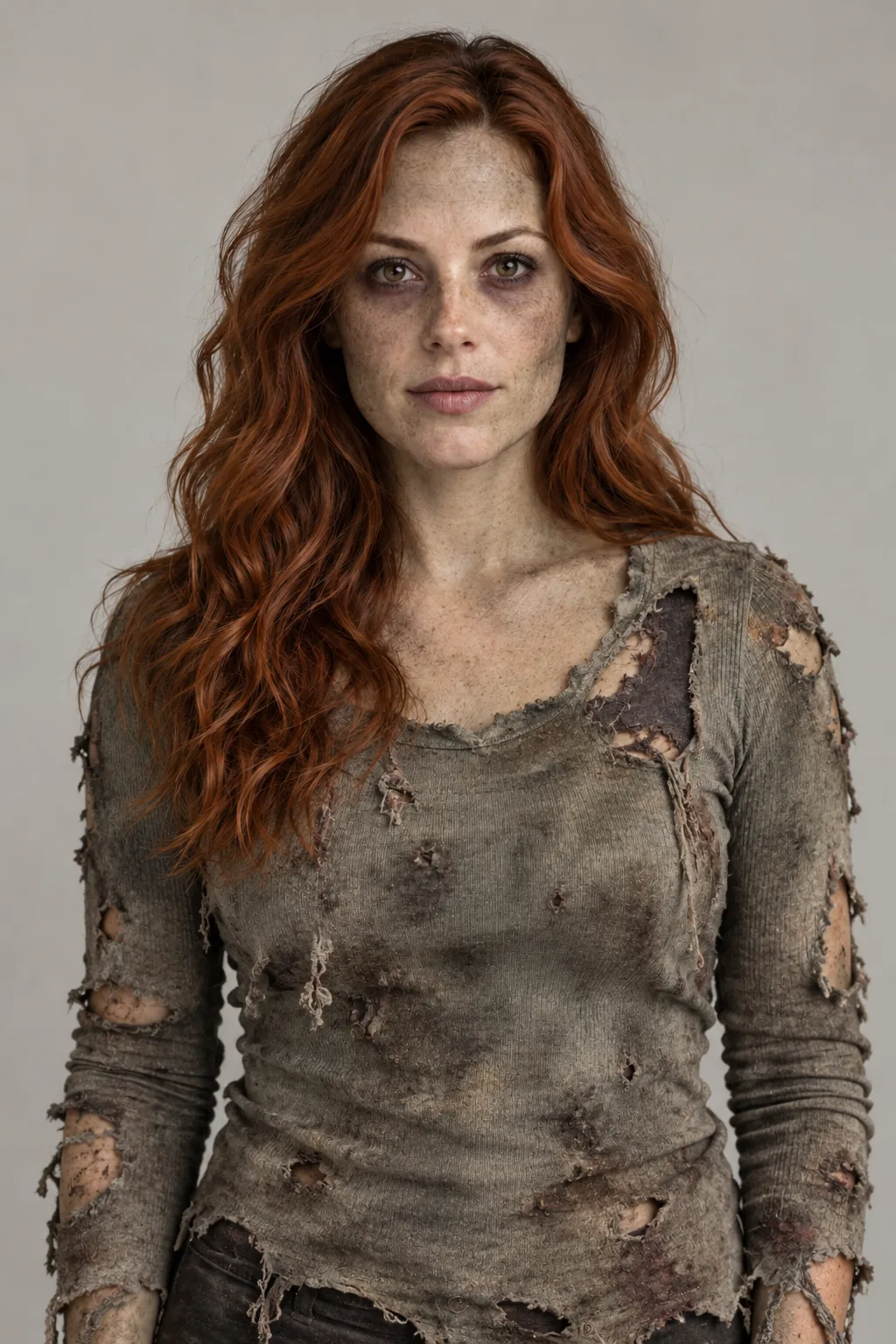
  • Woman in a torn shirt with grey zombie face paint and dark eye shadow

    Zombie

    Spooky

    Preset: Edit the person in the reference photo so they are wearing this Halloween costume: a zombie costume: torn and dusty everyday clothes, grey-green face paint, dark sunken eye makeup and a little fake dirt, costume-level only. Keep their face, facial features, skin tone, hairline, body shape, pose and expression unchanged so they stay clearly recognizable. Fit the costume naturally to their body with realistic fabric, seams, folds and accessories; add matching costume makeup only where the costume calls for it. Background: keep the original background from the photo and focus every change on the costume. Photorealistic, lighting consistent with the original photo. Costume-level effects only, nothing graphic; fake blood only as a small makeup accent. No text, watermarks, logos, extra people or extra limbs.

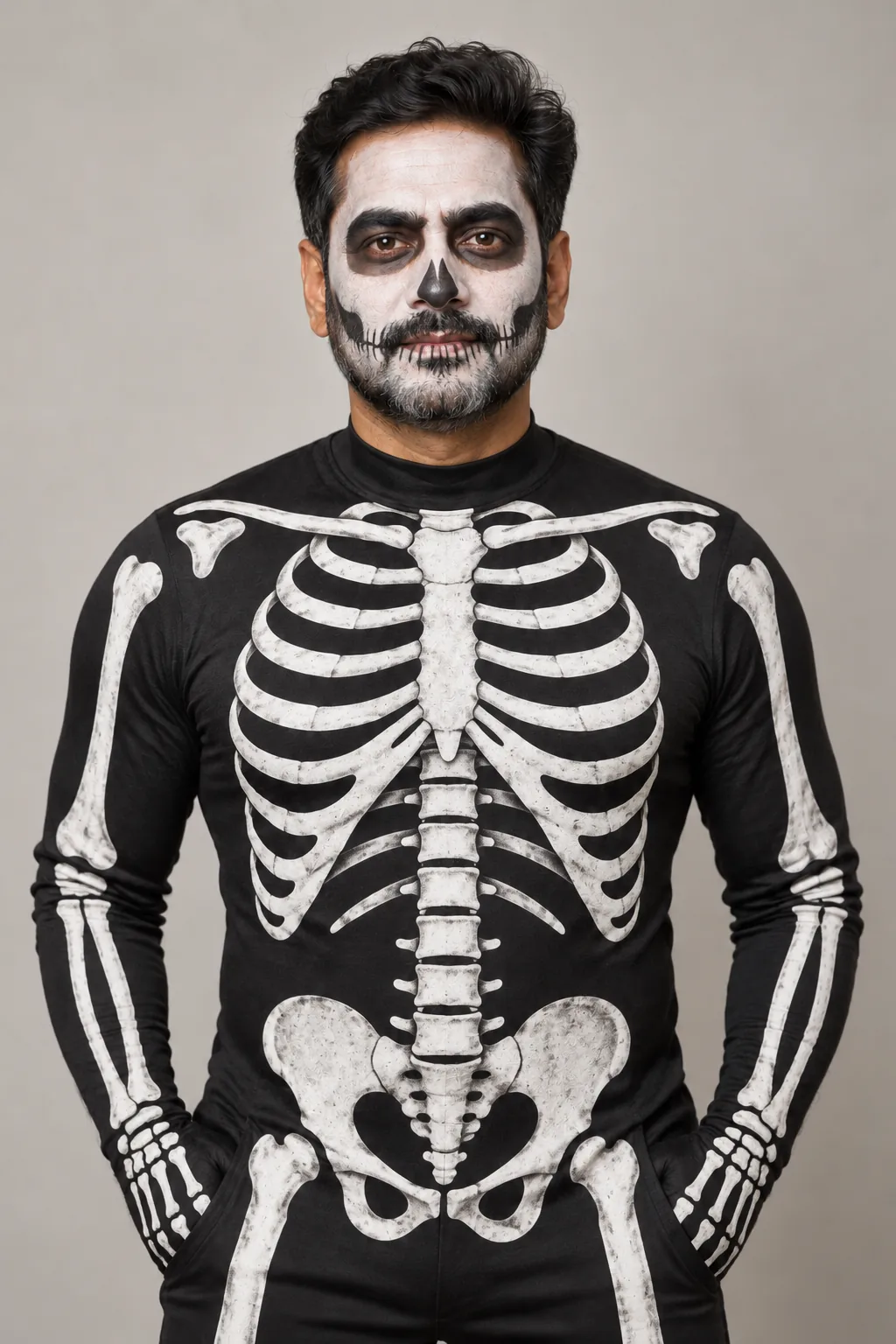
  • Man in a black skeleton-print bodysuit with white skull face paint

    Skeleton

    Spooky

    Preset: Edit the person in the reference photo so they are wearing this Halloween costume: a skeleton costume: black bodysuit printed with white bones, white and black skull face paint around the eyes and mouth. Keep their face, facial features, skin tone, hairline, body shape, pose and expression unchanged so they stay clearly recognizable. Fit the costume naturally to their body with realistic fabric, seams, folds and accessories; add matching costume makeup only where the costume calls for it. Background: keep the original background from the photo and focus every change on the costume. Photorealistic, lighting consistent with the original photo. Costume-level effects only, nothing graphic; fake blood only as a small makeup accent. No text, watermarks, logos, extra people or extra limbs.

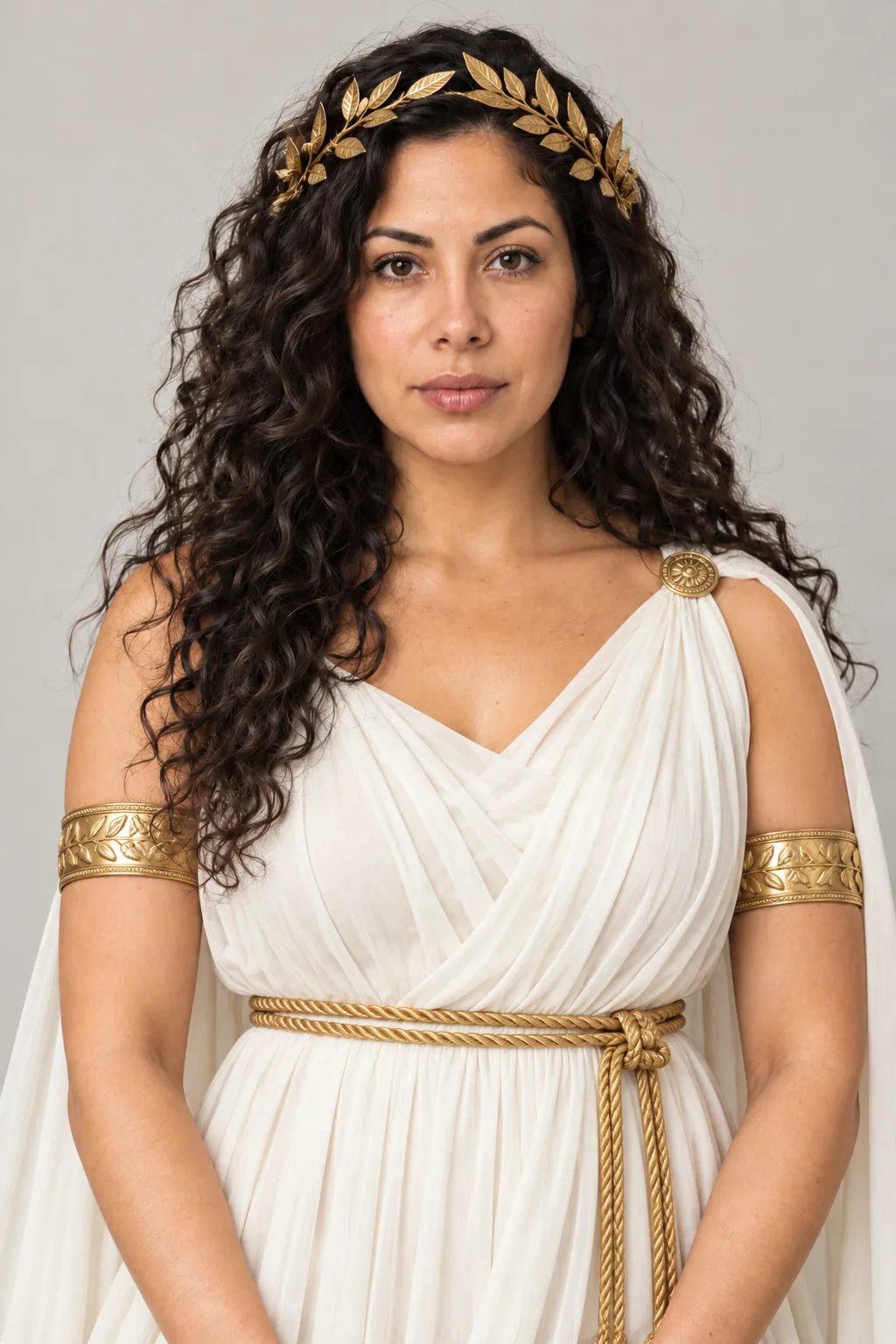
  • Woman in a draped white Greek goddess gown with a gold leaf crown

    Greek Goddess

    Glam

    Preset: Edit the person in the reference photo so they are wearing this Halloween costume: an ancient Greek costume: draped white chiton gown with a gold rope belt, gold leaf crown and gold arm cuffs, or a bronze warrior chest plate with a red cape if it suits the person. Keep their face, facial features, skin tone, hairline, body shape, pose and expression unchanged so they stay clearly recognizable. Fit the costume naturally to their body with realistic fabric, seams, folds and accessories; add matching costume makeup only where the costume calls for it. Background: keep the original background from the photo and focus every change on the costume. Photorealistic, lighting consistent with the original photo. Costume-level effects only, nothing graphic; fake blood only as a small makeup accent. No text, watermarks, logos, extra people or extra limbs.

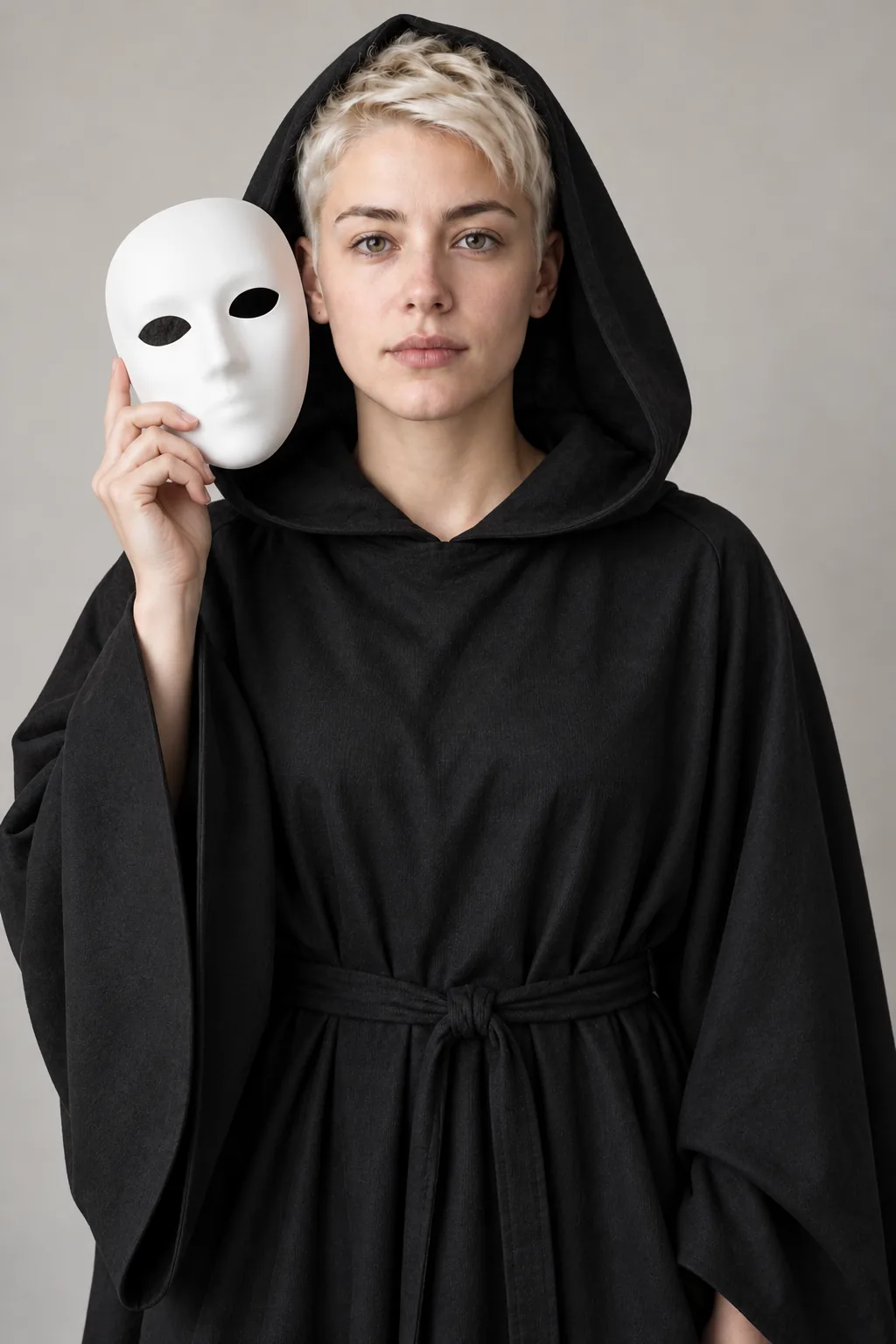
  • Person in a black hooded robe holding a plain white mask beside their face

    Masked Slasher

    Horror

    Preset: Edit the person in the reference photo so they are wearing this Halloween costume: a generic horror-movie slasher costume: long black hooded robe and a plain white featureless mask held beside the face so the face stays visible, no franchise design. Keep their face, facial features, skin tone, hairline, body shape, pose and expression unchanged so they stay clearly recognizable. Fit the costume naturally to their body with realistic fabric, seams, folds and accessories; add matching costume makeup only where the costume calls for it. Background: keep the original background from the photo and focus every change on the costume. Photorealistic, lighting consistent with the original photo. Costume-level effects only, nothing graphic; fake blood only as a small makeup accent. No text, watermarks, logos, extra people or extra limbs.

AI Halloween Costume Generator: See Your Costume Before You Buy

Vampire, witch, zombie, skeleton, Greek goddess and masked slasher looks on your own photo, or on an original model.

Updated

The AI Halloween Costume Generator dresses you in a costume from one clear photo. Pick one of six looks: Vampire, Witch, Zombie, Skeleton, Greek Goddess or Masked Slasher. Then choose a background: keep your own, a haunted house hallway or a flash-lit party. Your face, skin tone, hairline, body shape and pose stay the same, so the result still looks like you. Want something else? Tap Custom costume and describe it in up to 150 characters. No photo ready? Turn on idea mode and an original adult model wears the look instead. Advanced settings cover the model, quality and up to four images.

  • AI Halloween Costume Generator
  • Halloween Costume Ideas
  • Halloween Costume AI
AI Halloween Costume Generator result: a man in a tall black witch hat and long robe

How to Use the AI Halloween Costume Generator

  1. Step 1

    Upload a photo, or switch on idea mode

    Choose a sharp photo of one person with the face and most of the body in frame. Daylight or soft indoor light works best. Avoid group shots, sunglasses and heavy filters. Sign in to upload; new Google and Gmail accounts get enough signup credits for one photo. No selfie handy? Turn on No photo? Design a costume, and skip the upload entirely.

  2. Step 2

    Pick a costume and a background

    Tap one of the six costume cards, or the seventh card, Custom costume, to type your own idea. Then pick Keep Background, Haunted House or Party Flash. Keep Background leaves your room as it is. Advanced settings let you change the quality or make up to four images at once. Every card shows an illustrative example of the look.

  3. Step 3

    Generate, compare and download

    Press Create My Halloween Costume and wait about a minute. Compare the result with your photo using side-by-side view or the slider. Download the image or try another costume with the same upload. Every result is saved in My Creations. Small differences between attempts are normal, so a second try can help.

Write Your Own Halloween Costume

Tap Custom costume, the seventh card, and describe the look in up to 150 characters. Your words replace the preset, while the face, fit and background rules stay the same. Try one of these to start.

  • “1920s flapper ghost with pearls and a beaded headband”

  • “Steampunk pirate captain with brass goggles and a long coat”

  • “Glam moth queen with fuzzy antennae and silver wings”

Halloween Costume AI That Keeps You Recognizable

Woman in a vampire cape whose face and expression match her original photo

Your face stays yours

Most costume filters paste a mask over your head. This tool edits the clothes and adds costume makeup only where the look needs it. It is told to keep your face, features, skin tone, hairline, body shape, pose and expression. That is why the vampire still has your smile and the skeleton keeps your jawline. A sharp, front-facing photo gives it the most detail to keep. Results can still drift a little, so compare before you share.

Keep My Face in the Costume

Full-length Greek goddess costume with a white draped gown and gold leaf crown

Halloween costume ideas when you have no photo

Idea mode is for browsing. Switch on No photo? Design a costume and the generator creates an original adult model wearing the look, head to toe. It uses the same six presets and the Custom costume card. Because nothing is uploaded, it costs only the image itself. Use it to compare ideas with friends, then upload your own photo once you pick a favorite. Idea mode never uses a real person or a celebrity likeness.

Design a Costume Without a Photo
Person in a black hooded robe holding a plain white mask next to their face

Write your own costume in one line

The seventh card, Custom costume, opens a short text box. Type up to 150 characters, such as a 1920s flapper ghost with pearls. Your words go into the same prompt as the presets. That means the costume still fits your body and your face stays the same. Keep it to clothing, makeup and props. Franchise characters and celebrity looks are not supported, so describe the archetype instead.

Write My Own Costume
Zombie costume with torn clothes and grey face paint in front of a haunted hallway

Three backgrounds for every look

Keep Background is the default and keeps your own room or street. Haunted House adds an old hallway with candlelight and soft fog. Party Flash gives the harsh on-camera flash of a real Halloween party, with orange string lights behind you. Each background works with every costume, so six looks become eighteen combinations. Switching background never changes the price of an image.

Change My Costume Background

Ways to Use Your AI Costume Photo

  • Costume preview before buying

    See how a costume suits you before you order one or raid the craft store.

    Example: Compare Vampire and Greek Goddess, then buy the one you like.

  • Halloween party invite

    Put your costume photo on the invite so guests know the dress code.

    Example: A Party Flash skeleton photo on a group chat invite.

  • Halloween profile picture

    Swap your avatar for October without dressing up for a photo shoot.

    Example: A Witch result cropped square for your social profile.

  • Costume contest warm-up

    Try a few bold ideas and ask friends to vote before the real contest.

    Example: Post Zombie, Skeleton and Masked Slasher as a poll.

Photo Tips for Better Costume Results

  • Stand in daylight or bright indoor light, facing the camera. Even light keeps your features sharp under costume makeup.
  • Frame yourself from the knees up, or full length. Full outfits need room for capes, robes and props.
  • Wear fitted, plain clothes in the photo. Big logos and loud prints can leak through the new costume.
  • Skip sunglasses, hats and beauty filters. The generator needs to see your real face to keep it.
  • Keep one person in the frame. Use the couples or family pages for photos with more people.

Best Costume and Background Combos

  • Vampire + Haunted House: a red-lined cape and pale makeup in a candlelit hallway.

  • Skeleton + Party Flash: a bone-print bodysuit under harsh party flash and string lights.

  • Witch + Keep Background: a tall hat, long robe and broom in your own room.

  • Greek Goddess + Party Flash: a draped white gown and gold crown at a night party.

AI Halloween Costume Generator FAQ

How does the AI Halloween Costume Generator work?

You upload one clear photo, pick a costume and pick a background. The generator then edits your clothes and adds costume makeup where the look needs it. It keeps your face, skin tone, hairline, body shape and pose. Each image takes about a minute. Results are saved in My Creations and can be downloaded in full size.

Can I try Halloween costume ideas without uploading a photo?

Yes. Switch on No photo? Design a costume. The generator then creates an original adult model wearing your look from head to toe. It works with all six presets and the Custom costume card. Idea mode costs 10 credits at Fast · Medium, because no reference photo is sent. Upload your own photo later to see the costume on you.

What should I type into the Custom costume card?

Describe clothing, makeup and props in one line. A worked example: Custom costume with “1920s flapper ghost with pearls”, Party Flash, Fast · Medium, 2:3 and one image. You get a pale beaded dress, pearls and a soft ghostly makeup look at a flash-lit party. Your face stays the same. Avoid franchise characters and celebrity names; describe the archetype instead.

Is Halloween costume AI safe for scary looks?

Yes, within limits. Zombie and skeleton looks use face paint and SFX-style makeup, never wounds or gore. Fake blood only appears as a small makeup accent. Every prompt, upload and result passes a safety check. Photos that fail it are refunded, and you can try a different photo.

How much does an AI costume photo cost?

The default Fast · Medium setting costs 15 credits per image, including the reference photo. New accounts that use Google sign-in or a Gmail address get 20 free credits, enough for one portrait. Images made with free credits carry a small watermark until you buy a plan or credit pack. Higher quality settings cost more, and the total always appears before you generate.

What are the limits of the costume generator?

It works with one person per photo. Hands, small props and busy backgrounds can come out slightly wrong. Costume details vary between attempts, and the result is an image, not a sewing pattern or a product link. Very dark, blurry or heavily filtered photos lower the quality. Review each result before you share it.

Open the AI Halloween Costume Generator

Upload one photo, or switch on idea mode, and see six Halloween costumes in about a minute each.