Soft light shows metal and stones best
Hard light creates hot spots on polished metal and black reflections in stones. A window with a thin curtain or a small light tent gives the even light that both AI and buyers need to see detail.
Image25 Jewelry Studio
One place for the visuals behind a jewelry collection. Start with a photo of a piece you sell, then restage it, put it on white, retouch it or build listing images, and check every detail before it goes live.
Updated · Image25 Jewelry Studio
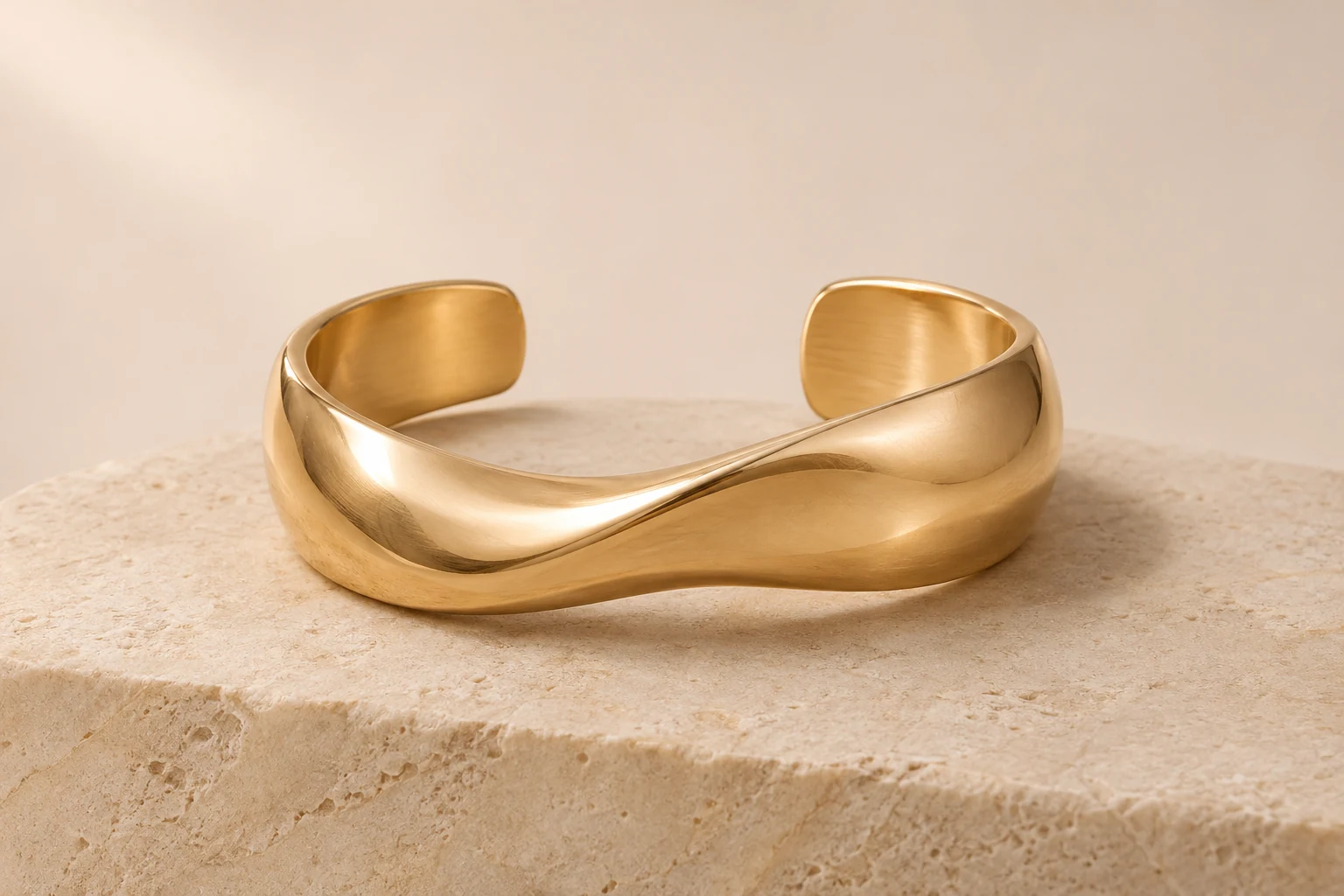
AI Jewelry Studio is a set of AI image tools for people who make and sell jewelry. From one photo of your real ring, necklace, earrings or bracelet it creates product scenes, category angles, white backgrounds, retouched photos, listing images, size charts, ad posters and on-model photos; from a design brief, design image or sketch it creates labeled concept images.
01
Every tool uses the same Image25 account, credits and My Creations history.
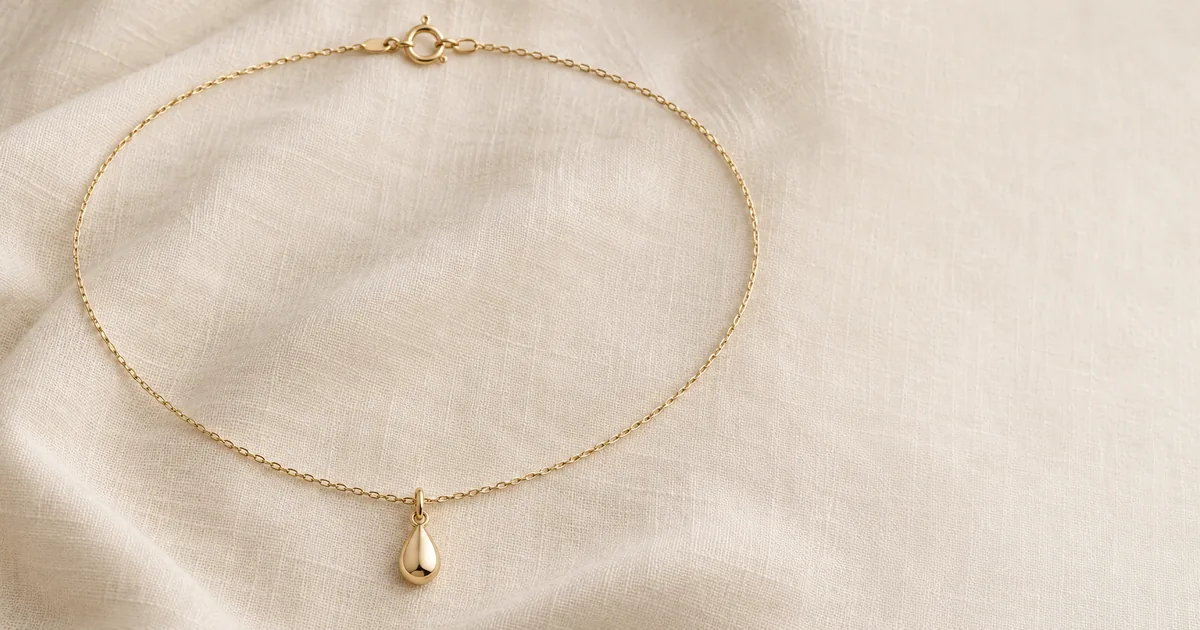 AI Jewelry PhotographyUpload a photo of a ring, necklace, pair of earrings or bracelet and place it in a studio, flat lay, lifestyle or velvet scene.Open tool
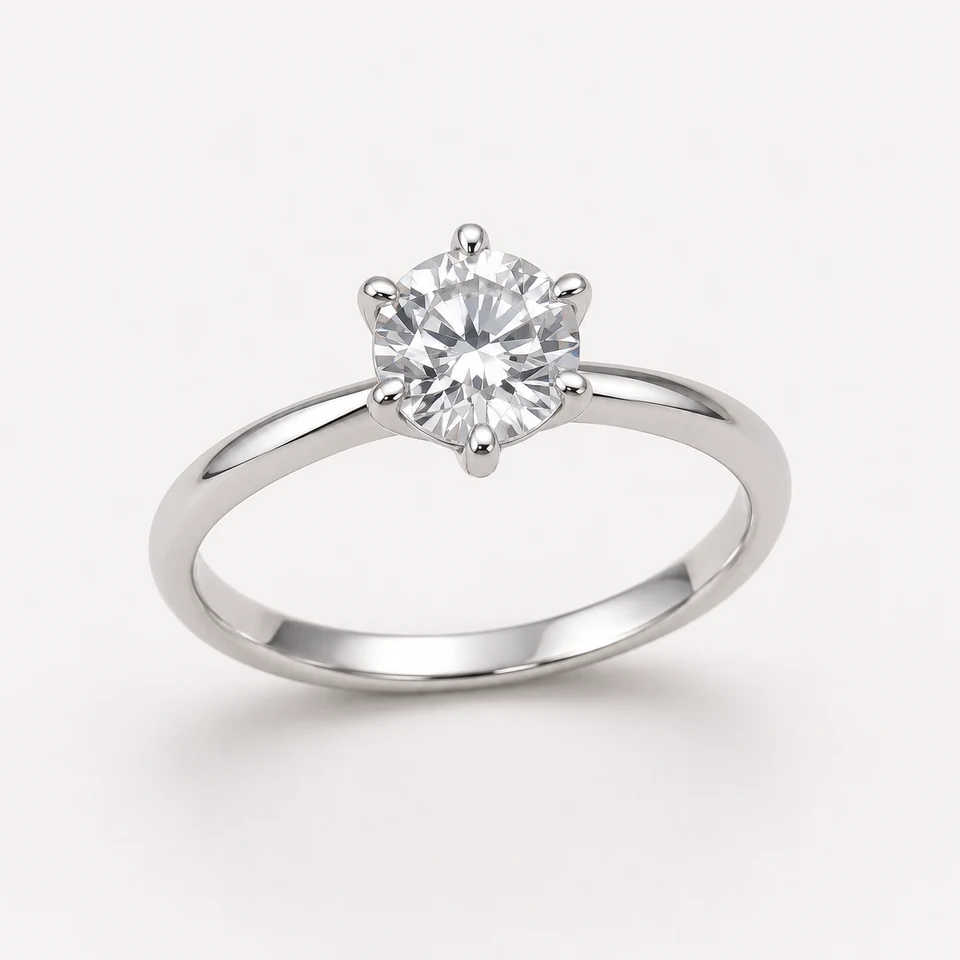
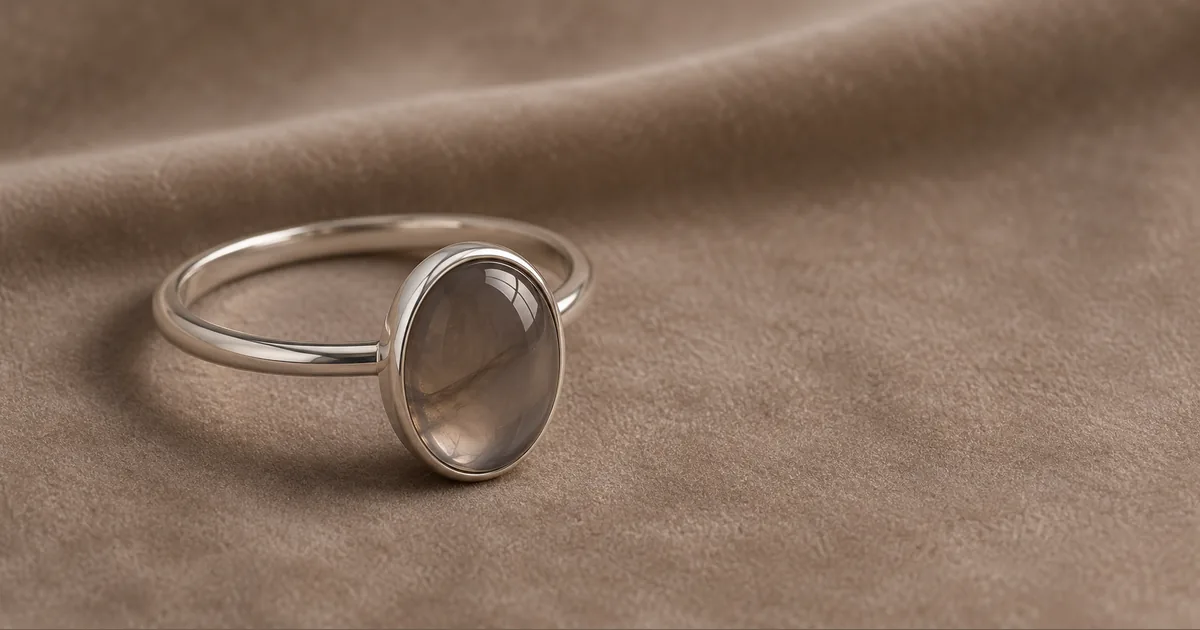 AI Ring PhotographyTurn one ring photo into a three-quarter hero, face-up, side profile or upright shot on white, flat lay, linen or velvet.Open tool
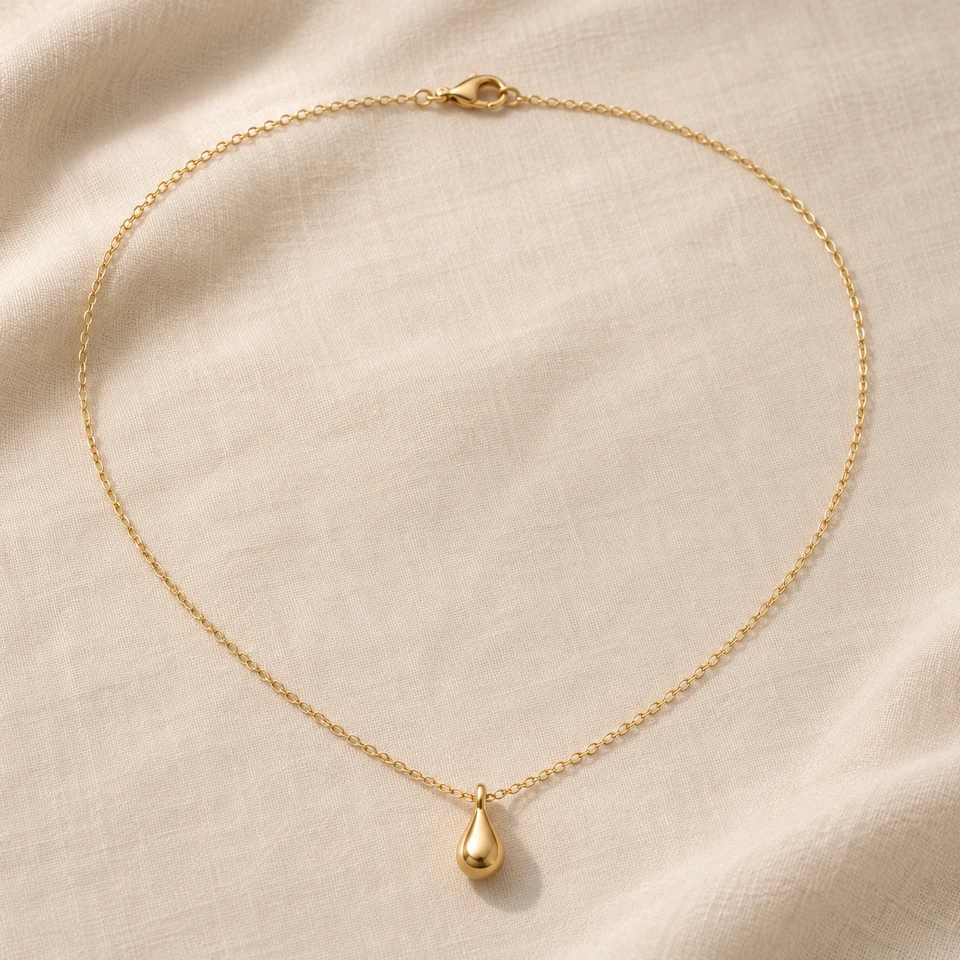
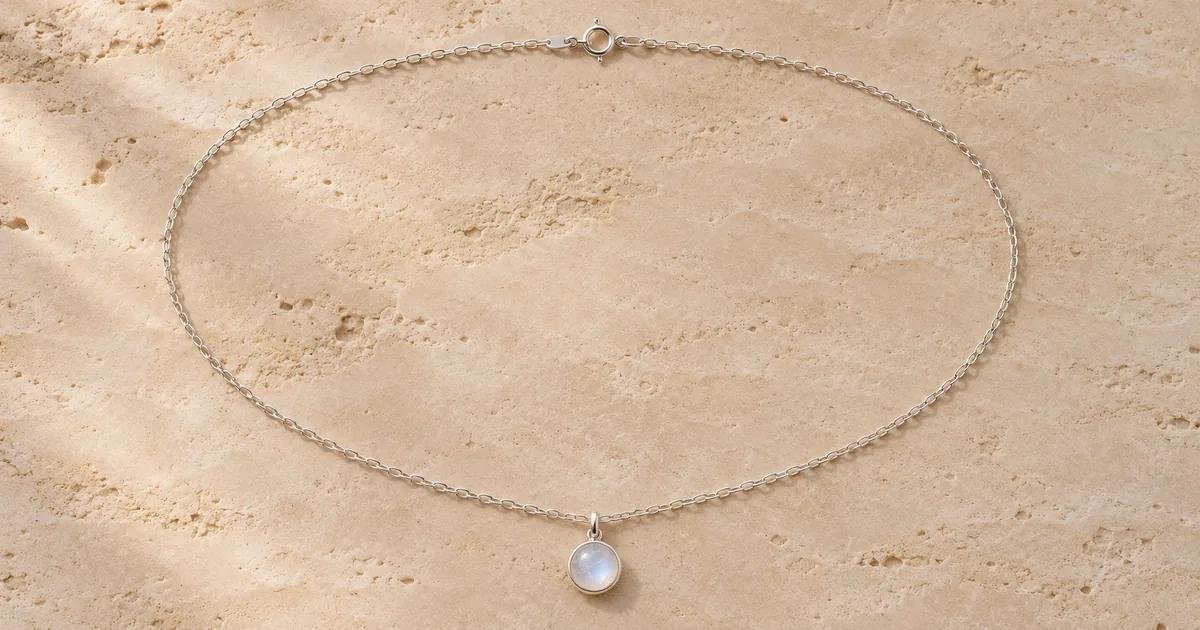 AI Necklace PhotographyShow a necklace at full length, as a pendant close-up, on a bust form or hanging, with the chain and clasp kept intact.Open tool
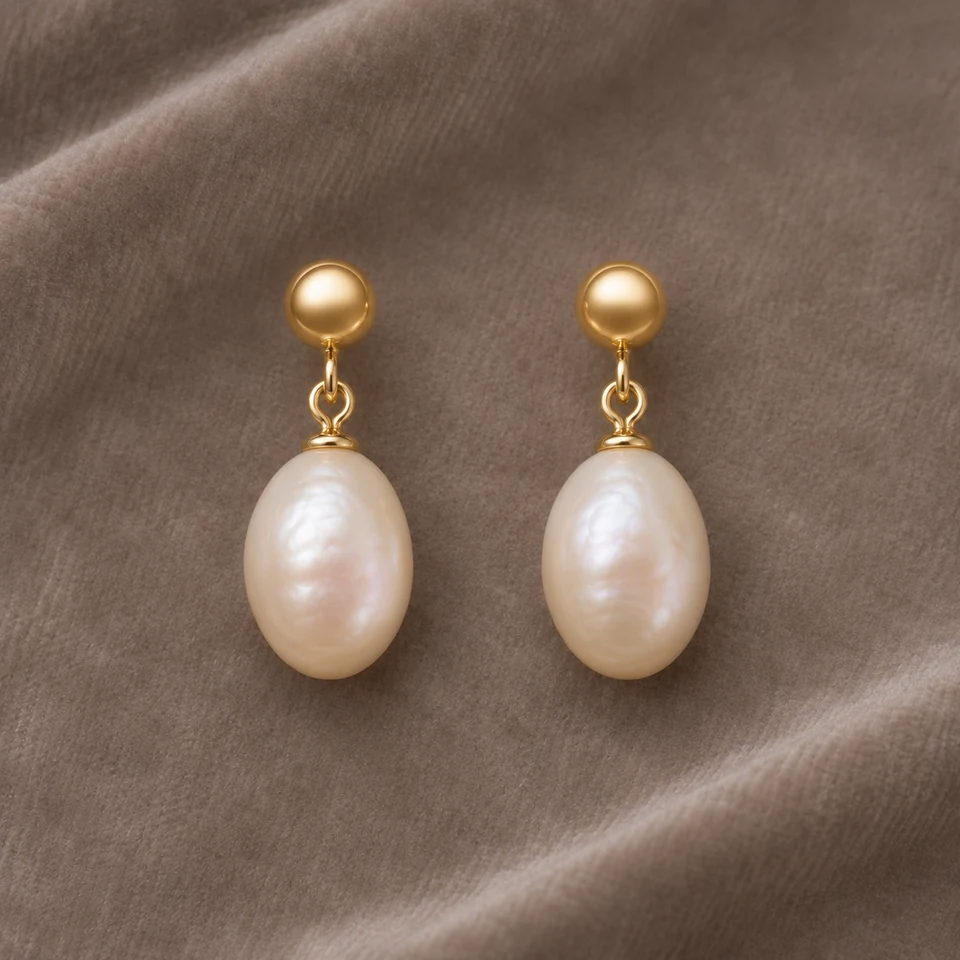
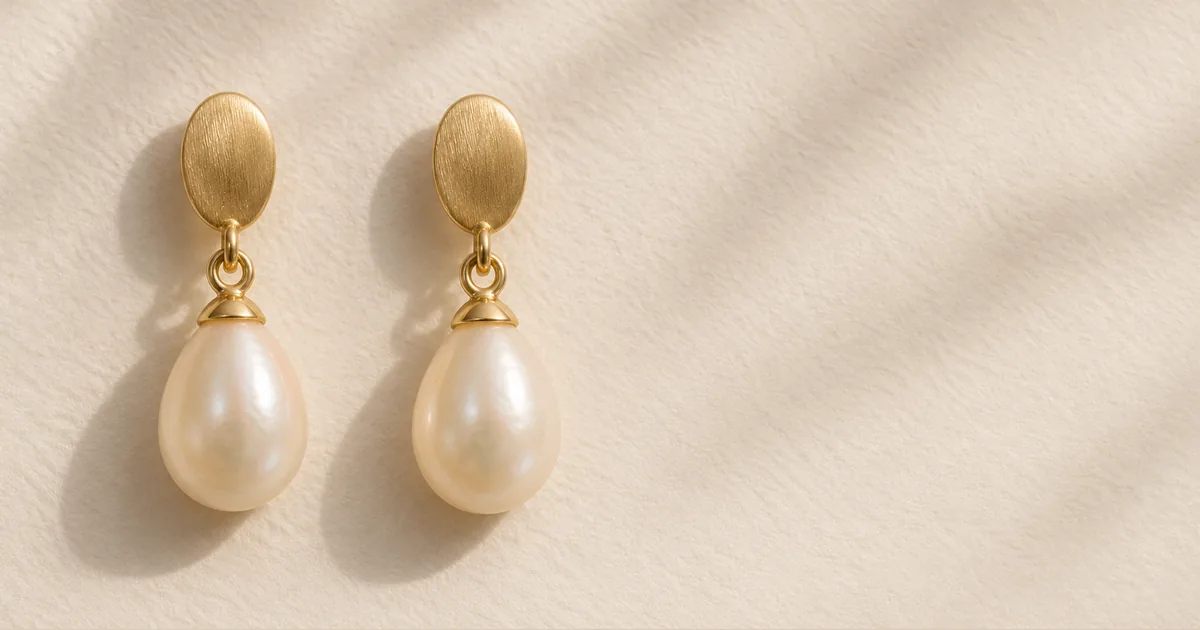 AI Earring PhotographyPhotograph earrings as a matched pair: front, one turned to show the post, on a display or as a single detail, with both earrings kept identical.Open tool
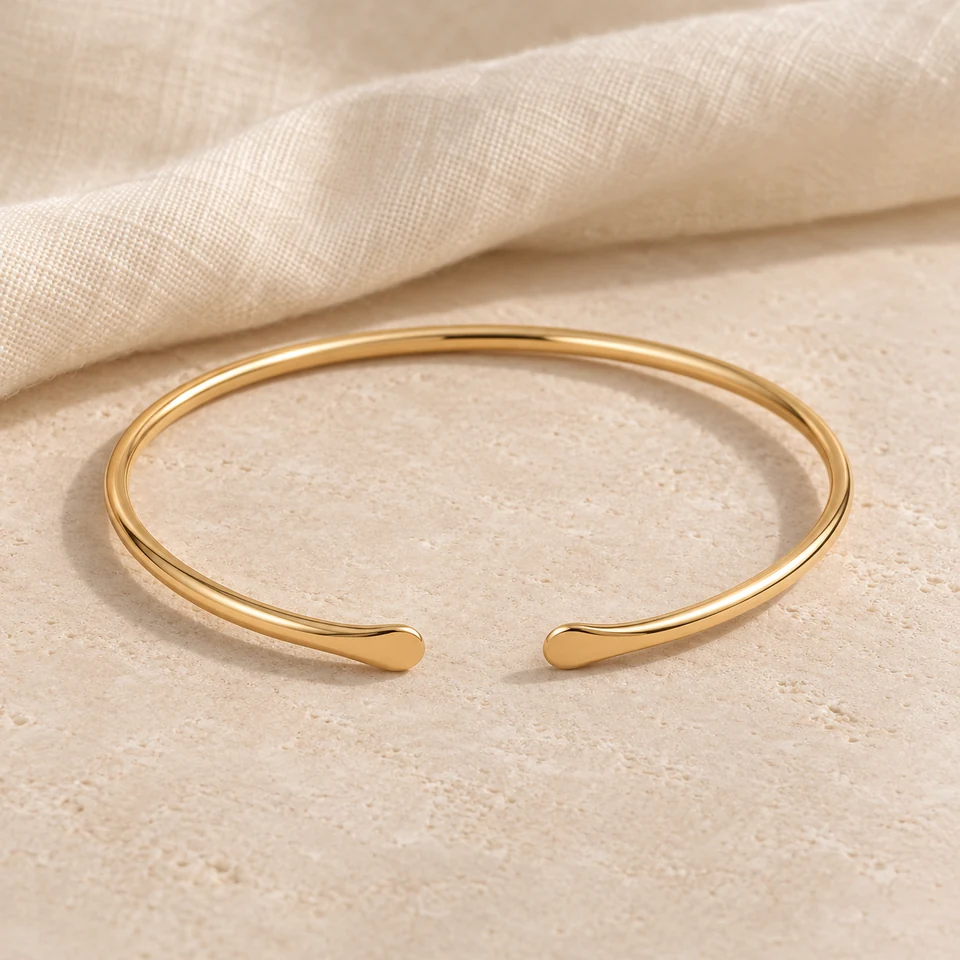
 AI Bracelet PhotographyShow chains in a closed loop, clasps up close, bangles and cuffs standing, or a stack exactly as you sell it.Open tool
 Jewelry Macro PhotographyClose-up detail shots of stones, settings, metal texture, clasps and engraving, built only from details visible in your photo.Open tool
 Jewelry Flat Lay PhotographyOverhead flat lays of one piece or a whole set: centered, in a tidy grid, loosely arranged or with minimal props.Open tool
 Jewelry Still Life PhotographyPieces resting on a stone plinth, in a ceramic dish, over a branch or on glass, with believable contact and light.Open tool
 Jewelry Lifestyle PhotosEveryday settings for a piece you sell: a vanity tray, a bedside table, a café table or an open organizer, with no people.Open tool
 Jewelry Packaging PhotographyRestage the box or pouch you actually ship: an unboxing moment, an overhead set or a close view of the piece in its box.Open tool
 Holiday Jewelry PhotographySeasonal product photos for Christmas, winter, Valentine's Day and Mother's Day, with the piece unchanged and no invented packaging.Open tool
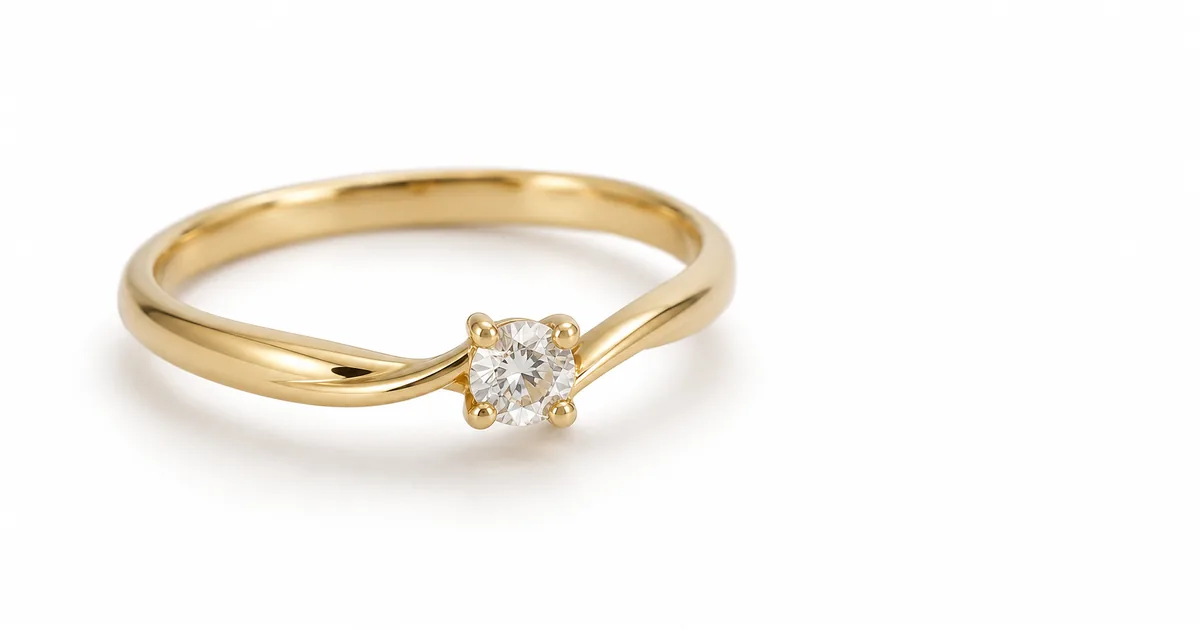 Jewelry White BackgroundPut a ring, necklace, earrings or bracelet on pure white with a soft shadow, a reflection or none, or export a transparent PNG (beta).Open tool
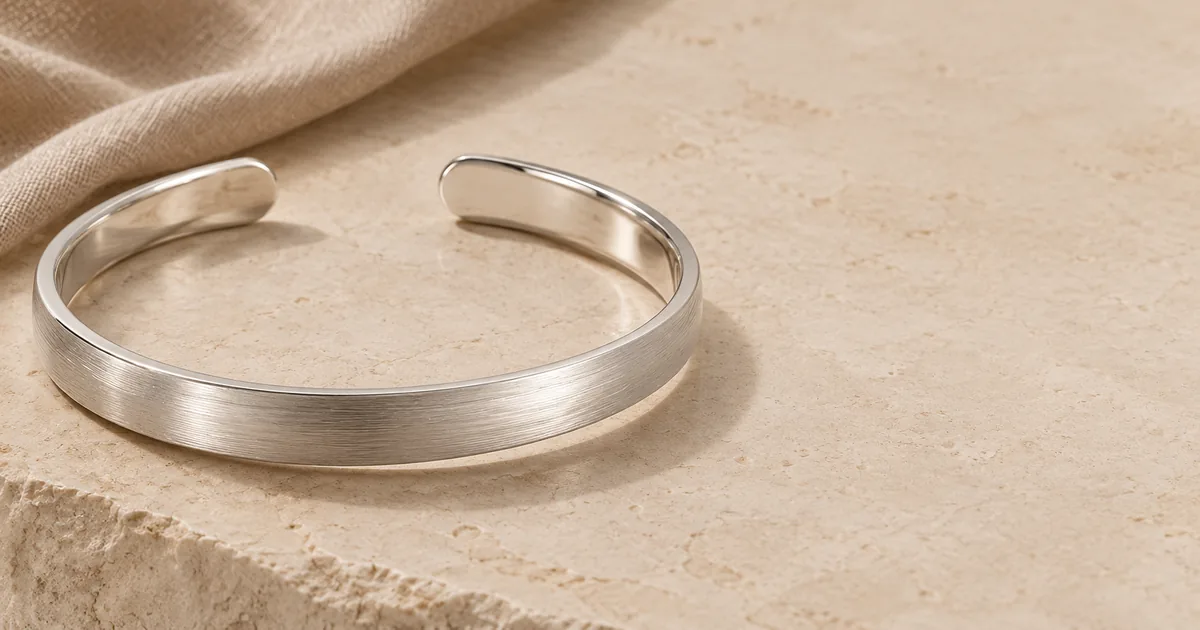 AI Jewelry Photo EditorFix exposure, color, dust and glare in a jewelry photo you already took, without hiding the real condition of the piece.Open tool
 AI Ring on HandShow a ring you sell on an adult hand: choose the pose and the finger, and check scale and prongs against your product photo.Open tool
 Earrings on ModelShow a pair of earrings worn by an adult model: profile, three-quarter, front or ear close-up, with the hair kept off the earring.Open tool
 Necklace on ModelShow a necklace worn by an adult model at the chain length you sell, with a crew, V-neck, open collar or off-shoulder neckline.Open tool
 Bracelet on WristShow a chain, bangle or cuff worn on an adult wrist: resting, raised, from the side or with a sleeve, with the loop kept continuous.Open tool
 AI Jewelry ModelStyled model photos for any ring, necklace, earrings or bracelet: studio portrait, editorial, golden hour or everyday, framed close, head and shoulders or waist up.Open tool
 Virtual Jewelry Try-OnPreview a ring, necklace, earrings or bracelet on your own portrait: upload the piece and a photo of yourself; nothing else in the photo changes.Open tool
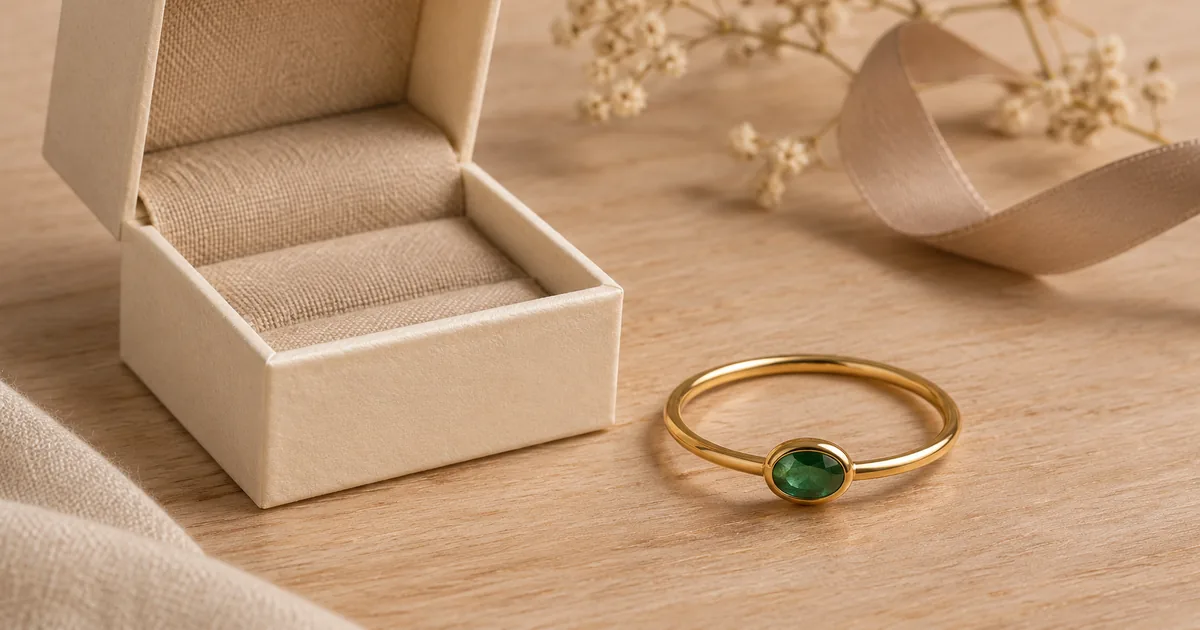 Etsy Jewelry Listing PhotosBuild supplemental Etsy listing images from a real photo of your jewelry: bright and clean, styled, detail and gift-mood views.Open tool
 Shopify Jewelry Product PhotosStore images for a Shopify jewelry shop: product page main images, matching collection tiles, wide hero banners and feature-section scenes.Open tool
 Amazon Jewelry Product PhotosAmazon listing images for jewelry: a pure white main image with the product filling most of the frame, plus detail and lifestyle secondary images.Open tool
 Jewelry Listing Infographic GeneratorMake a listing infographic: an AI product image with clear space, plus your own specs added as an editable text layer.Open tool
 Necklace Length Chart MakerA free necklace length chart from the lengths you actually sell, in inches or centimeters, ready to download as a listing image.Open tool
 Earring Size Chart MakerA free to-scale earring size chart from your measured heights and widths, with a millimeter ruler and an optional reference coin.Open tool
 AI Jewelry Ad PosterCampaign posters for a piece you sell: an AI image in a chosen mood with space for your headline, subline and button, added as editable text.Open tool
 Jewelry Sale Banner MakerWide sale banners for Black Friday, the holidays or any promotion: an AI image of your piece plus your own offer, dates and code as editable text.Open tool
 AI Jewelry Design GeneratorDesign a new ring, necklace, earrings or bracelet with a guided brief: answer a few questions, confirm the brief, then compare concept directions.Open tool
 AI Engagement Ring DesignerDesign an engagement ring concept from a bridal brief: center stone shape and color, setting, band, metal and how high it sits.Open tool
 AI Ring Design GeneratorDesign signets, everyday bands, stacking, statement and cocktail rings from a short brief, then compare directions.Open tool
 AI Earring Design GeneratorDesign stud, drop, hoop, huggie or threader earrings from a brief that includes the closure, matching or mismatched pairs and visual weight.Open tool
 Jewelry Metal Color ChangerPreview one design in yellow gold, white gold, rose gold or a silver look, with the stones, shape and background left unchanged.Open tool
 Gemstone Swap PreviewPreview a design with a different center stone color or cut, keeping the metal, setting and accent stones the same.Open tool
 Jewelry Sketch to RenderTurn a hand-drawn or digital jewelry sketch into a photorealistic concept render in the metal and setting you choose.Open tool
 Jewelry Design VariationsVary one element of an approved design at a time (band, setting, accent stones or silhouette) while the rest stays locked.Open tool
02
An AI jewelry studio replaces parts of a photo set with image models. Instead of booking a backdrop, lights and props for every new look, you start from one clear photo of the piece and let the model build the scene around it.
Jewelry visuals fall into two jobs. Product photography shows a piece that already exists, so the ring in the image must be the ring a customer receives. Concept design imagines a piece that does not exist yet, so the image is a sketch of an idea, not stock you can ship. This studio keeps the two apart: photography and on-model tools start from your real piece, and the edit and variation tools label every result as a concept preview.
03
One look per jewelry type. Explore the different scenes, then start with your own photo.
04
Upload one clear PNG, JPEG or WebP photo of a ring, necklace, pair of earrings or bracelet that you own or may edit. The full piece should be in frame and evenly lit.
Restage the piece in a scene, choose a ring, necklace or earring layout, put it on white, retouch the original or build an Etsy listing image. The credit price appears before anything is generated.
Compare stones, prongs, metal tone, chain and clasp with your original. Download only the images that represent the product accurately.
05
| Your task | Tool | Status |
|---|---|---|
| Show a piece you sell in a new setting | AI Jewelry Photography | Live |
| Shoot a ring at a specific angle | AI Ring Photography | Live |
| Show a necklace at full length or as a pendant detail | AI Necklace Photography | Live |
| Show earrings as a matched pair, with the backs | AI Earring Photography | Live |
| Put a piece on pure white or export a transparent PNG | Jewelry White Background | Live (transparent in beta) |
| Show a chain, bangle or cuff bracelet | AI Bracelet Photography | Live |
| Show a stone, texture or clasp up close | Jewelry Macro Photography | Live |
| Arrange pieces or a set from directly above | Jewelry Flat Lay Photography | Live |
| Style a piece on a plinth, dish, branch or glass | Jewelry Still Life Photography | Live |
| Place a piece in an everyday setting | Jewelry Lifestyle Photos | Live |
| Show the real box or pouch you ship | Jewelry Packaging Photography | Live |
| Restyle a piece for Christmas or another gift season | Holiday Jewelry Photography | Live |
| Fix light, dust or glare in an existing photo | AI Jewelry Photo Editor | Live |
| Build supporting images for an Etsy listing | Etsy Jewelry Listing Photos | Live |
| Make consistent store images and banners | Shopify Jewelry Product Photos | Live |
| Make a pure white Amazon main image | Amazon Jewelry Product Photos | Live |
| Show a ring worn on a chosen finger | AI Ring on Hand | Live |
| Show earrings or a necklace on a model | Earrings on Model, Necklace on Model | Live |
| Show a bracelet worn on a wrist | Bracelet on Wrist | Live |
| Create styled model photos for a campaign | AI Jewelry Model | Live |
| Preview a piece on your own portrait | Virtual Jewelry Try-On | Live |
| Preview a design in another metal | Jewelry Metal Color Changer | Live (concept preview) |
| Preview a new center stone color or cut | Gemstone Swap Preview | Live (concept preview) |
| Turn a sketch into a concept render | Jewelry Sketch to Render | Live (concept preview) |
| Vary one element of a design | Jewelry Design Variations | Live (concept preview) |
| Turn your measured specs into a listing image | Jewelry Listing Infographic Generator | Live |
| Make a necklace length or earring size chart | Necklace Length Chart Maker, Earring Size Chart Maker | Live (free) |
| Make a campaign poster or a sale banner | AI Jewelry Ad Poster, Jewelry Sale Banner Maker | Live |
| Design a new piece from a guided brief | AI Jewelry Design Generator and the ring, engagement ring and earring designers | Live (concept images) |
06
Practical, sourced guides that pair with the tools above.
 Guide · Updated November 6, 2026One Idea, Four Engagement Ring Concepts: A Brief-First WorkflowA brief-first workflow for designing an engagement ring with AI: decide what stays fixed, lock it, and compare four concepts that differ only in direction.Read the guide
 Guide · Updated November 6, 2026How to Make a Necklace Length Chart From Real MeasurementsHow to measure chains, choose the lengths to show, and present a necklace length chart that buyers can trust.Read the guide
 Guide · Updated November 6, 2026Jewelry Listing Photo Checklist: What to Show and WhyThe images every jewelry listing should include, in order, with what each one answers and which can be AI-assisted.Read the guide
 Guide · Updated November 5, 2026Jewelry Metal Color Preview: One Design in Three GoldsHow to preview one jewelry design in yellow, white and rose gold, why the golds look the way they do, and how to label metal previews honestly.Read the guide
 Guide · Updated November 5, 2026Ring-on-Hand Product Photos Without a Hand ModelHow to make worn ring images from a product photo: which pose and finger to choose, how to check scale and prongs, and when a real hand photo is still the better choice.Read the guide
 Guide · Updated November 4, 2026Christmas Jewelry Photo Ideas for Your Product ListingsChristmas and winter styling ideas for jewelry product photos, a seasonal photo schedule and the mistakes that cheapen holiday images.Read the guide
 Guide · Updated November 4, 2026Jewelry White Background Requirements on Etsy, Amazon and ShopifyWhich marketplaces require a white background for jewelry photos, how strict each one is, and how to get a clean white image.Read the guide
 Guide · Updated November 4, 2026How to Photograph Rings: Angles, Prongs and ShankAngles, setup and light for ring photos that show the stone, prongs and shank, with a checklist for every ring style.Read the guide
 Guide · Updated November 4, 2026How to Photograph Necklaces: Chain, Clasp and PendantLayouts, light and framing for necklace photos that show the chain, clasp and pendant, with tips for every necklace style.Read the guide
 Guide · Updated November 4, 2026How to Photograph Earrings: Pairs, Backs and ScaleHow to photograph earrings as a matched pair, show posts, hooks and backs, and help buyers judge scale.Read the guide
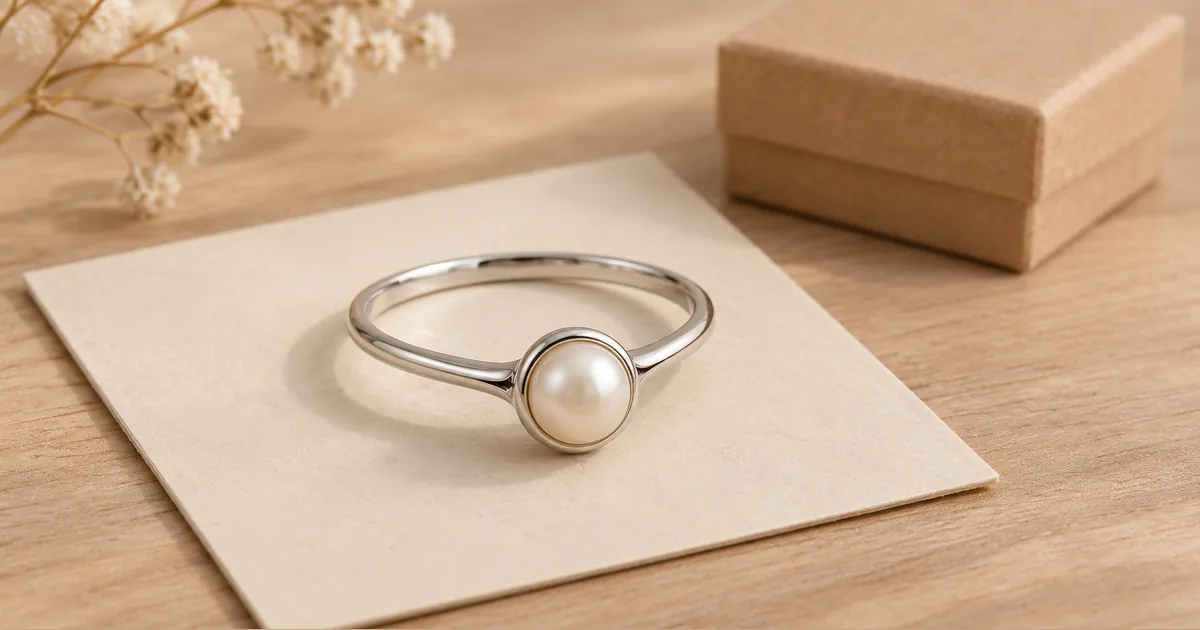 Guide · Updated November 3, 2026Etsy AI Photo Rules for Jewelry Listings After the 2026 UpdateWhat Etsy’s October 2026 listing image update means for jewelry sellers: the unedited photo rule, AI images, exceptions and a listing checklist.Read the guide
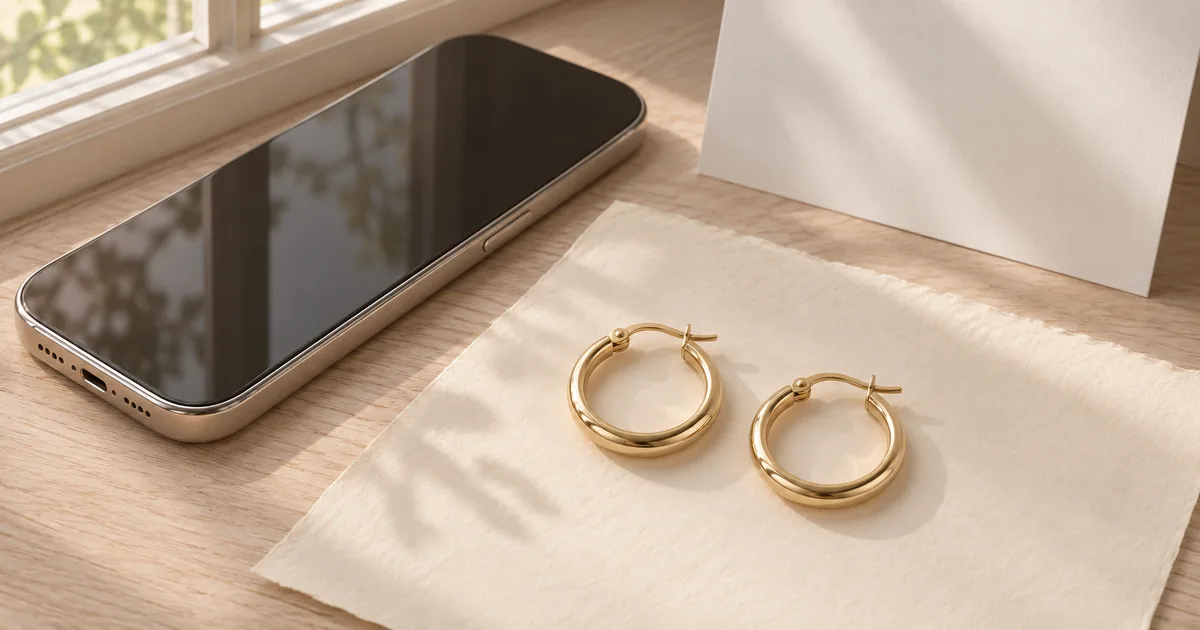 Guide · Updated November 3, 2026How to Photograph Jewelry With Your Phone, Then Improve It With AIA simple phone setup for sharp, accurate jewelry photos, the settings that matter, and which AI tool to use after the shot.Read the guide
07
Whether you shoot the source photo or the final image, the same four rules decide how a piece reads online.
Hard light creates hot spots on polished metal and black reflections in stones. A window with a thin curtain or a small light tent gives the even light that both AI and buyers need to see detail.
White reads as clean and catalog-ready. Linen and wood feel handmade and warm. Velvet suggests a jeweler’s display case and suits gemstones and gold. Pick one family per collection.
Rings look best at three-quarter view, chains laid in a soft oval, earrings as a matched pair with one turned. Whatever is hidden in the source photo cannot be shown accurately in the result.
Shoppers compare pieces side by side. Using the same scene, frame and light for a whole collection makes a shop look curated, even when every source photo was taken on a different day.
Before you publish
AI can change small stones, prongs, engraving, chain links and metal tone. Each tool tells the model to preserve your piece, and each result is shown next to your original so you can check it. Nothing generated here is evidence of materials, size, gemstone grade or certification.
Questions
AI Jewelry Studio is the jewelry channel of Image25. It groups AI tools for jewelry makers and sellers: scene photography; ring, necklace, earring and bracelet layouts; macro details, flat lays, still lifes, lifestyle, packaging and holiday images; white backgrounds; a photo editor; Etsy, Shopify and Amazon listing images; on-model and try-on images; metal, gemstone, sketch and variation previews; listing infographics, size charts, ad posters and sale banners; and design brief tools for new pieces.
Each image costs 15 credits; a virtual try-on preview, which uses two photos, costs 20. New accounts that use Google sign-in or a Gmail address get 20 free credits, enough for one image. Images made with free credits carry a watermark and are for personal use; paid plans and credit packs remove the watermark and allow commercial use.
Rings, necklaces, earrings and bracelets. You choose the type so the instructions match your piece; the tool does not identify or verify the product for you. Watches, body jewelry and loose stones are not supported presets.
Yes, as concepts. The design generators turn a short brief into concept images you compare side by side, and you can also render a sketch, preview another metal or stone, or vary one element. Every result is a concept image, not a photo of a real product, a CAD file or a manufacturing specification.
No studio is needed, but a good source photo still matters. A sharp phone photo in soft window light, with the full piece in frame, gives the model the detail it needs. Our phone photography guide walks through a simple setup step by step.
Yes, when you generate with paid credits, you have the rights to the source photo and the image represents the real product accurately. Check your marketplace’s image rules, and keep real photos for details buyers rely on.
Upload a photo of a piece you sell and see it in a new scene in about a minute.
Open AI Jewelry Photography