Off-white backgrounds
A background that looks white but is a light gray or cream can fail an automated check. Verify the corners are pure white before uploading.
Jewelry Studio · Amazon
Amazon is strict about the first image and flexible about the rest. Make a pure white main image that fills the frame, then detail and lifestyle images for the slots that follow.
Updated · Image25 Jewelry Studio
15 credits · Fast · Medium · 1 image
Includes one reference photo. Every new generation costs 15 credits.
Email sign-in keeps your selection. Google sign-in leaves this page; reselect your photo and settings after returning.
Main image
Pure white, product fills about 85% of the frame.
This tool makes Amazon jewelry product photos from one photo of your piece: a main image on pure white with the product filling about 85% of the frame, a detail image and a lifestyle image. Each costs 15 credits; confirm the rules in Seller Central.
01
A main image, a detail image and a lifestyle image from plain product photos.
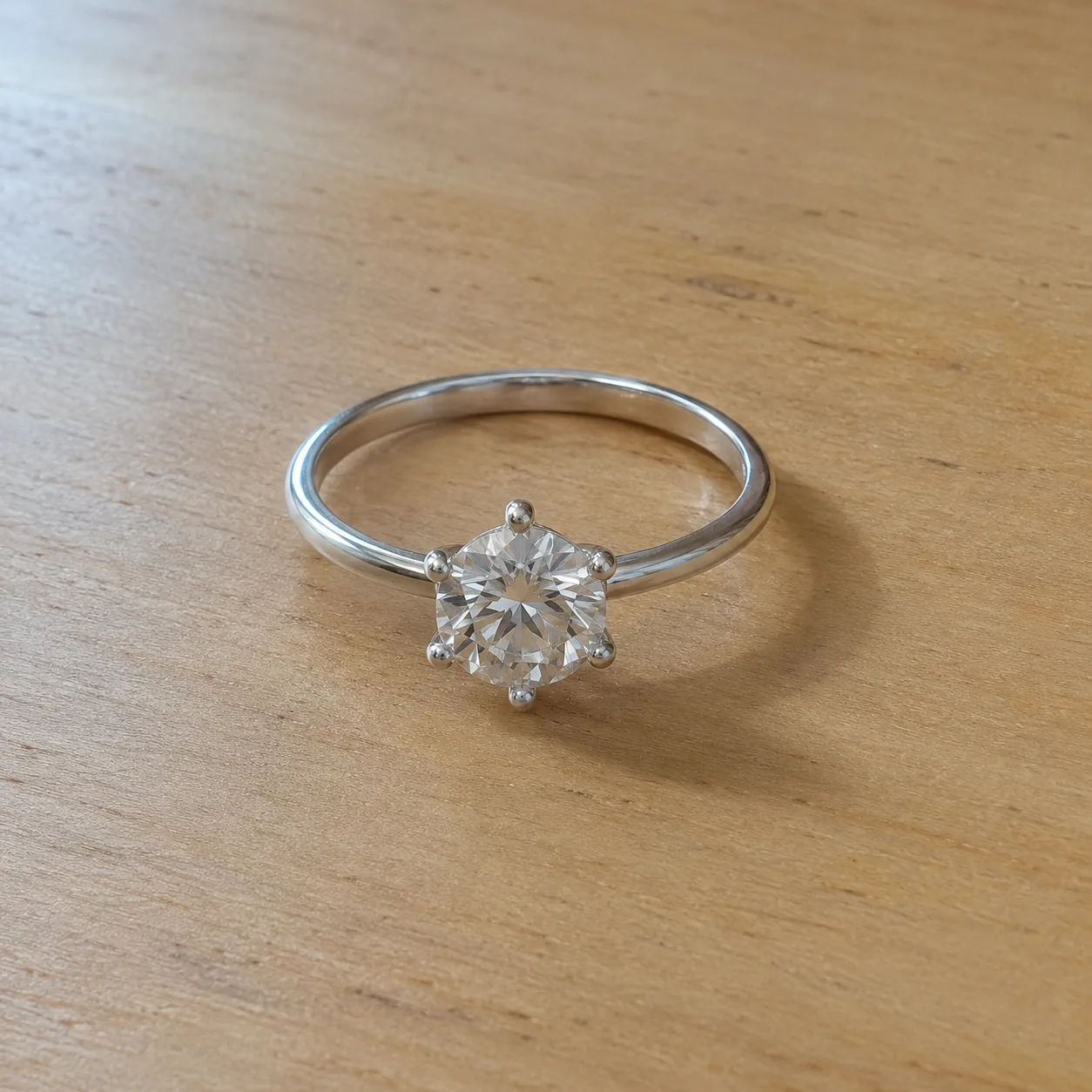 Before
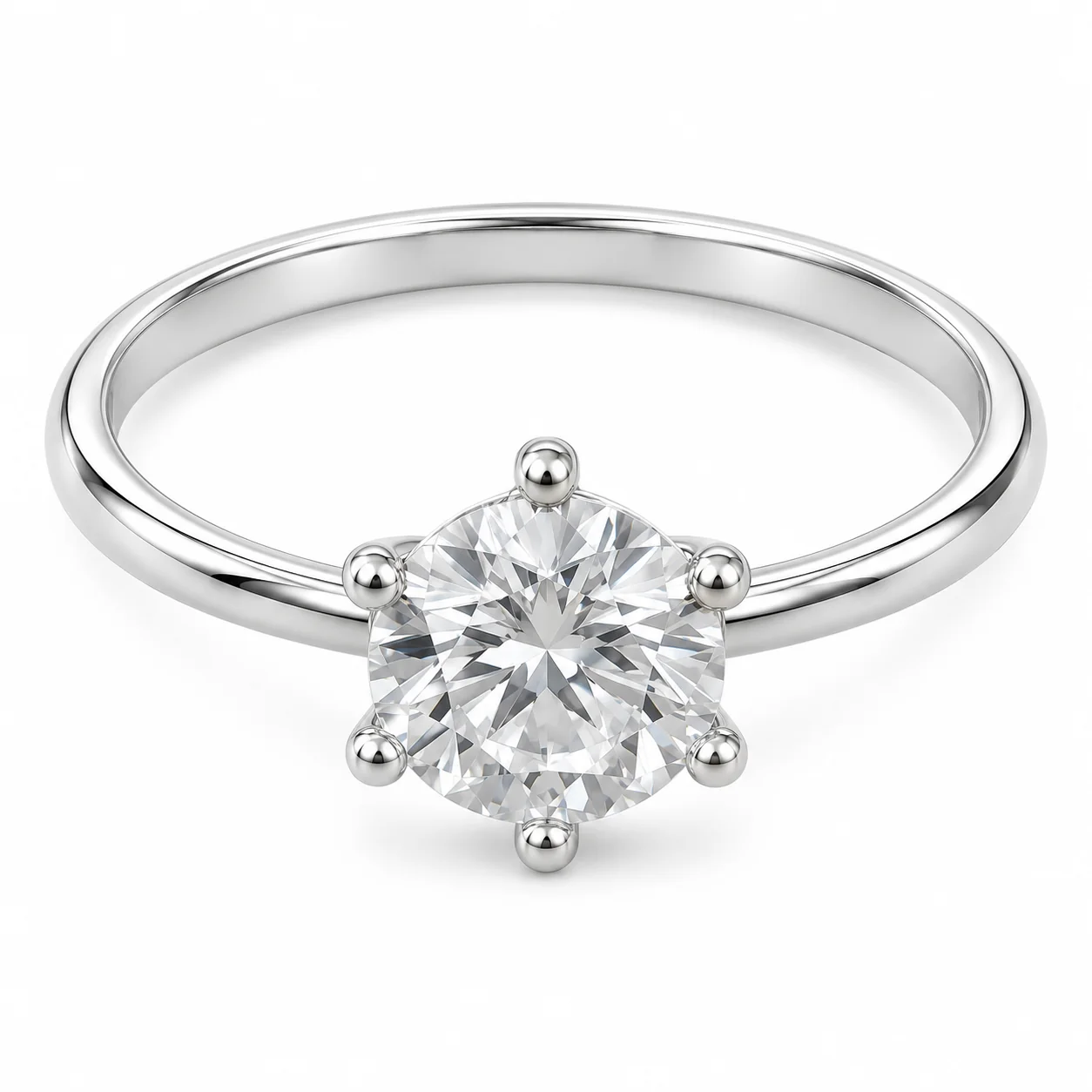 After
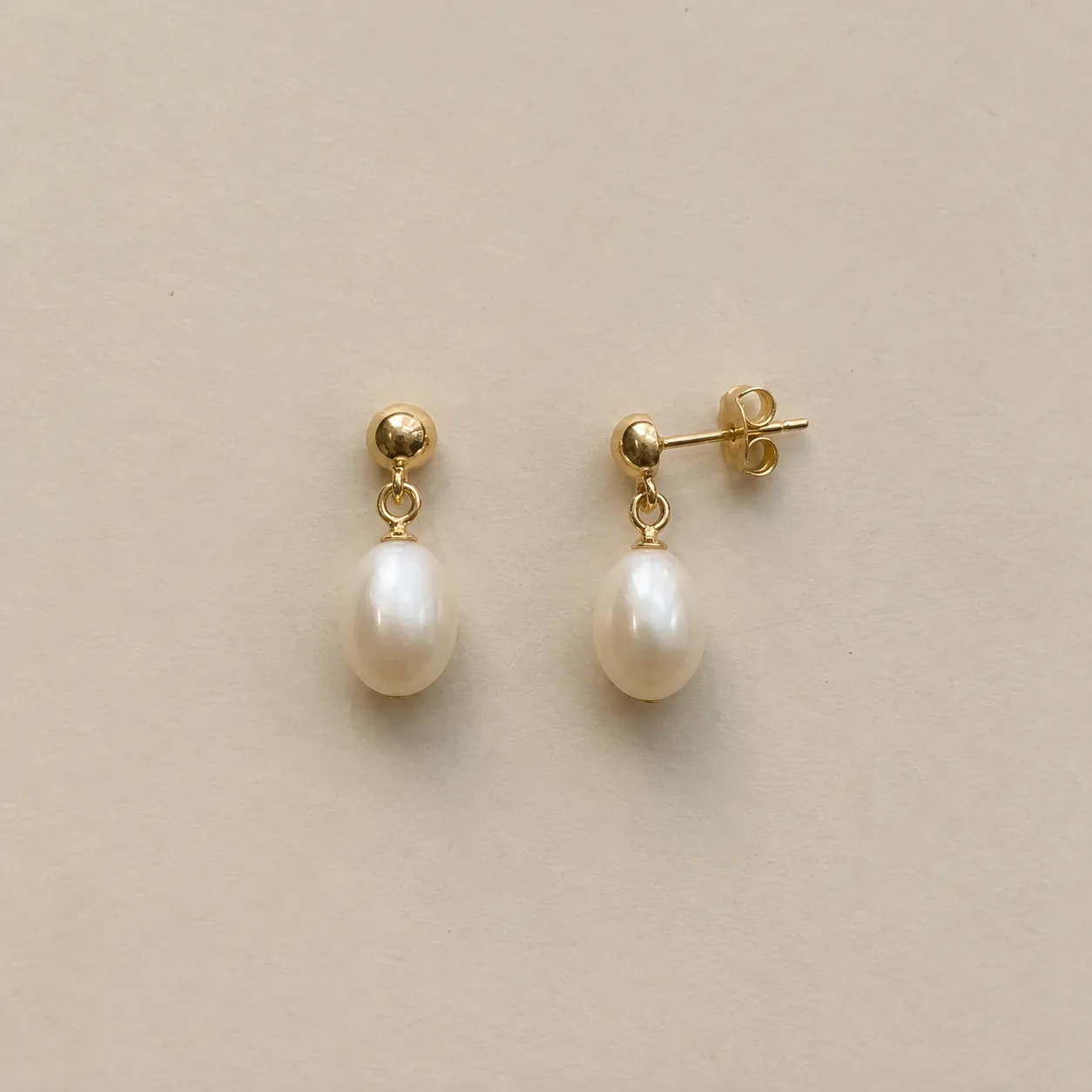 Before
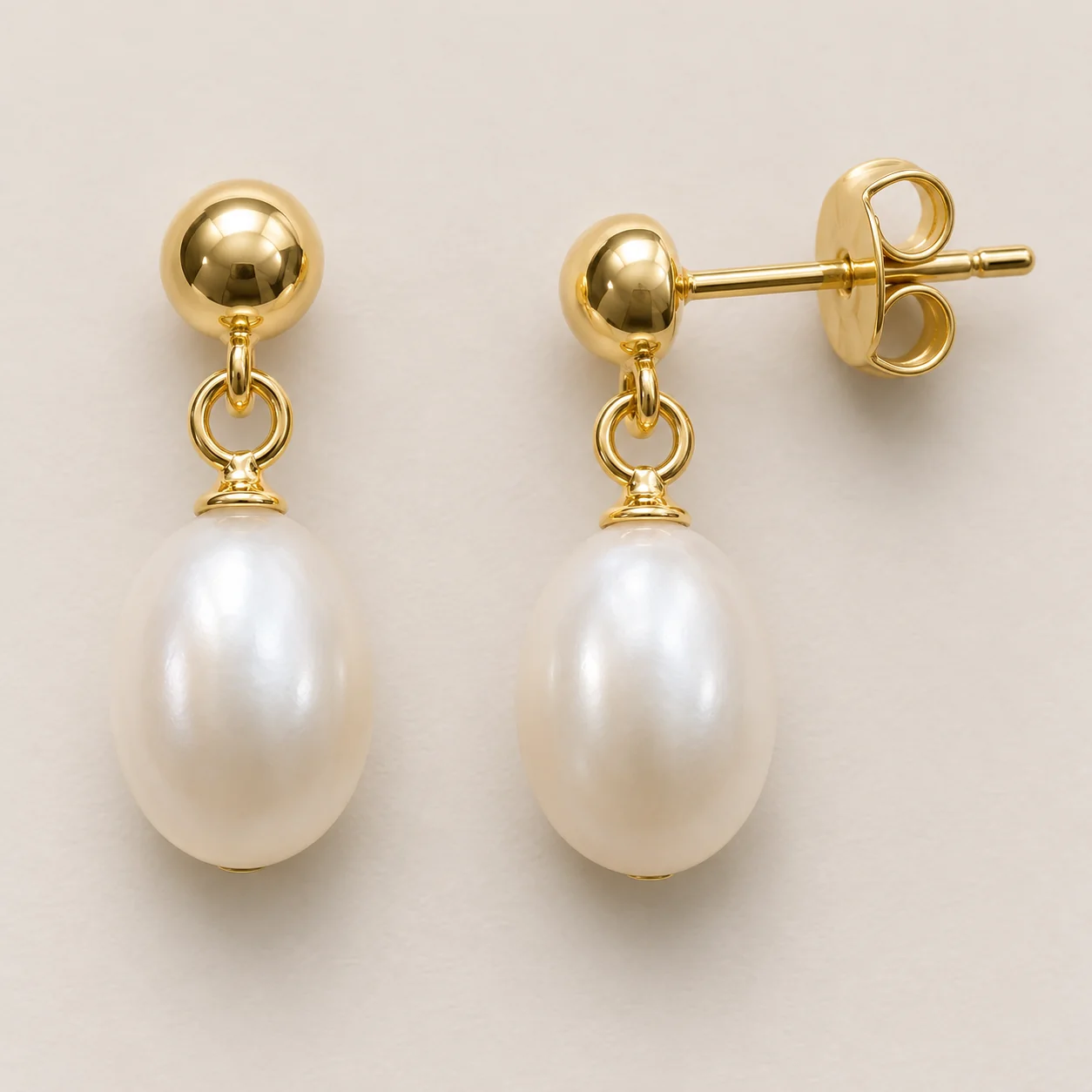 After
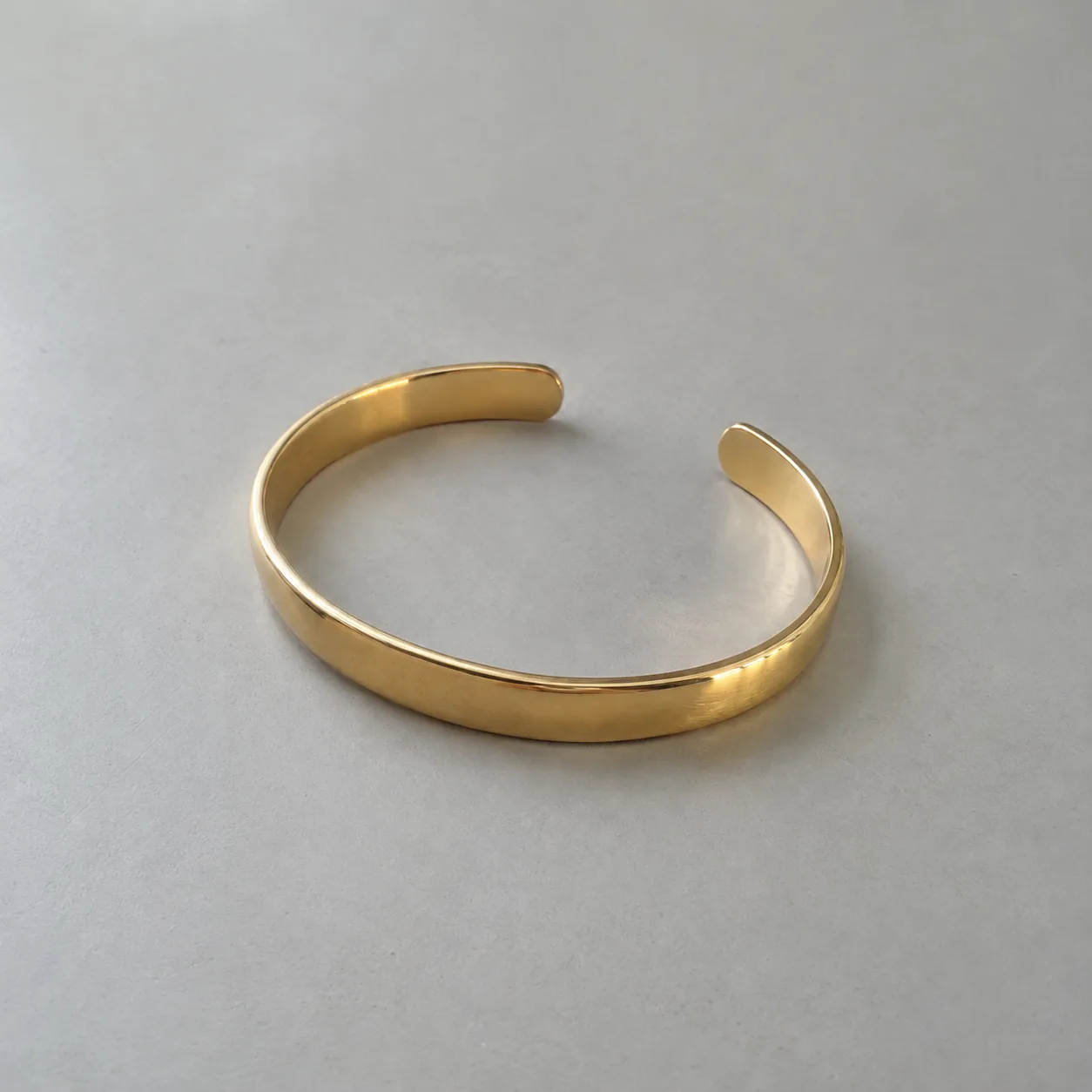 Before
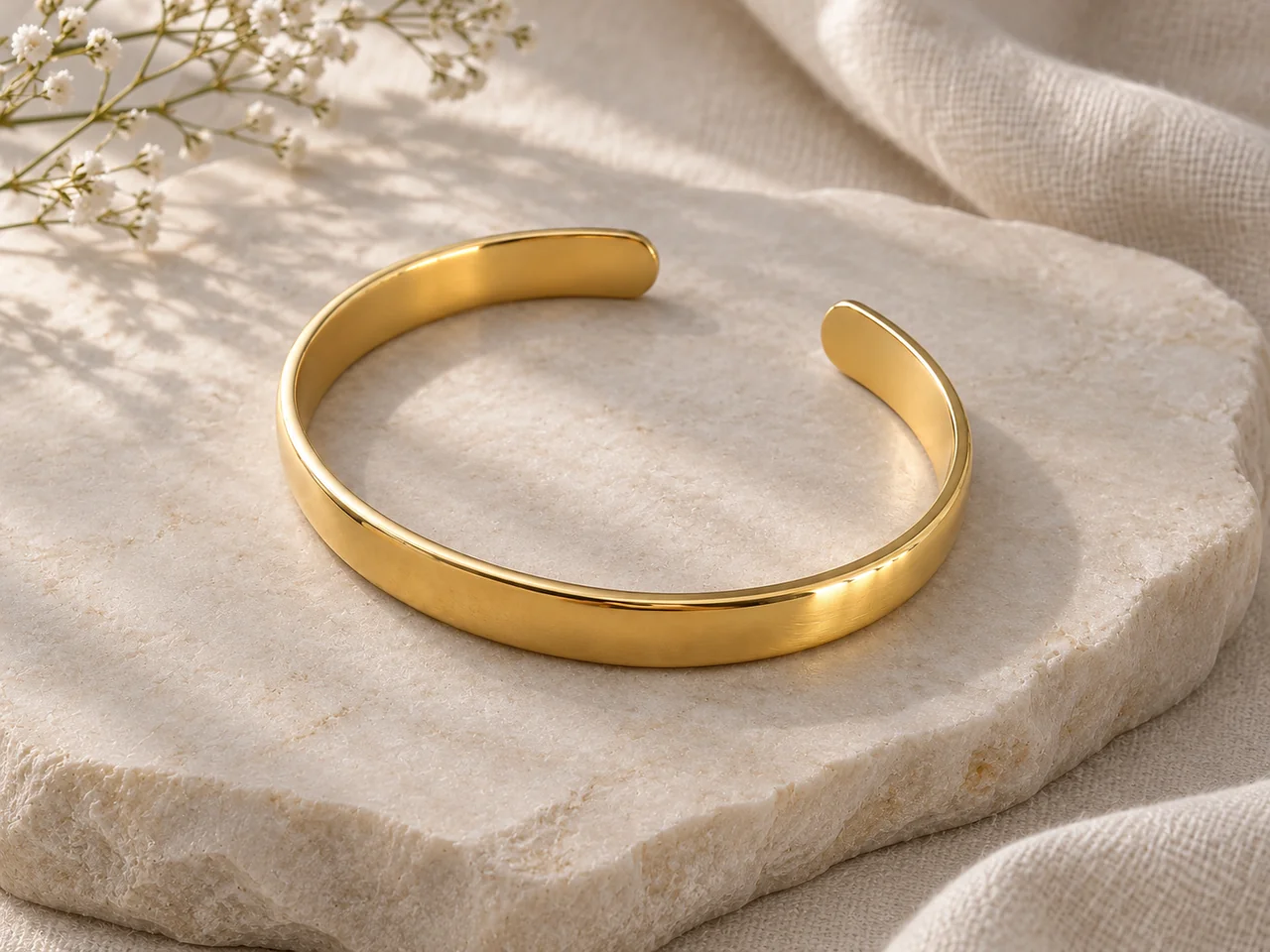 After
02
Amazon treats the main image differently from every other image in a listing. It is the image shown in search results, so it follows strict rules: as widely reported, a pure white background (RGB 255, 255, 255), the product filling most of the frame (85% is the commonly cited minimum), and no text, logos, props or extra items.
Secondary images are more flexible. They can show details, scale, lifestyle settings and features, as long as they represent the product accurately. Most strong jewelry listings use the main image for clarity and the secondary slots to answer buyer questions.
This tool covers both. The Main image option targets the white-background, high-fill look; Detail and Lifestyle produce secondary images. All three keep your piece exactly as photographed. Always confirm the current rules for your category in Seller Central before uploading.
Main images matter more on Amazon than almost anywhere else, because search results show only that image. A clean, high-fill white image of the real piece is the single most important photo in an Amazon jewelry listing, and it is worth checking carefully before upload.
03
Use one PNG, JPEG or WebP up to 20 MB with the whole piece visible and in focus. The main image enlarges the piece to fill the frame, so sharpness matters.
Select Main image for the first slot, then Detail or Lifestyle for secondary slots. Use 1:1 for the main image; 4:3 works for lifestyle.
For the main image, confirm the background is pure white and nothing but the piece is in frame. For all images, compare stones, metal and clasps with your photo. Each run is a separate paid generation.
04
As commonly reported for jewelry listings; confirm in Seller Central.
| Slot | Background | Allowed | Not allowed |
|---|---|---|---|
| Main image | Pure white (RGB 255) | The product only, filling about 85% | Text, logos, props, packaging, extra items |
| Detail | Any neutral | Close views of real features | Invented details or misleading zoom |
| Lifestyle | Styled setting | Context and mood | Implying items that are not included |
| Scale | Any | Worn or beside a common object | Inaccurate size impressions |
05
These are the usual reasons a jewelry main image gets flagged.
A background that looks white but is a light gray or cream can fail an automated check. Verify the corners are pure white before uploading.
Small pieces like studs and thin rings often fill too little of the frame. The Main image option enlarges the piece toward the commonly cited 85% fill.
Boxes, stands and display busts are generally kept out of the main image. Save them for secondary slots.
A faint contact shadow is usually acceptable; dark reflections and colored shadows are not. The tool keeps shadows minimal on the main image.
Each color or metal variant needs a main image of that exact variant. Reusing one image across variants misleads buyers and can cause returns.
06
07
Main images are checked automatically; check them first.
| Check | Good result | Reject if |
|---|---|---|
| Background | Pure white to the edges | Gray, cream or a gradient |
| Fill | The piece fills most of the frame | The piece is small in a large white field |
| Contents | Only the piece | Props, stands or packaging appear |
| Piece | Same stones, metal and shape | Any detail redesigned |
| Text | None | Any words, logos or badges |
08
A compliant main image plus detail and lifestyle images covers the essentials.
Example: a ring main image, a prong close-up and a café scene.
Each metal or stone variant needs its own accurate main image.
Example: separate gold and silver main images for one design.
Replace dull or off-white main images with clean ones.
Example: a cream-background main image rebuilt on pure white.
Use the same source photo for Amazon, Etsy and your own store.
Example: one photo turned into an Amazon main and a Shopify tile.
09
Use every image slot to answer a different question.
Pure white, product only, filling most of the frame.
Close views of the stone, setting, clasp or texture from your real photo.
A calm styled setting that shows the piece in context without implying extra items.
A real photo worn or beside a common object, plus measurements in the listing text.
Before you publish
Rules on this page summarize widely reported Amazon image requirements and are not an official Amazon statement. Requirements vary by category and change over time; Seller Central is the final word. Amazon is a trademark of its owner; Image 25 is not affiliated with Amazon.
AI may alter small stones, prongs, chains or metal tone. Compare every result with your photo, and never use a generated image to imply size, materials, gemstone grade or certification.
References
Checked on . Platform rules change; confirm the current policy before you rely on it.
Primary source for main and secondary image rules. Sign-in may be required; confirm the jewelry category rules here.
Seller-tool summary listing non-pure-white backgrounds as prohibited for main images in jewelry and other categories.
Questions
As widely reported: a pure white background (RGB 255, 255, 255), the product filling about 85% of the frame, and no text, logos, props, packaging or extra items. Confirm the current rules for your category in Seller Central.
Images must accurately represent the product. Generate from a real photo of the piece, compare every result with the item, and keep stones, metal and size truthful. Check Amazon’s current policies for any AI-specific rules in your category.
Common causes are an off-white or gray background, the piece filling too little of the frame, props or packaging in the shot, or text and badges. The Main image option targets a pure white, high-fill look; verify the corners are white before uploading.
Detail images of stones, clasps and texture, a lifestyle image for context, and a real scale image, worn or next to a common object. Every secondary image must still represent the product accurately.
Sources commonly recommend at least 1,000 px on the longest side for zoom, with 1,600 to 2,000 px often suggested. The default Fast setting produces about 1K images; choose a higher-quality setting or upscale for zoom.
Commonly reported jewelry rules expect the main image to show the product alone on white, without a model or mannequin, though some categories allow exceptions. Use worn photos in secondary slots and confirm your category rules in Seller Central.
Each image costs 15 credits on the default Fast setting, including your reference photo. New accounts that use Google sign-in or a Gmail address get 20 free credits, enough for one image. Free-credit images carry a watermark and are for personal use; use paid credits for store and marketplace images.
Your upload is private and scheduled for deletion after one day. On a free account, generated images stay in My Creations for 14 days; paid plans and credit packs keep them longer.
Upload a sharp product photo, make a pure white main image and check it before you upload to Seller Central.
Upload a jewelry photo