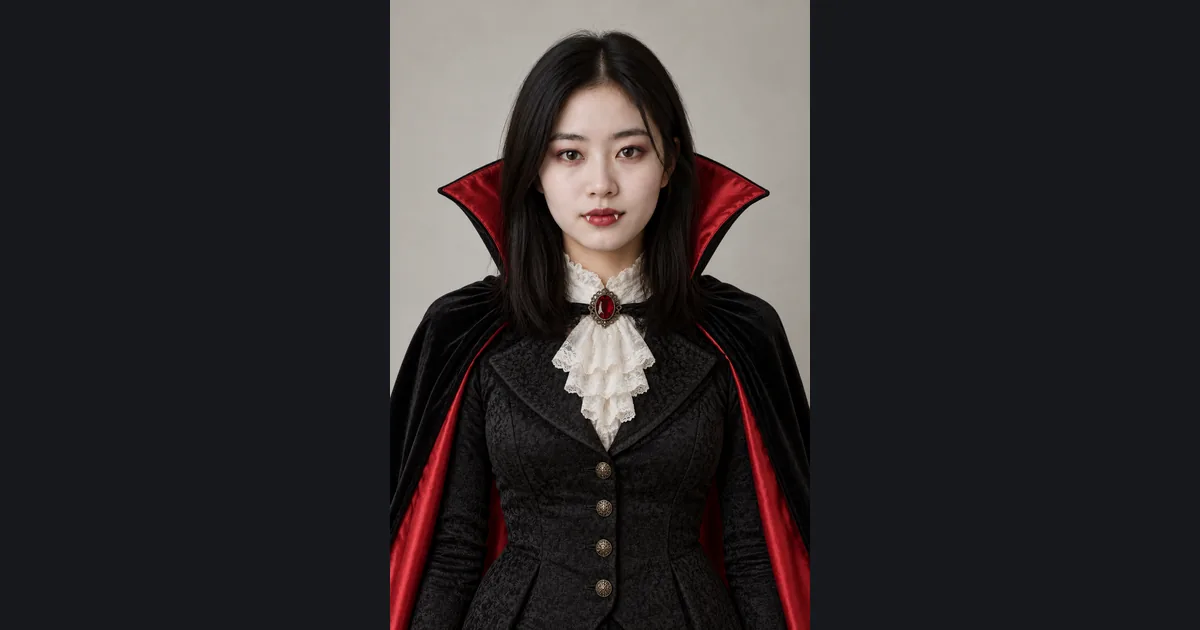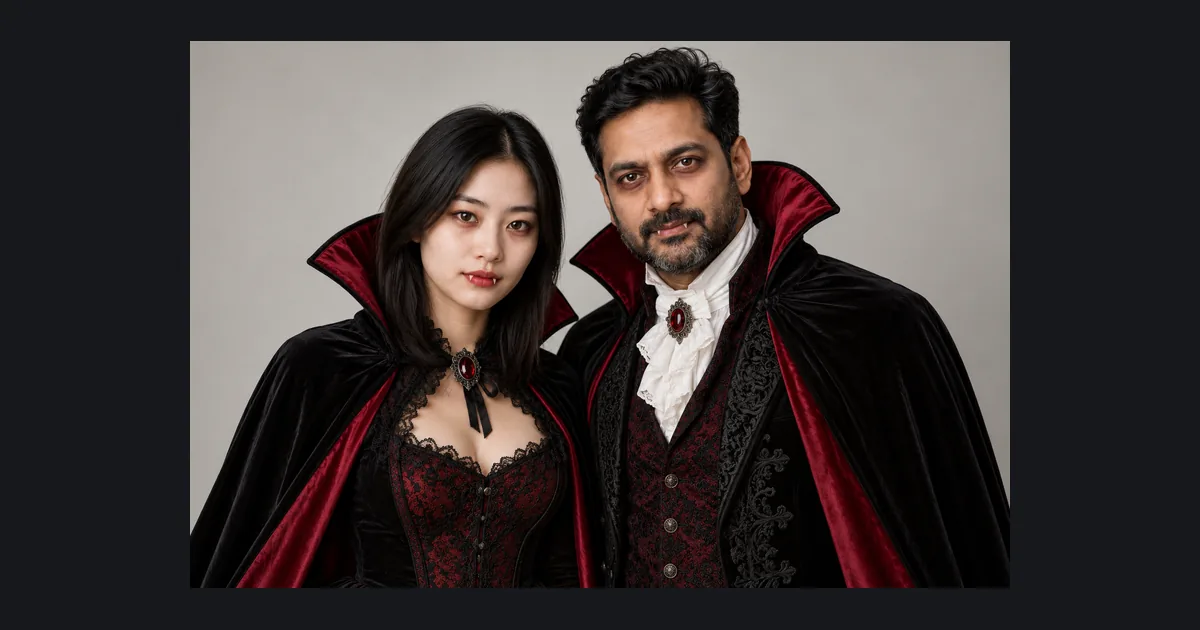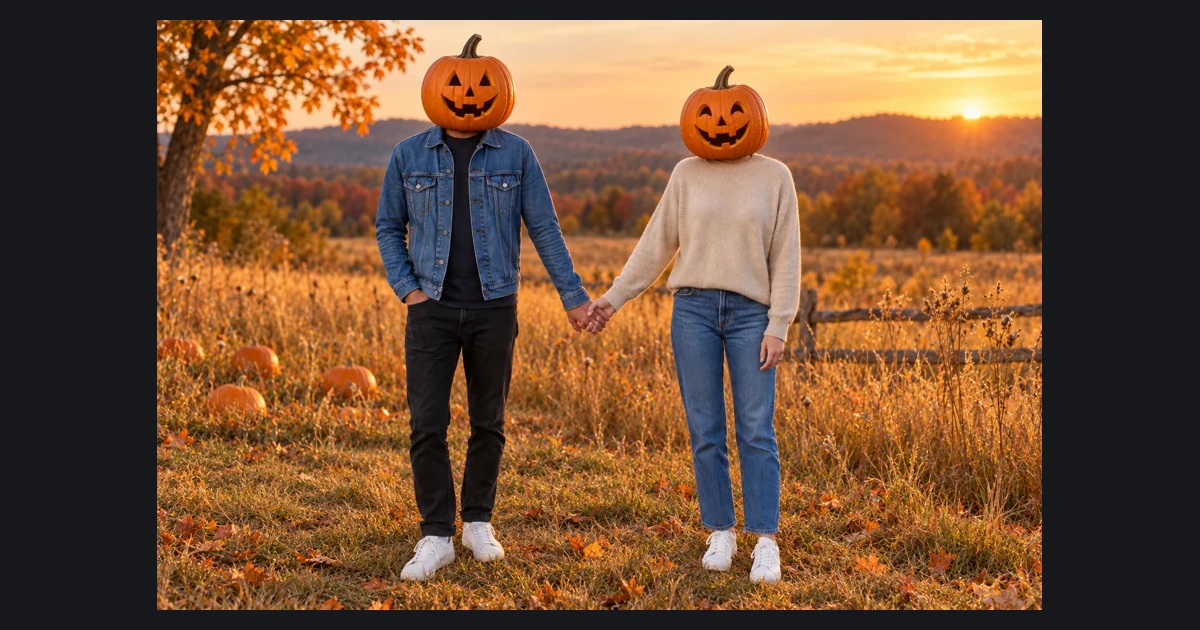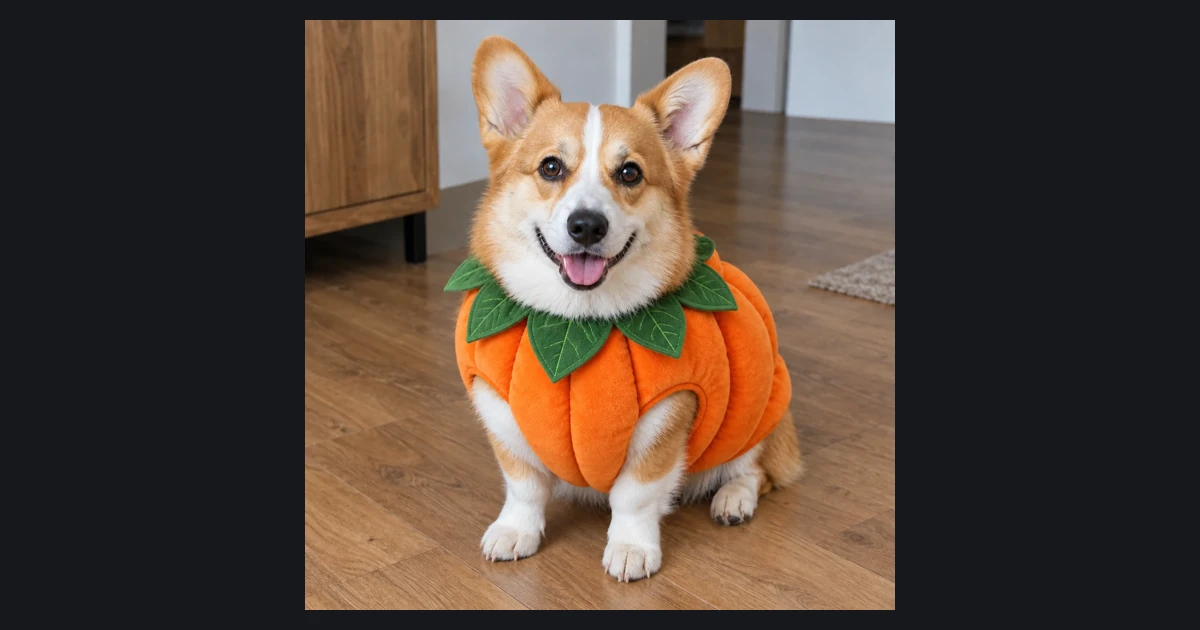
AI Photo Tool

Family Halloween Costume Generator

Upload one group photo, pick a theme and a background, then generate.

New Google or Gmail accounts get 20 free credits, enough for 1 group photo.

1. Your photo

Sign in to upload. Free accounts can use signup credits with Fast · Medium, Low or Auto (Low). The default photo costs 15 credits.

2. Choose your lookMonster Family

A classic lineup of friendly monsters.

3. Aspect ratio
Aspect ratio
Background
Advanced settingsFast · Medium · 1 image

Quality

Auto uses Low, the lowest quality and credit cost for this mode.

Quality

Number of images

Number of images

15 credits · one AI photo

Includes 5 credits per reference photo. Sign in to upload and generate.

Use one photo where every face is visible and nobody overlaps much.

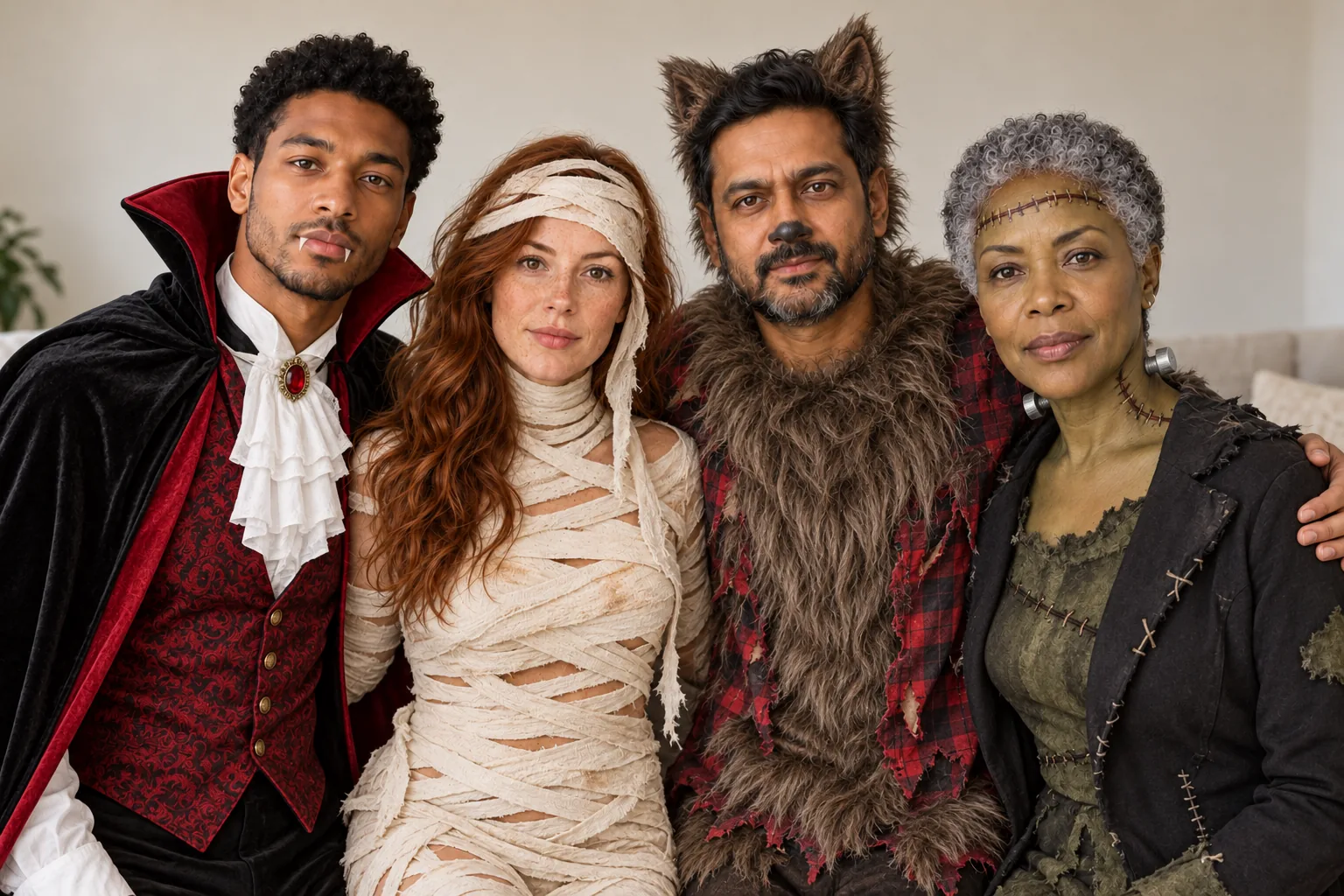
Group of four adults dressed as a friendly vampire, mummy, werewolf and stitched monster
Example result · AI illustration. Your result may vary.

Example looks · press Use to load one into the generator above. AI illustrations; your results will vary.

  • Group of four adults dressed as a friendly vampire, mummy, werewolf and stitched monster

    Monster Family

    Classic

    Preset: Edit everyone in the reference group photo into one coordinated family Halloween costume theme. Theme: a classic monster family: each person is a different friendly movie-monster archetype such as a vampire, a bandaged mummy, a furry werewolf and a stitched-together monster, no franchise designs. Preserve the actual number of people, their relative positions and poses; never add or remove a person. Keep every person's face, facial features, skin tone, hairline, body shape, apparent age and expression unchanged so each stays recognizable. Fit each costume to each body with realistic fabric and accessories. Background: keep the original background from the photo and focus every change on the costume. Photorealistic family photo, consistent lighting. Costume-level effects only, nothing graphic; fake blood only as a small makeup accent. No text, watermarks, logos or extra limbs.

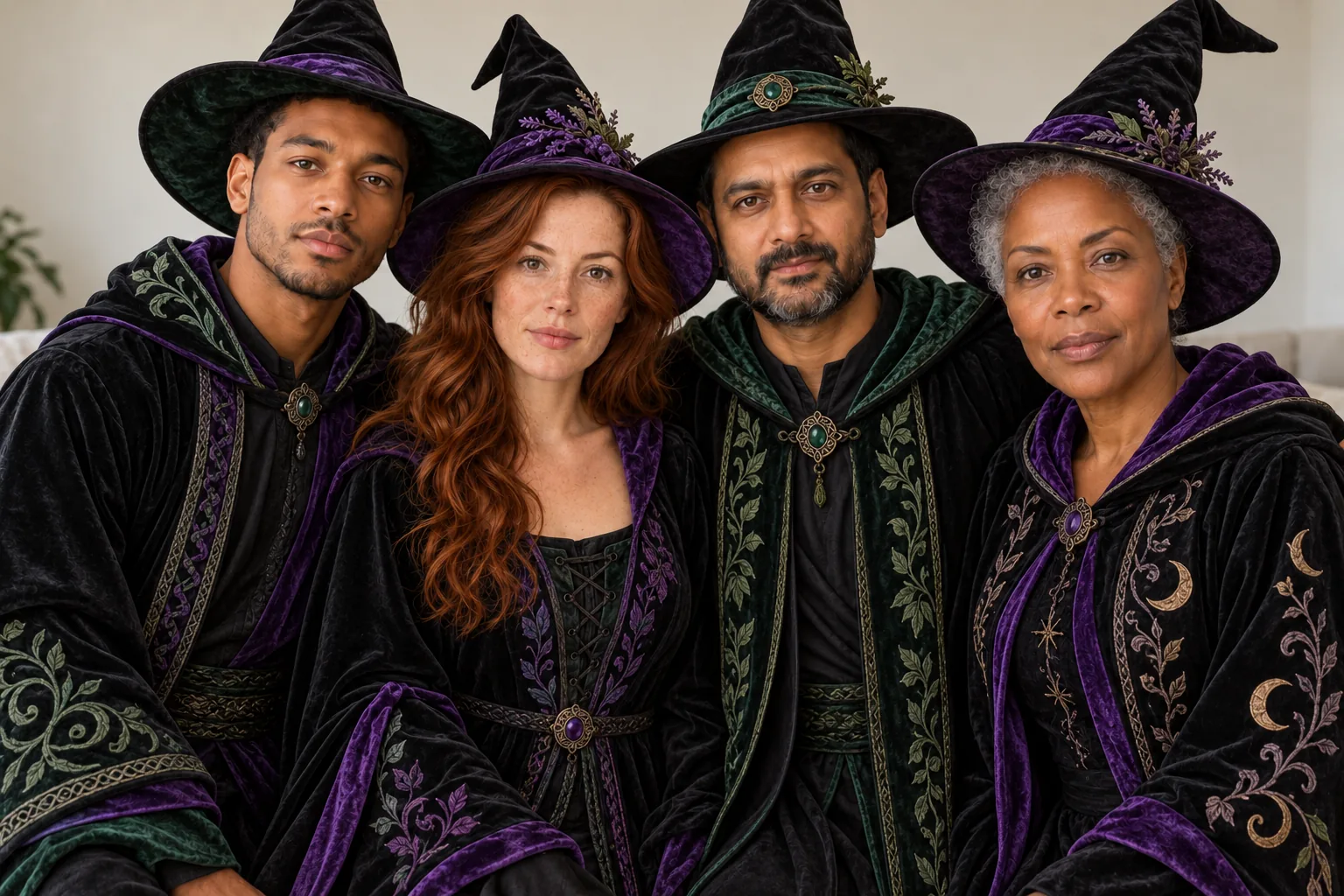
  • Group of four adults in matching pointed witch hats and long dark robes

    Witch Coven

    Classic

    Preset: Edit everyone in the reference group photo into one coordinated family Halloween costume theme. Theme: a witch coven: everyone wears a pointed hat and a long robe in black, plum, forest green or midnight blue, with a broom or a lantern. Preserve the actual number of people, their relative positions and poses; never add or remove a person. Keep every person's face, facial features, skin tone, hairline, body shape, apparent age and expression unchanged so each stays recognizable. Fit each costume to each body with realistic fabric and accessories. Background: keep the original background from the photo and focus every change on the costume. Photorealistic family photo, consistent lighting. Costume-level effects only, nothing graphic; fake blood only as a small makeup accent. No text, watermarks, logos or extra limbs.

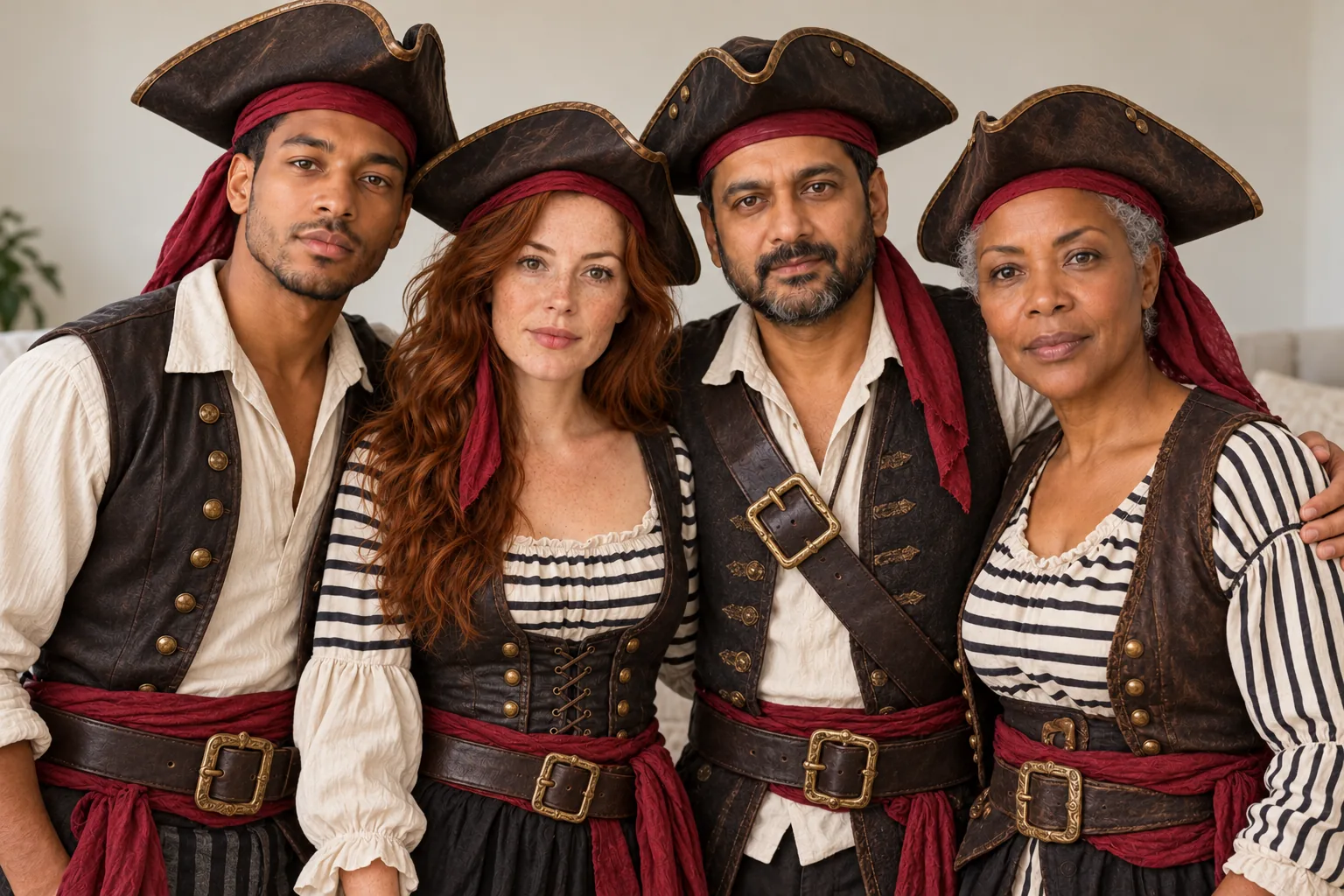
  • Group of four adults dressed as a pirate crew with tricorn hats and striped shirts

    Pirate Crew

    Playful

    Preset: Edit everyone in the reference group photo into one coordinated family Halloween costume theme. Theme: a pirate crew: one captain in a long red coat and tricorn hat, the rest in striped shirts, bandanas, vests and sashes, with toy swords and a treasure map. Preserve the actual number of people, their relative positions and poses; never add or remove a person. Keep every person's face, facial features, skin tone, hairline, body shape, apparent age and expression unchanged so each stays recognizable. Fit each costume to each body with realistic fabric and accessories. Background: keep the original background from the photo and focus every change on the costume. Photorealistic family photo, consistent lighting. Costume-level effects only, nothing graphic; fake blood only as a small makeup accent. No text, watermarks, logos or extra limbs.

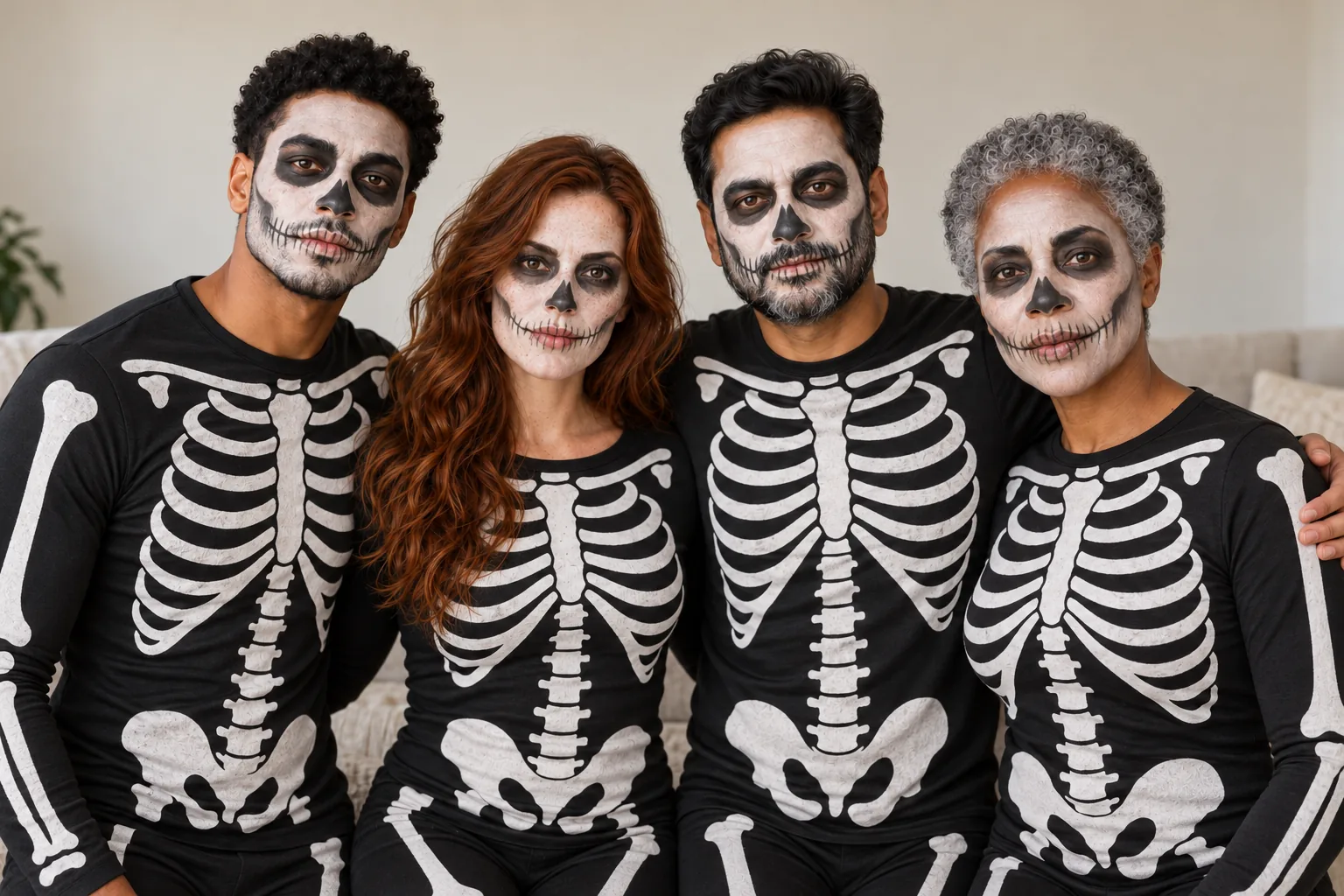
  • Group of four adults in matching skeleton-print bodysuits and skull face paint

    Skeleton Family

    Spooky

    Preset: Edit everyone in the reference group photo into one coordinated family Halloween costume theme. Theme: a skeleton family: everyone in matching black bodysuits printed with white bones and simple white and black skull face paint. Preserve the actual number of people, their relative positions and poses; never add or remove a person. Keep every person's face, facial features, skin tone, hairline, body shape, apparent age and expression unchanged so each stays recognizable. Fit each costume to each body with realistic fabric and accessories. Background: keep the original background from the photo and focus every change on the costume. Photorealistic family photo, consistent lighting. Costume-level effects only, nothing graphic; fake blood only as a small makeup accent. No text, watermarks, logos or extra limbs.

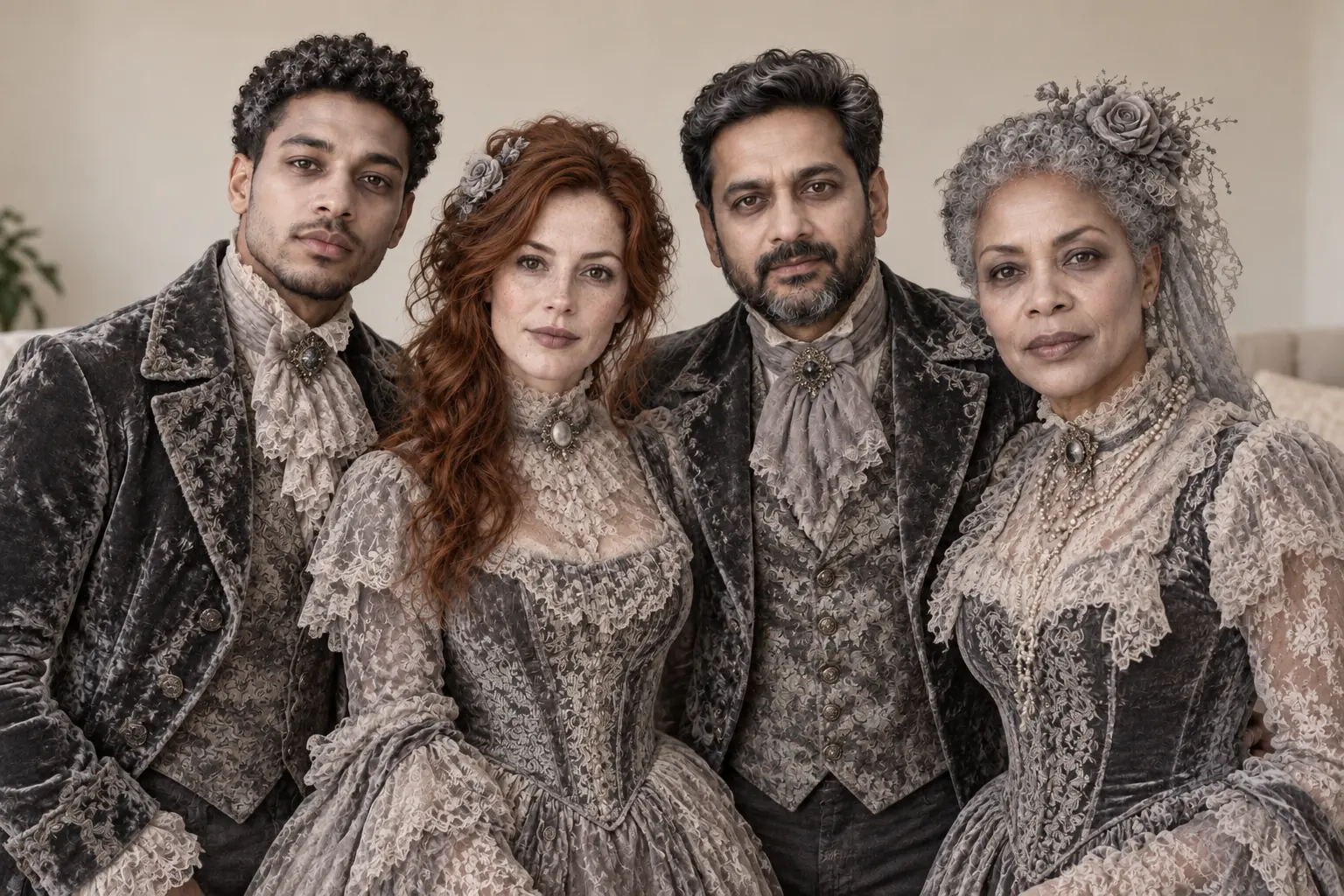
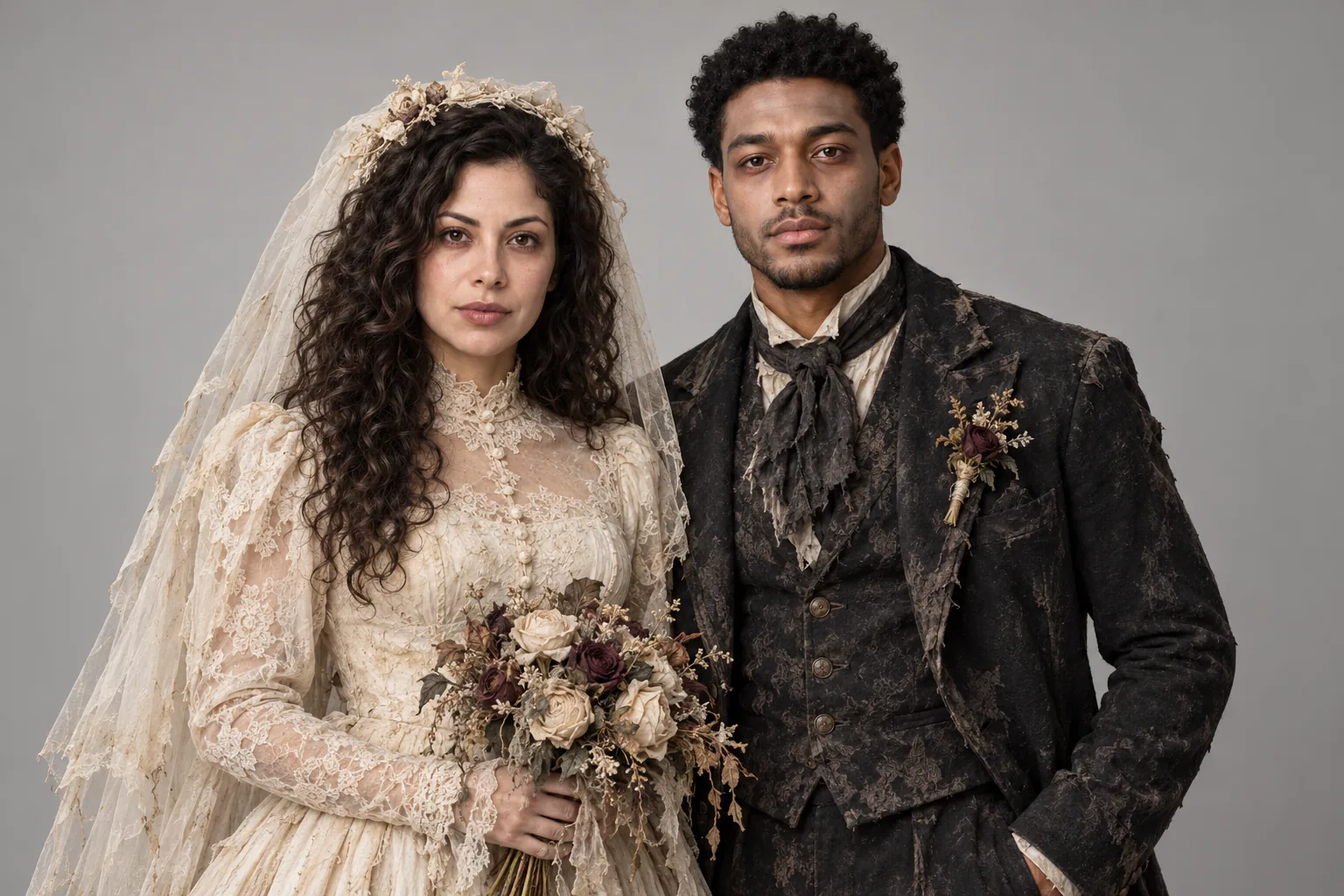
  • Group of four adults dressed as pale Victorian ghosts in grey lace and velvet

    Haunted Mansion

    Spooky

    Preset: Edit everyone in the reference group photo into one coordinated family Halloween costume theme. Theme: a haunted mansion family portrait: everyone in faded Victorian clothes, grey lace dresses and dusty velvet suits, pale grey costume makeup like friendly ghosts. Preserve the actual number of people, their relative positions and poses; never add or remove a person. Keep every person's face, facial features, skin tone, hairline, body shape, apparent age and expression unchanged so each stays recognizable. Fit each costume to each body with realistic fabric and accessories. Background: keep the original background from the photo and focus every change on the costume. Photorealistic family photo, consistent lighting. Costume-level effects only, nothing graphic; fake blood only as a small makeup accent. No text, watermarks, logos or extra limbs.

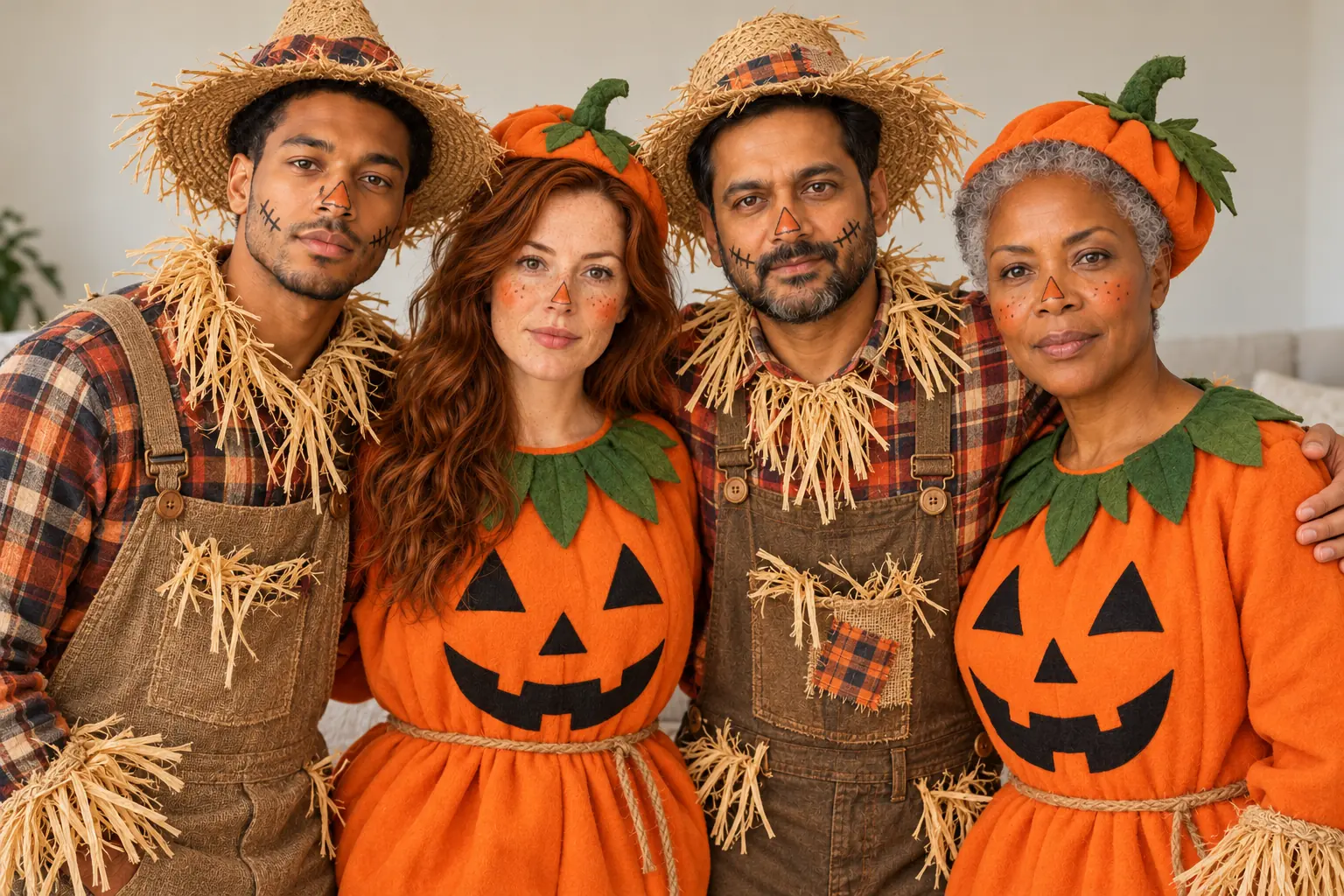
  • Group of four adults dressed as pumpkins and scarecrows in flannel and straw hats

    Pumpkin Patch

    Playful

    Preset: Edit everyone in the reference group photo into one coordinated family Halloween costume theme. Theme: a pumpkin patch theme: some people in round orange pumpkin costumes with green stem hats, others as scarecrows in flannel shirts, straw hats and patched overalls. Preserve the actual number of people, their relative positions and poses; never add or remove a person. Keep every person's face, facial features, skin tone, hairline, body shape, apparent age and expression unchanged so each stays recognizable. Fit each costume to each body with realistic fabric and accessories. Background: keep the original background from the photo and focus every change on the costume. Photorealistic family photo, consistent lighting. Costume-level effects only, nothing graphic; fake blood only as a small makeup accent. No text, watermarks, logos or extra limbs.

Family Halloween Costume Ideas, Tried On Your Group Photo

Monster family, witch coven, pirate crew, skeletons, haunted mansion and pumpkin patch themes for the whole group.

Updated

Stuck on family Halloween costume ideas? Upload one group photo and try a theme on everyone at once. Six themes are ready: Monster Family, Witch Coven, Pirate Crew, Skeleton Family, Haunted Mansion and Pumpkin Patch. Then pick Keep Background, Autumn Porch or Halloween Studio. The generator keeps the number of people, their positions and poses, plus every face, skin tone and apparent age. Each person gets their own part of the theme. The seventh card, Custom costume, takes your own group idea in up to 150 characters. Results are saved in My Creations.

  • Family Halloween Costume Ideas
  • Group Halloween Costumes
  • Family Halloween Photo
Family Halloween costume ideas result: four adults dressed as a pirate crew with a captain

How to Use the Family Halloween Costume Ideas

  1. Step 1

    Upload one group photo

    Pick a photo where every face is visible and people stand or sit close together. Daylight or bright indoor light works best. Avoid photos where people overlap a lot, wear sunglasses or stand far from the camera. Sign in to upload; new Google and Gmail accounts get enough signup credits for one group photo.

  2. Step 2

    Choose a theme and a setting

    Tap one of six theme cards, or Custom costume to type your own group idea. Then choose Keep Background, Autumn Porch or Halloween Studio. Autumn Porch suits cards, while the studio gives a clean portrait look. The frame defaults to a wide 3:2 so everyone fits. Advanced settings change quality or make up to four images.

  3. Step 3

    Generate and share the vote

    Press Dress Up Our Family and wait about a minute. Compare the result with your photo, then download it. Run two or three themes on the same upload and share them in the family chat. Everyone can vote before anybody shops. All results are saved in My Creations for later.

Write Your Own Family Theme

Tap Custom costume and describe the group theme in up to 150 characters. The tool keeps every person and asks for one coordinated look. Try one of these.

  • “A family of friendly scarecrows in a cornfield”

  • “Space crew with silver jumpsuits and one alien”

  • “Circus troupe with a ringmaster, strongman and clowns”

Group Halloween Costumes, One Photo

Four adults in their original positions dressed as a vampire, mummy, werewolf and monster

Everyone stays in the picture

Group edits often lose a person or add a stranger. This tool is told to keep the actual number of people, their positions and their poses, and never to add or remove anyone. Each face, skin tone, hairline and apparent age stays the same. A photo where everyone faces the camera gives the most reliable result. Check every face before you print a card. If one person looks off, run the same theme again; the next attempt often fixes it.

Keep Everyone in Frame
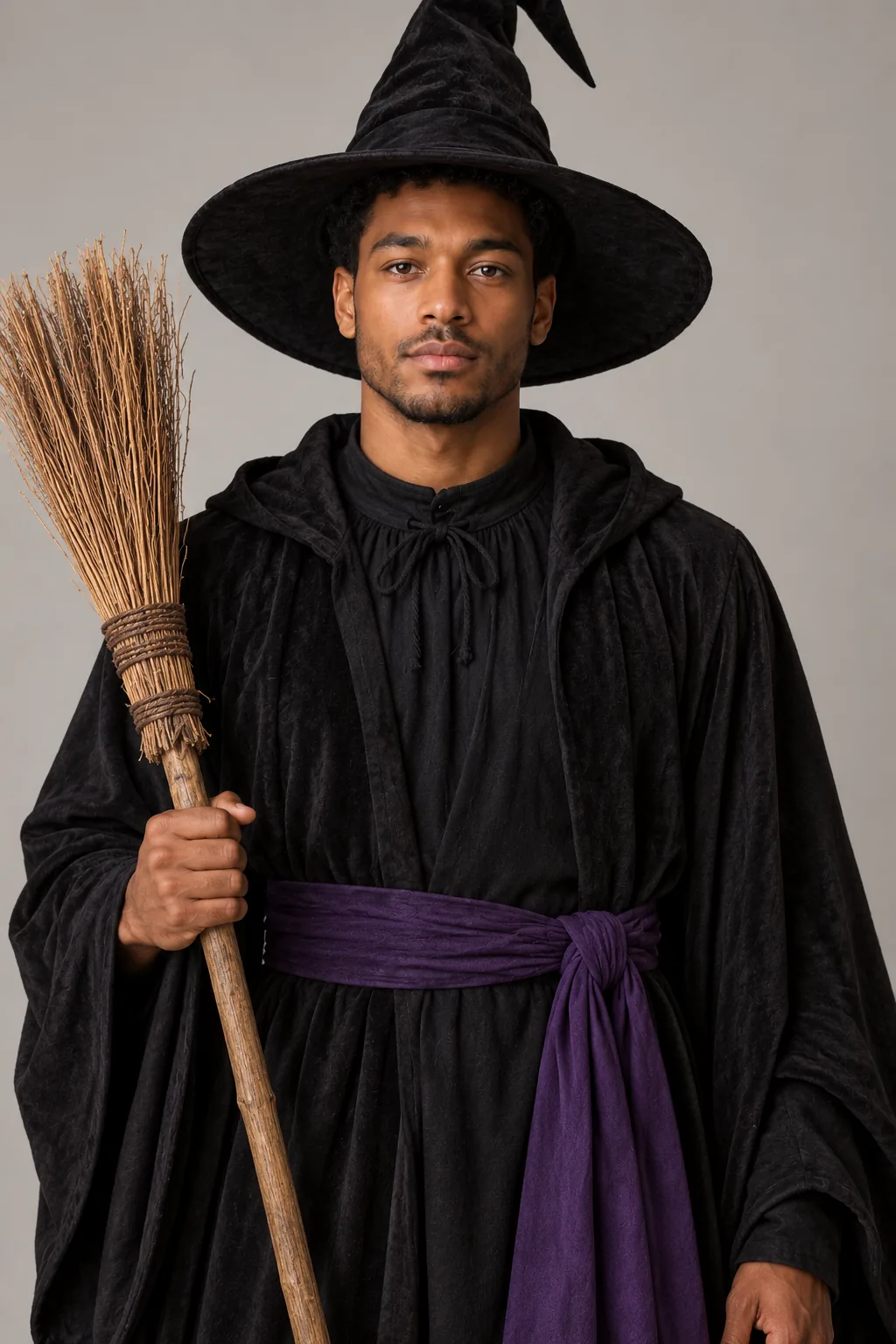
Four adults in matching pointed witch hats and long robes in deep colors

Group Halloween costumes with a role for each person

A good group costume gives each person a part. Monster Family mixes a vampire, a mummy, a werewolf and a stitched monster. Pirate Crew has one captain in a red coat and a striped-shirt crew. Witch Coven and Skeleton Family keep everyone matching instead. The roles are spread across the photo automatically, so you only pick the theme.

Give Everyone a Role
Four adults dressed as pale Victorian ghosts in grey lace and dusty velvet

A family Halloween photo without the costume fittings

Getting a whole family into costumes for one photo takes an afternoon. Here it takes one upload. Haunted Mansion turns everyone into friendly Victorian ghosts in grey lace and velvet. Pumpkin Patch mixes pumpkin suits with scarecrows in flannel. Pair either with Autumn Porch for a ready-made seasonal card. The theme stays costume-level, with no gore.

Make Our Family Card
Four adults dressed as pumpkins and scarecrows in flannel shirts and straw hats

Your own family theme, written in one line

Tap Custom costume and type your idea in up to 150 characters, like a family of friendly scarecrows. Your words go into the same group prompt as the presets. The tool adds a line asking for one coordinated theme, so the outfits still belong together. Keep it to clothing, makeup and props. Franchise characters are not supported, so describe the archetype.

Write Our Own Theme

Ideas for Your Family Costume Photo

  • Family costume vote

    Share three themes in the group chat and let everyone vote.

    Example: Monster Family against Pirate Crew in a quick poll.

  • Halloween family card

    Send a seasonal card to relatives who live far away.

    Example: Pumpkin Patch on Autumn Porch, printed for grandparents.

  • Friend group costume

    The same themes work for roommates and friend groups.

    Example: A Witch Coven for four friends heading to one party.

  • Holiday photo preview

    Plan a real costume photo shoot by testing the theme first.

    Example: Try Haunted Mansion before booking a photographer.

Photo Tips for Group Shots

  • Gather close and face the camera. Faces that are similar in size keep their likeness best.
  • Use daylight or a bright room. Dark corners turn faces at the edge of the group soft.
  • Leave a little space around the group, so hats, wings and props are not cut off.
  • Avoid heavy overlap, like people standing directly behind each other. Every face should be visible.
  • Shoot from chest height or a little higher. Low angles distort the people closest to the lens.
  • Plain clothes in the photo help. Big logos and busy prints can leak through the new costumes.

Best Theme and Setting Combos

  • Pumpkin Patch + Autumn Porch: pumpkin suits and scarecrows among hay bales.

  • Haunted Mansion + Halloween Studio: Victorian ghosts on an orange and black backdrop.

  • Pirate Crew + Keep Background: a captain and crew in your own living room.

  • Skeleton Family + Halloween Studio: matching bone suits in soft studio light.

Family Halloween Costume Ideas FAQ

How do I try family Halloween costume ideas on our photo?

Upload one group photo, then pick a theme and a setting. A worked example: a photo of four adults on a sofa, Pumpkin Patch, Autumn Porch, Fast · Medium, 3:2 and one image. You get two pumpkins and two scarecrows on a porch with hay bales, in your original poses. Download it or try Monster Family next.

How many people can be in a group Halloween costumes photo?

Two to six people work best. Bigger groups make each face smaller, so details are harder to keep. The tool never adds or removes a person. For two people, the couples page has pair costumes and can combine two solo photos.

Will a family Halloween photo keep everyone’s face?

The prompt asks for every face, skin tone, hairline, body shape and apparent age to stay the same. AI can still blur small details, especially for people far from the camera. Sharp photos where everyone faces forward keep likeness best. Check each face before you print or share.

How much does a family costume photo cost?

The default Fast · Medium setting costs 15 credits per image, including the reference photo. New accounts that use Google sign-in or a Gmail address get 20 free credits, enough for one portrait. Images made with free credits carry a small watermark until you buy a plan or credit pack. Higher quality settings cost more, and the total always appears before you generate.

Can I use a photo with children?

You can, but please only upload photos you have permission to use. Every upload and result passes a safety check, and photos that fail are refunded. Our own examples use adult models only. Costumes stay costume-level, with face paint instead of wounds.

What are the limits of the family tool?

Large groups, overlapping people and faces far from the camera reduce accuracy. Hands and small props may come out slightly wrong. The roles in a mixed theme, like Monster Family, are assigned by the AI and can vary between attempts. Generate again if you want a different mix.

Try Family Halloween Costume Ideas in One Upload

Upload one group photo and dress everyone in a theme in about a minute.