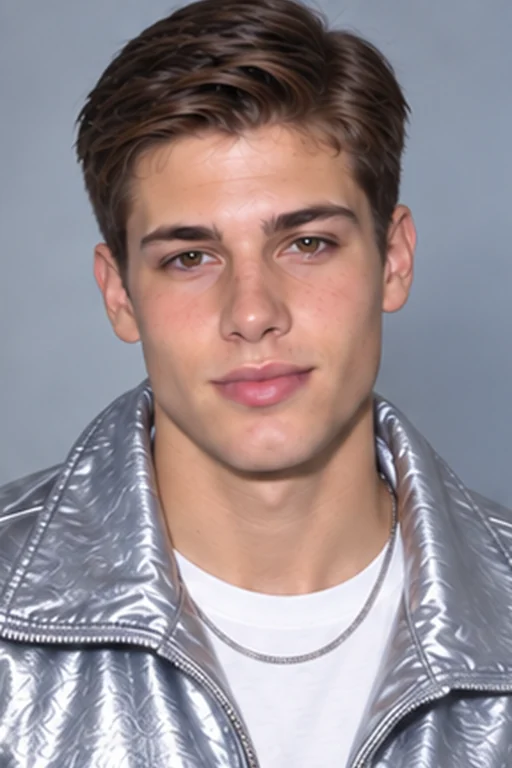
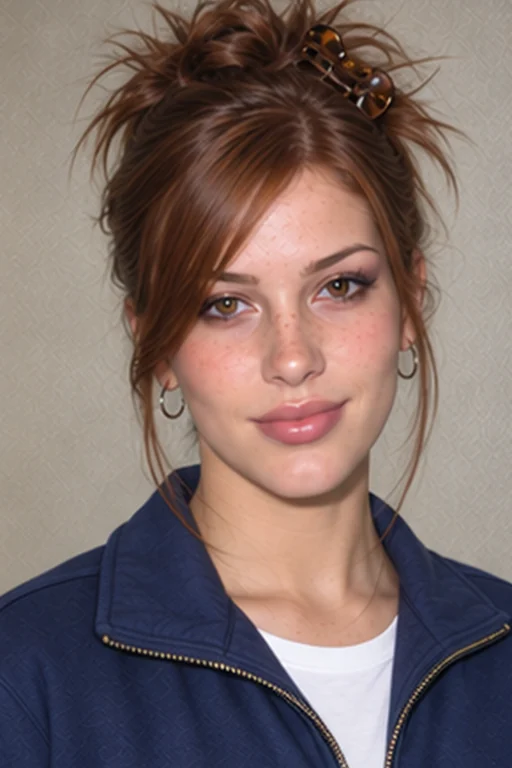
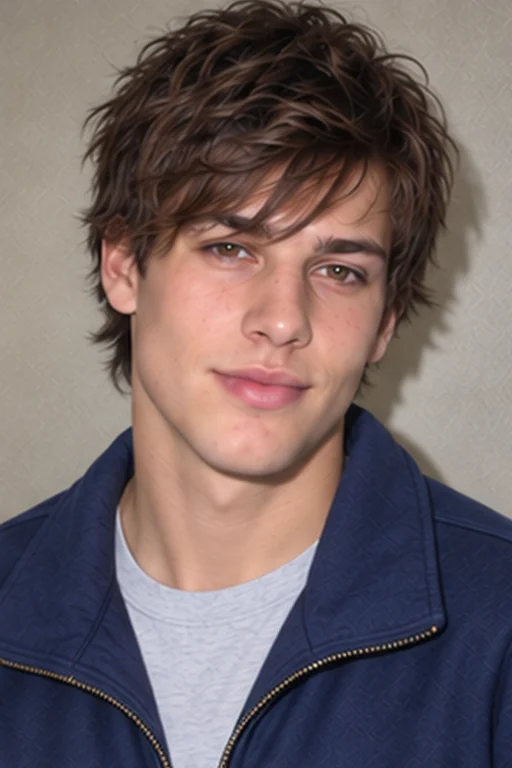
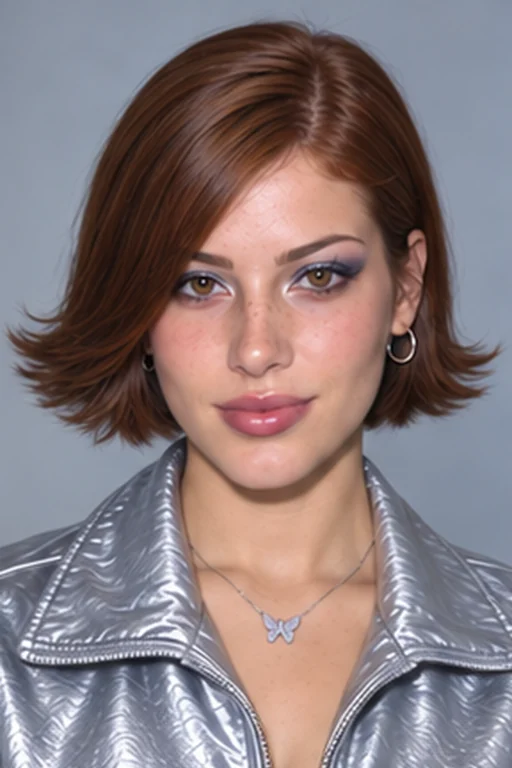
Turn your selfie into an early-2000s portrait with glossy Y2K styling or a digicam-inspired flash look. Pick a preset and create your photo without writing a prompt.
1. Your photo
2. Choose your Y2K styleY2K Pop
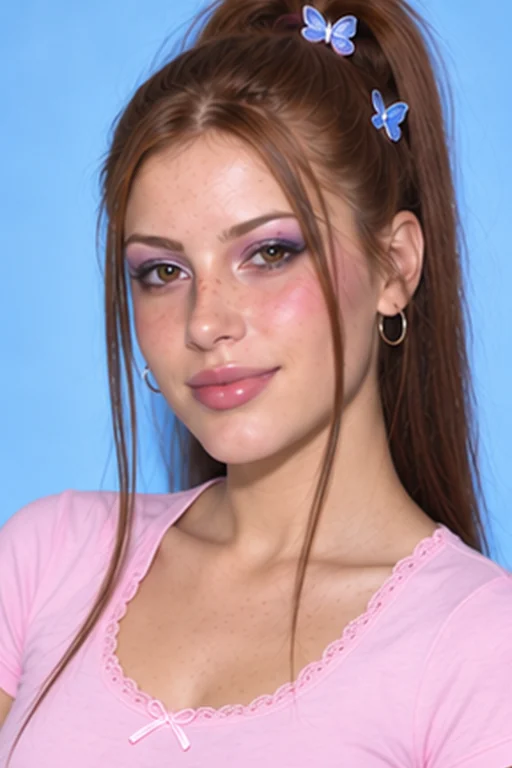
Playful hair · pink-lilac eyes · pink lip gloss
3. Quality
4. Aspect ratio
Backgroundⓘ
5. Number of images
15 credits · one Y2K photo
Photo uploads require any plan or credit pack. Sign in to upload and generate.
Images are generated one at a time. Likeness can vary.
One face. A different decade.
Click any example below to try that look in the generator.
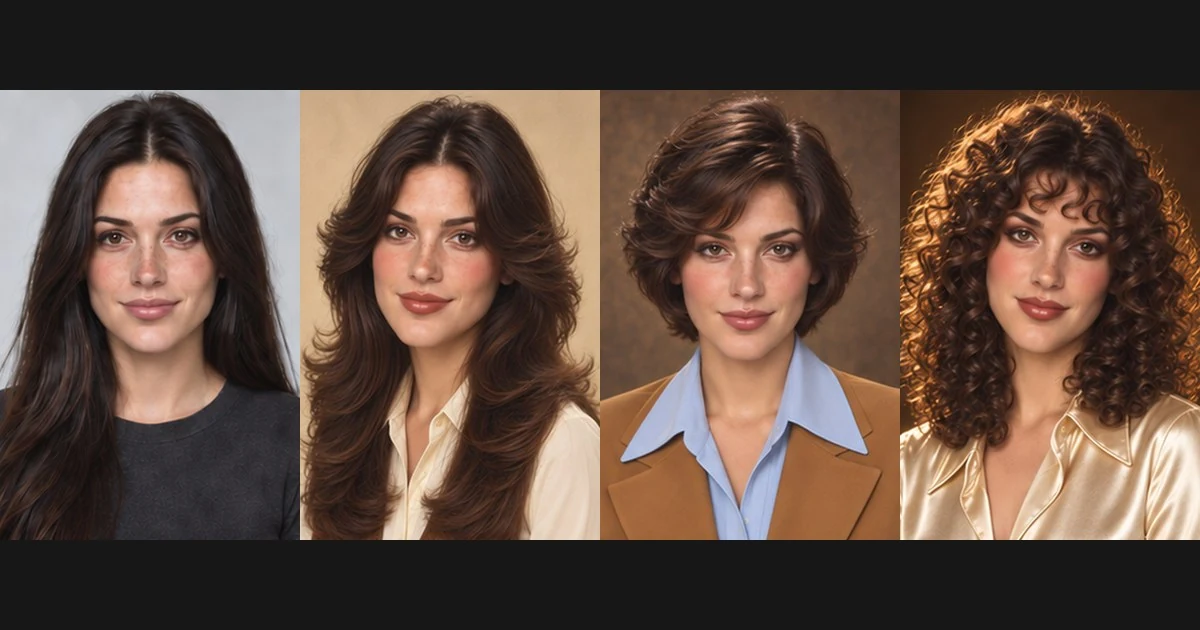
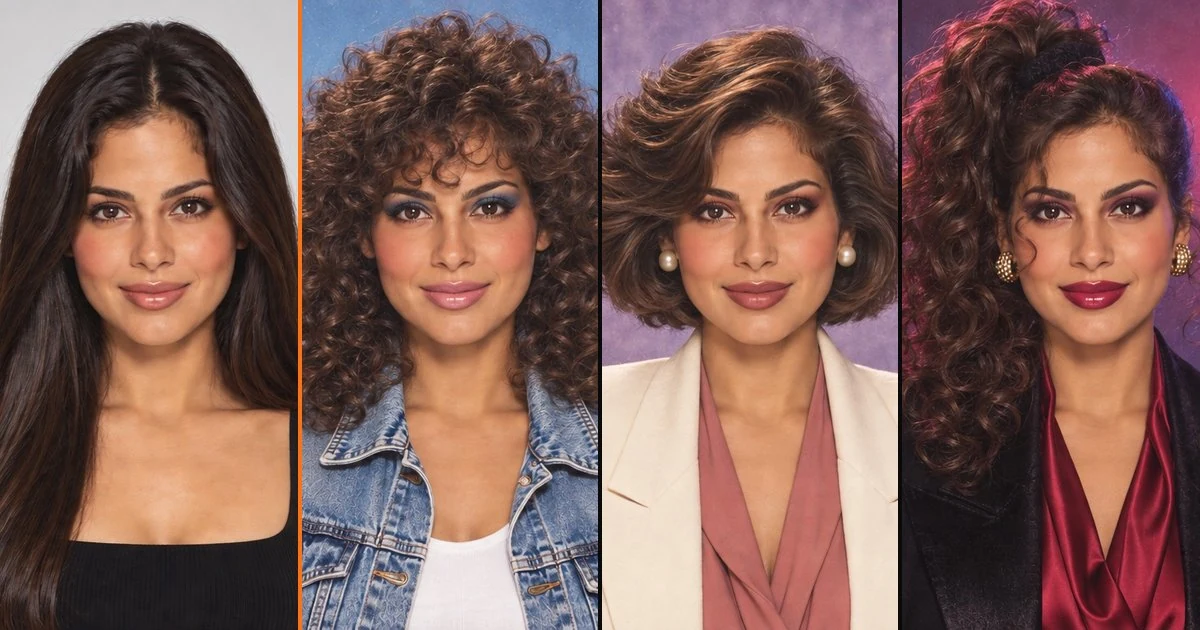
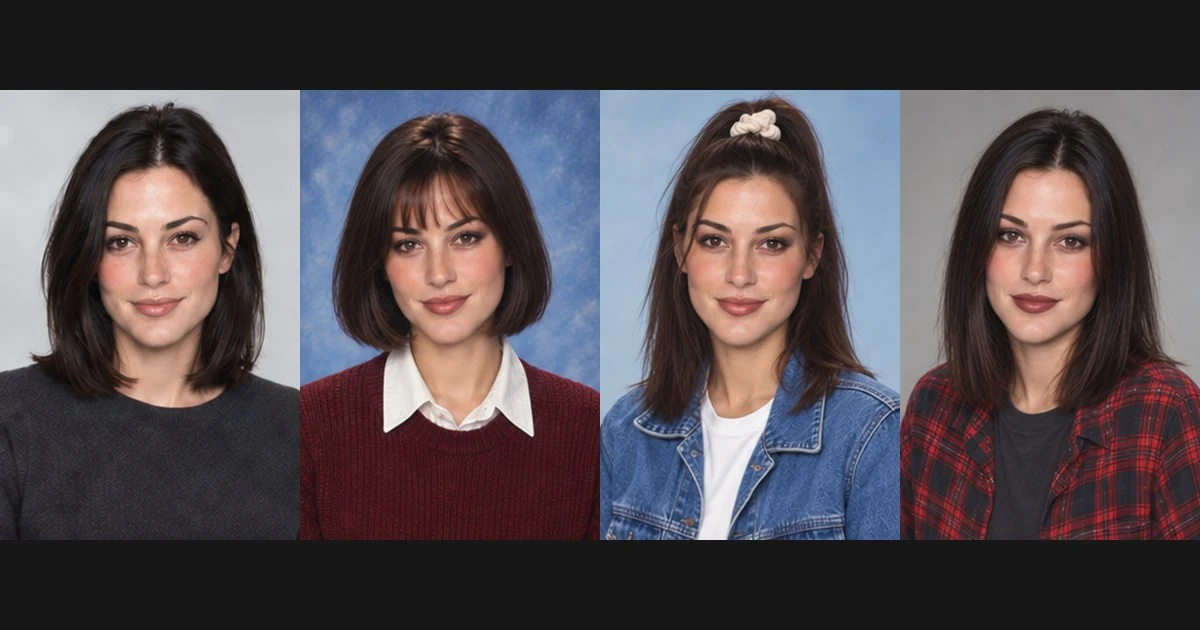
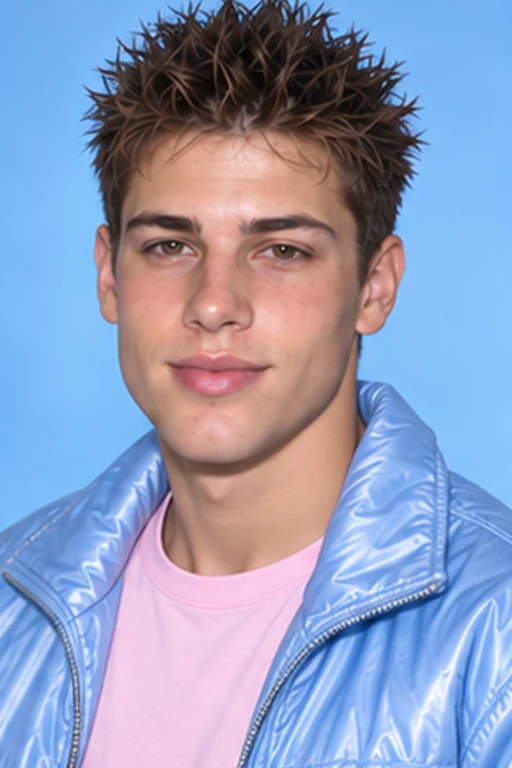
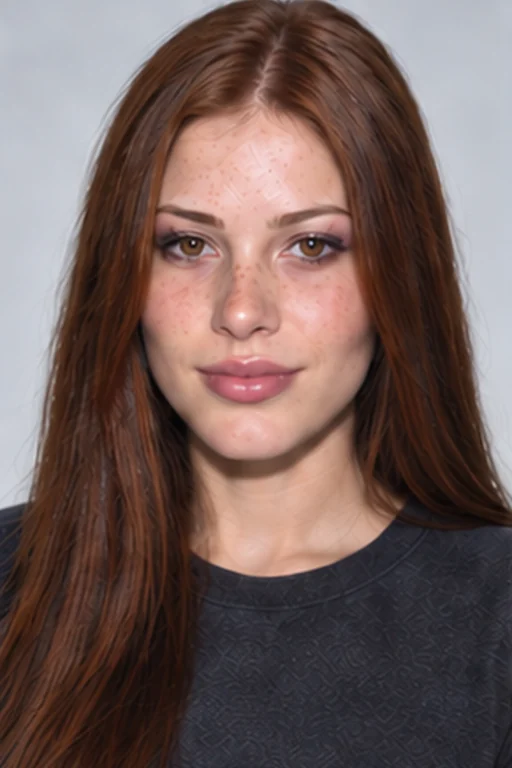
OriginalY2K · PopY2K · Chrome2000s · Digicam
One familiar face. Three Y2K looks.
AI-created illustrations of possible looks. Your portraits may vary.
Turn your selfie into a Y2K-inspired 2000s photo
Image25’s Y2K photo generator brings two early-2000s looks to your portrait: playful fashion styling and compact-camera-inspired photography. Try glossy makeup, face-framing strands and metallic details, or choose casual clothing with a direct-flash finish. Your selfie provides the reference while AI creates the new look.
Choose a well-lit selfie with one person and a clearly visible face. Avoid heavy shadows or anything covering your features.
02
Choose your Y2K photo style
Select Y2K Pop, Chrome Studio, Digicam Flash, then choose your model, quality, aspect ratio, background and image count. No written prompt is required.
03
Generate and download
Compare your Y2K portrait with the original and download your favorite result.
Explore Y2K and early-2000s photo styles
Modern
Y2K
Y2K · Pop · AI illustrations
Y2K pop portraits with glossy makeup and playful hair
Try face-framing strands, a high ponytail or small hair accessories paired with glossy lips and soft shimmer. Pink and icy-blue accents give this preset a playful, styled portrait look.
Choose a cooler look with silver accents, a short flipped bob or sleek side part, and a clean studio setting. Shimmering eye makeup, metallic fabrics and defined highlights create a more polished alternative to a casual snapshot.
Create a compact-camera-inspired portrait with a clipped updo or relaxed shaggy fringe, bronze eye makeup, neutral lip gloss, casual clothes, direct flash, visible background shadows and subtle digital texture. This preset focuses on the feel of an early-2000s snapshot rather than a metallic fashion makeover.
Y2K photo ideas for profiles, parties and throwbacks
Modern
Y2K
Y2K · Pop · AI illustrations
Y2K profile pictures
Create a glossy, playful portrait for your profile picture or next transformation post.
Modern
Y2K
2000s · Digicam · AI illustrations
2000s-themed party invitations
Use your portrait in a party invitation, birthday post or throwback announcement.
Modern
Y2K
Y2K · Chrome · AI illustrations
Pop and metallic outfit inspiration
Explore playful hair and metallic details before putting together your next outfit.
Modern
Y2K
2000s · Digicam · AI illustrations
Digicam-style throwback posts
Create a portrait with the casual flash-photo feel of an old compact-camera album.
Y2K 2000s Photo FAQ
How do I turn my photo into a Y2K picture?
Upload a clear selfie and choose a Y2K preset. Use Y2K Pop for glossy, playful styling, Chrome Studio for metallic details or Digicam Flash for a casual early-2000s camera look.
What is the difference between Y2K and 2000s photo styles?
On this page, Y2K refers to fashion-inspired details such as glossy makeup, playful hair and metallic accents. The 2000s photo presets also include casual digital-camera-inspired portraits. The styles overlap, but you can choose the part of the look you prefer.
Can I create a digicam photo without changing into a Y2K outfit?
Choose Digicam Flash for casual styling and a direct-flash finish. It does not require a metallic or pop-inspired outfit. Because it generates a new image, clothing and other details may still change.
Is this a Y2K filter or an AI photo generator?
It is an AI photo generator that uses your upload as a reference. It can change your hairstyle, outfit and background as well as the image finish. It is not a pixel-preserving filter applied to the original photo.
Does it reproduce a specific digital camera?
The Digicam Flash preset creates a general early-digital-camera-inspired look. It does not promise an exact match to a particular camera model, sensor or lens.
Can I get a 90s yearbook look instead?
Yes. Use the 1990s Photo Generator and choose Yearbook Photo for a school-portrait-style background and classic 90s styling.
Do I need to write a prompt?
No. Choose a preset, then select your model, quality, aspect ratio, background and 1–4 images. Example photos are AI illustrations; actual results vary.
How close will the portrait look to me?
Your uploaded photo guides the facial features while the styling changes. A sharp, well-lit portrait gives the generator a stronger reference, but likeness and fine details can vary. Compare the result with the original before sharing.
Can I use a phone selfie?
Yes. Upload one clear JPG, PNG or WebP with your face in focus and little obstruction from hair, sunglasses or shadows. Your browser compresses the image before uploading.
How much does a Y2K photo cost?
Fast · Medium costs 15 credits per image, including one reference photo. The total depends on the model, quality and image count and appears before generation. Photo uploads unlock with any paid plan or credit pack; free starter credits alone do not unlock this tool. Account generation and concurrency limits apply.
How do I download or generate another portrait?
Use Download Y2K photo below your finished portrait to save the original output. Generating again reuses your uploaded photo and charges the displayed total. If the upload is no longer available, upload it again.
What happens if generation fails?
A failed image releases its held credits. Completed images remain available; Retry remaining images generates only unfinished images. If the connection drops before a result arrives, use Check my request to recover that request before starting another generation.
How long are my photos stored?
Reference uploads are private and scheduled for deletion after one day. Generated portraits follow account retention: while a subscription is active, 90 days after it ends, or 365 days after the latest credit-pack purchase, using the longest applicable window. My Creations shows each image’s expiry. Download any copy you want to keep.
Create your Y2K photo from a selfie
Choose glossy 2000s styling or a casual digicam-inspired portrait.
 Modern
 Y2K
Y2K