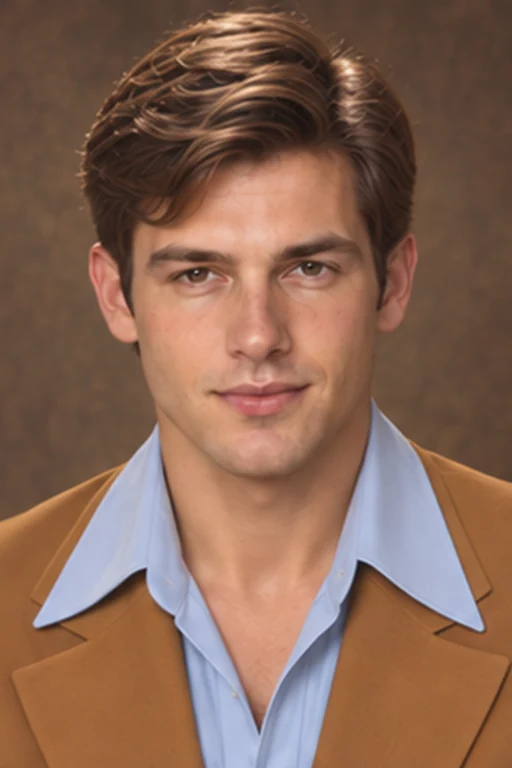
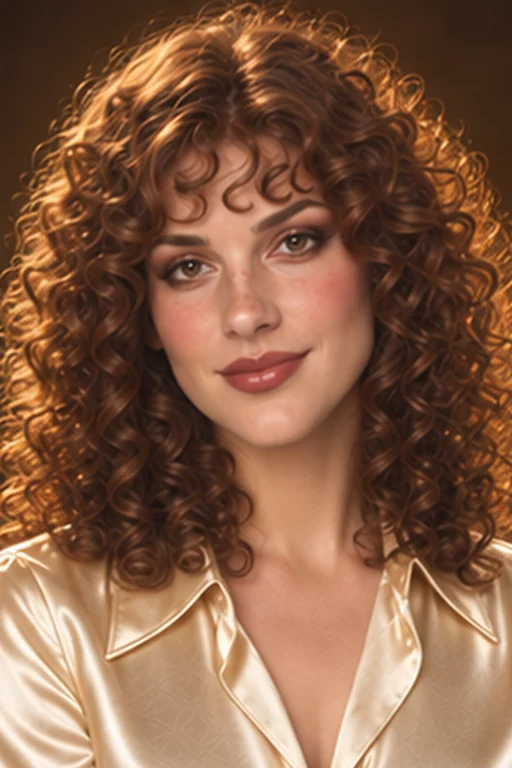
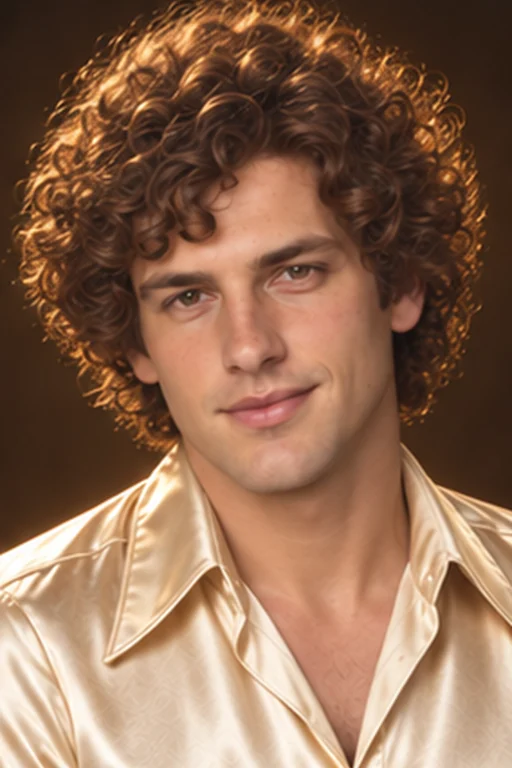
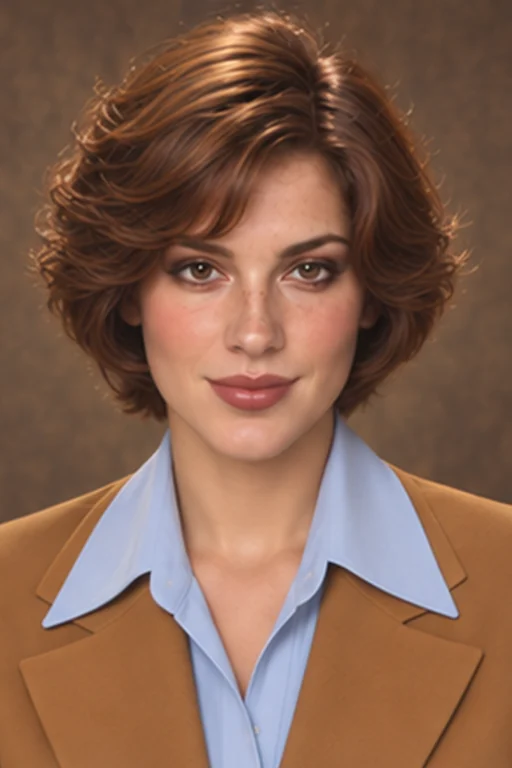
Turn your selfie into a 70s-inspired portrait with feathered hair, wide collars and warm film tones. Choose a vintage style and create your photo without writing a prompt.
1. Your photo
2. Choose your 70s styleClassic 70s
Feathered hair · cocoa eyes · peach lips
3. Quality
4. Aspect ratio
Backgroundⓘ
5. Number of images
15 credits · one 70s photo
Photo uploads require any plan or credit pack. Sign in to upload and generate.
Images are generated one at a time. Likeness can vary.
One face. A different decade.
Click any example below to try that look in the generator.
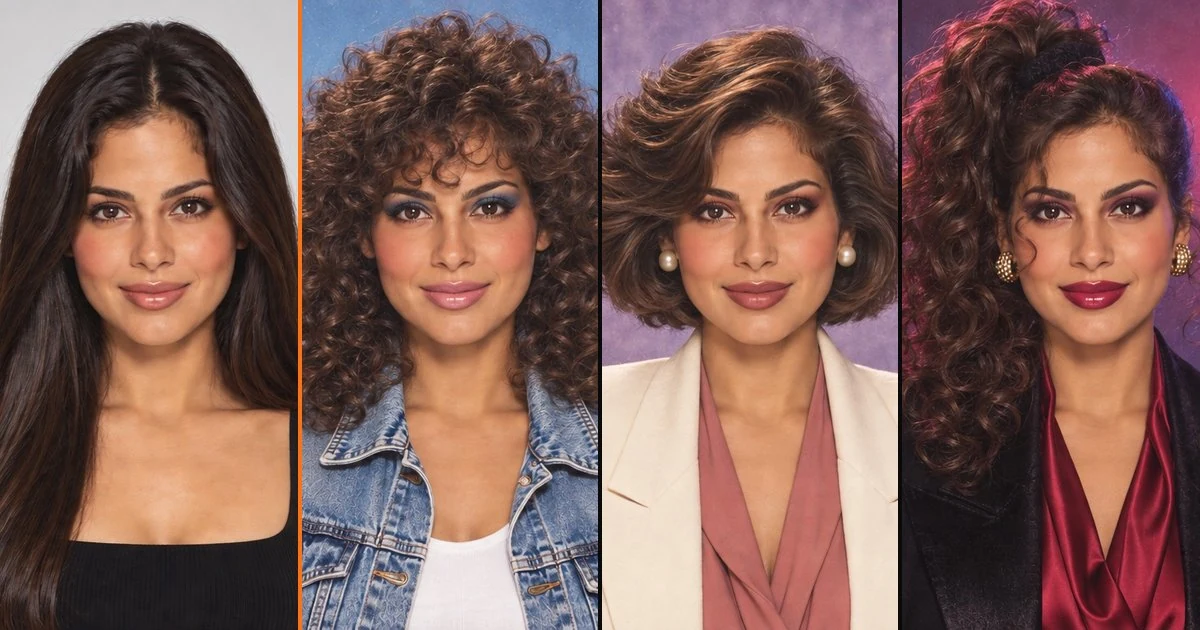
Original70s · Classic70s · Studio70s · Disco
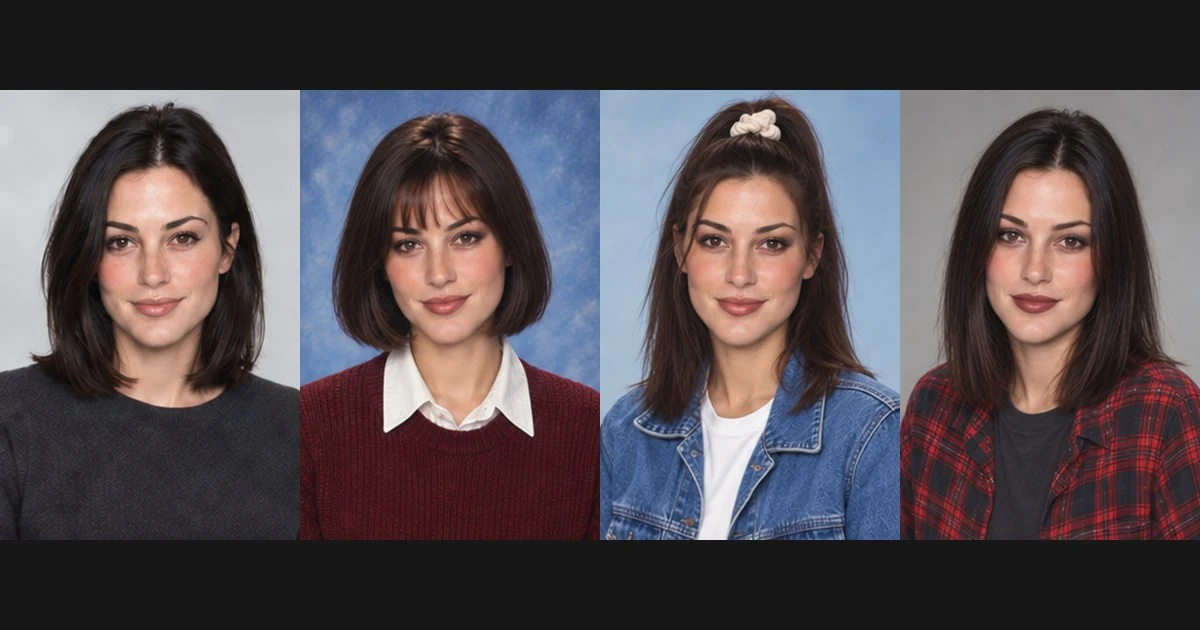
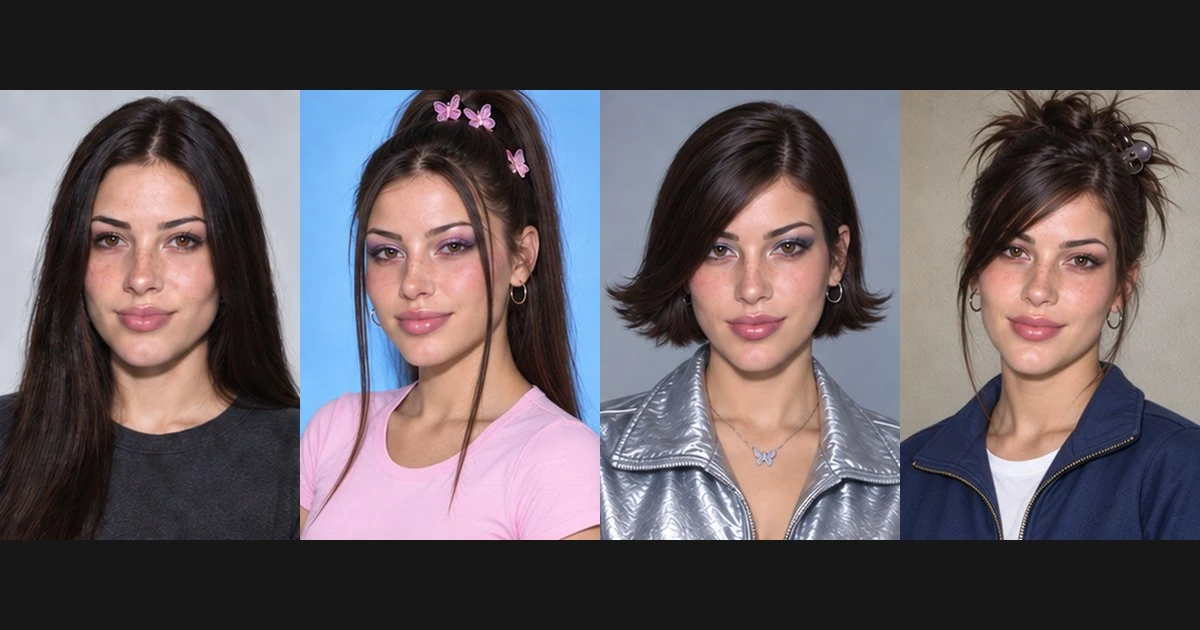
One familiar face. Three 70s looks.
AI-created illustrations of possible looks. Your portraits may vary.
Turn your selfie into a 1970s portrait
Image25’s 1970s photo generator uses your uploaded selfie as a reference to create a new portrait with 70s-inspired hair, clothing and photography. Try an everyday look with earthy colors, a softly lit studio portrait or a disco outfit with a little shimmer. The transformation changes more than the color of your photo: it reimagines how you could look in the decade.
Choose a well-lit selfie with one person and a clearly visible face. Avoid heavy shadows or anything covering your features.
02
Choose your 70s photo style
Select Classic 70s, Studio Portrait, Disco Night, then choose your model, quality, aspect ratio, background and image count. No written prompt is required.
03
Generate and download
Compare your 70s portrait with the original and download your favorite result.
Explore 1970s photo styles
Modern
70s
70s · Classic · AI illustrations
Classic 70s: feathered hair and warm film tones
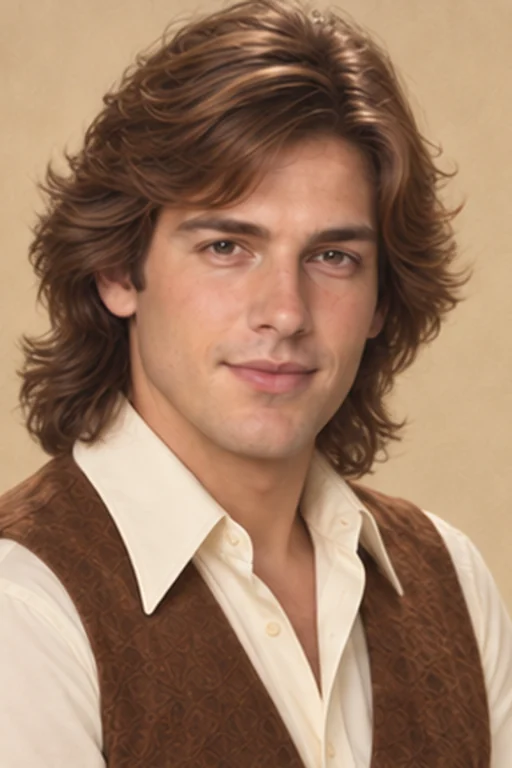
Try a relaxed 70s portrait with long feathered layers, cocoa-brown eye makeup, peach lips, wide-collar shirts and earthy shades of cream, rust and brown. Gentle grain and warm light give the image a family-album feel while keeping your face the focus.
Create a more polished portrait with a short feathered hairstyle, bronze eye makeup, rose lips, a period-inspired blazer and a soft studio backdrop and warm, even lighting. This style suits a vintage profile picture or an imagined portrait from an old family photo collection.
Choose Disco Night for rounded curls, copper-gold eye shimmer, glossy lips and satin or shimmering fabrics and a more expressive evening look. Warm highlights and a darker backdrop give your portrait a party mood without losing the facial detail.
1970s photo ideas for profiles, parties and throwbacks
Modern
70s
70s · Classic · AI illustrations
70s profile pictures
Make a warm, film-inspired portrait for your profile picture or next before-and-after post.
Modern
70s
70s · Disco · AI illustrations
Disco party invitations
Use your portrait in a party post or add it to an invitation you design.
Modern
70s
70s · Studio · AI illustrations
Vintage outfit inspiration
Explore feathered hair, earthy layers and wide collars before putting together your own 70s outfit.
Modern
70s
70s · Disco · AI illustrations
Family-album throwbacks
Share your imagined 70s portrait with family and ask who had a similar look.
1970s Photo FAQ
How can I make my photo look like it was taken in the 1970s?
Upload a clear selfie and select a 70s preset. Image25 generates a new portrait with period-inspired hair, clothes, lighting and a film-like finish. Choose Classic 70s for everyday vintage styling or Disco Night for an evening look.
Is this a 70s photo filter or an AI portrait generator?
It is an AI portrait generator. A basic vintage filter usually adjusts the colors and texture of an existing image. This tool can also restyle your hair, clothing and background, using your photo as the facial reference.
What gives a portrait a 70s look?
The presets combine details such as feathered hair, wide collars, earthy colors, soft lighting and gentle film grain. Disco-inspired portraits add fuller hair and shimmering fabrics. The exact combination depends on the style you choose.
Can I create a 70s portrait without a disco outfit?
Yes. Choose Classic 70s or Studio Portrait for a more understated result. These styles focus on everyday clothing or studio portraits rather than partywear.
Will a 1970s photo make me look older?
The intended change is the era of your styling, not your age. Your uploaded image guides the person in the portrait, although facial details and likeness can vary.
Do I need to write a prompt?
No. Choose a preset, then select your model, quality, aspect ratio, background and 1–4 images. Example photos are AI illustrations; actual results vary.
How close will the portrait look to me?
Your uploaded photo guides the facial features while the styling changes. A sharp, well-lit portrait gives the generator a stronger reference, but likeness and fine details can vary. Compare the result with the original before sharing.
Can I use a phone selfie?
Yes. Upload one clear JPG, PNG or WebP with your face in focus and little obstruction from hair, sunglasses or shadows. Your browser compresses the image before uploading.
How much does a 70s photo cost?
Fast · Medium costs 15 credits per image, including one reference photo. The total depends on the model, quality and image count and appears before generation. Photo uploads unlock with any paid plan or credit pack; free starter credits alone do not unlock this tool. Account generation and concurrency limits apply.
How do I download or generate another portrait?
Use Download 70s photo below your finished portrait to save the original output. Generating again reuses your uploaded photo and charges the displayed total. If the upload is no longer available, upload it again.
What happens if generation fails?
A failed image releases its held credits. Completed images remain available; Retry remaining images generates only unfinished images. If the connection drops before a result arrives, use Check my request to recover that request before starting another generation.
How long are my photos stored?
Reference uploads are private and scheduled for deletion after one day. Generated portraits follow account retention: while a subscription is active, 90 days after it ends, or 365 days after the latest credit-pack purchase, using the longest applicable window. My Creations shows each image’s expiry. Download any copy you want to keep.
Create your own 1970s photo
Upload a selfie, choose your 70s style and imagine a different decade.

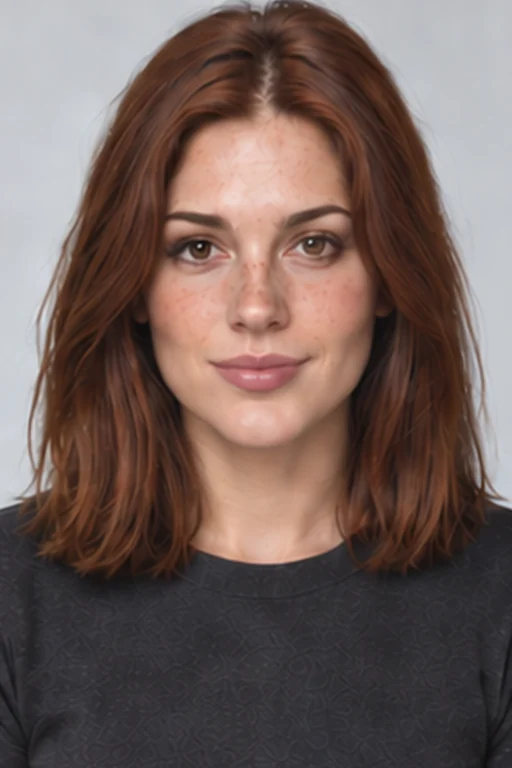 Modern
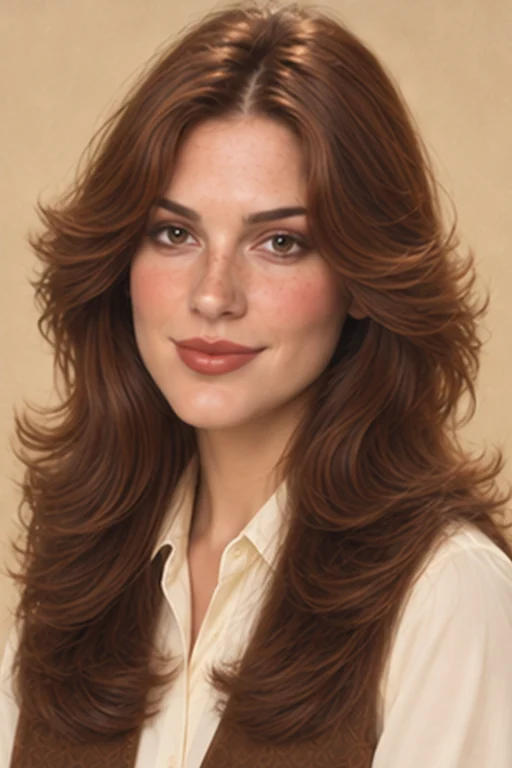 70s
70s