Studs
Studs are tiny and flat. Pair, front fills the frame; Pair, one turned shows the post and back so buyers know what they are getting.
Jewelry Studio · Earrings
Earrings sell as a pair, and buyers check that both match and how they fasten. Upload one photo of the pair and choose the layout and backdrop for each listing image.
Updated · Image25 Jewelry Studio
15 credits · Fast · Medium · 1 image
Includes one reference photo. Every new generation costs 15 credits.
Email sign-in keeps your selection. Google sign-in leaves this page; reselect your photo and settings after returning.
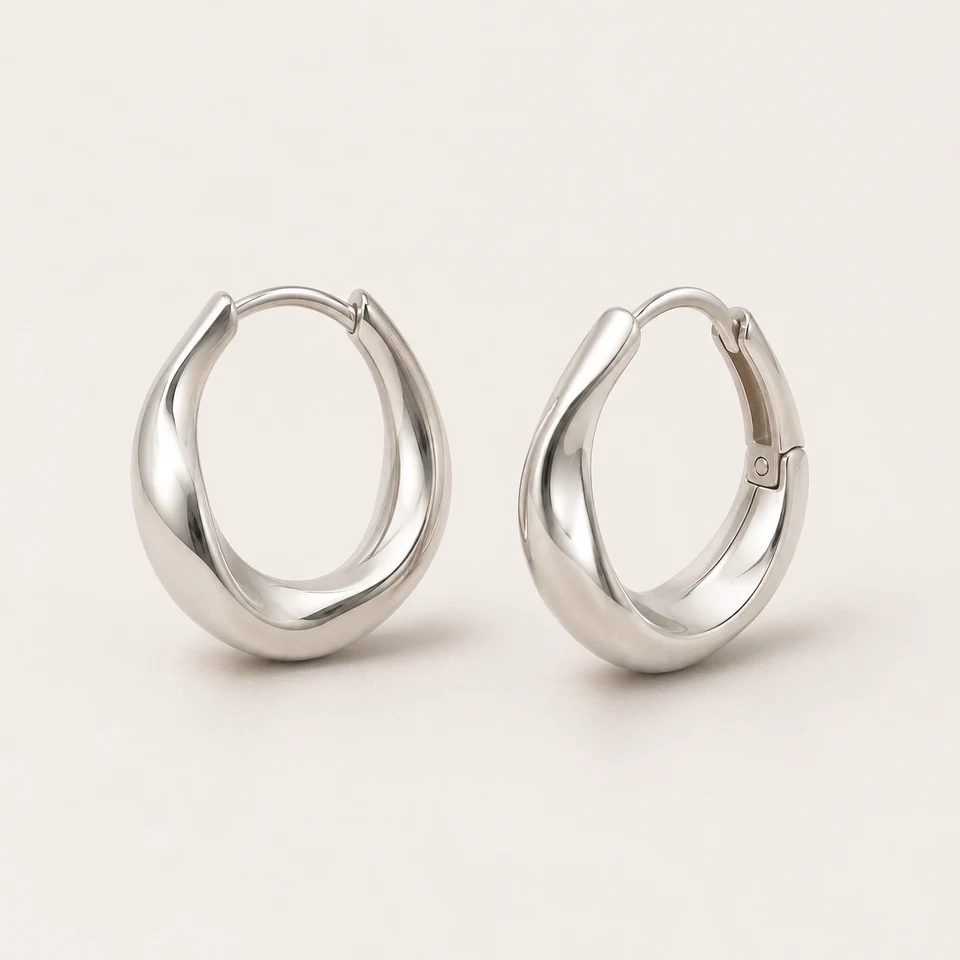 Pair, front · Clean Studio · Earrings
AI earring photography restages a photo of your real pair in a chosen layout: side by side, one turned to show the post or back, on a display, or as a single detail. Both earrings stay identical. One image costs 15 credits.
01
Explore lighting, framing and presentation ideas for your jewelry photos.
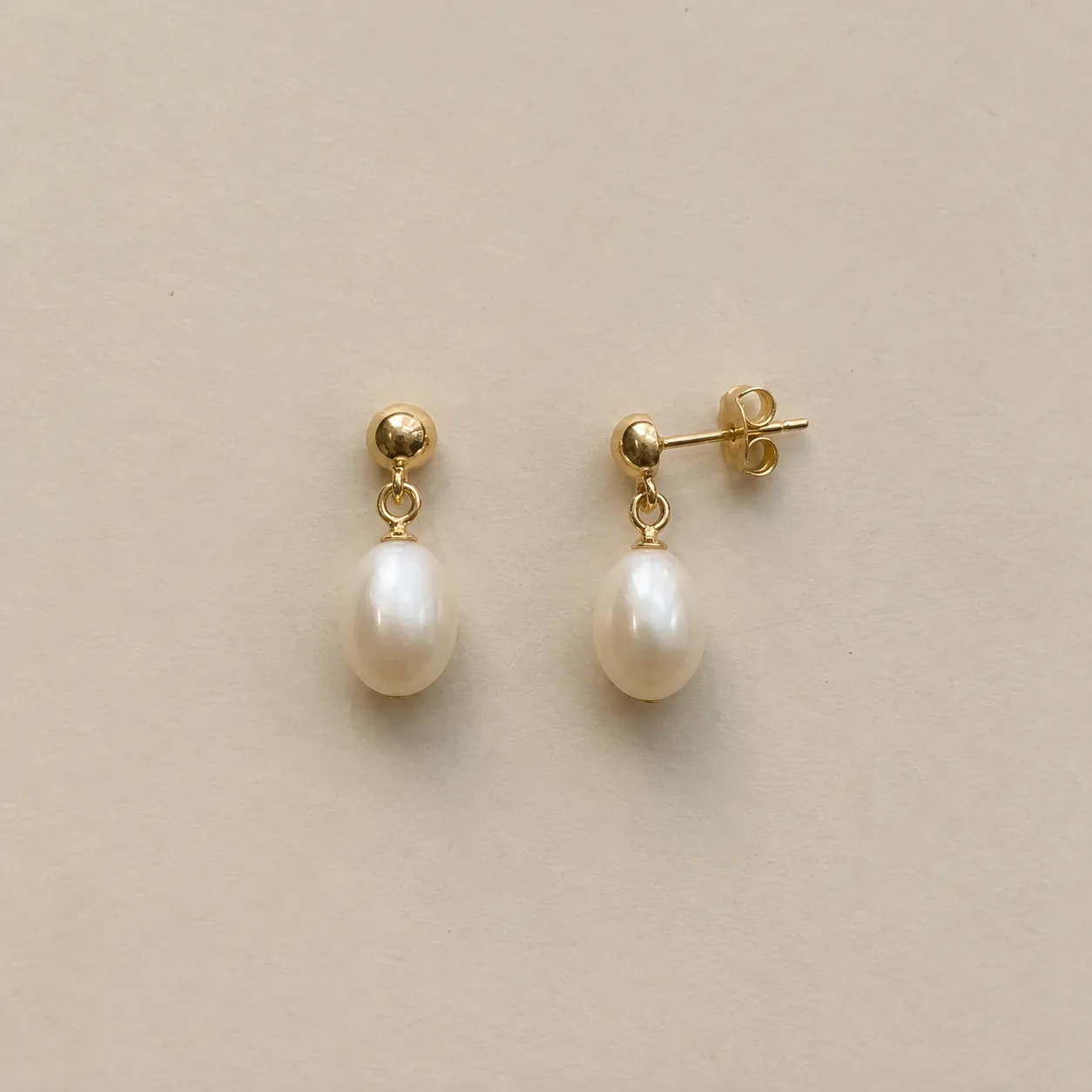 Before
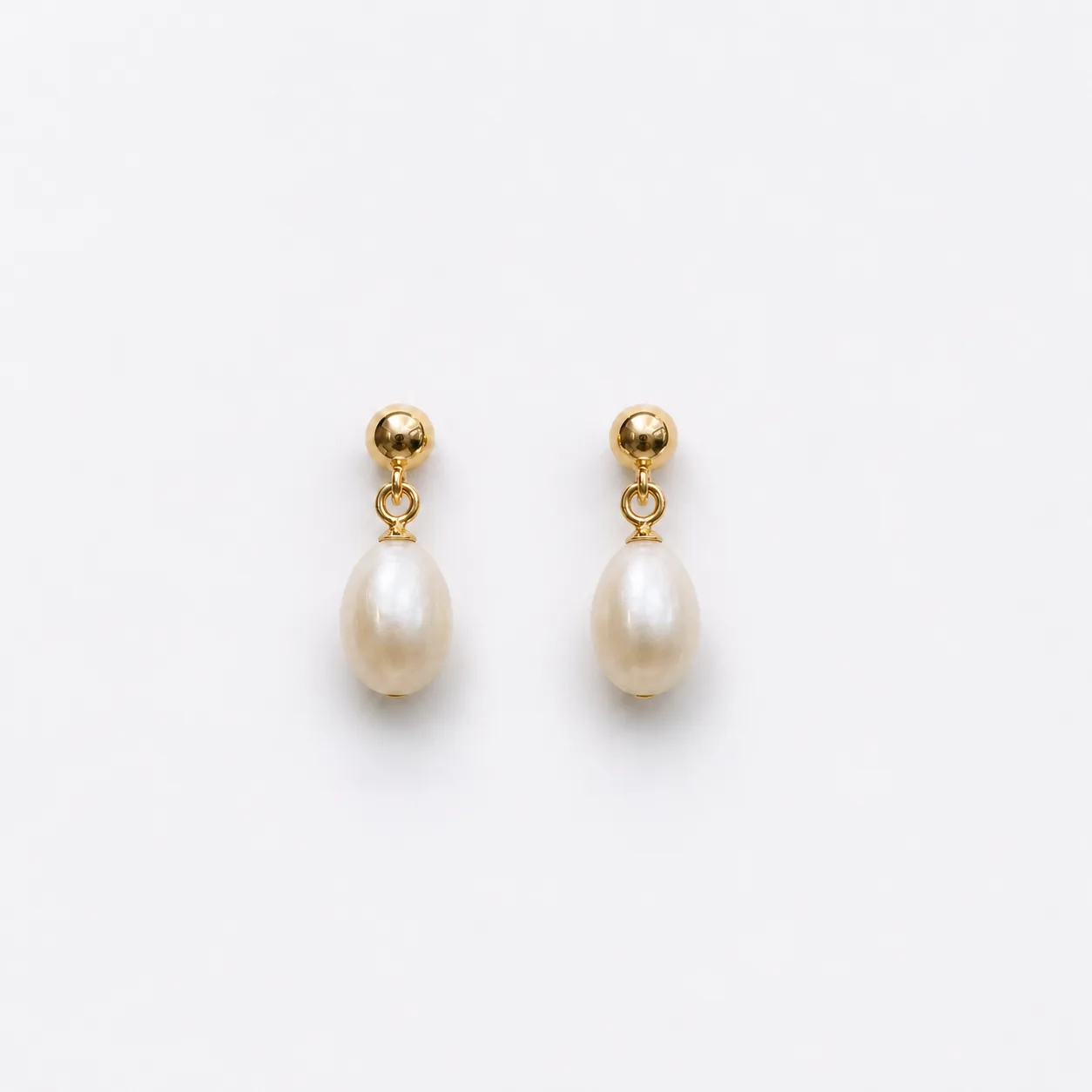 AfterBefore
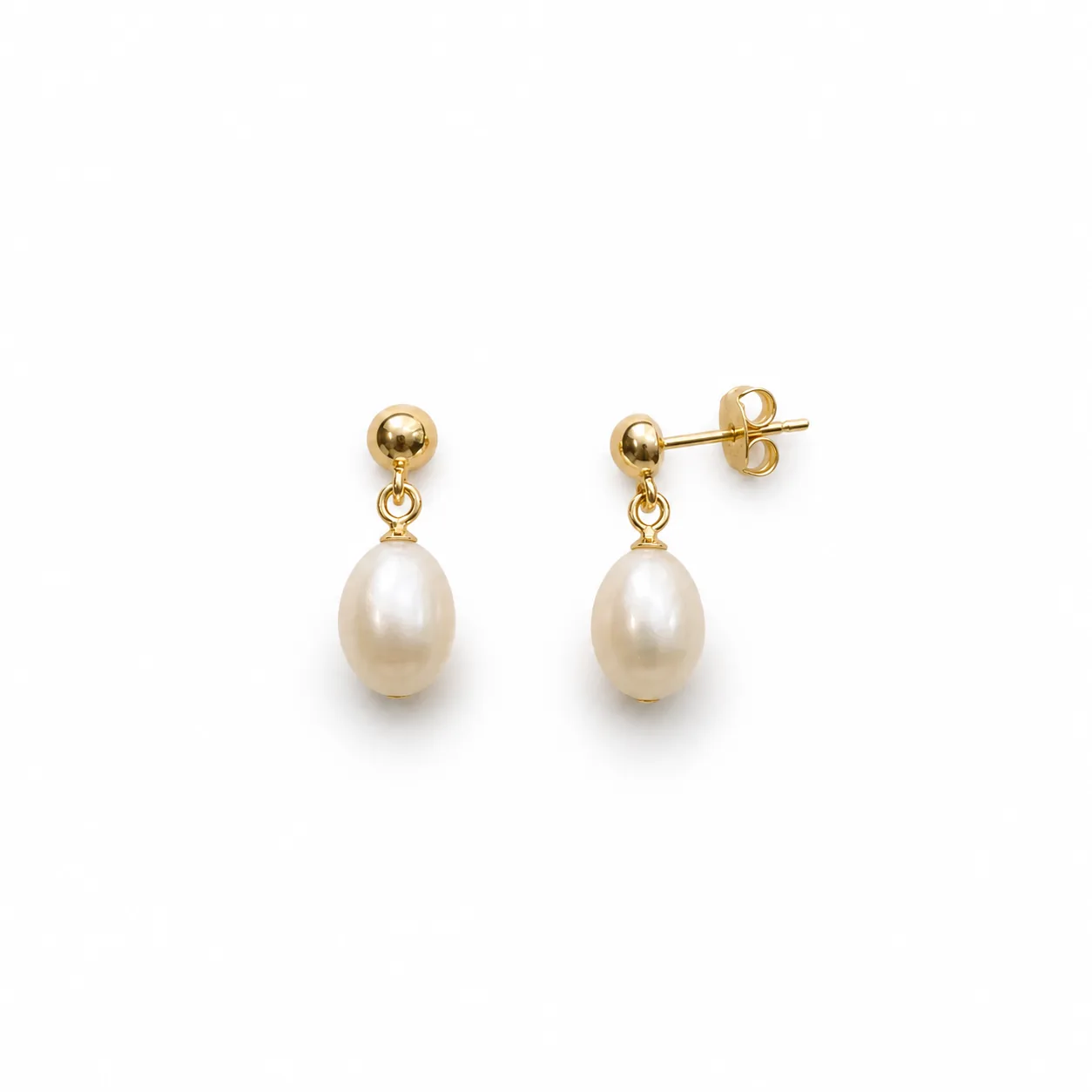 AfterBefore
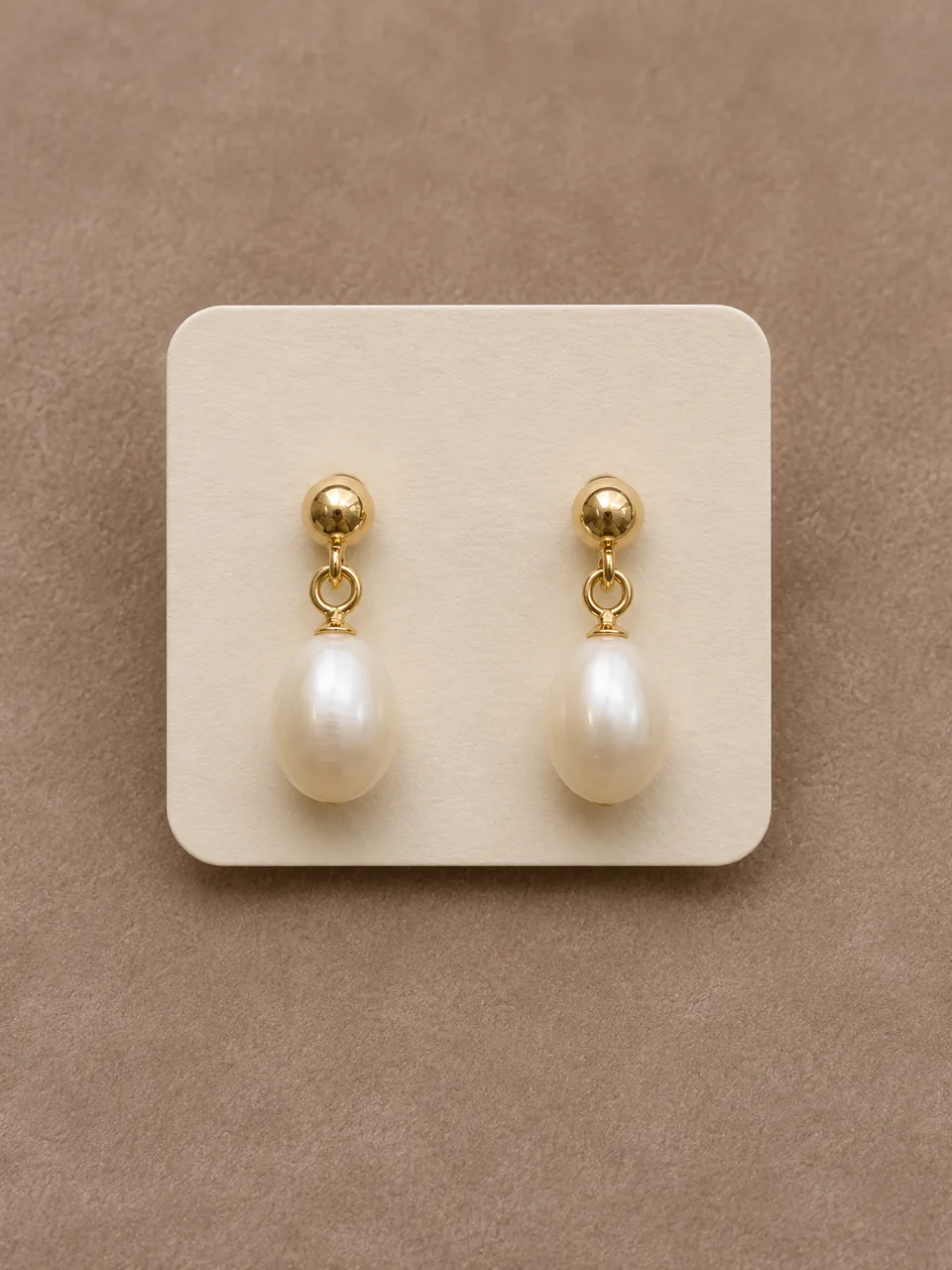 AfterBefore
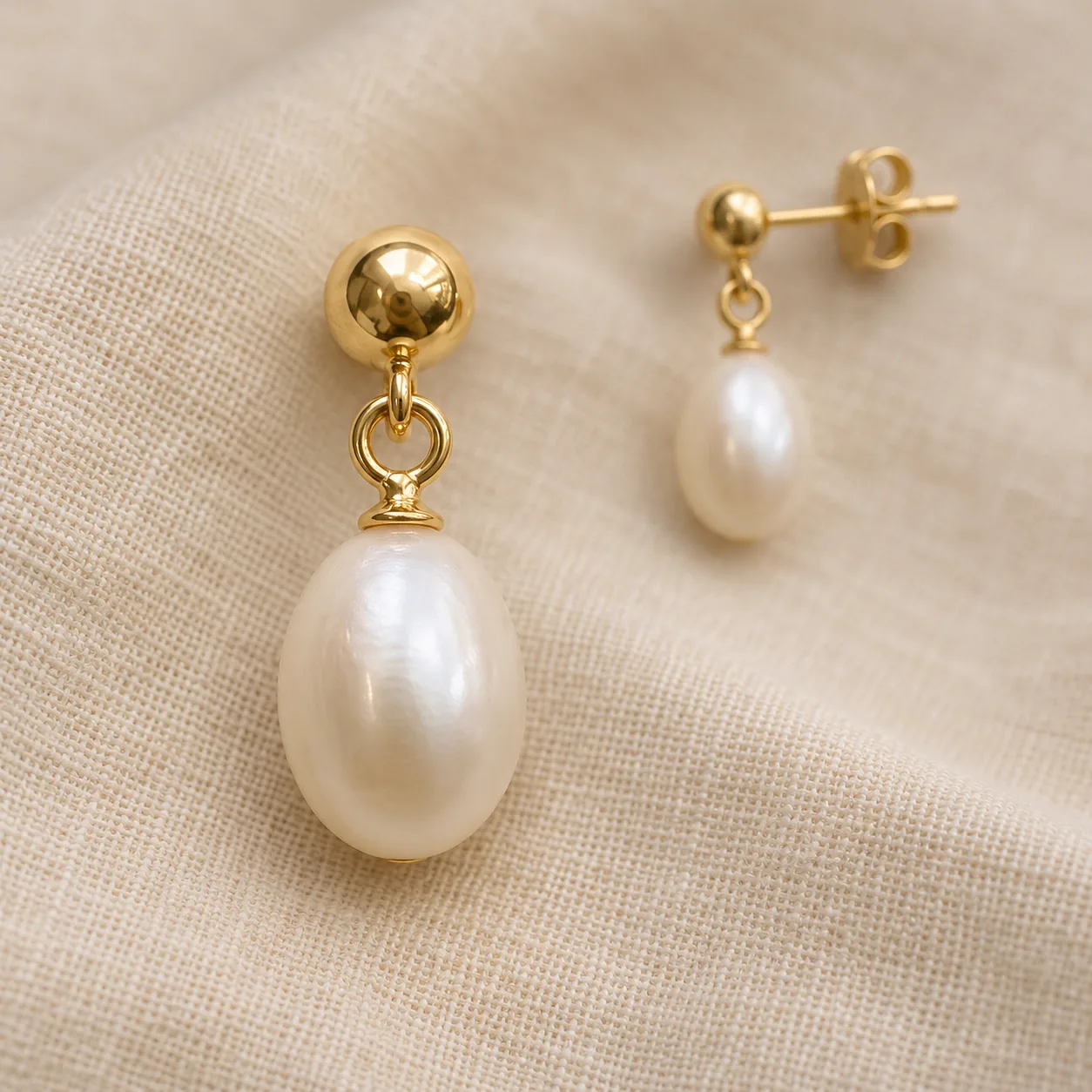 After
02
It is reference-based editing tuned for earrings. The tool treats your photo as the identity of the pair and adds an extra rule on top of the usual product checks: both earrings must stay the same size and design, mirrored where they are mirrored, and shown as one pair.
Earrings raise two questions that other jewelry does not. Do the two match? How do they attach? A front view answers the first. A view with one earring turned shows the post, hook, lever-back or clip that answers the second.
Small parts are where generation slips. Butterfly backs, hinges and tiny drops can change or disappear when they are not clear in the source. Photograph the pair with the fastening visible, and check it in every result.
Scale is the other common question. Earrings look larger in a close crop than they are on the ear, so pair your AI images with one real photo for scale and write the measured length or diameter in the description. Never let a generated image stand in for a measurement.
03
Place both earrings side by side at the same distance from the camera, with one turned slightly so the fastening shows. Use one PNG, JPEG or WebP up to 20 MB.
Select Pair, front; Pair, one turned; On a display; or Single detail. Then pick a backdrop and a 1:1, 4:3 or 3:4 frame. Add a note such as “keep the butterfly backs visible”.
Compare both earrings with each other and with your original: size, stones, drops and fastenings. Download only results where the pair still matches. Each new layout is a separate paid generation.
04
Most listings need one front view and one fastening view.
| Layout | Shows | Best format | Best for |
|---|---|---|---|
| Pair, front | Both earrings matching, at the same scale | 1:1 or 4:3 | First listing image |
| Pair, one turned | The post, hook, lever-back or clip | 1:1 | How the earrings fasten |
| On a display | Drop and movement on a stand or card | 3:4 | Drops, hoops and chandeliers |
| Single detail | Stones, texture and finish up close | 1:1 | Detail image for fine work |
05
Each style hides a different detail.
Studs are tiny and flat. Pair, front fills the frame; Pair, one turned shows the post and back so buyers know what they are getting.
Hoops need their full circle and closure. Check that the hinge or click mechanism stays where it is and that both hoops keep the same diameter.
Movement is the appeal. On a display lets drops hang naturally; check that each drop keeps its length and attachment.
Some designs are intentionally asymmetric, and some sellers sell singles. Add a note that says so, for example “the two earrings are intentionally different”, and check both sides of the result.
These follow the curve of the ear and look odd when laid flat. Use On a display or Single detail, and add a note describing how the piece should be oriented so the curve reads correctly.
Clip-ons are chosen for their mechanism. Use Pair, one turned to show the clip from the side, and check that the hinge and any cushion pad stay exactly as photographed.
Sell sets exactly as photographed. Lay every pair in the source photo with space between them; the tool keeps the number of pairs and should not add or drop any.
06
07
A front pair and a turned pair answer “what does it look like” and “how does it fasten”.
Example: gold studs, Pair front and Pair turned, Clean Studio, 1:1.
On a display shows length and movement consistently across a collection.
Example: six drop earrings on a display with Velvet Display.
Velvet adds depth to pearls and colored stones; a single detail shows luster and cut.
Example: pearl drops on velvet plus a Single detail close-up.
Earrings on a blank display card look ready to gift without any branded packaging.
Example: three pairs on display cards with Soft Lifestyle.
08
Look at the pair together first, then at each earring.
| Check | Good result | Reject if |
|---|---|---|
| Pair match | Both earrings the same size and design | One earring is larger or has a different detail |
| Mirroring | Mirrored designs stay mirrored | Both earrings point the same way when they should not |
| Fastening | Same post, hook, lever-back or clip | The fastening changed or disappeared |
| Backs | Backs shown only if they ship with the pair | Backs appear that you do not include |
| Stones and drops | Same count, color and drop length | A drop is longer, shorter or missing |
| Metal tone | Matches the pair in daylight | The two earrings show different metal tones |
Before you publish
AI may change small stones, posts, backs or drops, or make the two earrings drift apart. The tool works without a pixel mask, so it cannot lock every detail. Compare both earrings with your original and reject any result where the pair does not match the real one.
Generated images are not evidence of metal type, gemstone grade or hypoallergenic materials. State those facts from your own records.
Questions
Place both earrings side by side at the same distance from the lens and shoot straight on in soft light. The AI earring photography tool then keeps the pair matched in the new layout; still compare both earrings in every result.
Yes. Choose Pair, one turned, which shows one earring at about 45 degrees so the post, hook, lever-back or clip is visible. The fastening must be visible in your source photo for the result to be accurate.
White suits studs and catalog grids, velvet flatters pearls, gold and colored stones, and linen suits handmade pieces. Keep one backdrop across a collection so shoppers can compare designs.
Not on this page. On a display shows how earrings hang without a person. For worn images, use Earrings on Model, which handles ear placement, hair and the matched pair.
It is instructed to keep stones, posts, backs, drops and the pair relationship as photographed. Small parts can still change, so check both earrings against the real pair before you download.
Each image costs 15 credits on the default Fast setting, including your reference photo. New accounts that use Google sign-in or a Gmail address get 20 free credits, enough for one image. Free-credit images are watermarked and for personal use.
Your upload is private and scheduled for deletion after one day. On a free account, generated images stay in My Creations for 14 days; paid plans and credit packs keep them longer.
Aim for at least four: the pair from the front, the pair with one turned to show the fastening, a close detail of the stones or texture, and a real photo worn or next to a common object for scale. Keep the same backdrop across the AI images and state measured drop length in the description.
Upload a photo of both earrings, choose a layout and backdrop, and check the pair before you publish.
Upload an earring photo