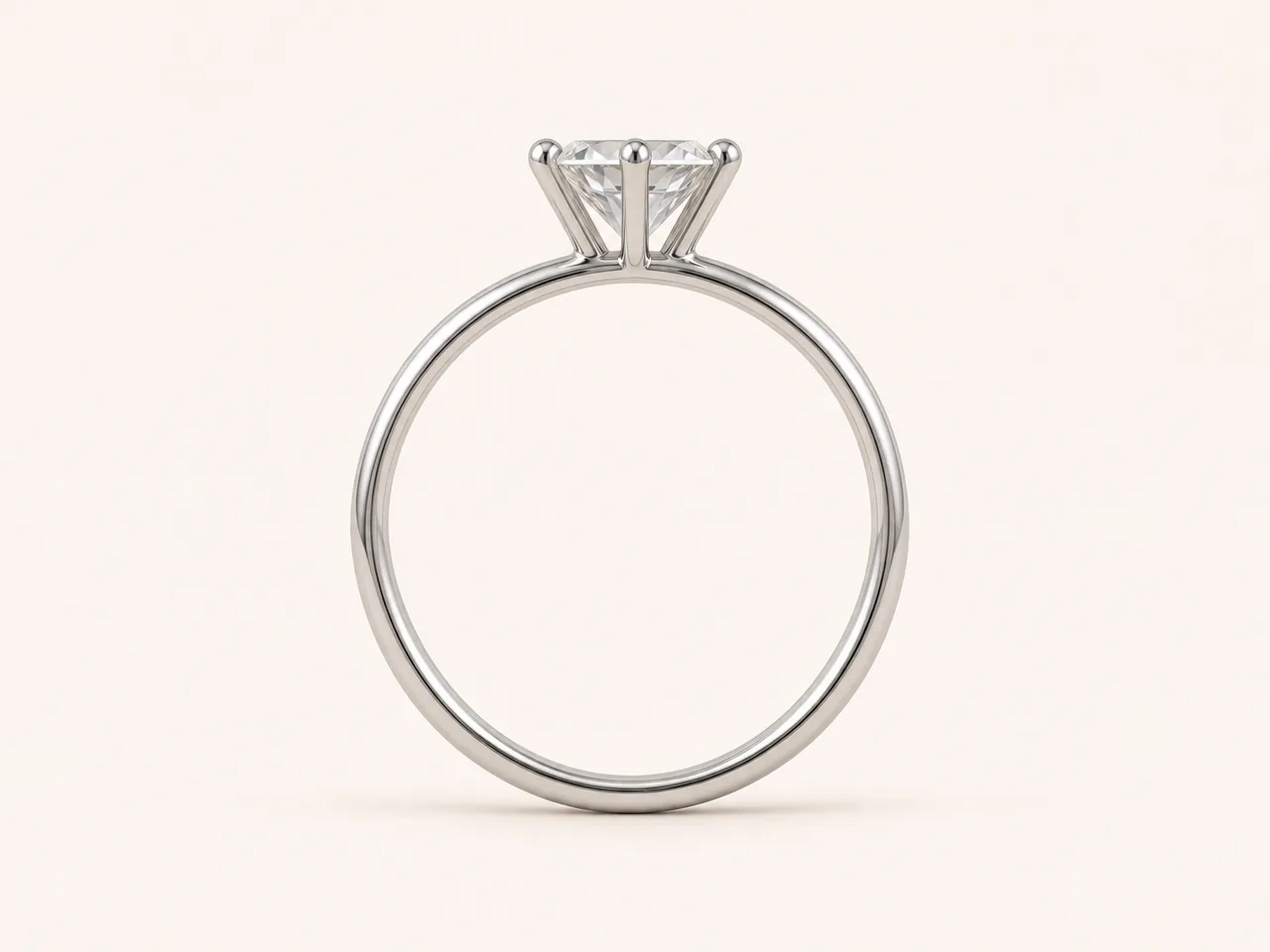
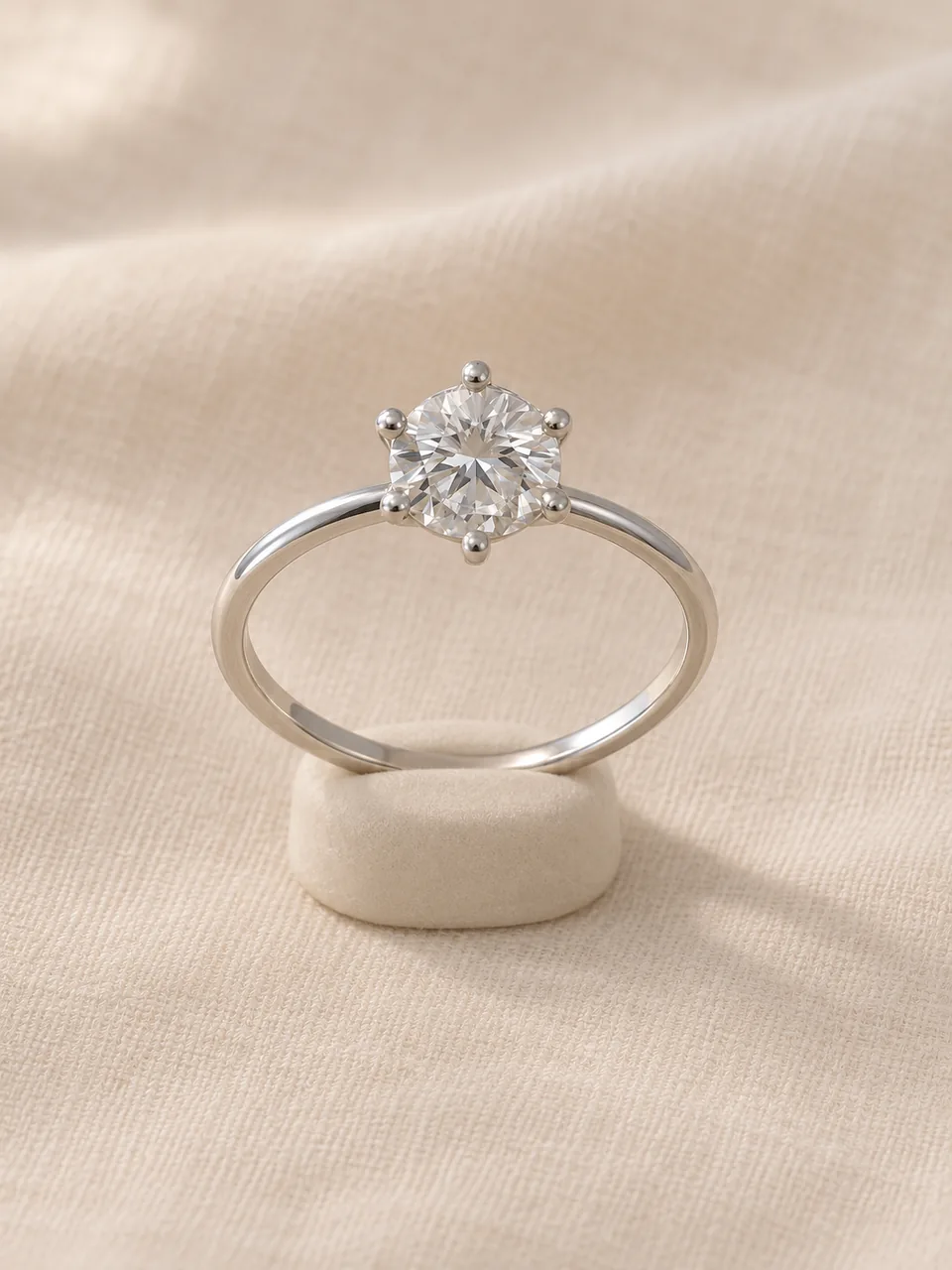
What is the best angle for AI ring photography?
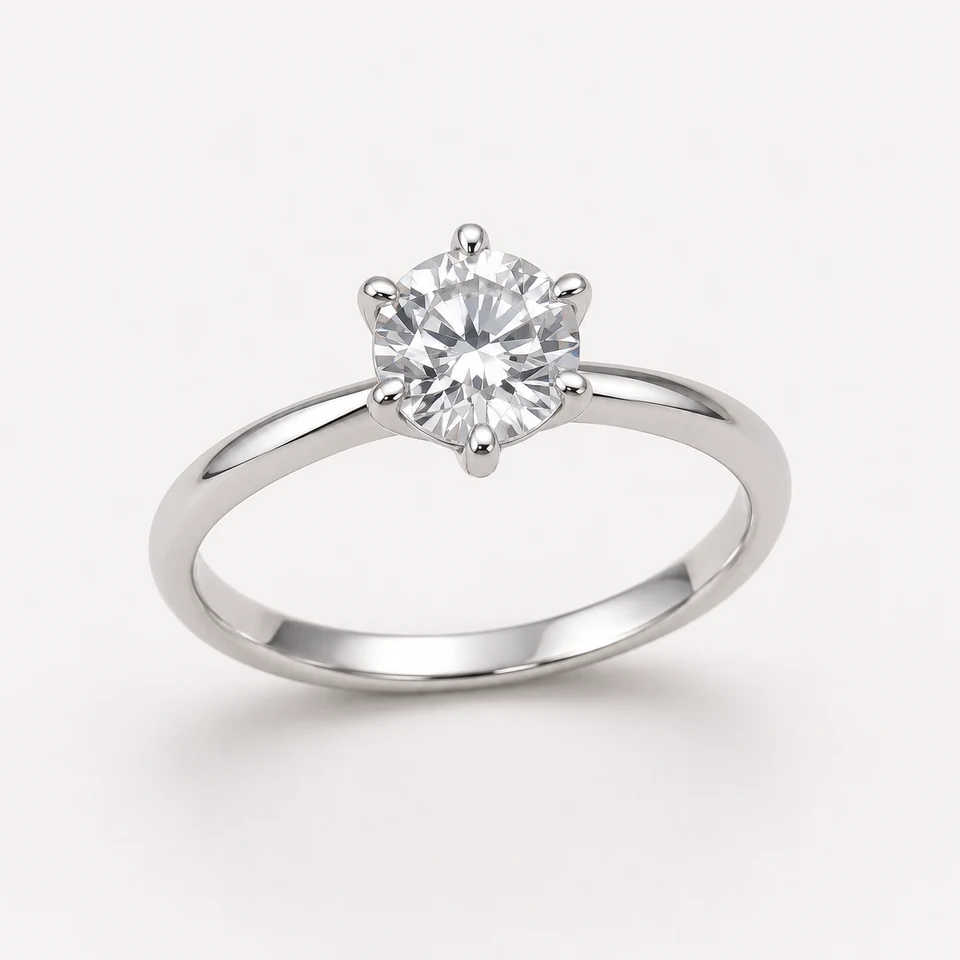
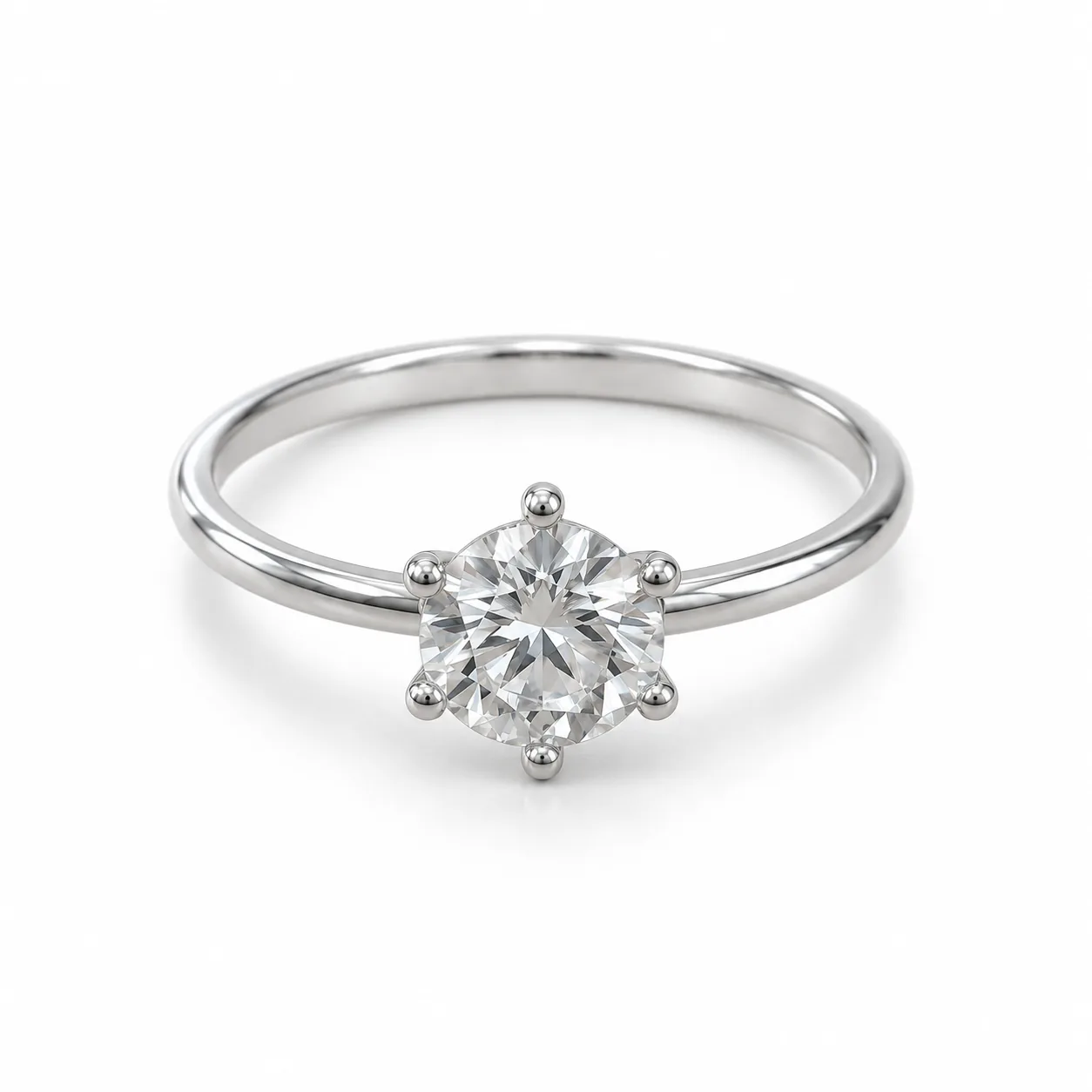
A three-quarter hero angle is the best first image because it shows the stone, setting and band together. Add a face-up shot for the stone and a side profile for setting height. Upload a source photo close to the angle you want for the most accurate result.
Can AI make engagement ring photos from a phone picture?
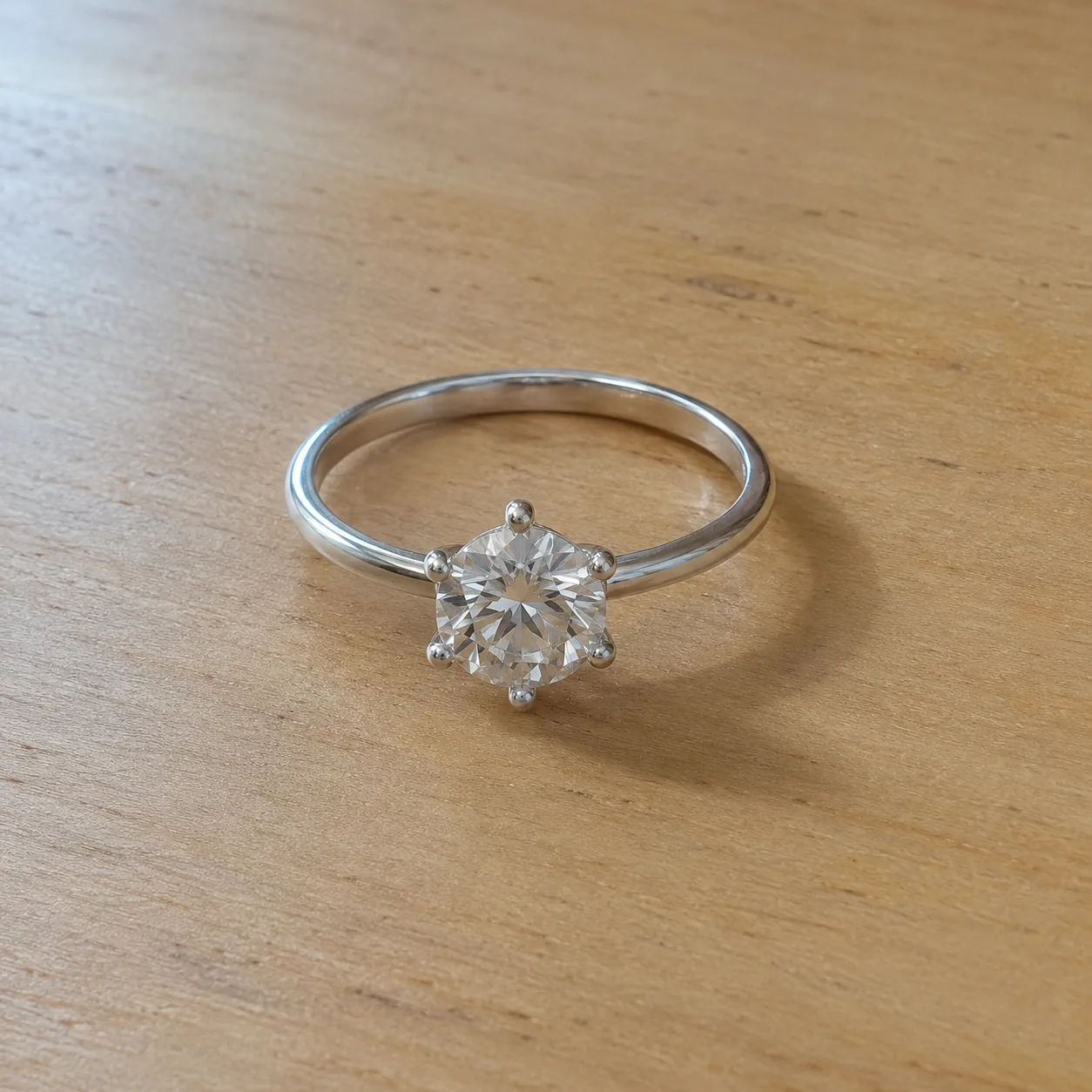
Yes, if the phone picture is sharp, evenly lit and shows the whole ring. The tool restages it at the angle and backdrop you choose. Check the center stone shape, prong count and any side stones carefully, because small stones are the details most likely to change.
Which background is best for ring product photography?
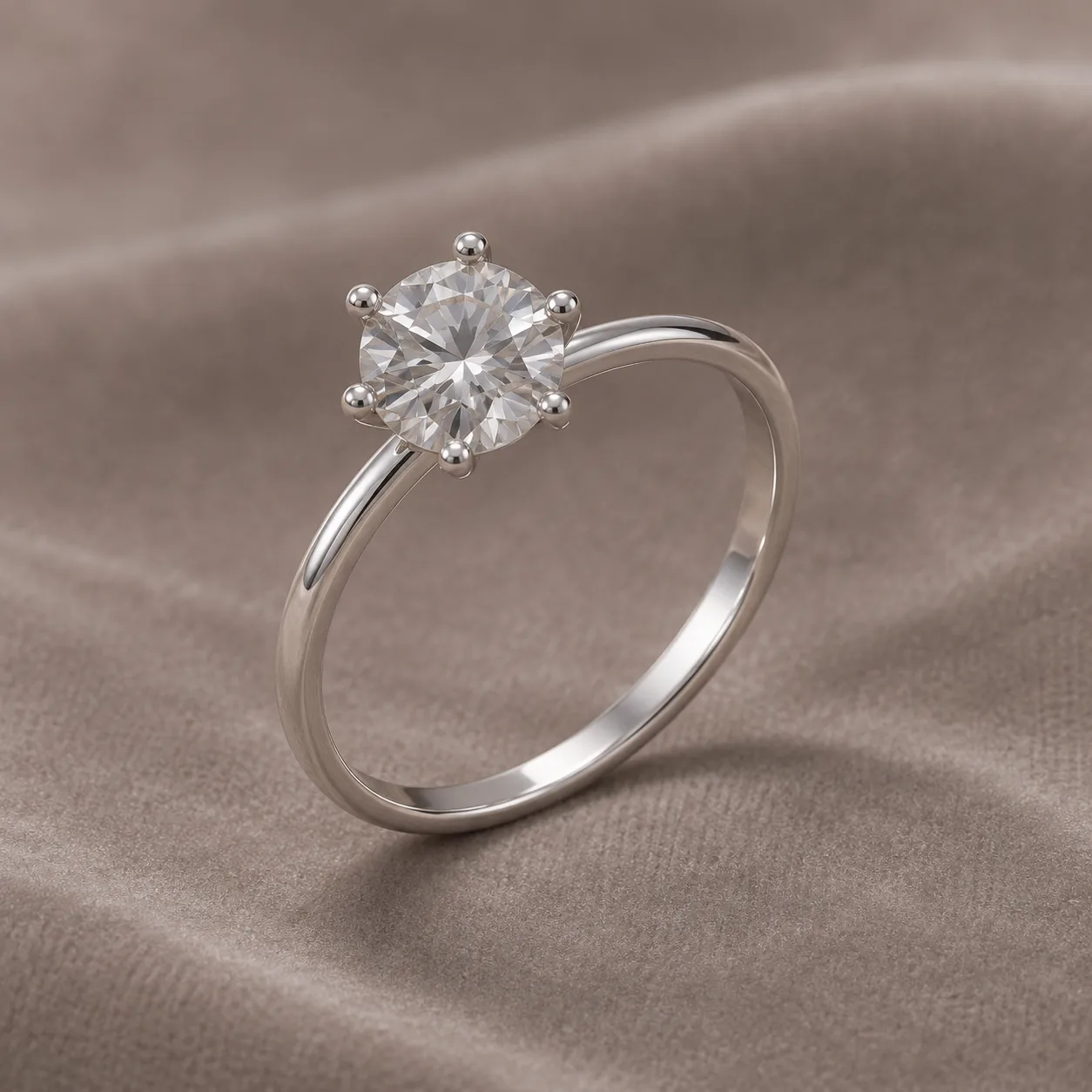
White suits catalog and marketplace grids. Velvet Display flatters diamonds, colored stones and gold. Soft Lifestyle linen suits handmade and textured rings. Keep one backdrop for a whole collection so pieces are easy to compare.
Will the AI change my ring design?
It is instructed not to. The prompt tells the model to keep stones, their count and shape, prongs, metal color, engraving and the band silhouette. It reduces changes but cannot guarantee them, so compare every result with the real ring before use.
How much does AI ring photography cost?
Each image costs 15 credits on the default Fast setting, including your reference photo. New accounts that use Google sign-in or a Gmail address get 20 free credits, enough for one image. Free-credit images are watermarked and for personal use.
Can I photograph a ring on a hand with this tool?
Not on this page. This tool makes product shots of the ring on its own. For worn images, use AI Ring on Hand, which handles the finger and pose; a real hand photo is still best when scale matters.
How long are my ring photos kept?
Your upload is private and scheduled for deletion after one day. On a free account, generated images stay in My Creations for 14 days; paid plans and credit packs keep them longer.
How many photos should a ring listing have?
Aim for at least four: a three-quarter hero, a face-up view of the stone, a side profile for the setting, and a real photo on a hand or next to a common object for scale. Keep the same backdrop across the AI images so the set looks consistent, and keep one unedited photo of the real ring.