Pendants and charms
The pendant is the product and the chain is the frame. Use Pendant detail for the face and Full length for scale.
- Check that the bail keeps its shape and size.
- Engraved or initial pendants need a sharp, readable source.
Jewelry Studio · Necklaces
A necklace has to show two things at once: the pendant up close and the chain at full length. Upload one photo and choose the layout and backdrop for each listing image.
Updated · Image25 Jewelry Studio
15 credits · Fast · Medium · 1 image
Includes one reference photo. Every new generation costs 15 credits.
Email sign-in keeps your selection. Google sign-in leaves this page; reselect your photo and settings after returning.
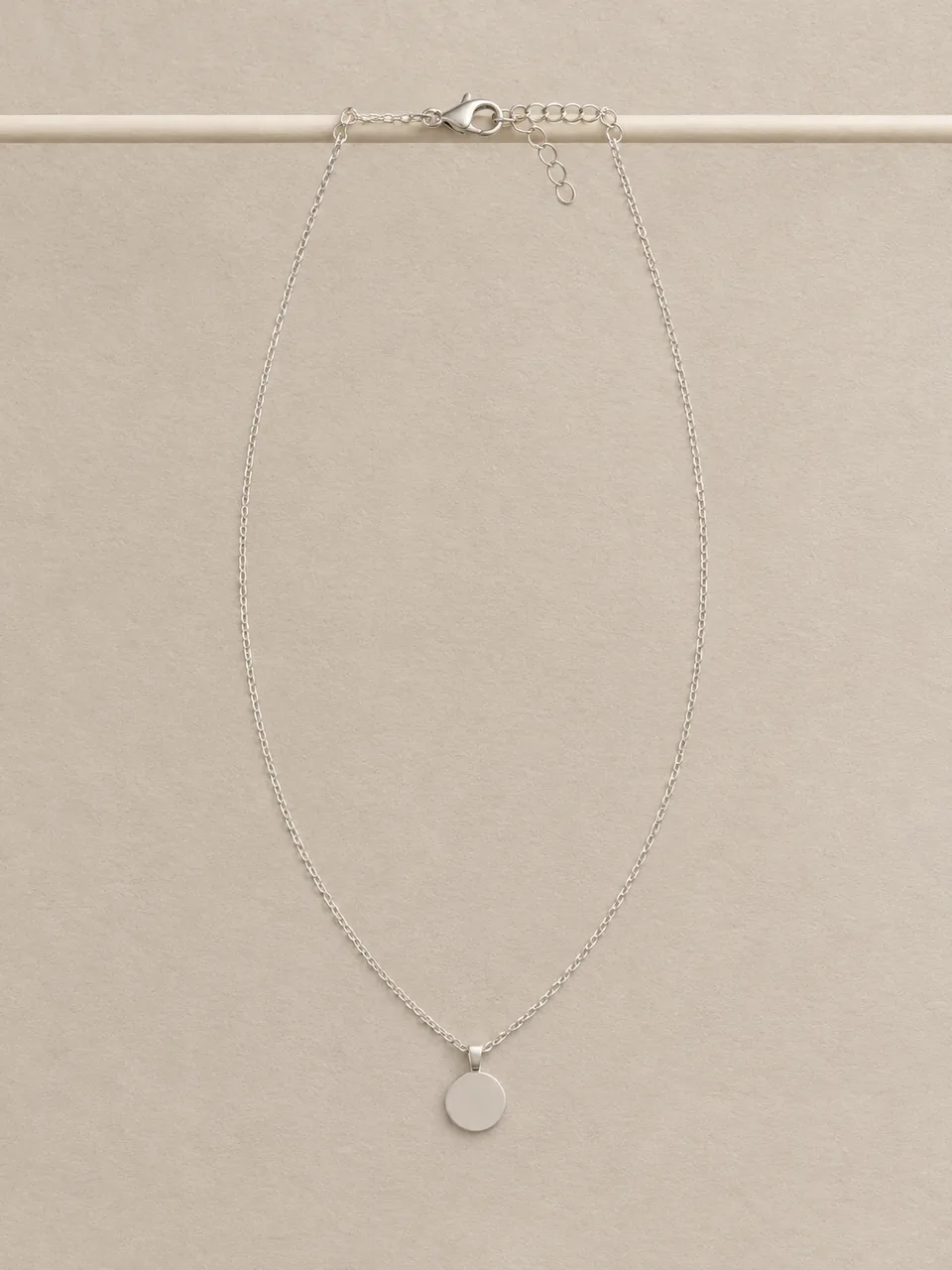
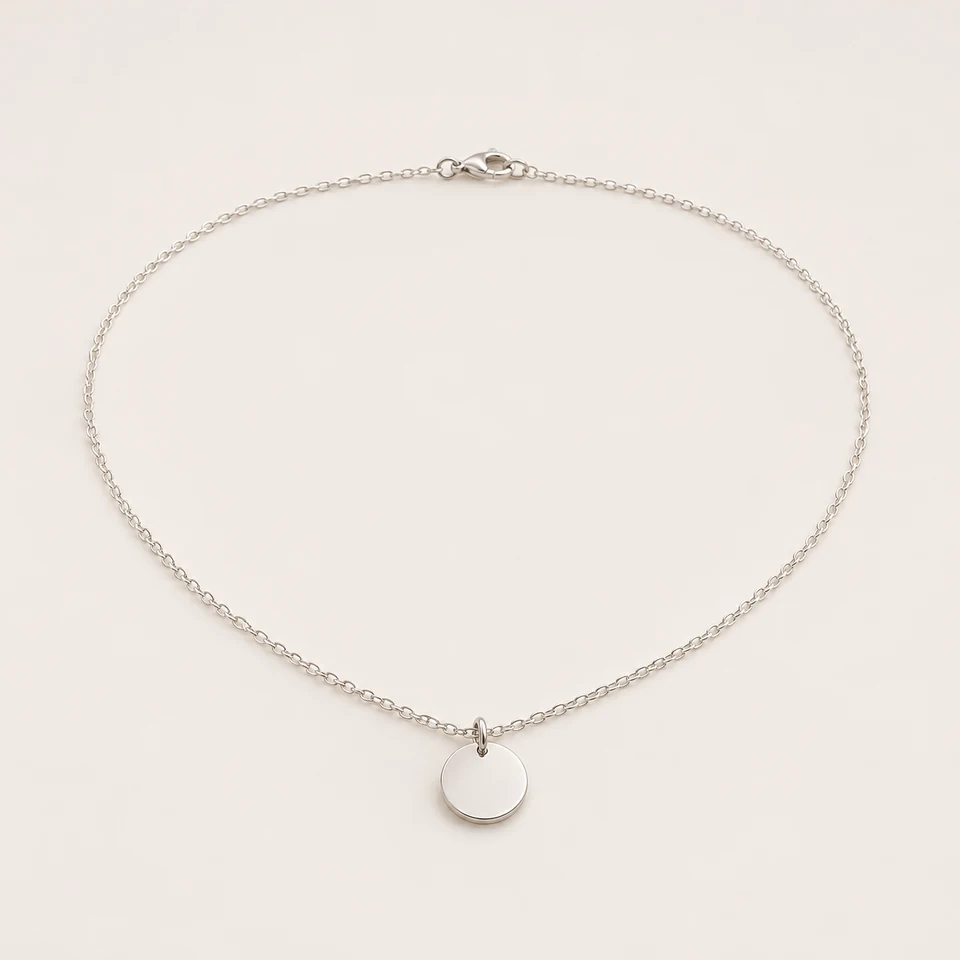 Full length · Clean Studio · Necklace
AI necklace photography restages a photo of your real necklace in a chosen layout: full length, pendant detail, on a bust form or hanging. Pick a backdrop and format, and get one image for 15 credits with the chain and clasp preserved.
01
Explore lighting, framing and presentation ideas for your jewelry photos.
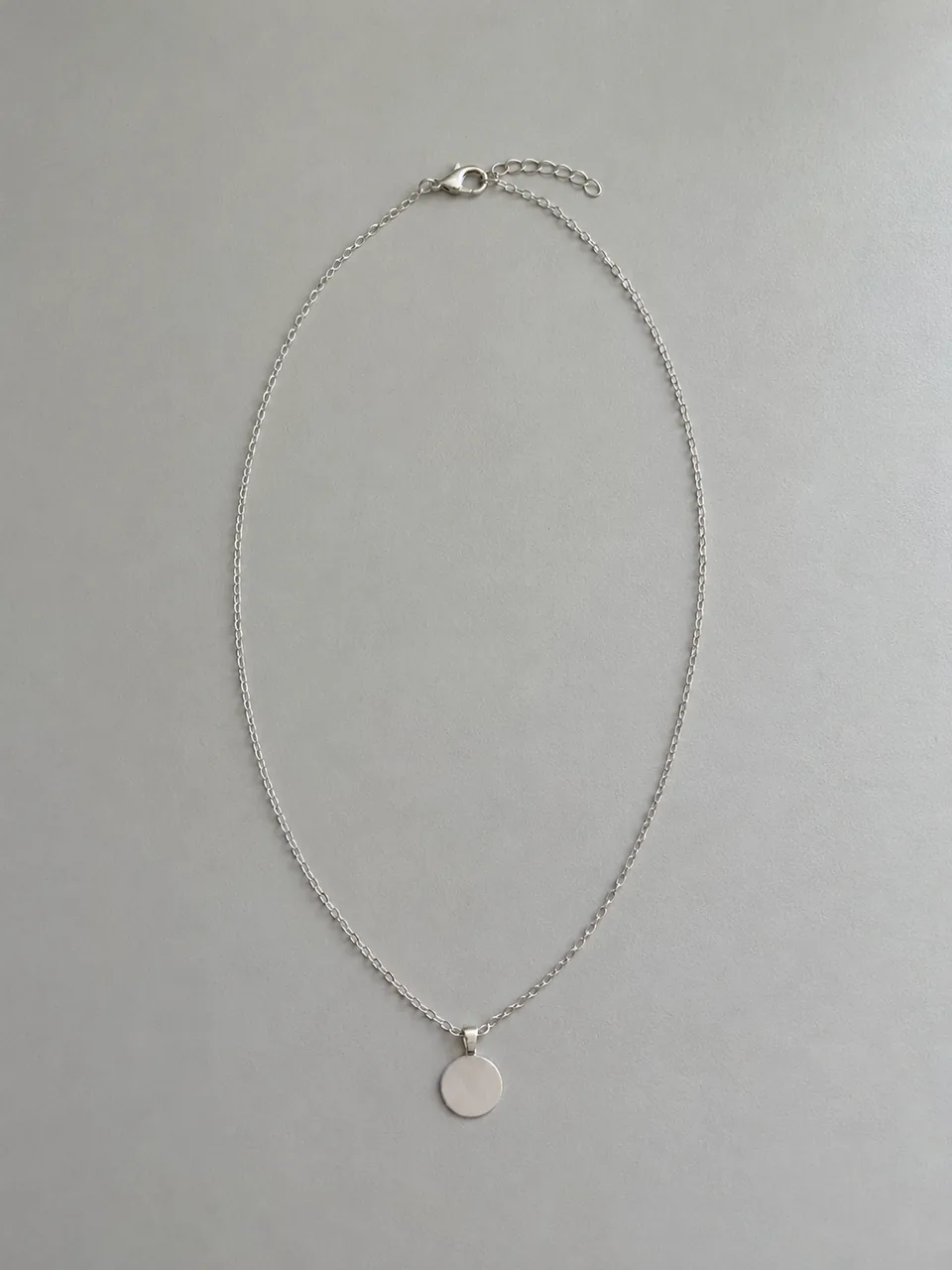 Before
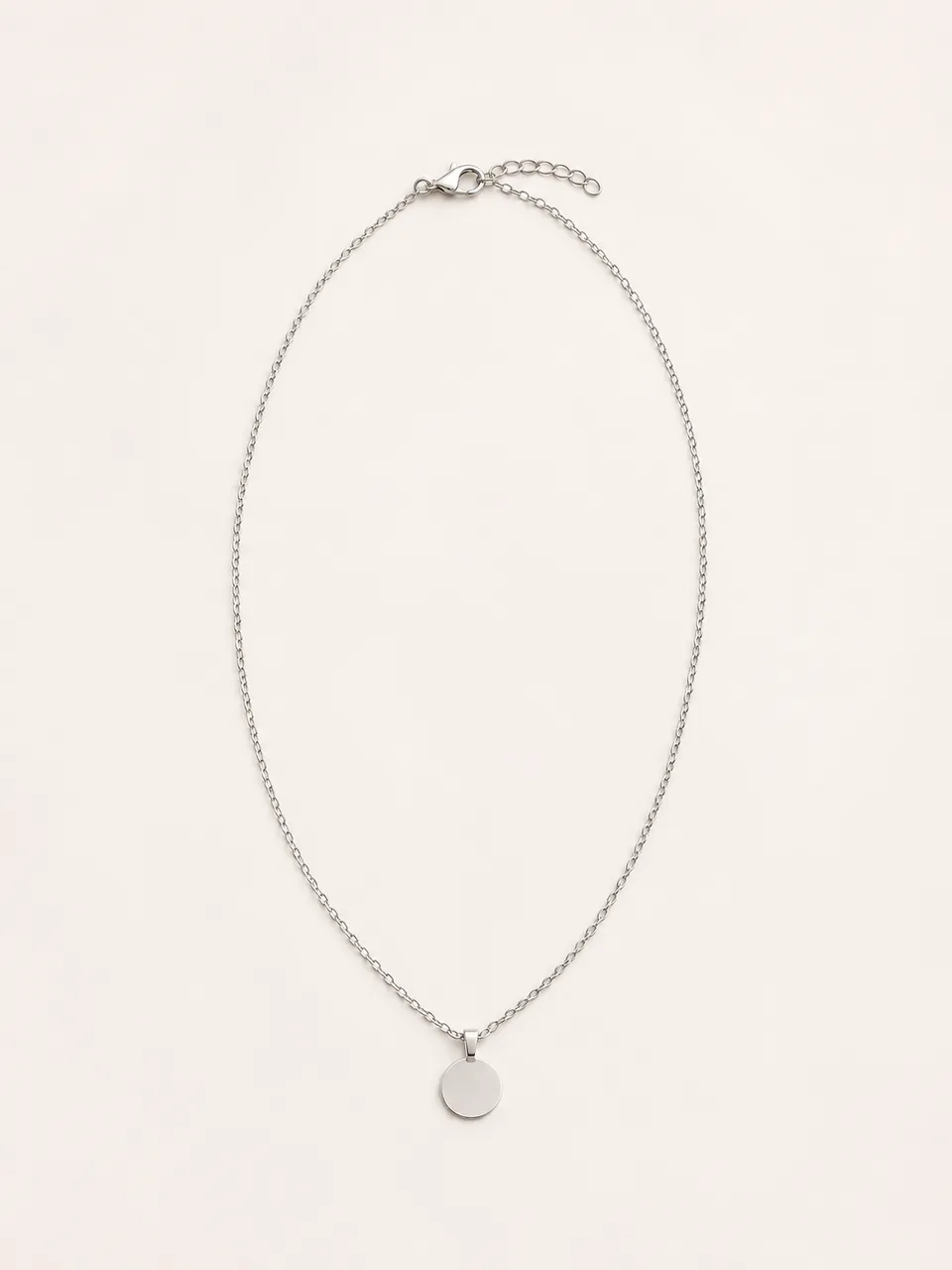 AfterBefore
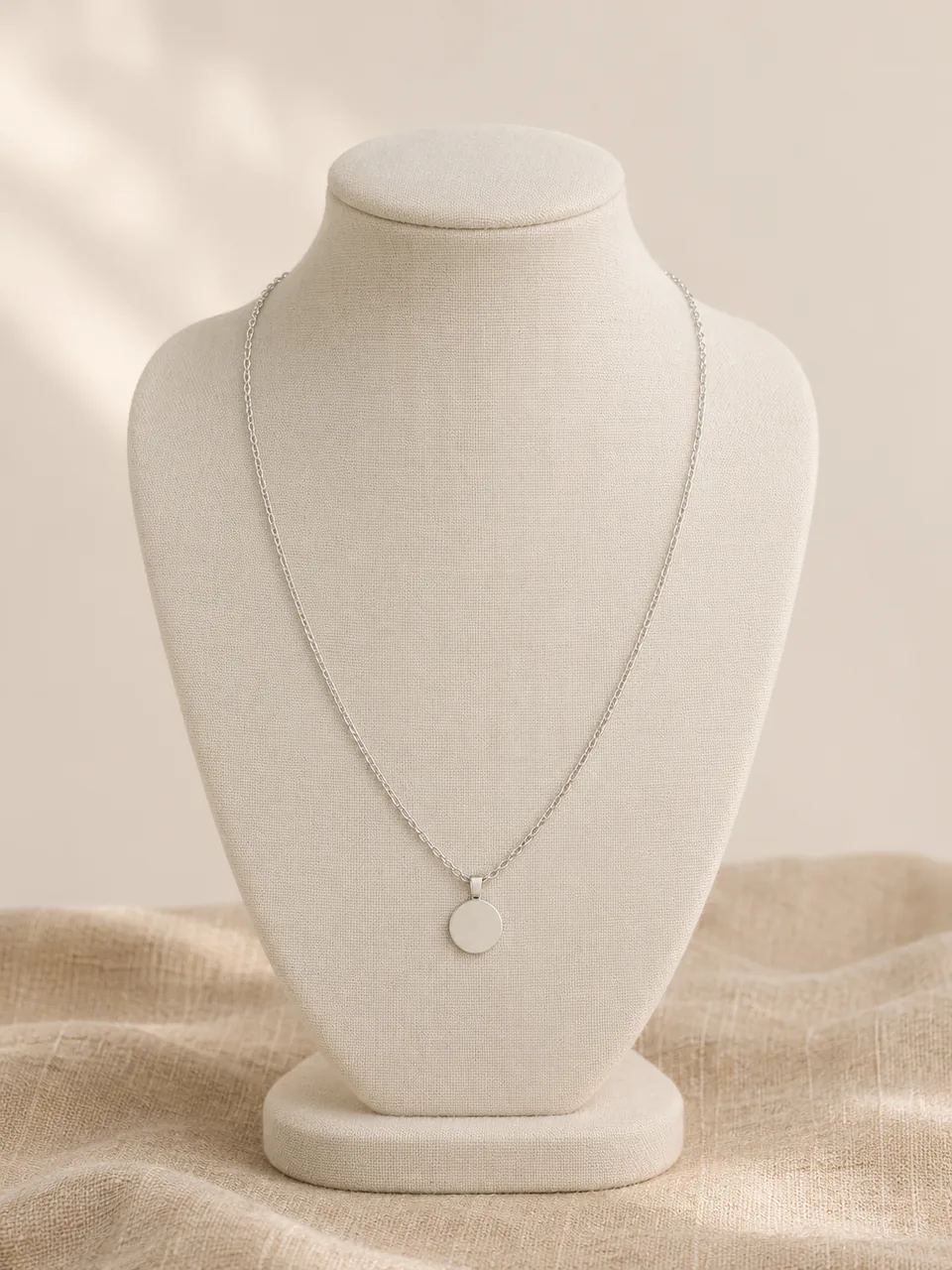 AfterBefore
 After
02
It is reference-based editing tuned for necklaces. Your photo is the source of truth for the chain style, the pendant, the bail that connects them and the clasp. The tool rebuilds only the layout, backdrop and light around them.
Necklaces are the hardest jewelry to fit in a frame. They are long and thin, so a full-length shot makes the pendant tiny, and a pendant close-up hides the chain. Most listings need both, which is why the tool offers four layouts instead of one.
Chains are also where AI is most likely to slip. Fine links can merge, repeat or change pattern, and a clasp can vanish when it is not visible in the source. Keep the whole chain and clasp in your upload and check them in every result.
Necklace buyers also ask practical questions that a photo should help answer: where the pendant sits, whether the chain is delicate or substantial, and how the clasp works. Plan your images so each one answers one of those questions, and let the description carry the facts a photo cannot prove, such as length and metal.
03
Lay the necklace flat in a loose oval with the clasp visible and photograph it from above in soft light. Use one PNG, JPEG or WebP up to 20 MB. A complete source is the best protection against invented links.
Select Full length, Pendant detail, On a bust form or Hanging drape. Pick a backdrop and a format: 3:4 portrait suits long chains, 1:1 suits pendants. Add a note such as “show the full chain length”.
Follow the chain from the clasp to the pendant and back. Compare link shape, pendant size and the bail. Download only results that match. Each new layout is a separate paid generation.
04
Pair a full-length view with a detail view in every listing.
| Layout | Shows | Best format | Best for |
|---|---|---|---|
| Full length | The whole chain, pendant and clasp | 3:4 or 1:1 | First image of a chain or pendant listing |
| Pendant detail | Pendant, bail and nearest chain | 1:1 | Stone, texture and engraving details |
| On a bust form | How the necklace drapes when worn | 3:4 | Chokers, collars and statement pieces |
| Hanging drape | Drop and length from a display bar | 3:4 | Long chains, lariats and Y-necklaces |
05
What to check depends on what the necklace is.
The pendant is the product and the chain is the frame. Use Pendant detail for the face and Full length for scale.
With no pendant, the link pattern is everything. Full length on Clean Studio or Flat Lay shows it best; check that links do not change style.
Short, rigid pieces look flat when laid down. On a bust form shows the curve they make when worn, without needing a model.
Photograph the layers exactly as sold, separated slightly so each strand is visible. The tool keeps the number of strands in your photo.
Long open-ended designs change shape every time they are laid down. Hanging drape shows the drop and the tail; check that the tail length and any end charms match your piece.
Personalized necklaces depend on legible letters. Upload a photo where every letter is sharp, add a note to keep the lettering readable, and check the spelling letter by letter, because AI can redraw text.
06
07
Full length for scale and Pendant detail for the face cover the questions buyers ask first.
Example: a gemstone pendant on Velvet Display, 3:4 and 1:1.
One layout and backdrop for every chain lets shoppers compare link styles at a glance.
Example: eight chains, Full length on Clean Studio.
A bust form shows the shape a collar makes when worn, which a flat photo cannot.
Example: a beaded collar on a bust form with Soft Lifestyle.
A hanging drape shows the drop that a flat layout compresses.
Example: a lariat hanging against linen, 3:4.
08
Follow the chain from clasp to pendant and back, then check these points.
| Check | Good result | Reject if |
|---|---|---|
| Link pattern | Same link style and size along the whole chain | Links change style or merge into a solid line |
| Chain continuity | One unbroken chain, no repeats | A gap, a doubled section or a second chain |
| Clasp | The same clasp type in a plausible place | The clasp vanished or became a different type |
| Pendant and bail | Same pendant shape, size and bail | The pendant grew, shrank or lost its bail |
| Stones and texture | Same stone color and surface finish | Stones brighter, bigger or a new color |
| Metal tone | Matches the necklace in daylight | The chain and pendant no longer match each other |
Before you publish
AI may change link patterns, pendant size, the bail or the clasp, and it cannot know the real chain length. Never use a generated image to state a length; measure the necklace and write the length in your listing.
The tool works without a pixel mask, so it cannot lock every detail. Reject any result that differs from the real necklace.
Questions
Start with Full length so buyers see the whole chain, pendant and clasp, then add Pendant detail for the face of the pendant. Use On a bust form for chokers and collars, and Hanging drape for long chains and lariats.
Not on this page. On a bust form shows the drape on a plain display neck without a person. For worn images, use Necklace on Model, which handles necklines and the chain length you sell.
It is instructed to keep the chain, pendant, bail and clasp as photographed. Fine chains are still the most likely detail to change, so follow the chain end to end in every result and reject any that differ from your necklace.
A photo can suggest drop and drape, but it is not a measurement. Measure the necklace yourself and state the length in your listing; never infer it from a generated image.
Use 1:1 for Pendant detail so the pendant fills the frame, and 3:4 portrait for Full length and hanging layouts so long chains are not squeezed.
Each image costs 15 credits on the default Fast setting, including your reference photo. New accounts that use Google sign-in or a Gmail address get 20 free credits, enough for one image. Free-credit images are watermarked and for personal use.
Your upload is private and scheduled for deletion after one day. On a free account, generated images stay in My Creations for 14 days; paid plans and credit packs keep them longer.
Aim for at least four: a full-length view with the clasp, a pendant detail, a draped or hanging view that shows how it falls, and a real photo worn or next to a ruler for length. Keep the same backdrop across the AI images and state the measured length in the description.
Upload a necklace photo with the clasp visible, choose a layout and backdrop, and check every link before you publish.
Upload a necklace photo