Jewelry Studio · Product photography

AI Jewelry Photography for Product Photos

Upload one photo of a ring, necklace, pair of earrings or bracelet you sell. Pick a studio, flat lay, lifestyle or velvet scene, then compare the result with your real piece.

Updated · Image25 Jewelry Studio

Photo settings

i. Your jewelry photo

Only upload photos you own or may edit. Photos are resized to 1536 px before upload, so very fine details may soften.

ii. Jewelry type
iii. Scene
iv. Format

15 credits · Fast · Medium · 1 image

Includes one reference photo. Every new generation costs 15 credits.

Email sign-in keeps your selection. Google sign-in leaves this page; reselect your photo and settings after returning.

Choose a jewelry photo to begin.
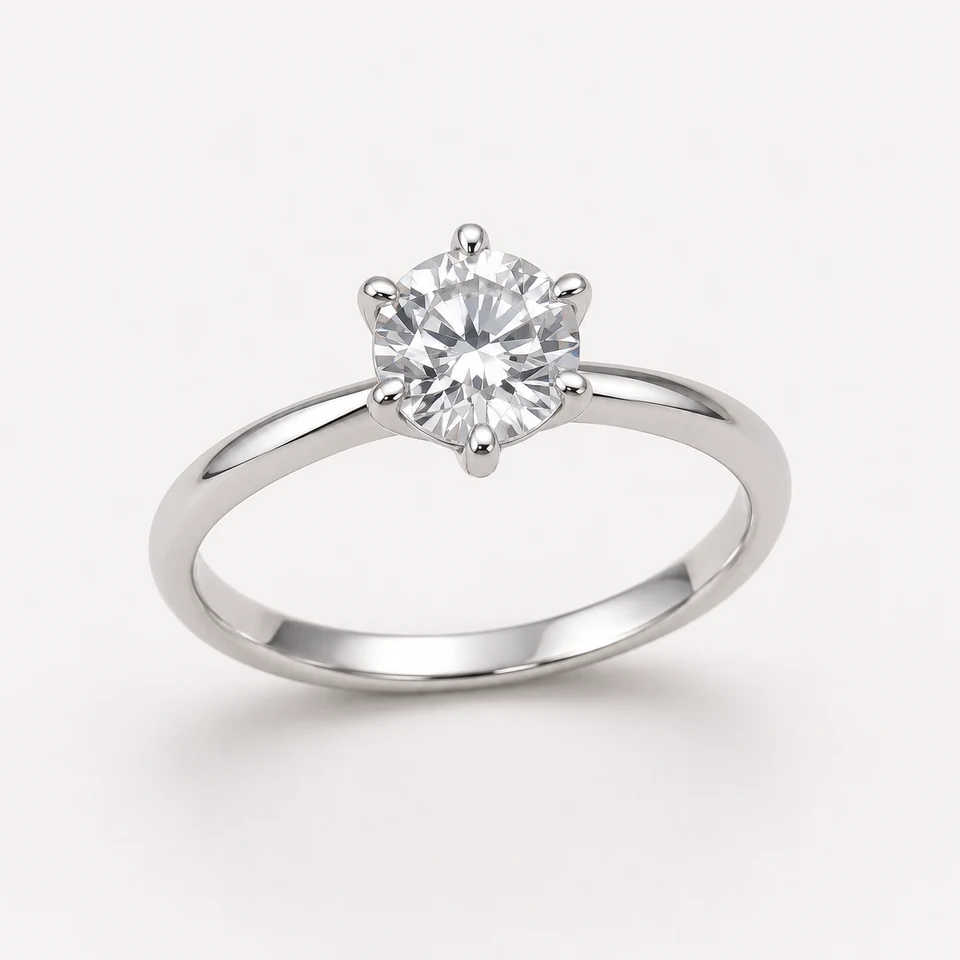
Silver solitaire engagement ring with a six-prong round stone on a white studio background, AI jewelry photography conceptClean Studio · Ring
Example look: an AI concept illustration of an invented piece, not your result. Upload a photo to see your jewelry side by side with the generated image.
  1. 1Upload a photo of your piece
  2. 2Generate one Clean Studio image
  3. 3Compare side by side, then download

In short

AI jewelry photography places a photo of your real jewelry into a new background and lighting setup. Here you upload one product photo, choose one of four scenes and get one square or portrait image for 15 credits.

Upload
PNG, JPEG or WebP · up to 20 MB
Jewelry
Rings, necklaces, earrings, bracelets
Scenes
Studio, flat lay, lifestyle, velvet
Formats
1:1 square · 3:4 portrait
Price
15 credits per image

01

Jewelry Scene Showcase

Explore lighting, framing and presentation ideas for your jewelry photos.

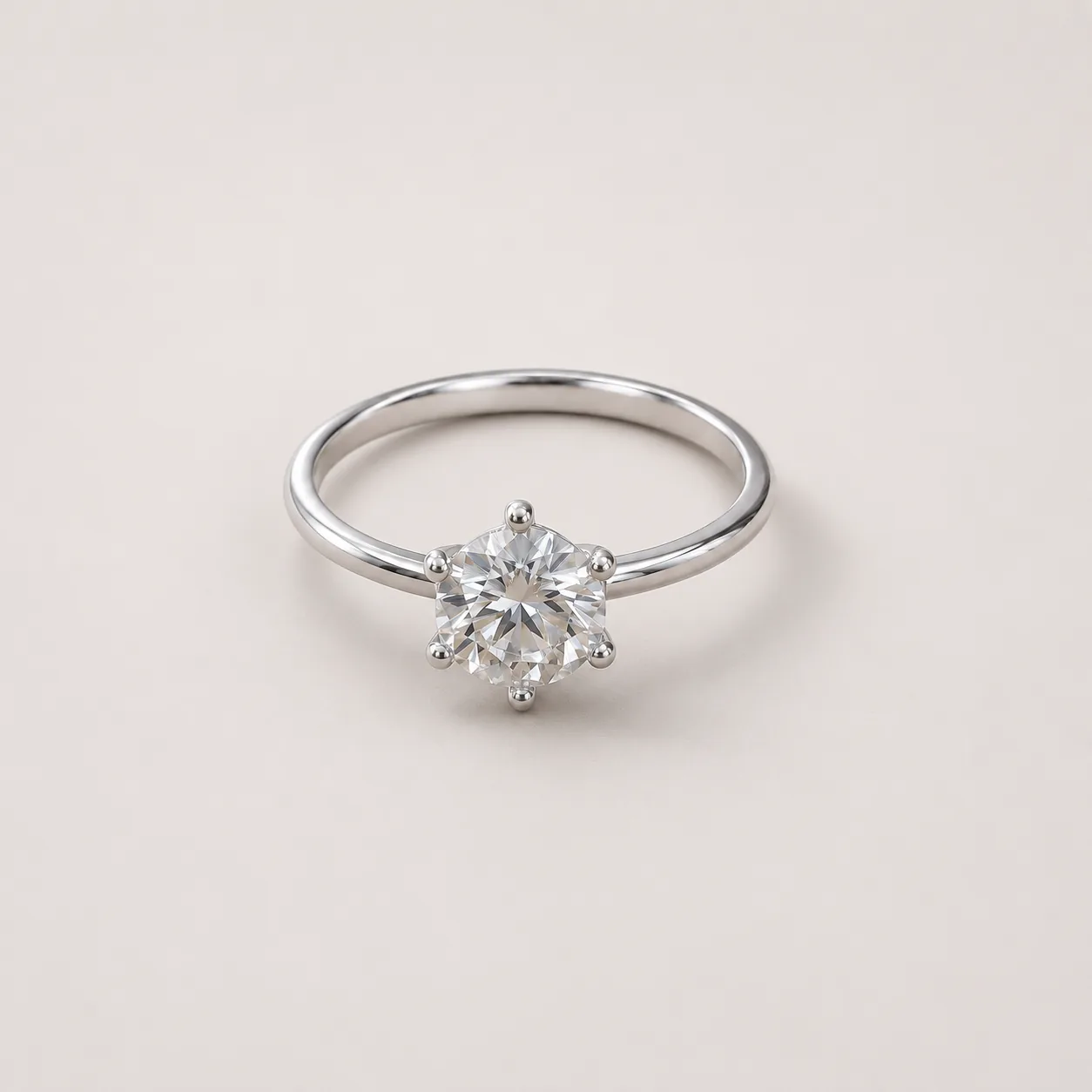
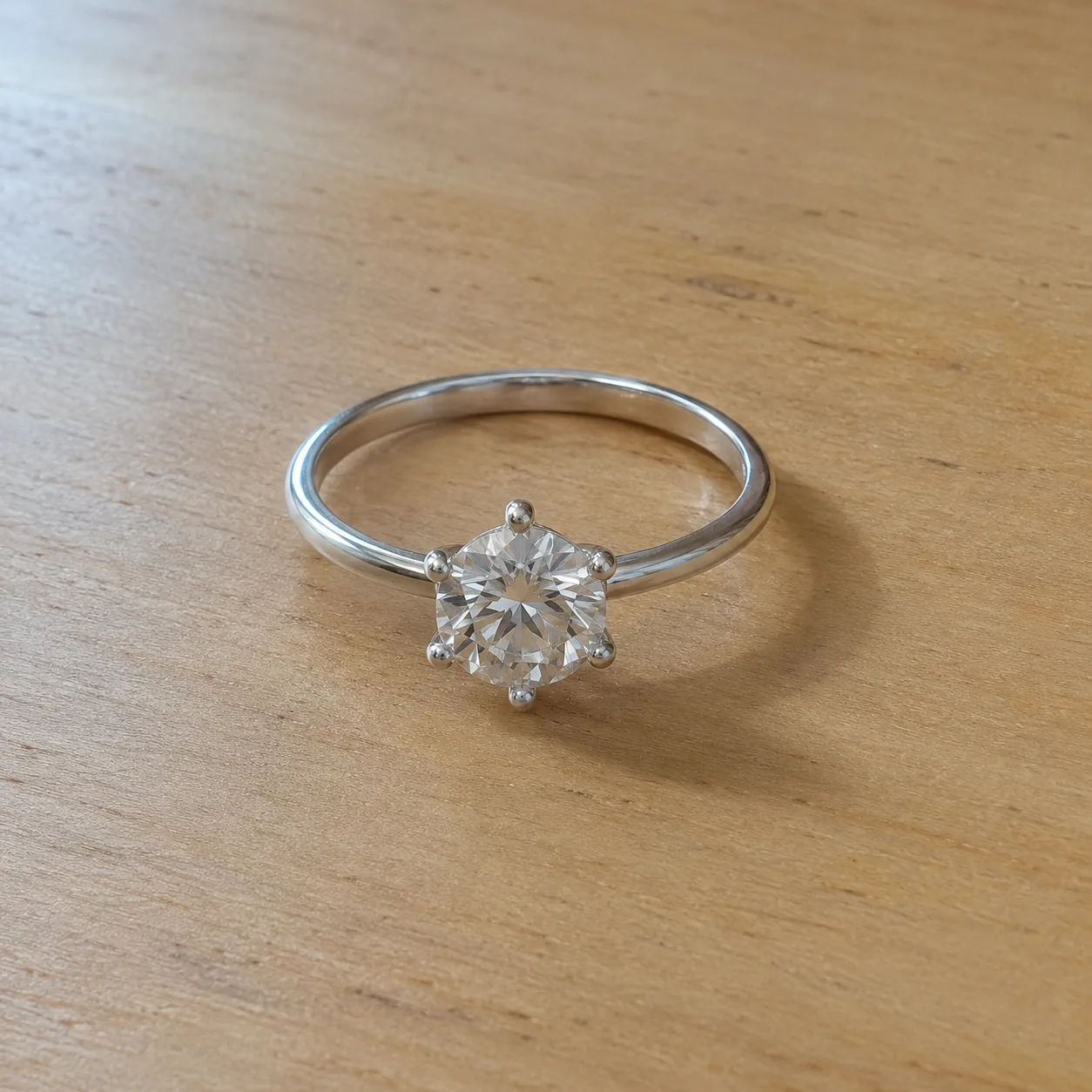
  • A silver six-prong solitaire ring on a pale wooden deskBefore
    Silver six-prong solitaire with a round clear stone resting on a smooth light-gray studio surfaceAfter
    Clean Studio · RingRing on a clean studio backdrop
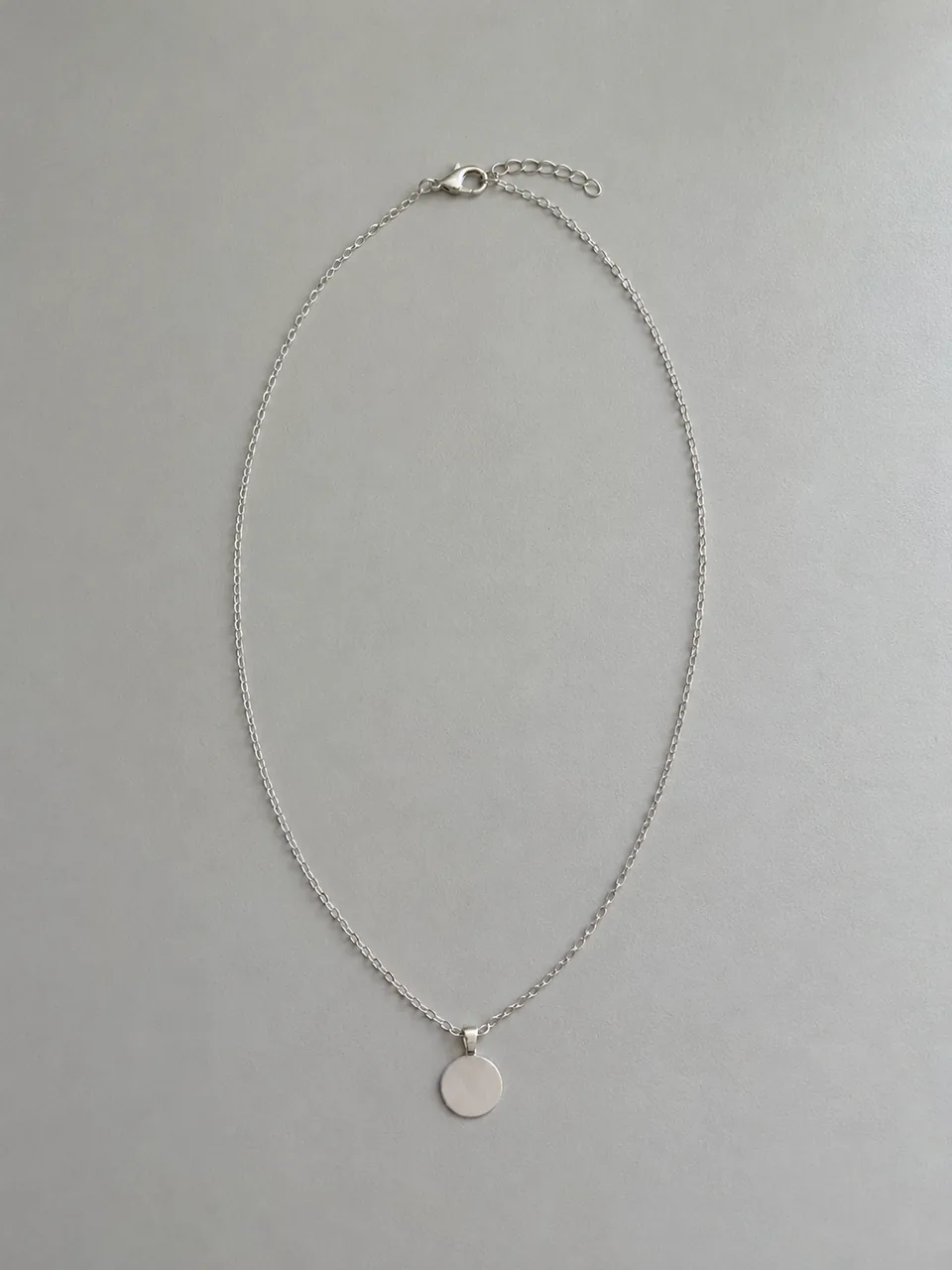
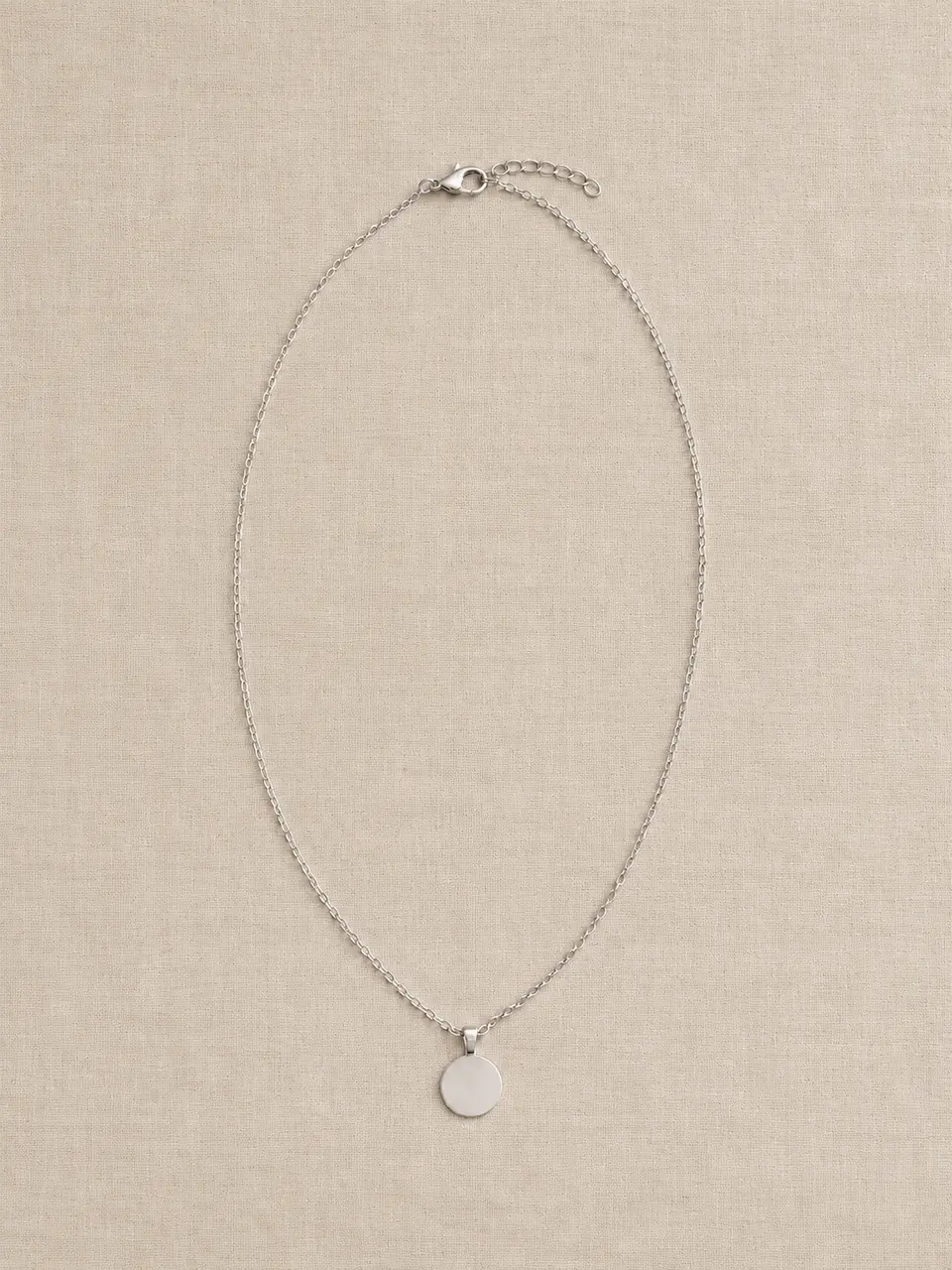
  • A silver disc pendant necklace with its full chain and clasp visibleBefore
    Fine silver chain arranged in an oval with a round disc pendant and visible clasp on beige linenAfter
    Flat Lay · NecklaceNecklace in a flat lay
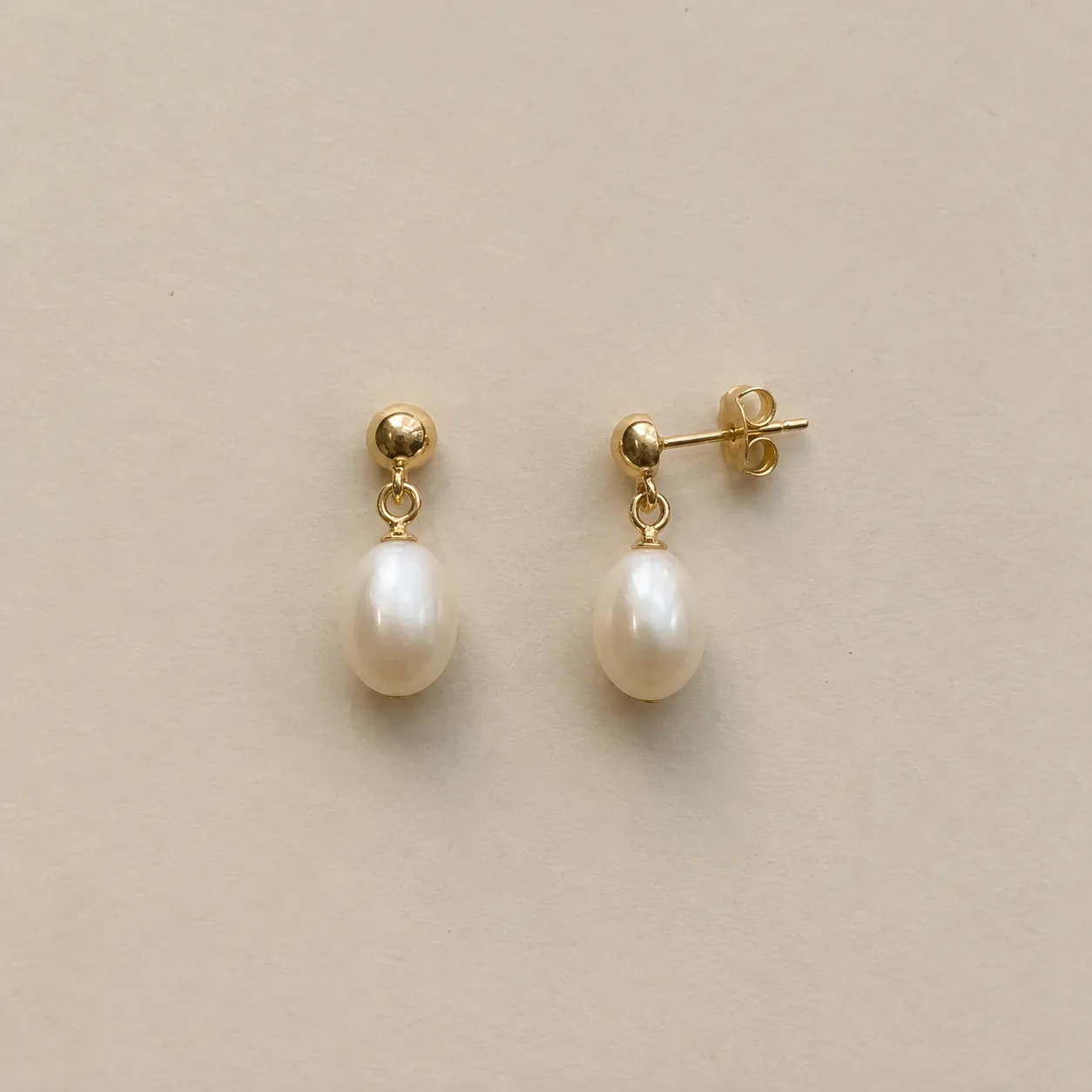
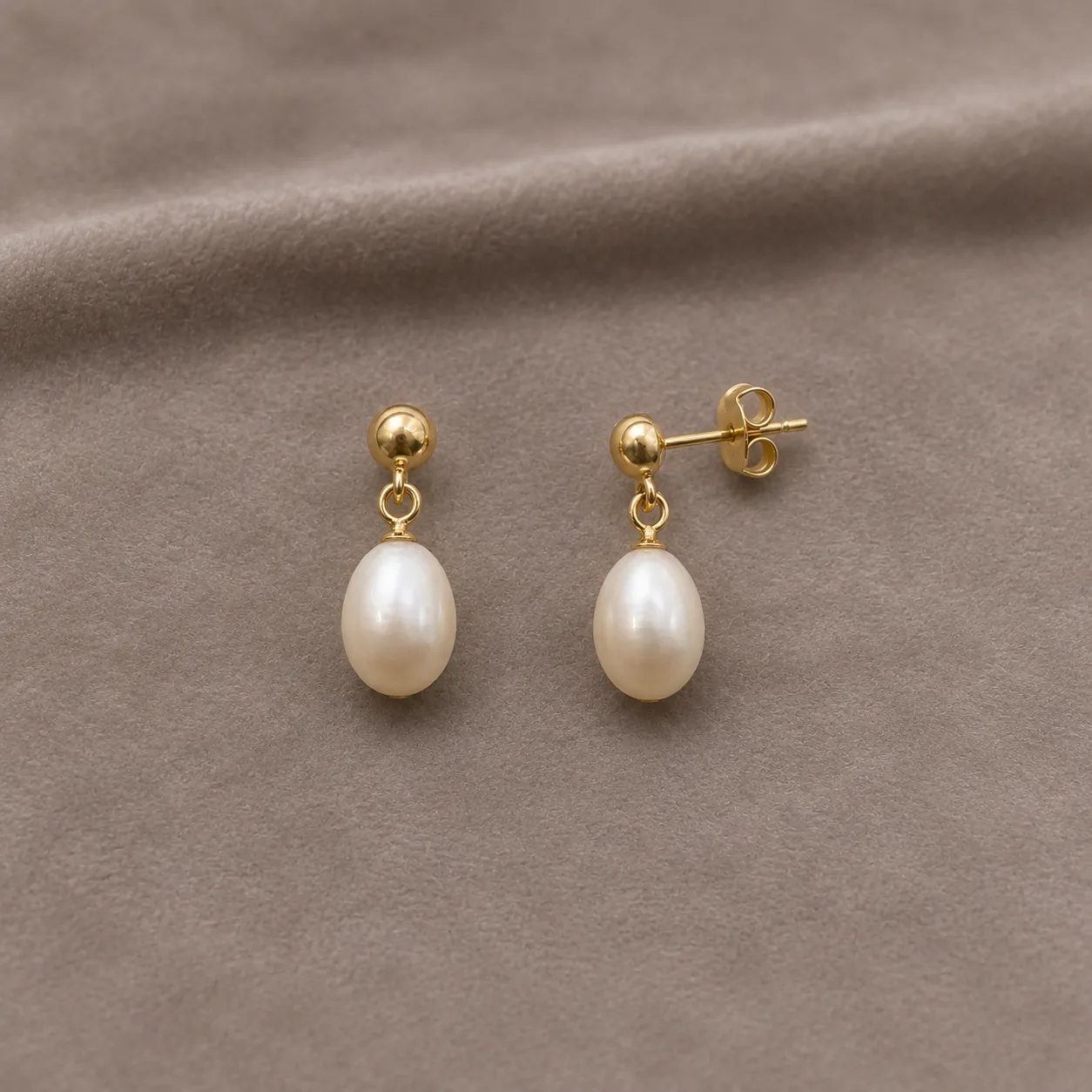
  • Two matching gold pearl drop earrings with visible posts on a deskBefore
    Gold ball studs with ivory pearl drops on folded taupe velvet, one turned to show its post and butterfly backAfter
    Velvet Display · EarringsEarrings on velvet
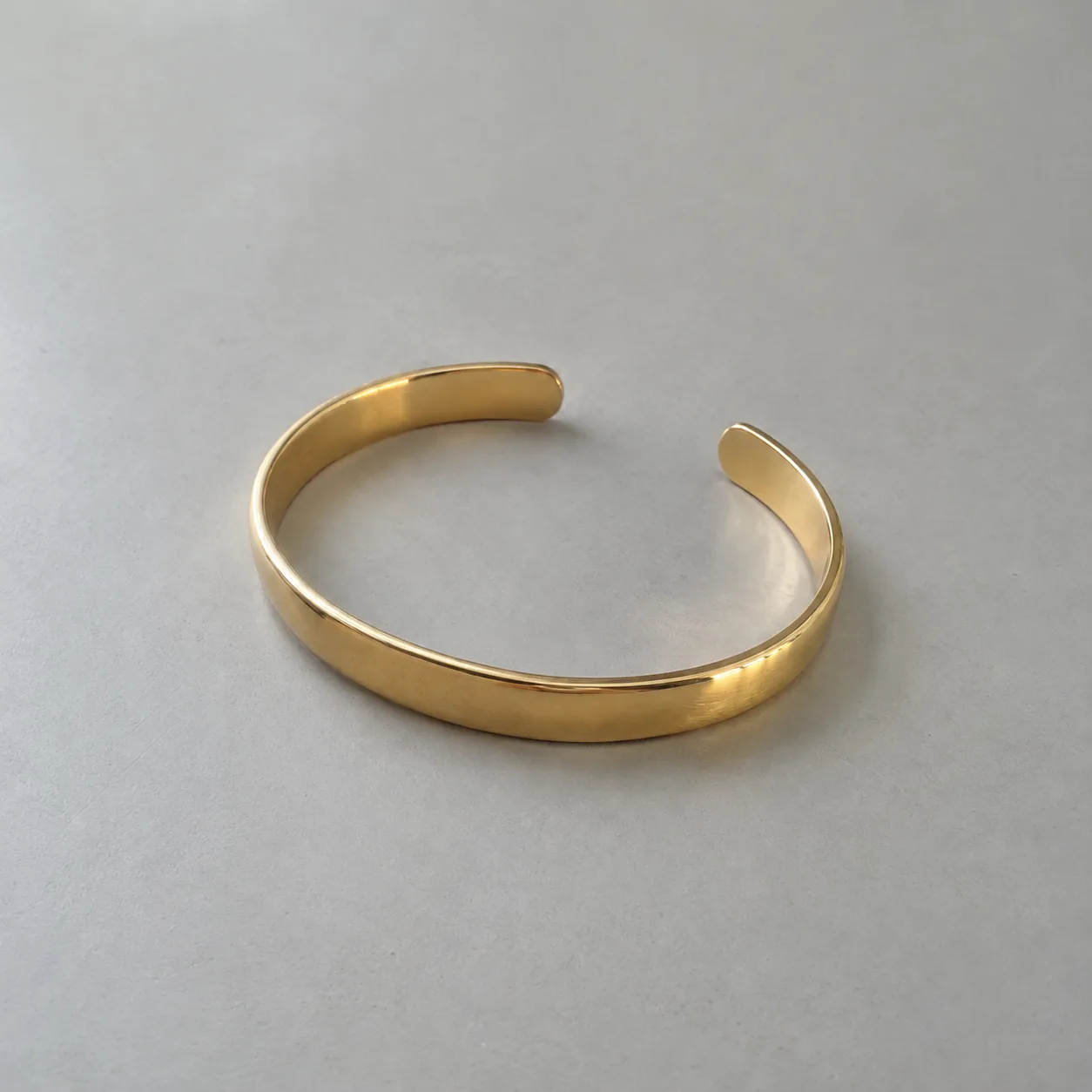
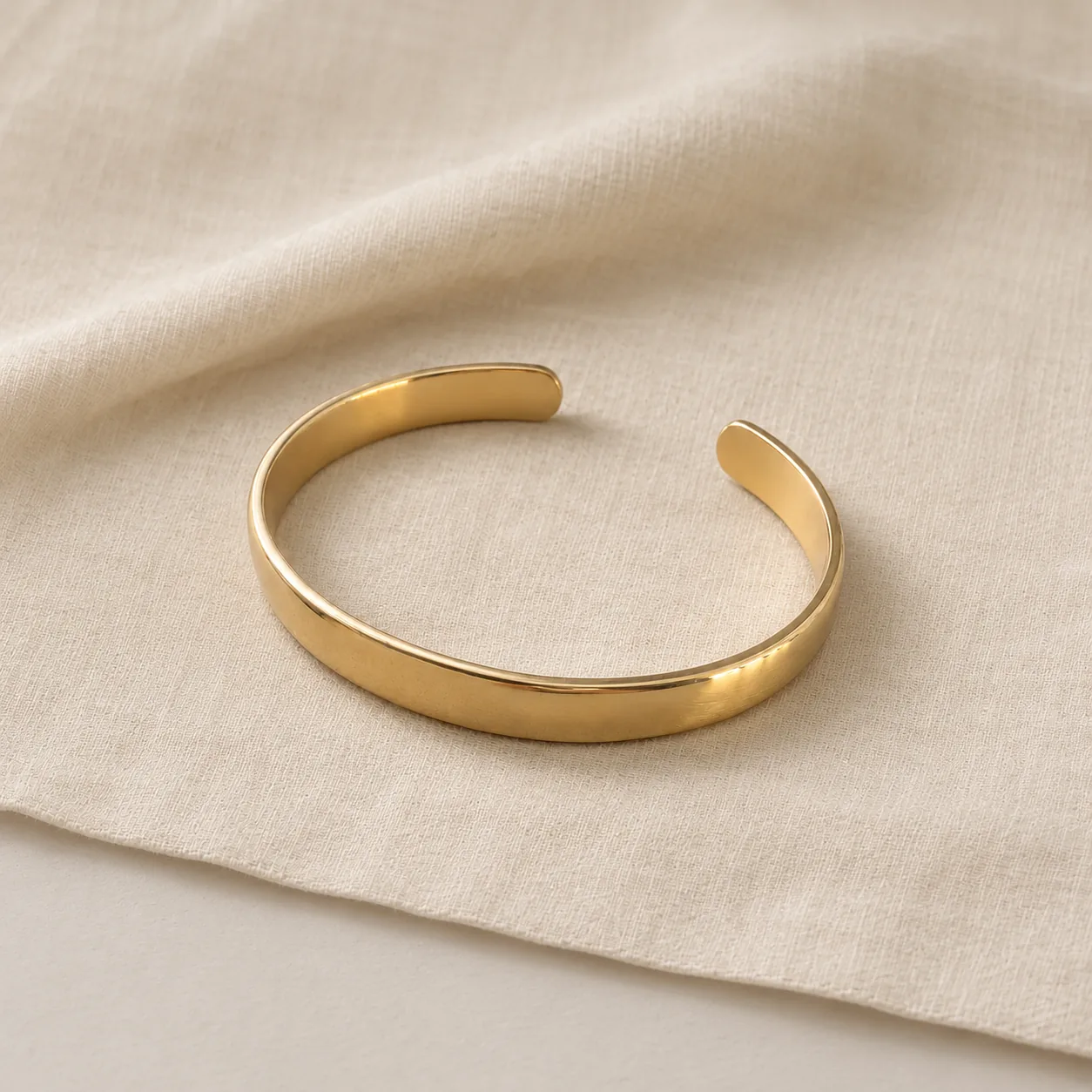
  • A plain gold open cuff bracelet on a light gray tabletopBefore
    Gold open cuff with rounded ends resting on softly folded ivory linenAfter
    Soft Lifestyle · BraceletBracelet on linen

02

What Is AI Jewelry Photography?

AI jewelry photography is reference-based image editing for pieces that already exist. You provide a clear photo of your product. The model keeps the piece as the subject and rebuilds the background, surface, light and composition around it.

It is different from AI jewelry design. Design imagines a new piece from a description. Product photography starts with your ring, chain or earrings and only changes the setting. That difference matters when you sell: customers expect the photo to show the item they will receive.

The tool sends your photo with a fixed set of preservation rules. It asks the model to keep stone count, shape and color, prongs, metal color, engraving, chain, clasp and the silhouette. It also forbids added gems, text, logos and watermarks. These rules reduce unwanted changes. They cannot guarantee them, so every result needs a side-by-side check.

Input
One photo of a real piece you own or may edit
Output
One photorealistic product image per run
What changes
Background, surface, lighting, framing
What should stay
Stones, metal, prongs, chain, clasp, engraving
Review
Original and result shown side by side

03

AI Jewelry Product Photos by Scene

Example looks for each jewelry type. Press “Use this scene” to load the type and scene into the generator.

Filter examples
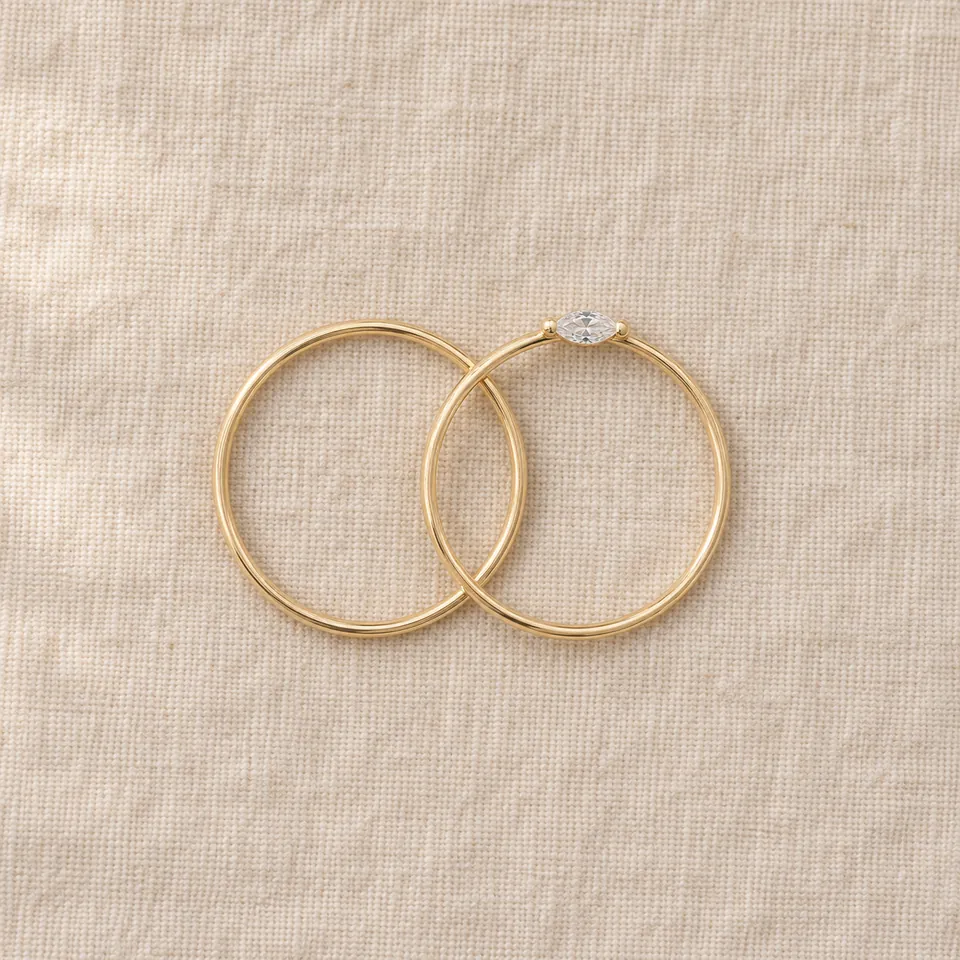
  • Two gold bands viewed directly from above with one marquise stone on oatmeal linen
    Flat Lay · RingFlat lay ring
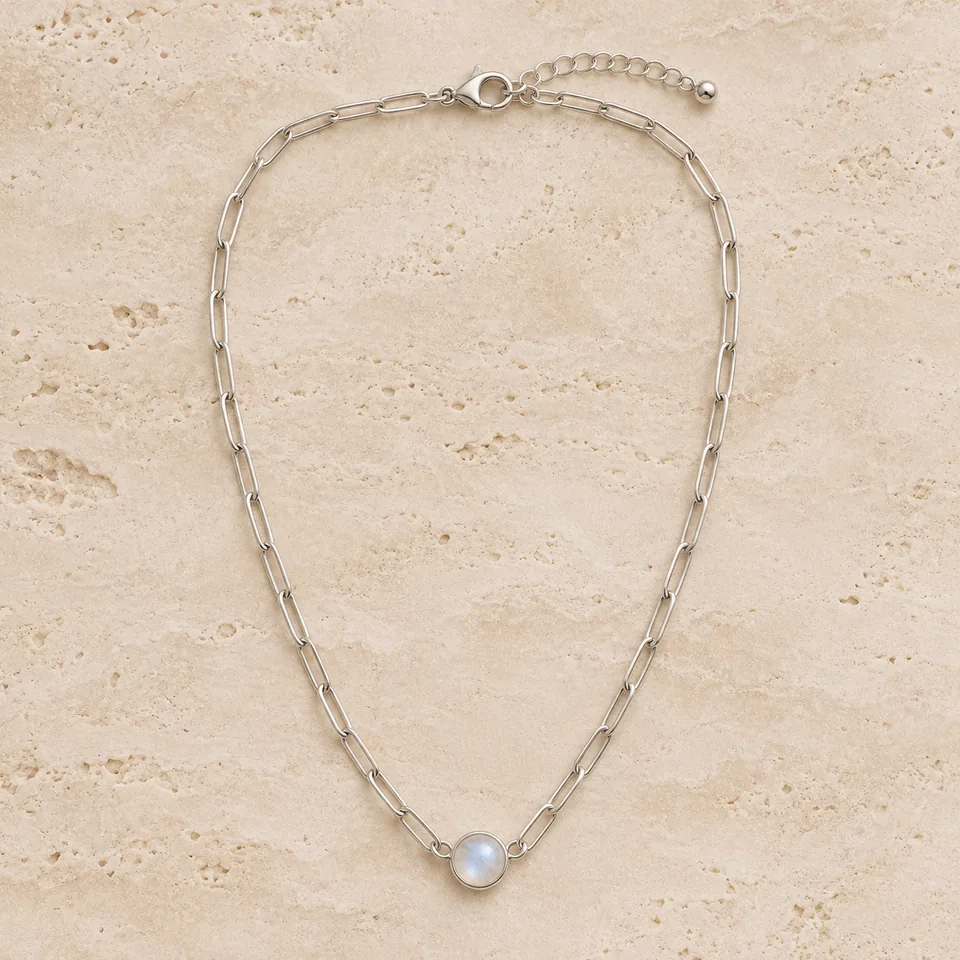
  • Silver paperclip chain necklace with a moonstone pendant laid in a soft U on pale stone
    Flat Lay · NecklaceFlat lay necklace
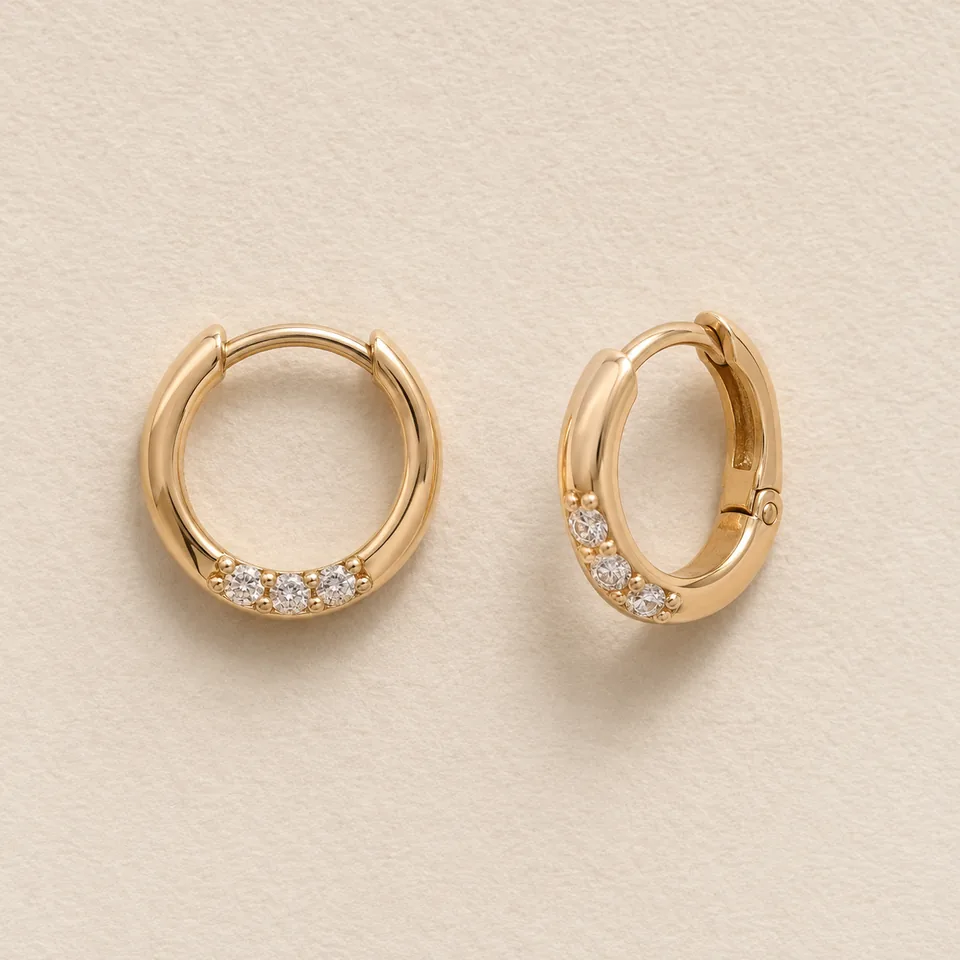
  • Pair of gold huggie hoop earrings with three clear stones each on cream paper
    Flat Lay · EarringsFlat lay earrings
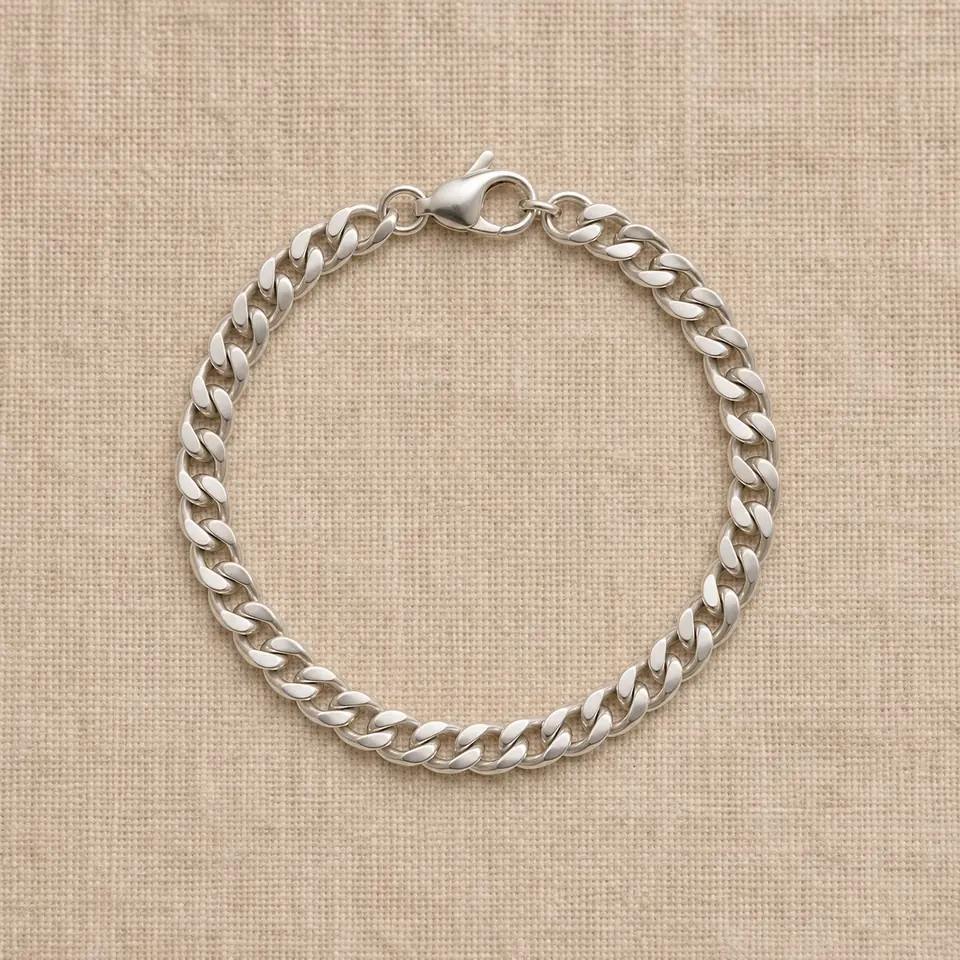
  • Silver curb chain bracelet in a circle with its lobster clasp on warm linen
    Flat Lay · BraceletFlat lay bracelet
  • Silver solitaire engagement ring with a six-prong round stone on a white studio background, AI jewelry photography concept
    Clean Studio · RingSix-prong solitaire on white
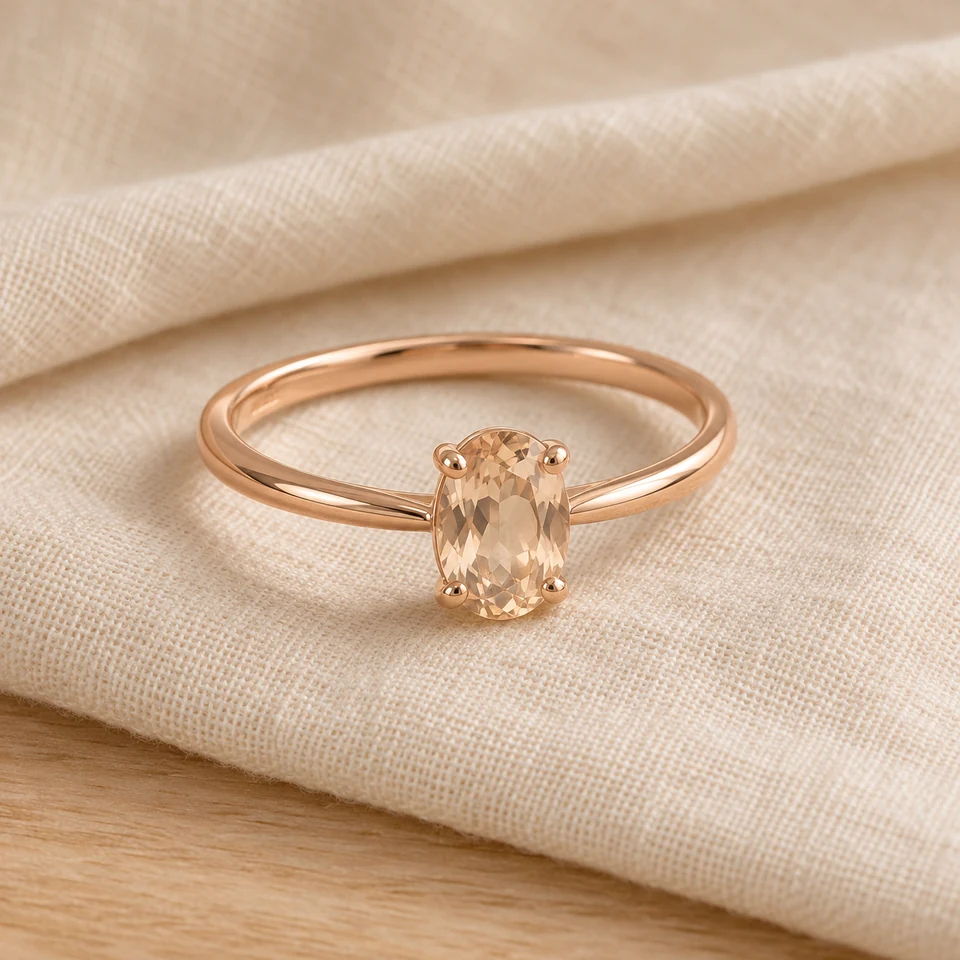
  • Slim rose-gold ring with a four-prong oval champagne stone resting on ivory linen in soft daylight
    Soft Lifestyle · RingRose-gold oval ring on linen
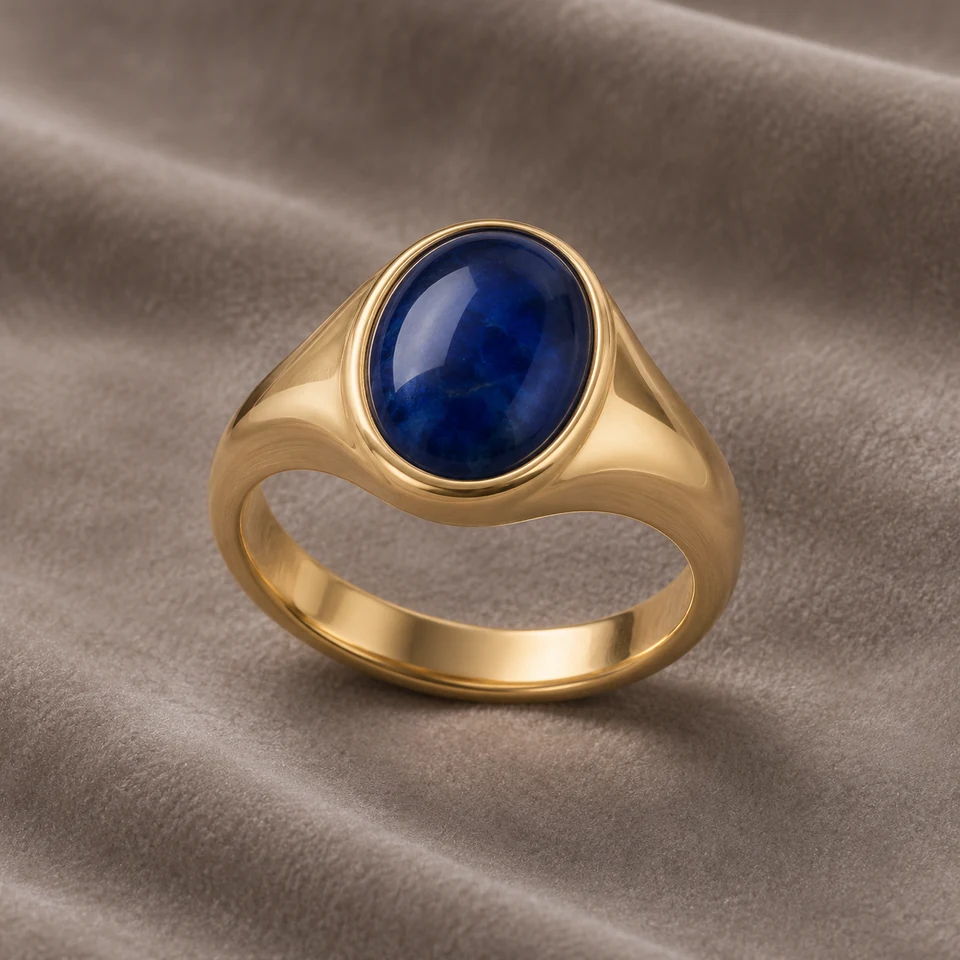
  • Gold signet-style ring with a deep blue oval cabochon in a bezel setting on taupe velvet
    Velvet Display · RingBlue cabochon signet on velvet
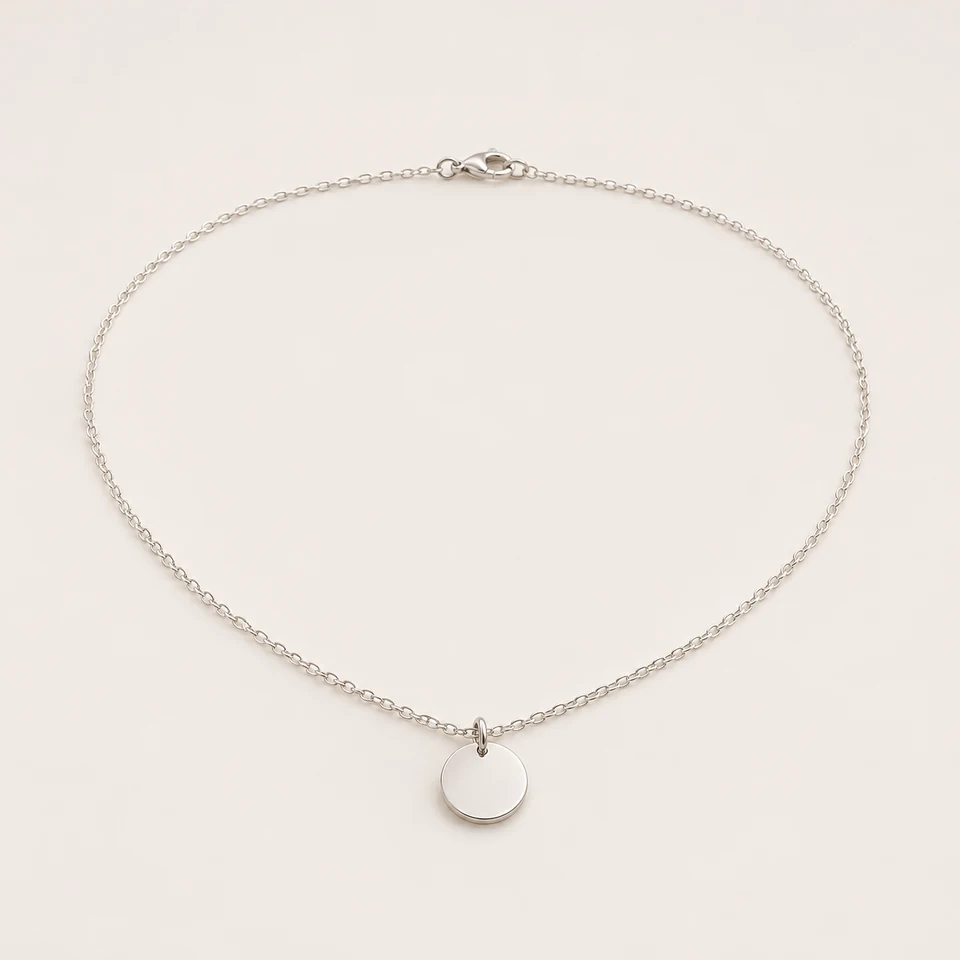
  • Silver necklace with a small round disc pendant and oval-link chain laid flat on a white studio surface
    Clean Studio · NecklaceDisc pendant on white
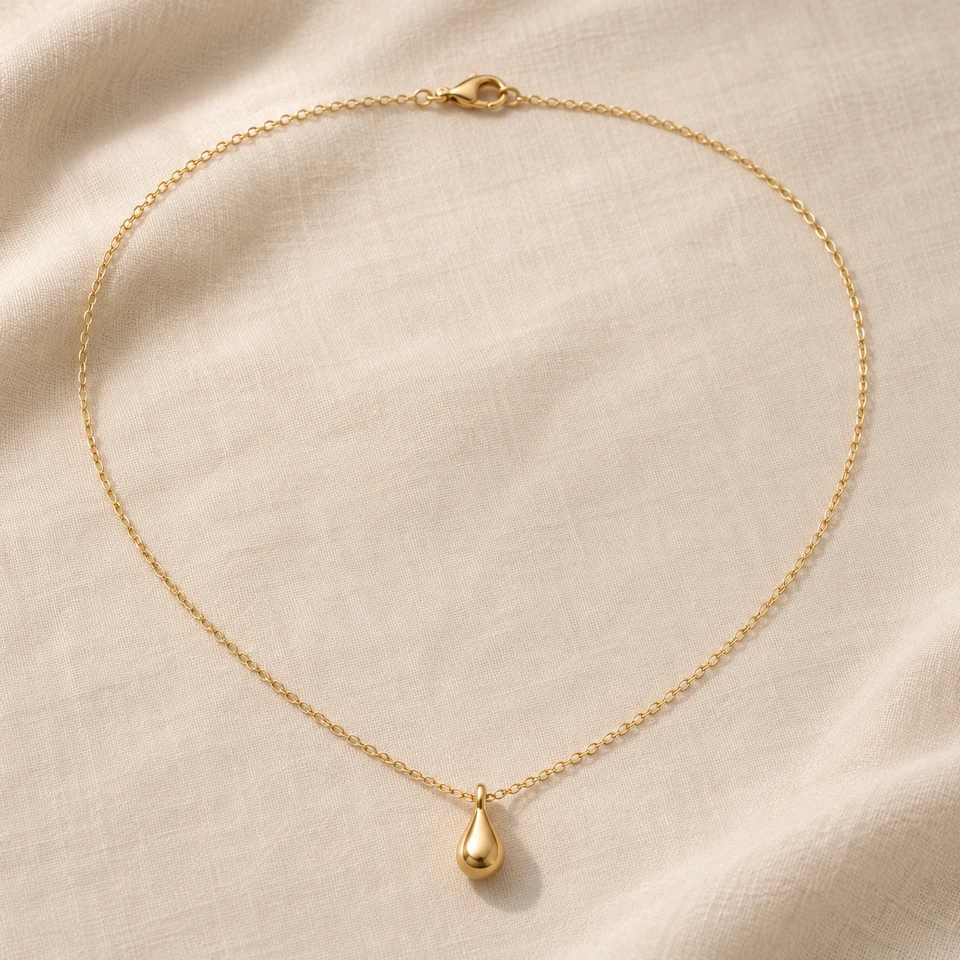
  • Fine gold chain necklace with a teardrop pendant on warm ivory linen, soft lifestyle jewelry photo concept
    Soft Lifestyle · NecklaceGold teardrop on linen
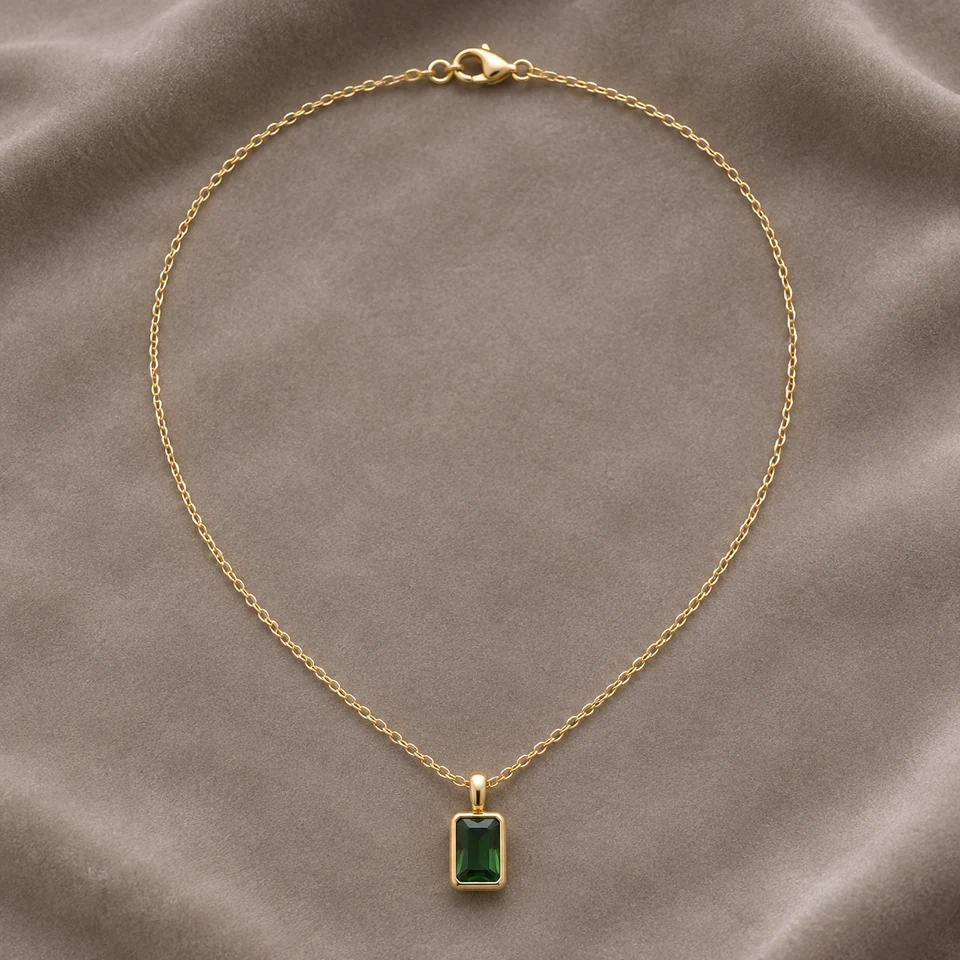
  • Gold necklace with a rectangular green stone pendant in a bezel setting on taupe velvet, clasp visible
    Velvet Display · NecklaceEmerald-green bar on velvet
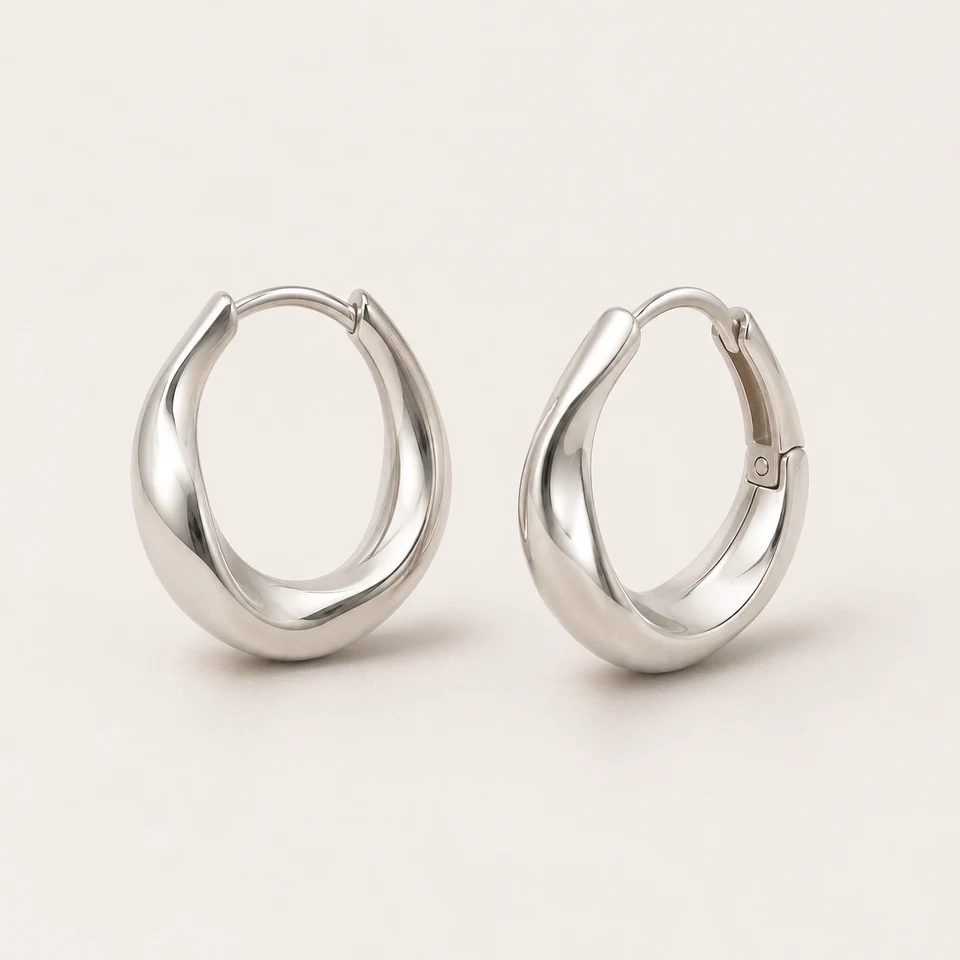
  • Pair of sculptural silver hoop earrings with hinged clasps on a white seamless studio background
    Clean Studio · EarringsSilver hoops on white
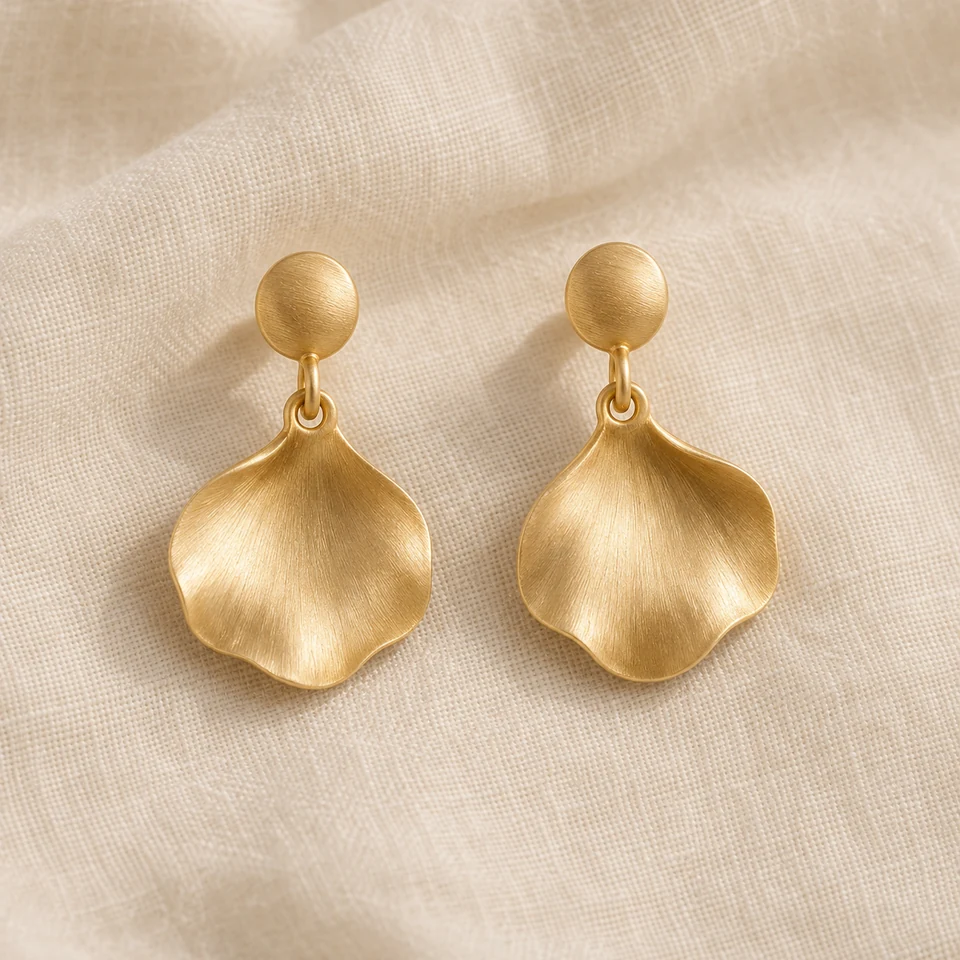
  • Pair of brushed gold petal drop earrings with round studs on ivory linen in gentle natural light
    Soft Lifestyle · EarringsGold petal drops on linen
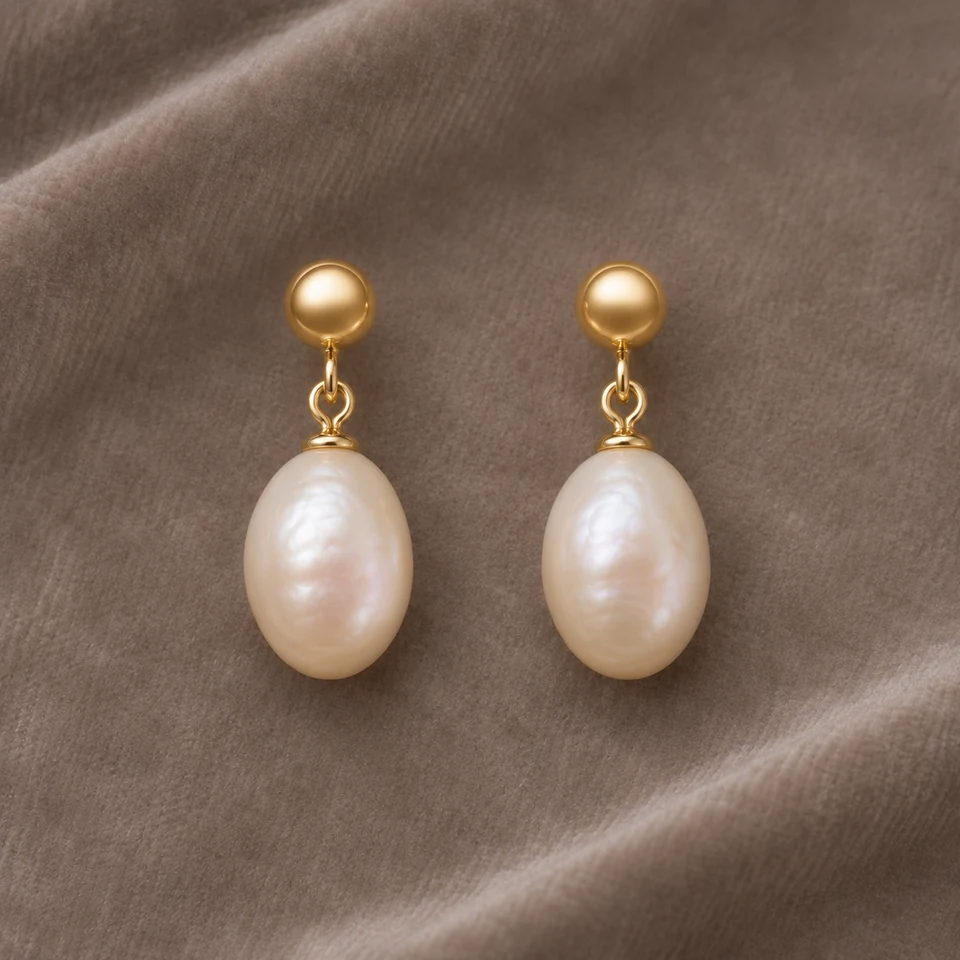
  • Pair of gold stud earrings with freshwater pearl drops on taupe velvet, velvet display jewelry photo concept
    Velvet Display · EarringsPearl drops on velvet
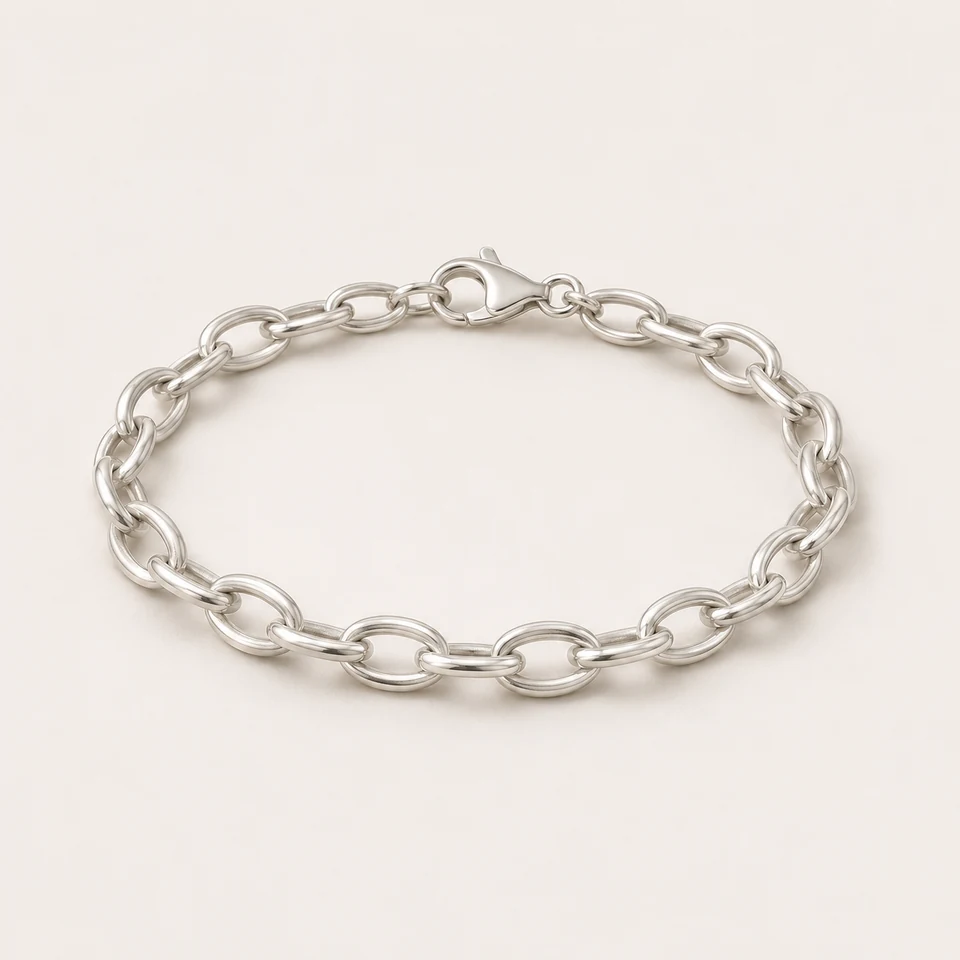
  • Silver oval-link chain bracelet with a lobster clasp laid in a loose oval on a white studio surface
    Clean Studio · BraceletOval-link chain on white
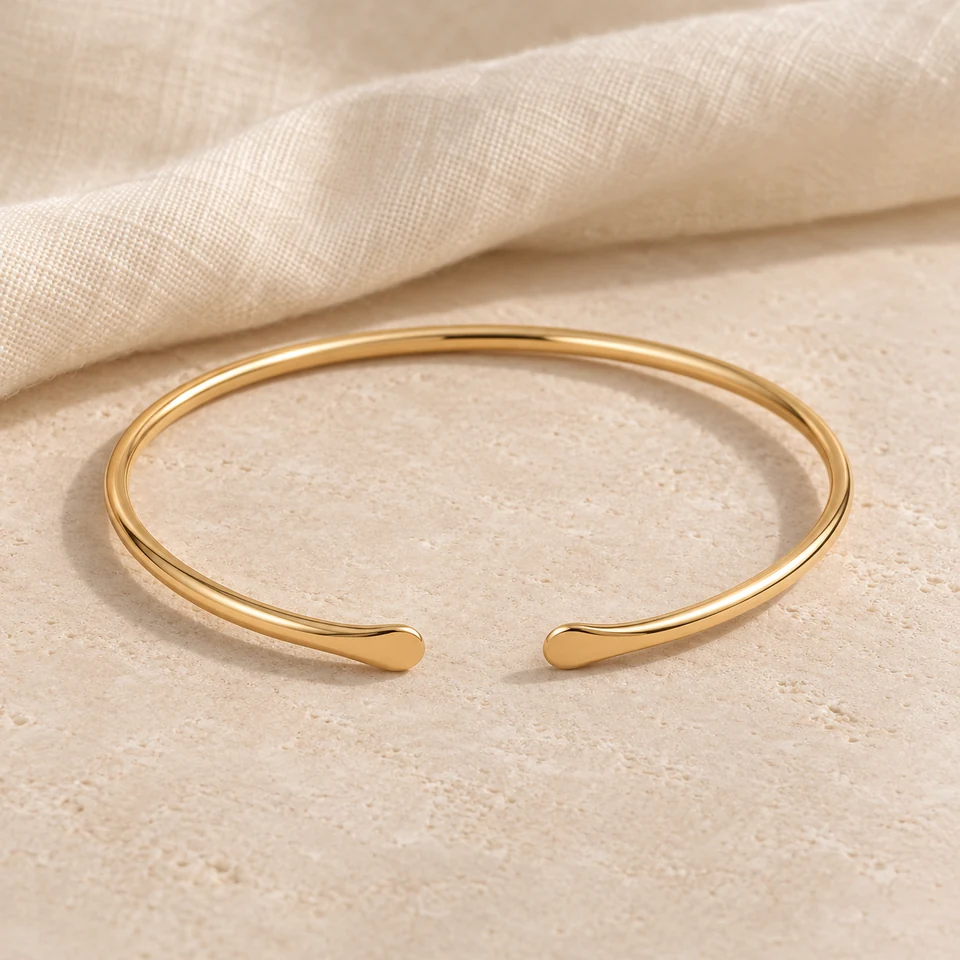
  • Slender open gold bangle bracelet resting on warm linen in a soft lifestyle product scene
    Soft Lifestyle · BraceletOpen gold bangle on linen
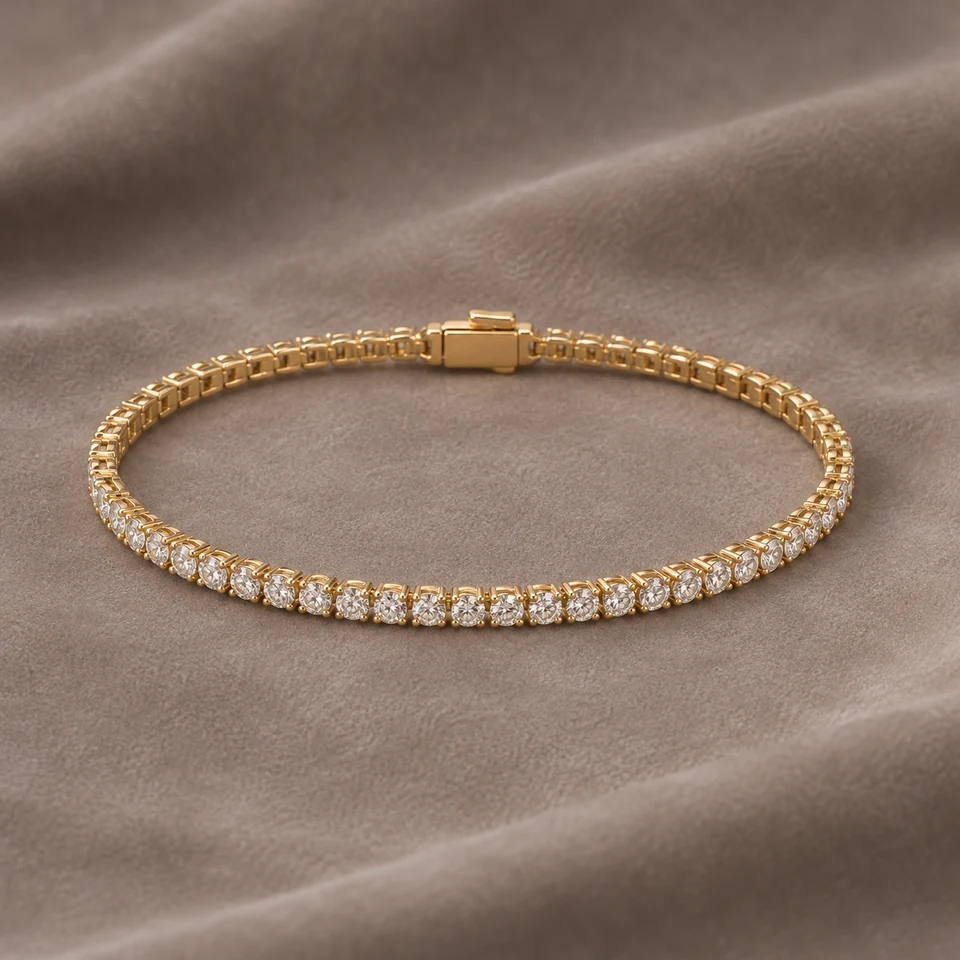
  • Gold tennis bracelet with a row of round clear stones laid in an oval on taupe velvet
    Velvet Display · BraceletTennis bracelet on velvet

04

How to Create Jewelry Product Photos with AI

Three steps, about a minute of generation time, and one honest review at the end.

  1. 1

    Upload a clear photo of your jewelry

    Use one sharp PNG, JPEG or WebP photo up to 20 MB that you own or have permission to edit. Keep the whole piece in frame with even light. The photo is resized to 1536 pixels on its longest side before upload, so very fine engraving may soften.

  2. 2

    Choose the jewelry type, scene and format

    Select ring, necklace, earrings or bracelet so the instructions match the piece. Pick Clean Studio, Flat Lay, Soft Lifestyle or Velvet Display, and a 1:1 or 3:4 frame. Add an optional note, such as “keep the clasp fully visible”. The credit price shows before you generate.

  3. 3

    Generate, compare and download

    The result appears next to your original. Check the stones, prongs, metal tone, chain links and clasp against the real piece. Download only results that match. Every generation is saved in My Creations, and each new attempt is a new paid run.

05

Choose a Background for Jewelry Product Photography

Each scene changes the backdrop and light, not the piece. Pick by where the image will appear.

The four scene presets compared
SceneBest forBackground and lightWatch for
Clean StudioCatalog grids, product pages, marketplace secondary imagesSeamless white, controlled reflections, soft contact shadowPolished metal can lose contrast on white; check edges
Flat LayCollection overviews, social posts, sets of piecesTop-down view on linen, paper or pale stone, even daylightTop-down angles hide ring profiles and stone height
Soft LifestyleBrand stories, Instagram, gift guidesWarm linen or tabletop, gentle natural lightWarm light can shift white metal toward yellow
Velvet DisplayGemstones, pearls, gold pieces, premium collectionsNeutral taupe velvet, restrained studio lightDark fabric hides fine chains; keep them on top

06

Jewelry Photo Generator Tips by Jewelry Type

Each type fails in its own way. Shoot the source photo for the details that matter most.

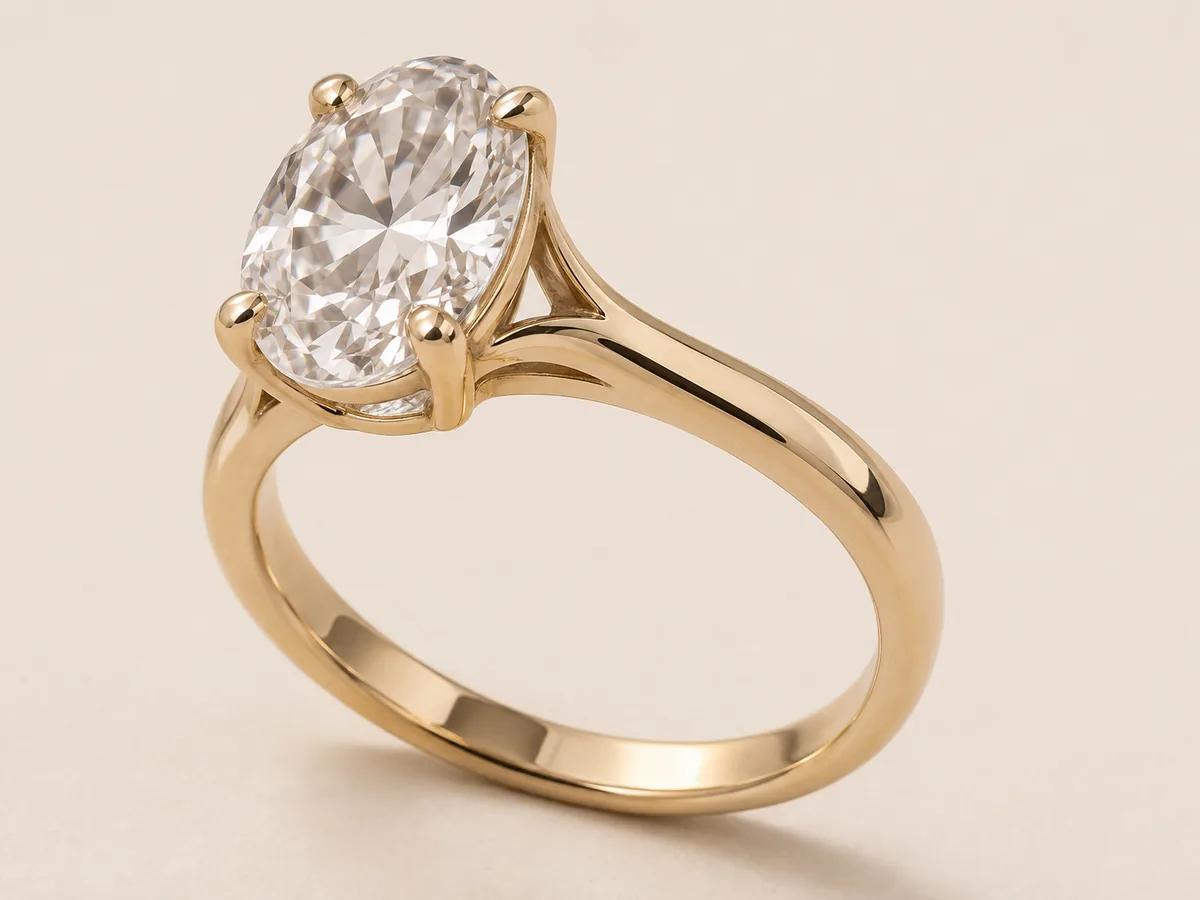
Gold oval solitaire ring at a three-quarter angle showing prongs and setting height

Ring product photos

Rings need the stone and the band in one view. A three-quarter angle shows the setting height and the shank together.

  • Show prongs or the bezel clearly; small prongs are the first detail AI may redraw.
  • Avoid a flat top-down photo of a solitaire; it hides stone height.
  • For engagement rings, Clean Studio or Velvet Display keeps attention on the stone.
Choose ring angles
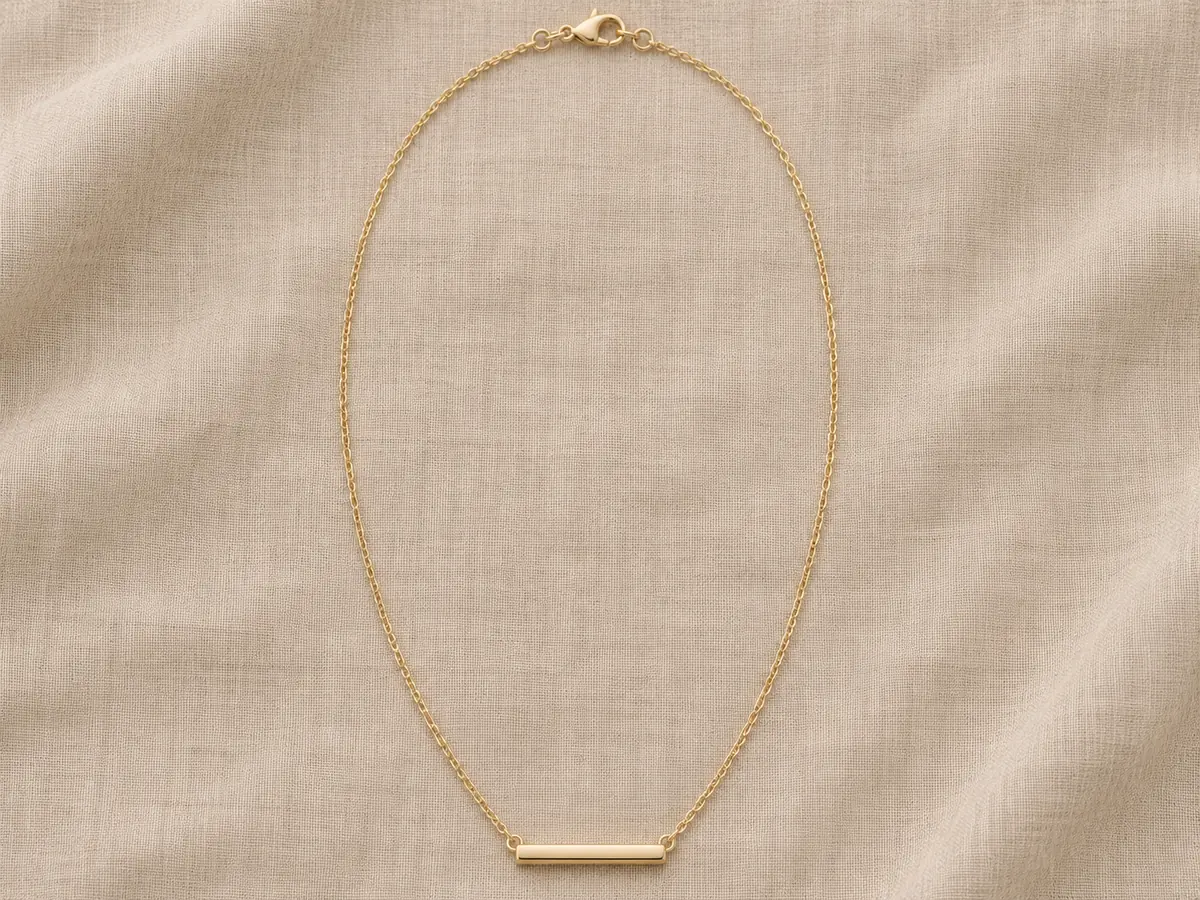
Gold bar pendant necklace in a loose oval with its clasp visible on sand linen

Necklace photography

Necklaces are long and thin, so framing matters. Lay the chain in a loose oval or a soft U with the pendant centered.

  • Keep the full chain and clasp in the photo; cropped chains often come back with invented links.
  • Use 3:4 portrait for long chains and layered pieces.
  • Flat Lay suits chains; Velvet Display suits pendants with a colored stone.
Choose necklace layouts
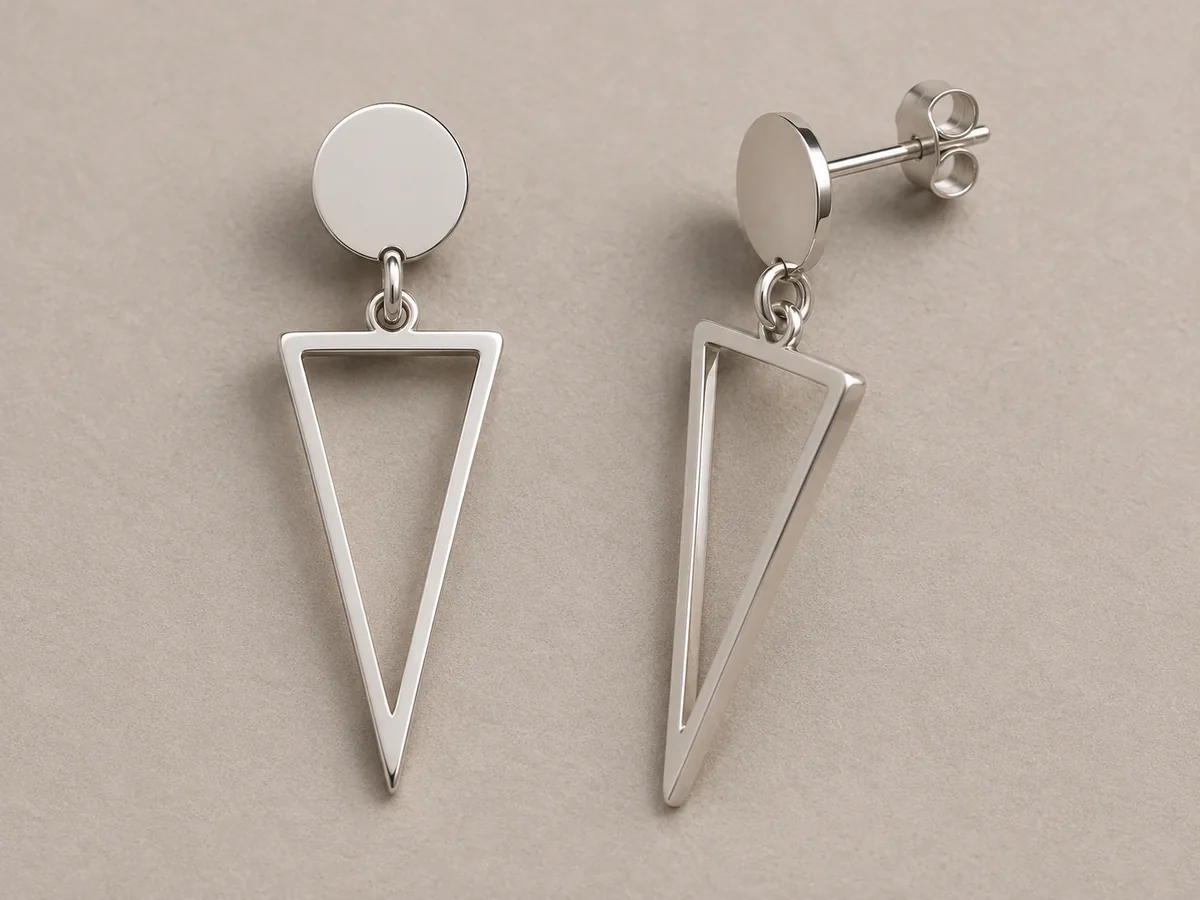
Pair of silver geometric drop earrings with one turned to show its post

Earring photos

Earrings sell as a pair, and AI should keep the pair consistent. Photograph both earrings at the same scale.

  • Turn one earring slightly to show the post, hinge or hook.
  • Check that both earrings in the result still match each other.
  • Pearls and gold drops read well on velvet; hoops read well on white.
Choose earring layouts
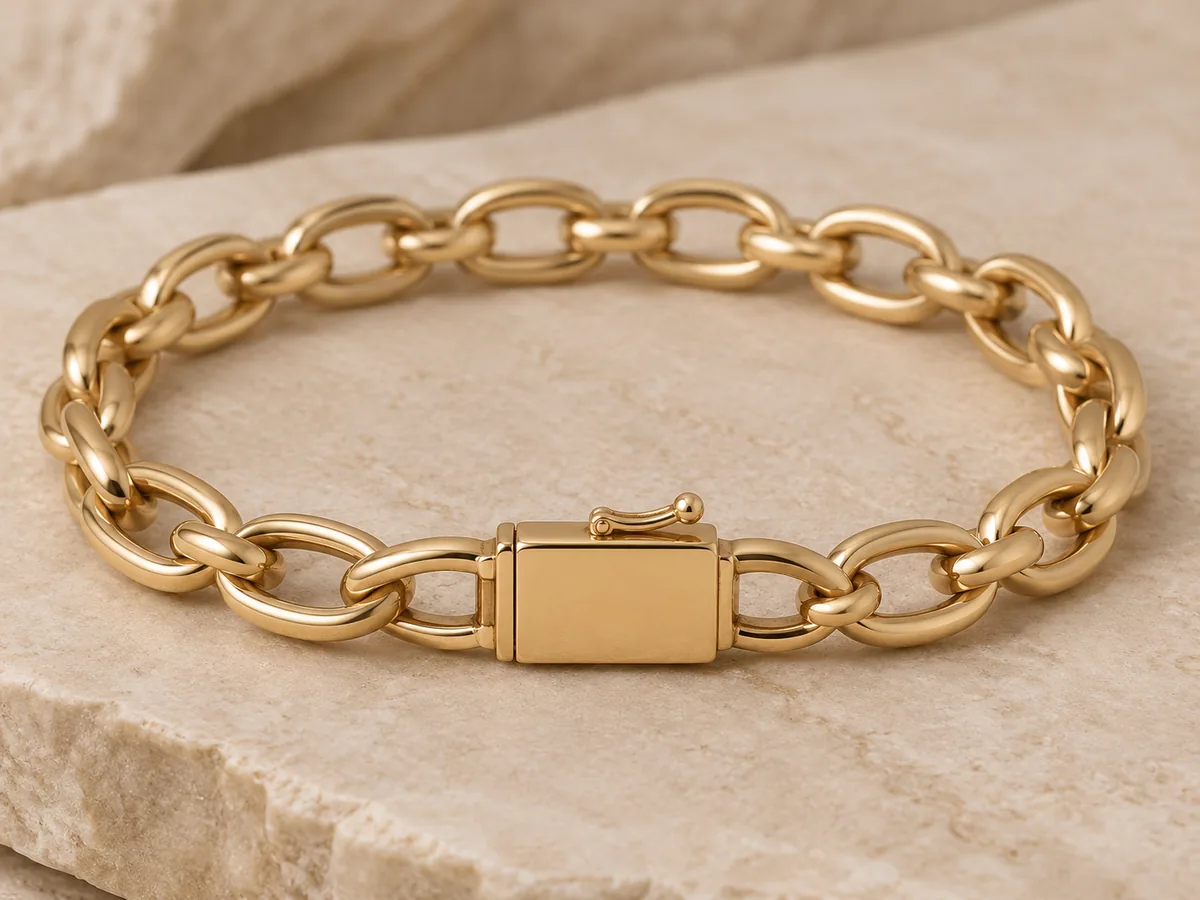
Gold link bracelet with a rectangular box clasp in sharp focus on ivory stone

Bracelet photos

Bracelets show their construction through links and clasps. Lay chains in an oval and stand bangles slightly tilted.

  • Keep the clasp visible; it is a common place for AI to add or merge parts.
  • Tennis bracelets need sharp focus on each setting before upload.
  • Soft Lifestyle works for bangles and cuffs; Clean Studio for link chains.

07

Before You Upload: Source Photo Checklist

A clean source photo does more for accuracy than a long note.

Do

  • Photograph the complete piece, edges and clasp included
  • Use soft, even light from a window or a light tent
  • Focus on the main stone or the most detailed area
  • Shoot on a plain background with space around the piece
  • Show both earrings, or both ends of a chain

Avoid

  • Blown-out highlights that turn metal or stones white
  • Hands, fingers or packaging covering parts of the piece
  • Heavy filters that change metal or stone color
  • Several different products in one photo
  • HEIC or MPO files — convert to JPEG or PNG first

08

AI Jewelry Photography vs a Traditional Photo Shoot

They solve different problems. Most sellers use both.

AI scene generation compared with photographing the real piece
AI jewelry photographyTraditional product shoot
SetupOne clear photo of the pieceCamera, macro lens, lighting, props, editing
Cost per image15 creditsYour time and equipment, or a photographer’s fee
New backgroundGenerate another scene from the same photoRestyle the set and reshoot
Detail accuracySmall details may change; manual review requiredShows the real piece as it is
Best forLifestyle variants, social posts, testing backgroundsMain listing images, macro detail, proof of condition

09

Where Sellers Use AI Jewelry Product Photos

Use results where a styled scene helps, and keep real photos where buyers need evidence.

Etsy and marketplace listings

Add a styled scene after your real main photo to show the piece in context. Marketplaces set their own image rules, so check them before you upload.

Example: a Soft Lifestyle shot as the third image of a ring listing.

Shopify product pages

Give a collection one consistent backdrop, even when the source photos were taken at different times.

Example: every bracelet in a collection on Clean Studio, 1:1.

Instagram and Pinterest posts

Turn one product photo into several looks for posts, stories and pins.

Example: one necklace in Flat Lay for the feed and Velvet Display, 3:4, for a pin.

Lookbooks and line sheets

Mock up a seasonal lookbook or wholesale line sheet before you book a full shoot.

Example: a pearl earring collection on Velvet Display for a holiday lookbook.

Before you publish

Accuracy Comes Before Atmosphere

AI may change tiny stones, prongs, engraving, chain links, clasps or metal color. The tool edits your photo without a pixel mask, so it cannot lock every detail of the product.

You are responsible for representing your product accurately. Reject results that differ from the real piece. Never use a generated image as evidence of materials, size, gemstone grade or certification. Photograph the real piece whenever a buyer needs proof.

Questions

AI Jewelry Photography FAQ

What is the best background for jewelry product photography?

A white or very light background is the usual choice for catalog and marketplace images, because it keeps attention on the piece and matches most store grids. For brand and social images, warm linen or neutral velvet adds context. Gemstones, pearls and gold often look richer on taupe velvet, while silver and diamonds read well on white.

How does the AI jewelry photo generator keep my piece the same?

Your photo is the reference for the product. The tool tells the model to keep visible stones, their count, shape and color, prongs, metal color, engraving, chain, clasp and silhouette, and to change only the background, surface, light and framing. This lowers the risk of changes but does not remove it, so compare every result with your piece.

What photo should I upload for the best result?

Upload one sharp PNG, JPEG or WebP photo, up to 20 MB, with the complete piece in frame and even light. Avoid hands, packaging and heavy filters. The photo is resized to 1536 pixels before upload, so fine engraving may soften. Convert HEIC or MPO files to JPEG first.

Can AI jewelry photography change my stones or engraving?

Yes. Small accent stones, prongs, engraving, chain links and clasps are the details most likely to change, and metal tone can shift under warm light. This is the main limitation of AI jewelry photography. Reject any result that does not match the real piece and photograph the actual item when precise detail matters.

How much does AI jewelry photography cost?

Each image costs 15 credits on the default Fast setting, including your reference photo. New accounts that use Google sign-in or a Gmail address get 20 free credits, enough for one image. The price always appears before you generate, and a failed generation returns its held credits.

Can I use AI jewelry product photos on Etsy, Shopify or Amazon?

You can use results from paid credits commercially, as long as the image represents the real product accurately and you have the rights to the source photo. Images made with free signup credits carry a watermark and are for personal use. Each marketplace sets its own image rules, such as white backgrounds for main images, so check the current requirements before listing.

What should I write in the additional notes?

Use notes for framing and light, not for redesigning the piece. A good example: “Keep the clasp fully visible, leave empty space above the pendant for text, slightly softer shadow.” Notes are limited to 300 characters and never override the product preservation rules.

How long are my jewelry photos kept?

Your uploaded reference photo is private and scheduled for deletion after one day. On a free account, generated images stay in My Creations for 14 days; paid plans and credit packs keep them longer. Download the images you want to keep.
Try AI Jewelry Photography on Your Own Piece

Upload one product photo, pick a scene and compare the result with your jewelry before you publish.

Upload a jewelry photo