Jewelry Studio · Etsy

Etsy Jewelry Listing Photos That Match the Real Item

Etsy’s 2026 update asks most listings to include at least one real, unedited photo of the item. Keep that photo as it is, then use it to build the rest of the listing set here.

Updated · Image25 Jewelry Studio

Photo settings

i. Your jewelry photo

Only upload photos you own or may edit. Photos are resized to 1536 px before upload, so very fine details may soften.

ii. Jewelry type
iii. Listing image
iv. Format

15 credits · Fast · Medium · 1 image

Includes one reference photo. Every new generation costs 15 credits.

Email sign-in keeps your selection. Google sign-in leaves this page; reselect your photo and settings after returning.

Choose a jewelry photo to begin.

Bright & clean

Light neutral backdrop, piece fills most of the frame.

Bright & clean · Ring
Your current settings. Upload a photo to see your jewelry side by side with the generated image.
  1. 1Upload a photo of your piece
  2. 2Generate one Bright & clean image
  3. 3Compare side by side, then download

In short

This tool turns a real photo of your piece into supplemental Etsy jewelry listing photos: a bright clean view, a styled surface, a detail view and a gift mood. Each image costs 15 credits and must still match the item you ship.

Image types
Bright, styled, detail, gift mood
Jewelry
Rings, necklaces, earrings, bracelets
Formats
4:3 landscape, 1:1 or 3:4
Upload
PNG, JPEG or WebP · up to 20 MB
Price
15 credits per image

01

Listing Photo Showcase

Explore lighting, framing and presentation ideas for your jewelry photos.

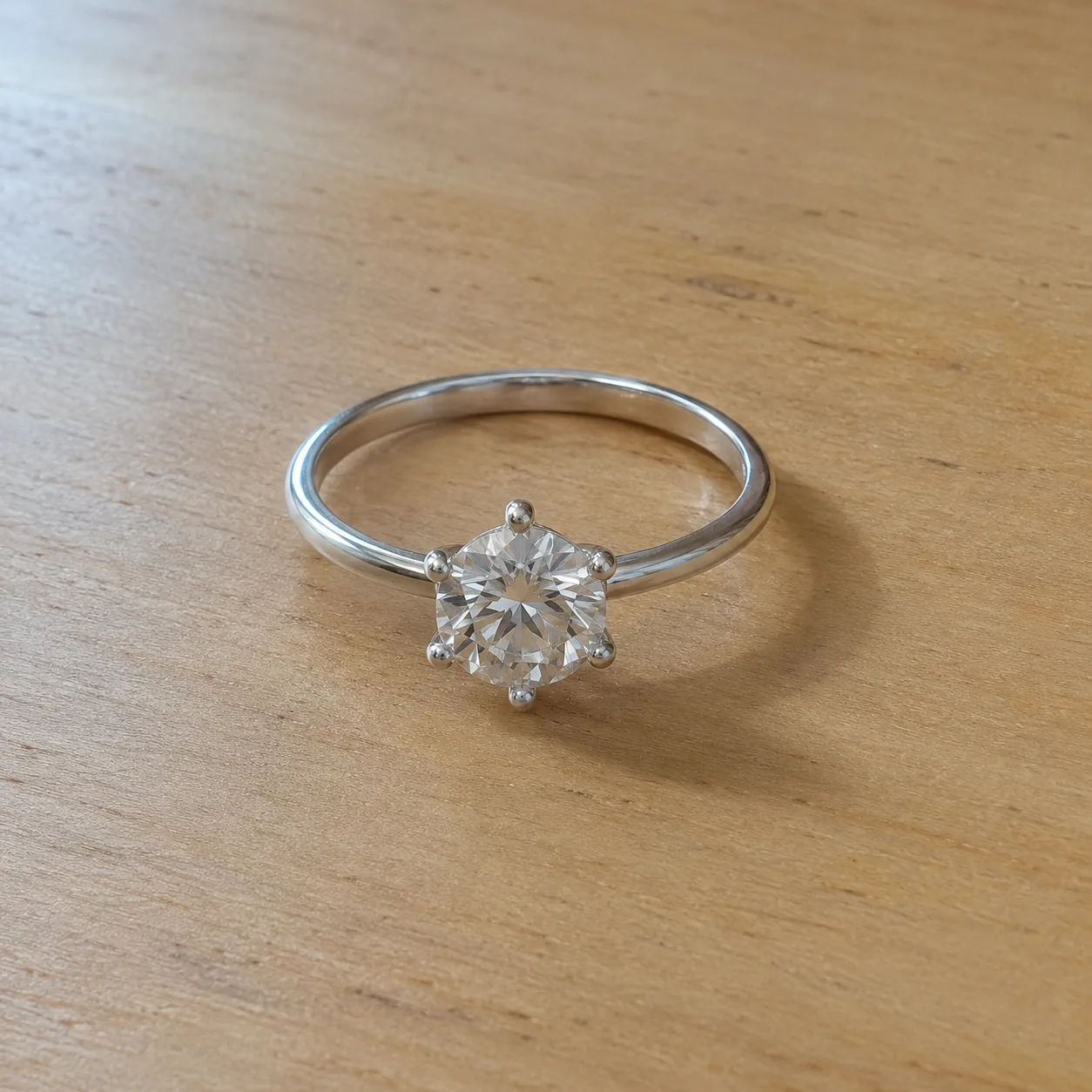
  • A silver six-prong solitaire ring on a pale wooden deskBefore
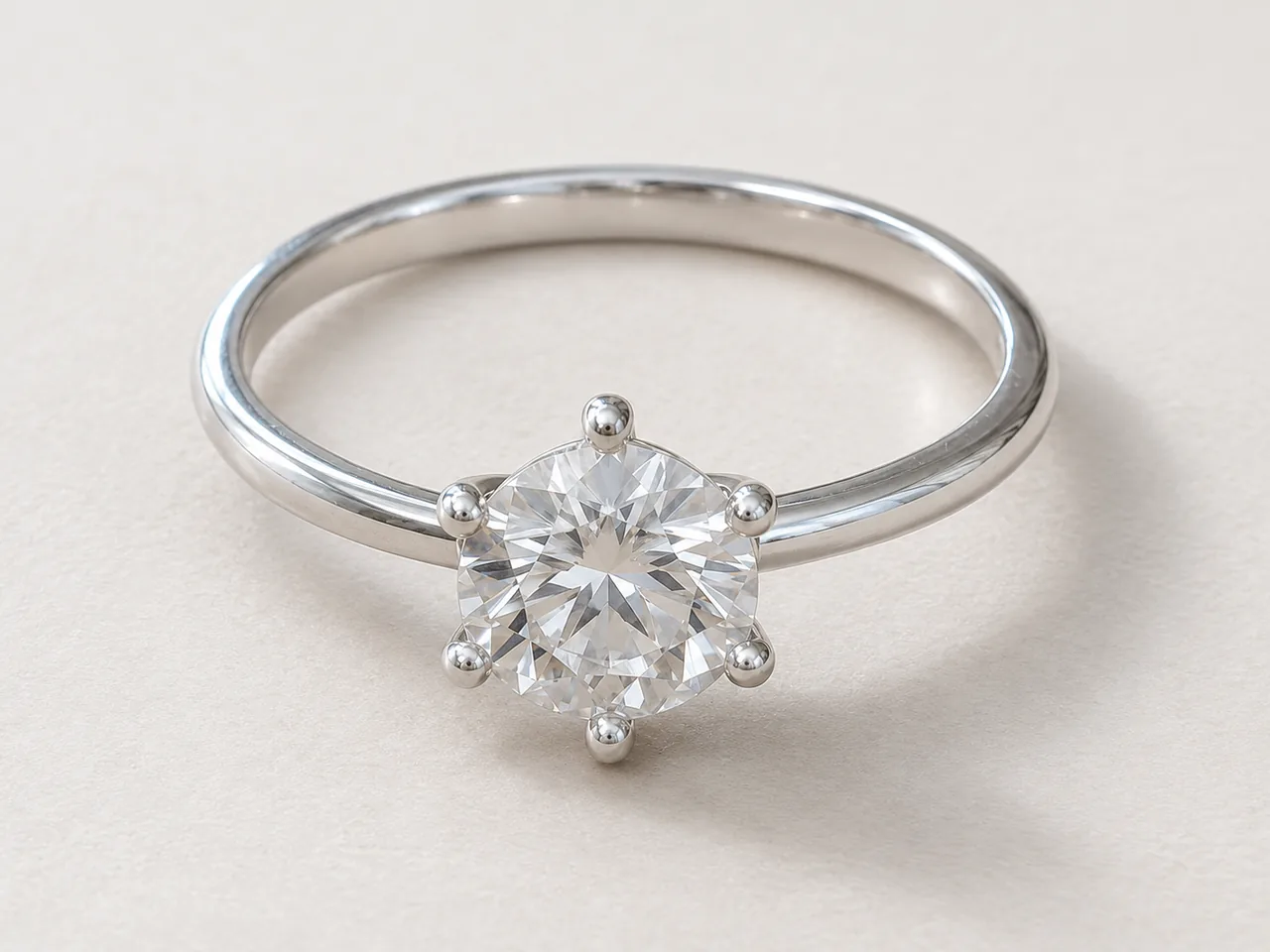
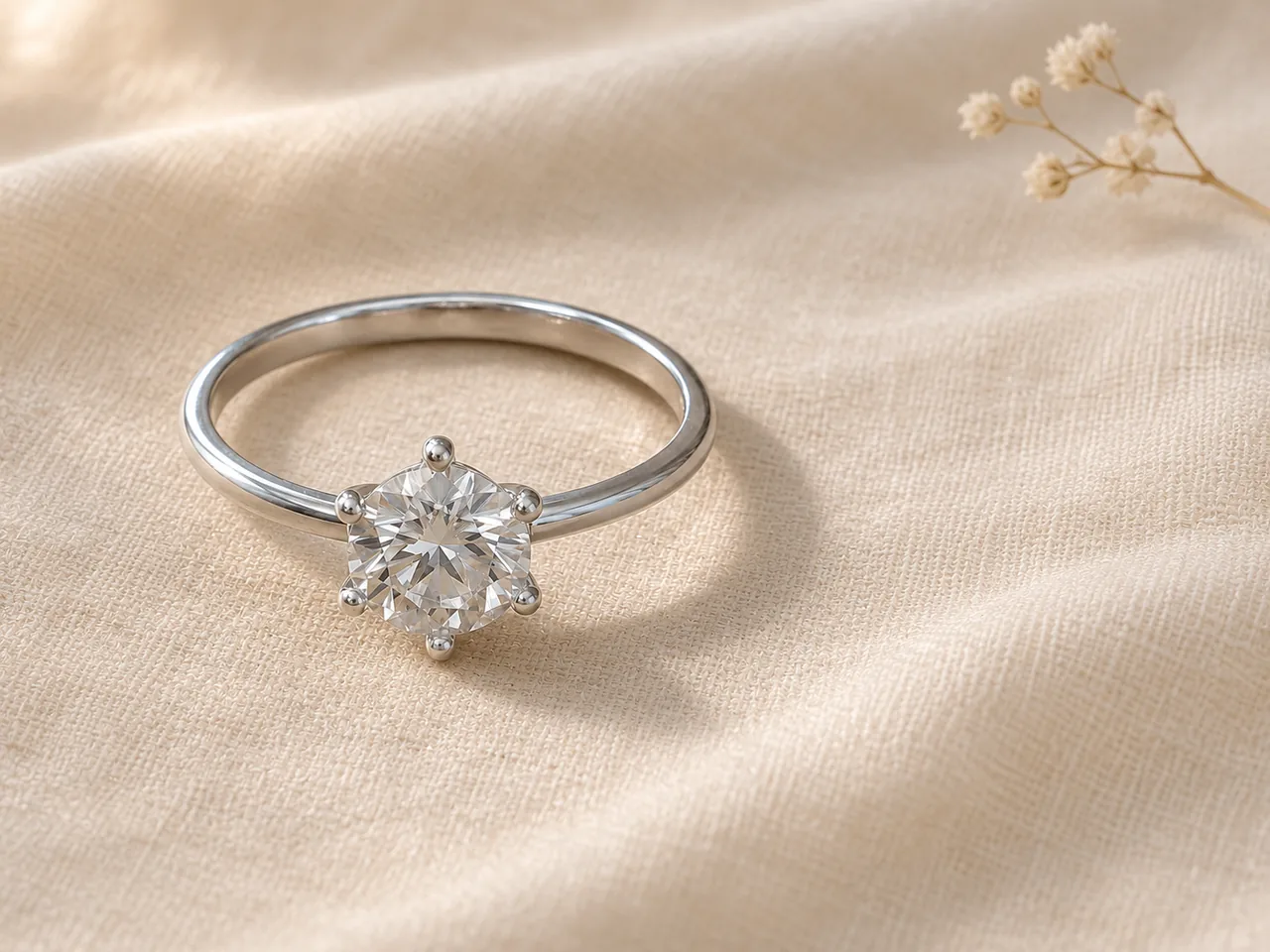
    Close view of a silver six-prong solitaire and round clear stone on a light cream backdropAfter
    Bright & clean · RingBright and clean
  • A silver six-prong solitaire ring on a pale wooden deskBefore
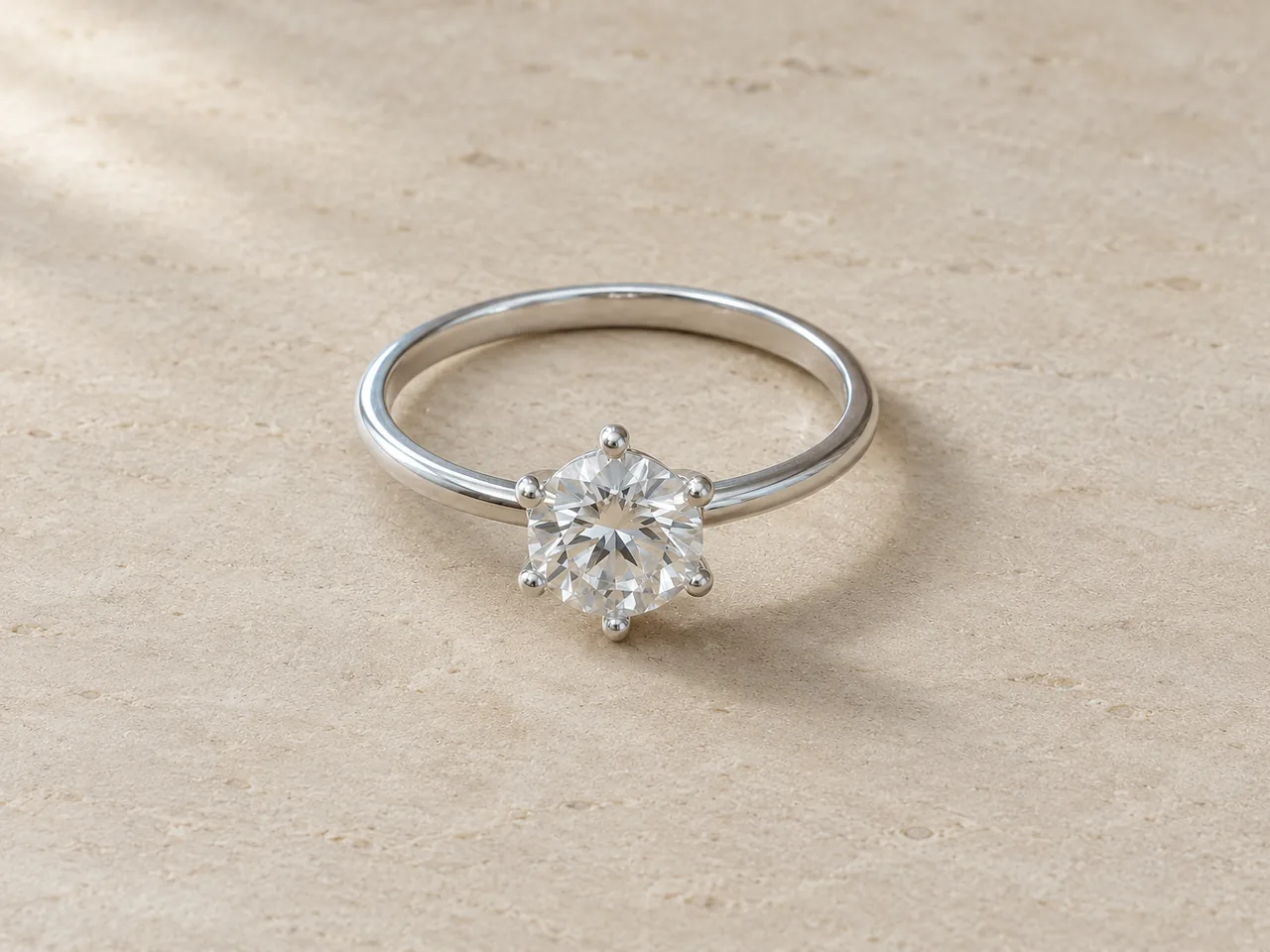
    Silver solitaire on pale porous stone with a soft diagonal shadowAfter
    Styled surface · RingStyled surface
  • A silver six-prong solitaire ring on a pale wooden deskBefore
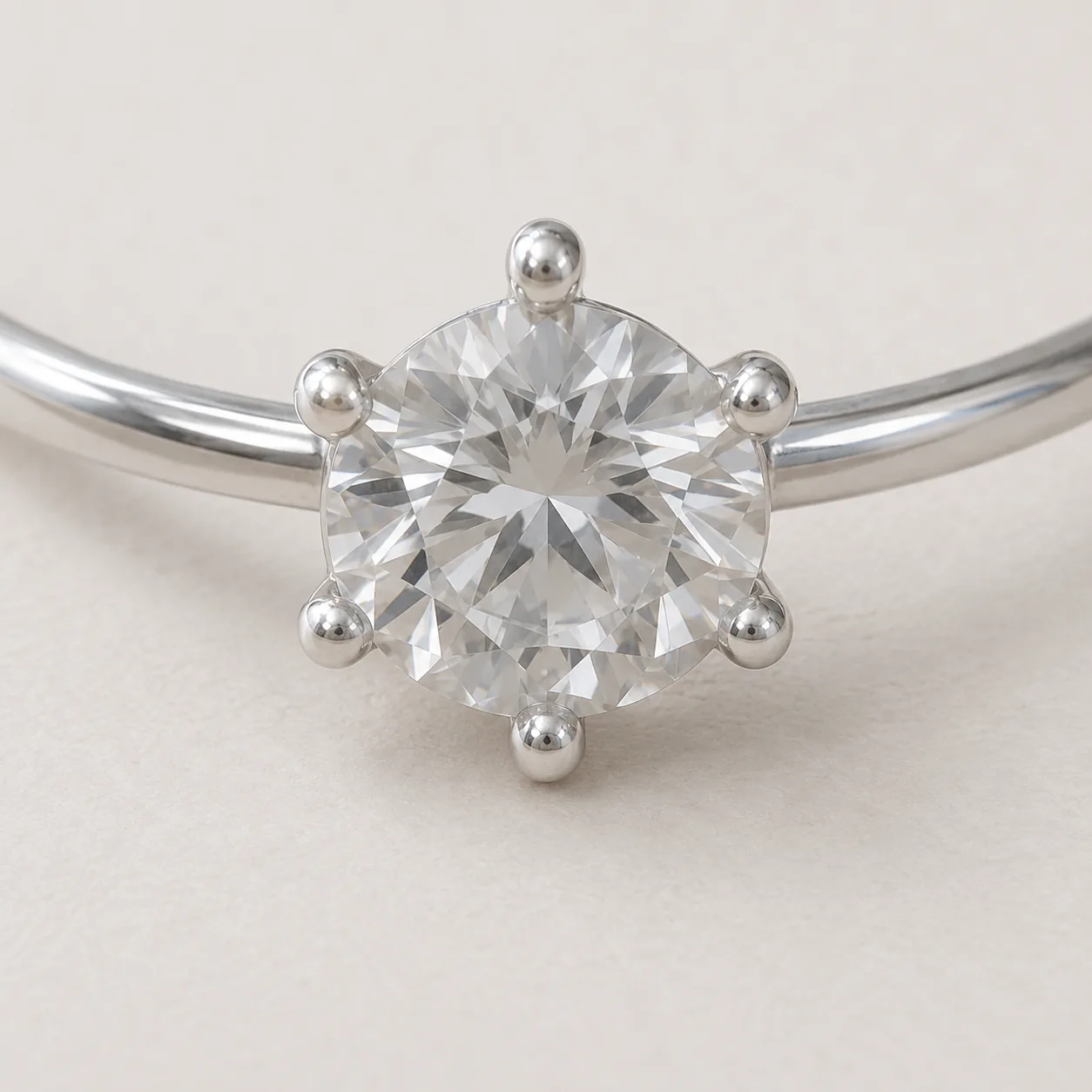
    Macro view of six rounded silver prongs surrounding a clear faceted stone, with the band cropped at the edgesAfter
    Detail view · RingRing detail
  • A silver six-prong solitaire ring on a pale wooden deskBefore
    Silver solitaire on warm ivory linen beside dried white flowers and diagonal sunlightAfter
    Gift mood · RingGift mood

02

What Makes Good Etsy Jewelry Listing Photos?

A good Etsy listing answers a buyer’s questions in pictures: what the piece looks like, how big it is, how it is made, and how it might feel to own or give. One photo cannot do all of that, so listings use a set.

Since Etsy’s listing image update in October 2026, most listings also need at least one real, unedited photo of the actual item against a real background. AI-assisted images are still allowed as additional photos, as long as they accurately represent what the buyer will receive.

That makes the job of an AI tool clear. It should not replace your real photo. It should start from it and produce the supporting images, such as a brighter catalog view, a styled scene or a closer detail, without changing the piece.

Start from
Your real, unedited photo of the item
Keep
That unedited photo in the listing as is
Add
AI supplemental images that match the item
Never
Invent sizes, materials or details
Rules guide
Read our Etsy AI photo rules guide

03

How to Make Etsy Product Photos With AI

Keep the real photo in the listing; build the rest from it.

  1. 1

    Take and keep one real, unedited photo

    Photograph the piece on a real surface in good light and add it to the listing without edits. Then upload a copy of that photo here as the source. Use one PNG, JPEG or WebP up to 20 MB.

  2. 2

    Choose the listing image you need

    Select Bright & clean, Styled surface, Detail view or Gift mood, the jewelry type and a format. 4:3 landscape and 1:1 are common listing shapes; check how Etsy previews your first photo when you upload.

  3. 3

    Compare, then add it as a supplemental image

    Check stones, metal tone, chain, clasp and proportions against the real piece. Upload matching results after your real photo, and disclose AI use where Etsy’s listing form asks for it.

04

Plan a Complete Etsy Jewelry Listing Image Set

A typical set mixes real photos with supporting images.

A suggested Etsy jewelry listing image set
ImageWhat it showsSourceTool option
Real photoThe actual item on a real backgroundYour camera, uneditedNone: upload as is
Catalog viewThe piece bright and clear, filling the frameAI from your real photoBright & clean
Styled viewThe piece on linen, wood or stoneAI from your real photoStyled surface
DetailSetting, texture, clasp or engravingAI from your real photo, or a macro photoDetail view
Gift viewA warm, giftable mood without packagingAI from your real photoGift mood
ScaleThe piece worn or next to a common objectYour cameraNone: photograph it

05

Etsy Photo Requirements Jewelry Sellers Should Know

A summary of the 2026 rules as reported; always confirm on Etsy’s own policy page.

At least one unedited photo

Most listings need one photo of the actual item on a real background with no alterations. Reports differ on whether basic crops or exposure tweaks are allowed on that photo, so the safest choice is to upload it straight from the camera.

Every photo must be accurate

Additional photos may be edited, including with AI, but must accurately represent the item. A listing with misleading images can lead to refunds if a buyer opens a case.

Exceptions exist

Reported exceptions include some print-on-demand, digital, customized and made-to-order items. Handmade jewelry made to order may fall under them; check the exact wording for your listing type.

Disclosure

Etsy’s seller policy asks sellers to disclose AI use in certain cases through the listing form. Follow the current form and help pages for your items.

06

Etsy Listing Image Ideas for Jewelry

Good ideas

  • Lead with the real photo or a bright, accurate catalog view
  • Use one backdrop style across your whole shop
  • Show the clasp, post or back in a detail image
  • Add a real photo for scale, worn or next to a coin
  • Keep metal tone consistent across every image

Avoid

  • Replacing your only real photo with an AI image
  • Props or packaging that do not ship with the item
  • Text claiming sizes or materials you have not verified
  • Results where stones or links changed
  • Mixing warm and cool versions of the same piece

07

Etsy Shops That Benefit Most

Handmade one-of-a-kind pieces

Each piece is unique, so a full shoot per item is expensive. One real photo plus supporting images keeps listings complete.

Example: a hand-forged ring with a real photo, a styled view and a detail.

Small-batch collections

Consistent styled images across a collection make a shop look curated.

Example: every pendant in a series on the same Styled surface.

Seasonal refreshes

Gift mood images freshen listings for holidays without restaging real props.

Example: a Gift mood image added in November, removed in January.

Older listings

Existing listings must meet the new requirements too. Add a real unedited photo, then rebuild the supporting set.

Example: an older bracelet listing updated with a real photo first.

08

Check Each Image Before It Goes on Etsy

Use this table on every supporting image, every time.

Etsy listing image quality checks
CheckGood resultReject if
Matches the itemSame stones, metal, chain and proportionsAny detail differs from the piece you ship
Metal optionShows the finish the buyer selectsOne finish recolored to stand in for another
PropsOnly neutral styling, nothing implied to shipBoxes, extra pieces or items you do not include
Text on imagesNone, or only facts you verifiedSizes or materials added without checking
Real photoYour unedited photo is still in the listingThe listing relies only on generated images
DisclosureAI use disclosed where the form asksDisclosure skipped where it applies

Before you publish

Accuracy Protects Your Shop

AI may change small stones, prongs, engraving, chain links or metal tone. Compare every result with the real piece and reject anything that differs. Never use a generated image to imply size, materials, gemstone grade or certification.

This page summarizes reported policy and is not legal advice or an official Etsy statement. Etsy is a trademark of its owner; Image 25 is not affiliated with Etsy. Confirm current requirements on Etsy’s Listing Image Requirements page.

Questions

Etsy Jewelry Listing Photos FAQ

Can I use AI images for Etsy jewelry listing photos?

Yes, as additional images that accurately represent the item. Since the October 2026 update, most listings also need at least one real, unedited photo of the actual item on a real background. Keep that photo in the listing and use AI images to support it.

What are Etsy’s photo requirements for jewelry?

As reported for the 2026 update: most listings need at least one unedited photo of the actual item against a real background, and every image must accurately represent the item. Some print-on-demand, digital, customized and made-to-order items are reported as exceptions. Confirm details on Etsy’s Listing Image Requirements page.

Can I edit the required unedited photo?

The safest choice is not to. Reports differ on whether crops or exposure tweaks are allowed on that one photo. Upload it straight from the camera, and put all edits in your additional images.

What size should Etsy product photos be?

Etsy shows listing photos in several crops across search, the listing page and mobile, so 4:3 landscape and 1:1 square are common choices. Keep the piece centered with space around it, and check Etsy’s current photo guidance for recommended dimensions.

Do I need to disclose AI images on Etsy?

Etsy’s seller policy asks for AI disclosure in certain cases through the listing form. Follow the current form and help pages for your items, and never use AI images that misrepresent the product.

How much do Etsy jewelry listing photos cost here?

Each image costs 15 credits on the default Fast setting, including your reference photo. New accounts that use Google sign-in or a Gmail address get 20 free credits, enough for one image. Free-credit images are watermarked and for personal use, so use paid credits for listings.

How long are my images kept?

Your upload is private and scheduled for deletion after one day. On a free account, generated images stay in My Creations for 14 days; paid plans and credit packs keep them longer.

Which Etsy jewelry listing photo should come first?

Many sellers lead with their clearest, most accurate image, either the real unedited photo or a bright, clean view generated from it. Whatever comes first, make sure it matches the item exactly, because it is the image buyers see in search results.

Build Your Etsy Jewelry Listing Photos

Keep your real photo in the listing, upload a copy here and create the supporting images that match it.

Upload your real photo