Show only what ships
If gift wrap or a box is an optional extra, say so in the listing and keep it out of the main photos.
Jewelry Studio · Packaging
Buyers care about how a piece arrives, especially when it is a gift. Photograph the piece with the box or pouch you really ship, then restage it as an unboxing, an overhead set or an in-box close-up.
Updated · Image25 Jewelry Studio
15 credits · Fast · Medium · 1 image
Includes one reference photo. Every new generation costs 15 credits.
Email sign-in keeps your selection. Google sign-in leaves this page; reselect your photo and settings after returning.
Unboxing
Open packaging on a table, piece inside or beside it.
This jewelry packaging photography tool restages a photo of your piece with its real packaging: an unboxing moment, an overhead set or a close view in the box. It keeps your packaging exactly as photographed, never invents boxes, and costs 15 credits per image.
01
Three compositions from one photo of a ring in its box.
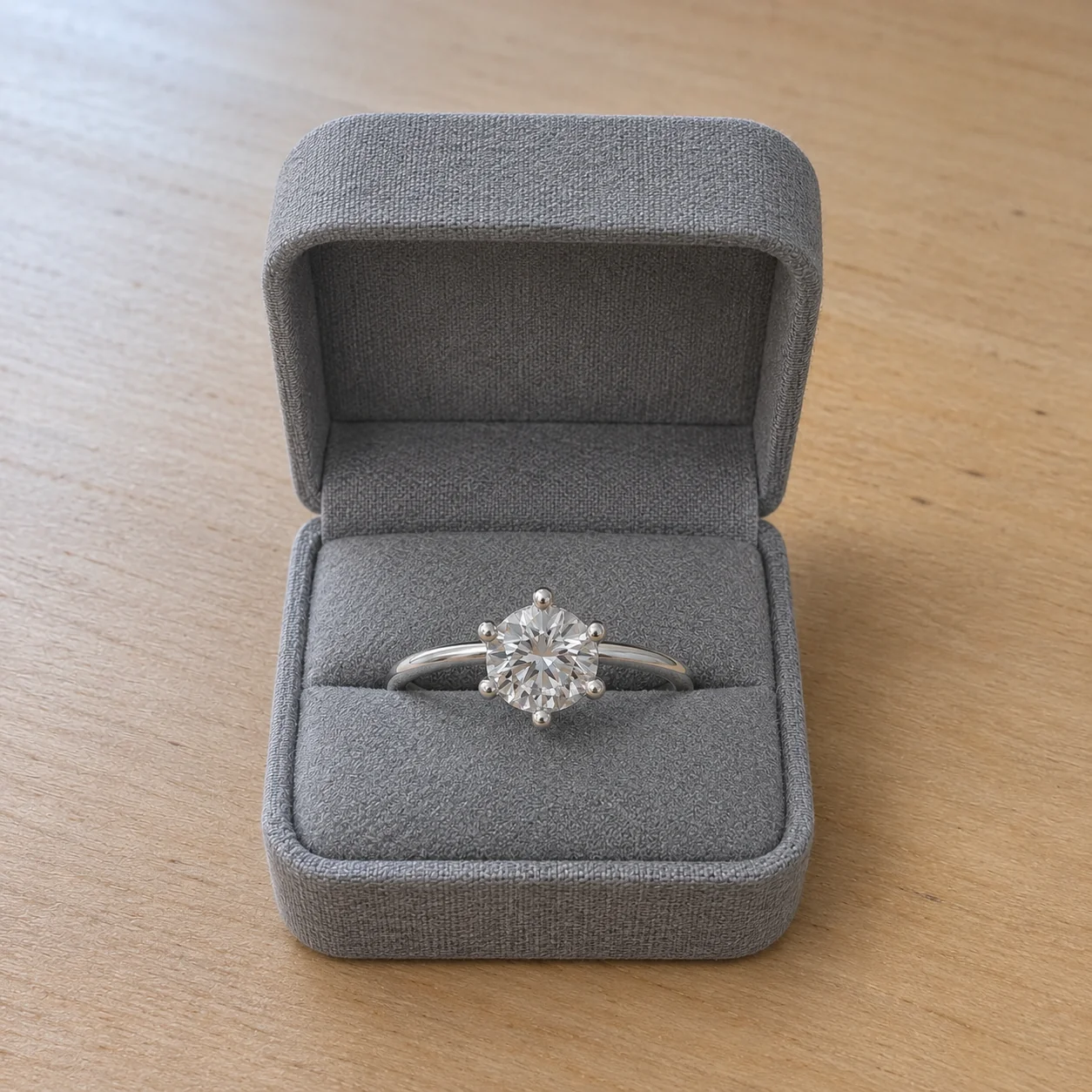 Before
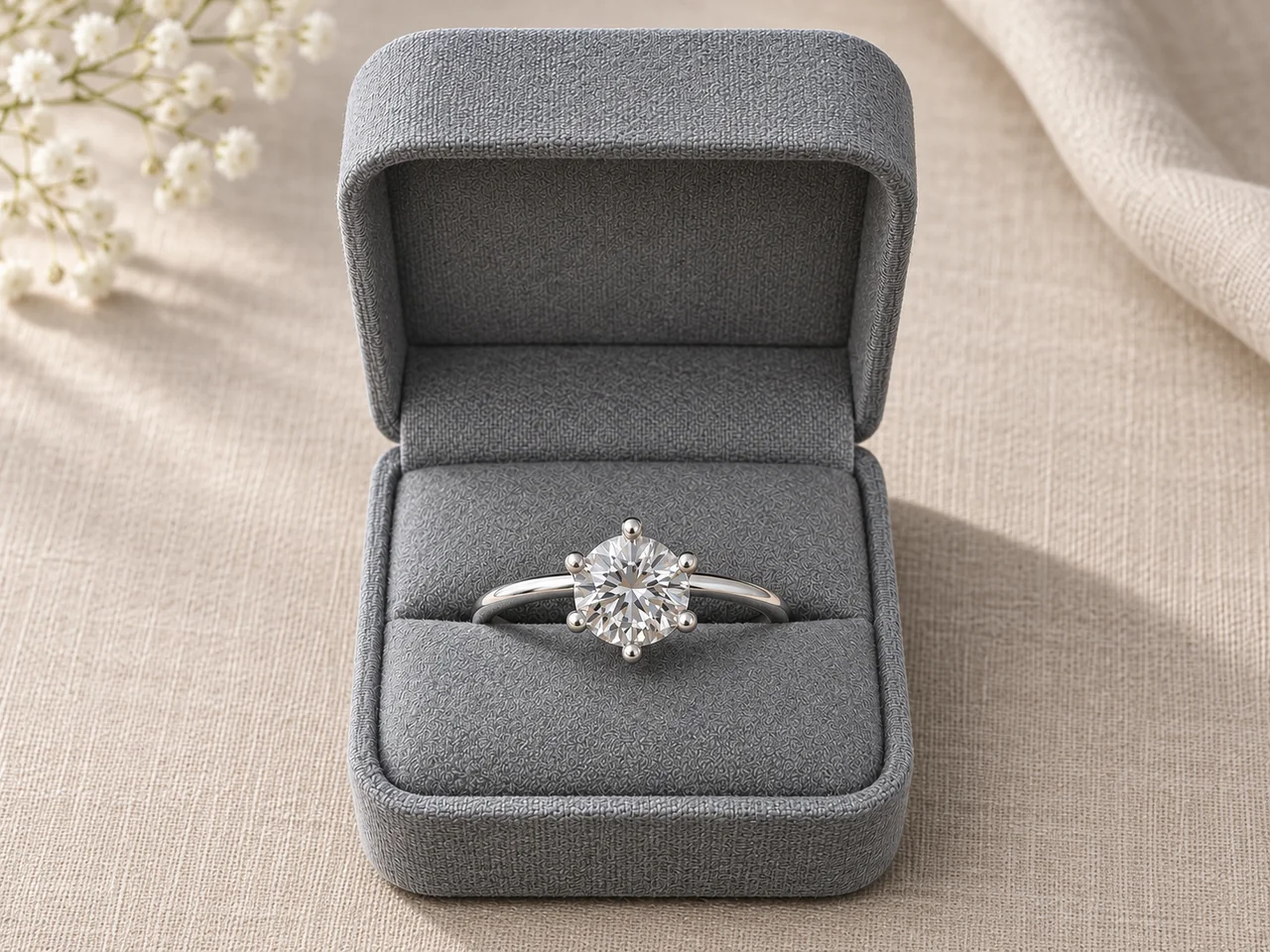 AfterBefore
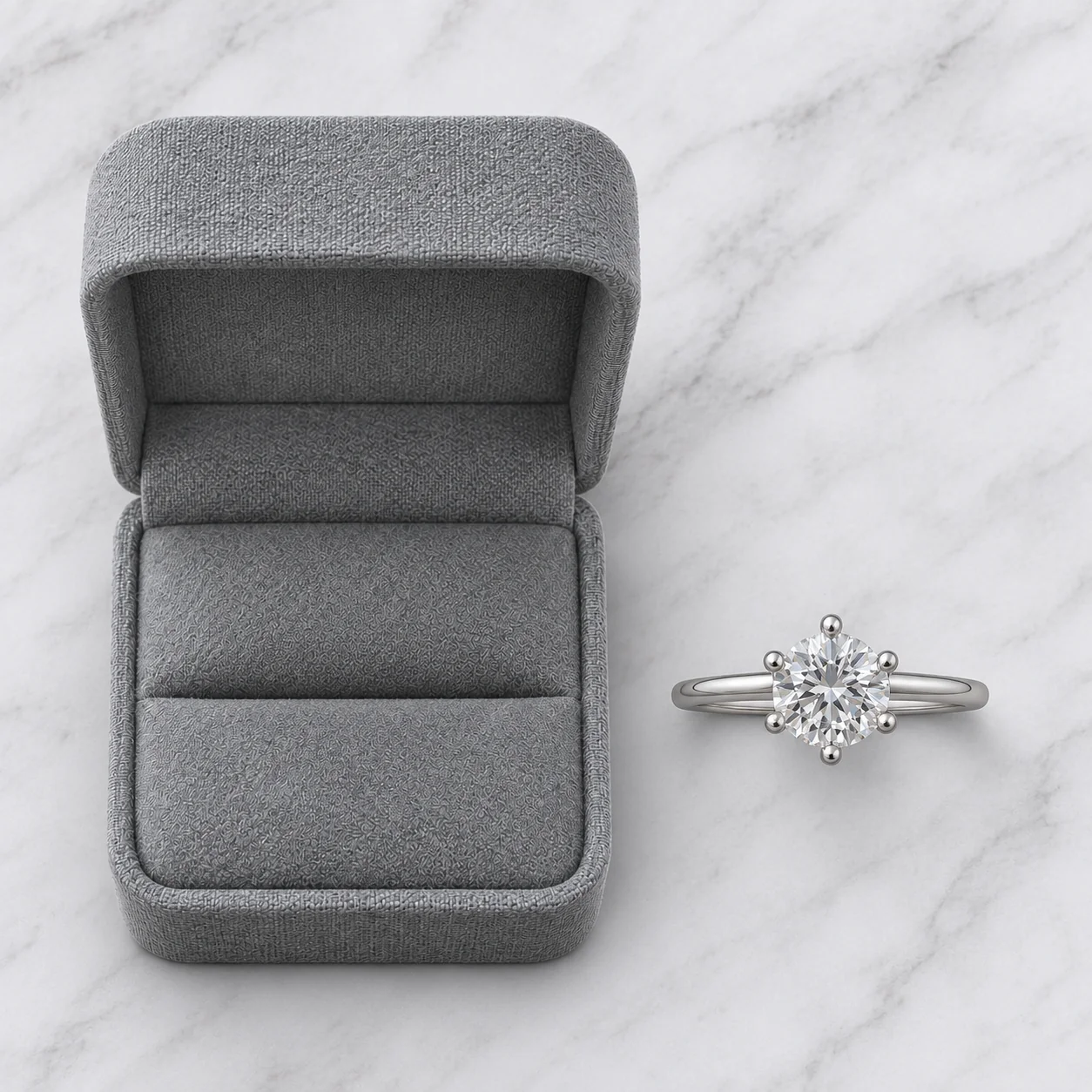 AfterBefore
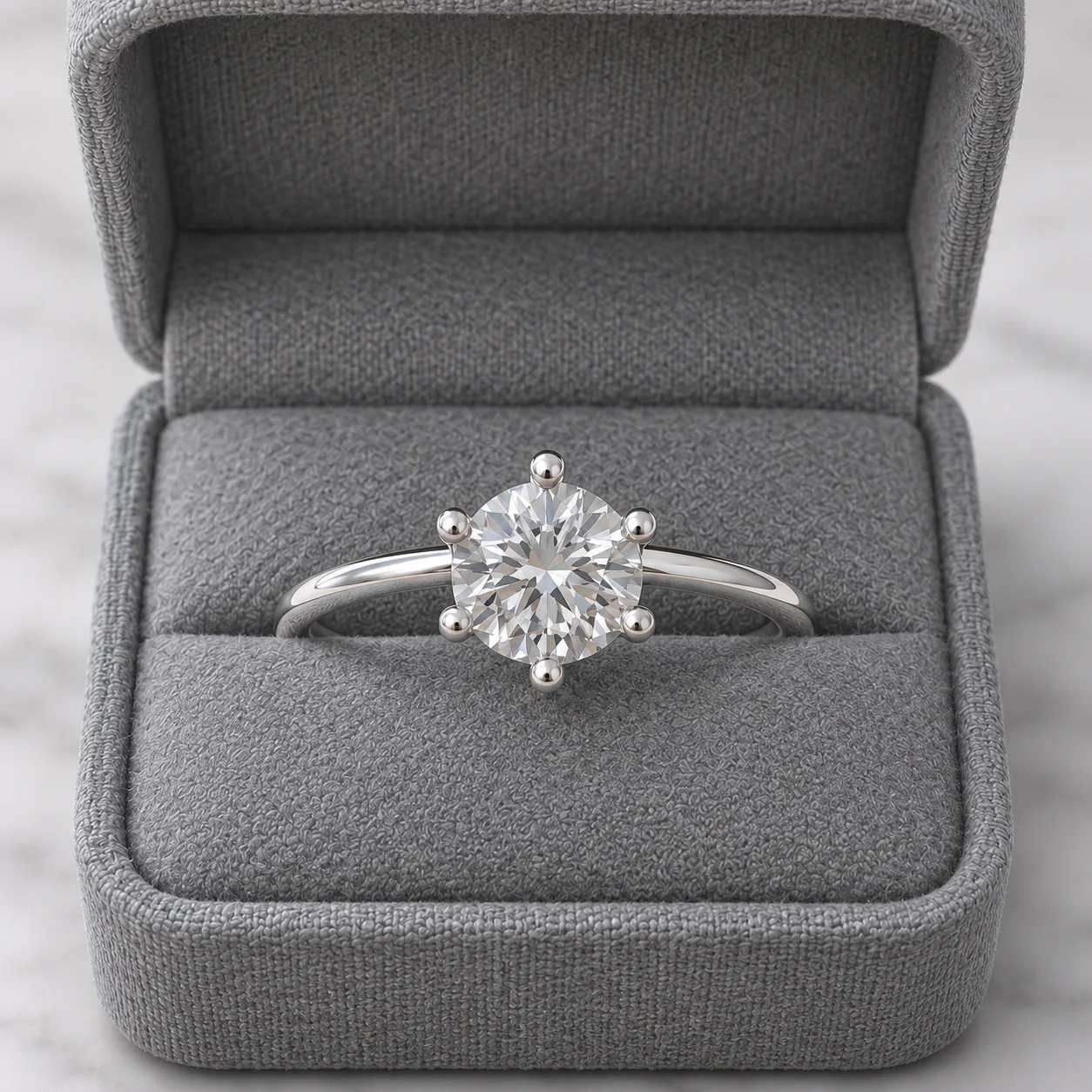 After
02
Packaging photography shows how a piece is presented when it arrives: the box, pouch or card it ships in, and the moment it is opened. For gifts it is often as important as the piece itself, because the buyer is picturing someone else opening it.
It comes with a strict honesty rule. A packaging photo makes a promise about what arrives in the post. Showing a velvet box when you ship in a paper pouch, or adding a ribbon you do not include, sets up a disappointed buyer.
So this tool only works with packaging that is in your photo. Photograph the piece with your real box, pouch or card; the tool restages the scene and light around them and keeps their shape, color, material and any printing. If your photo shows no packaging, the result shows none.
Packaging is also where small details carry big expectations. A logo on a box, a ribbon or a printed card all tell the buyer what will arrive. Because the tool keeps printing exactly as photographed and never adds extras, your source photo decides what the image promises.
03
Place the piece in or beside the exact box or pouch you ship, with the lid open if it has one, and shoot in soft light. Use one PNG, JPEG or WebP up to 20 MB.
Select Unboxing, Overhead set or In the box, plus the jewelry type and a 1:1, 4:3 or 3:4 frame. Add a note such as “keep the pouch drawstring visible”.
Check the piece first, then the packaging: shape, color, insert and any printing must match what you ship. Download only results that match. Each run is a separate paid generation.
04
Each composition answers a different buyer question.
| Composition | Answers | Best format | Best for |
|---|---|---|---|
| Unboxing | What does opening it feel like? | 4:3 | Gift listings and social posts |
| Overhead set | What exactly arrives? | 1:1 | Listing images showing contents |
| In the box | How is the piece presented? | 1:1 | Rings and earrings in fitted boxes |
05
The packaging photo is a promise about delivery.
If gift wrap or a box is an optional extra, say so in the listing and keep it out of the main photos.
Logos and text on packaging must match exactly. The tool keeps printing from your photo; check it letter by letter.
Ring slots, earring cards and necklace pads look different. The piece should sit in the result the way it really sits.
New boxes mean new photos. Old packaging images are a common cause of “not as pictured” messages.
If an earring card or ring pad is part of the packaging, it should appear exactly as it ships, including its color and any printed details.
06
07
Two products to check: the piece and its packaging.
| Check | Good result | Reject if |
|---|---|---|
| Piece | Same stones, metal and shape | Any detail redesigned |
| Packaging shape | Same box or pouch shape and size | A different box type appears |
| Color and material | Same color and texture | Gray became black or paper became velvet |
| Printing | Logos and text match exactly | Letters changed or new text added |
| Extras | Nothing added | Ribbons, cards or tissue were invented |
| Fit in the box | The piece sits as it really ships | The piece floats above the insert or is the wrong size |
08
Buyers shopping for someone else want to see that it arrives ready to give.
Example: a ring in its box as the second listing image.
Unboxing images signal gift-readiness in seasonal ads.
Example: an unboxing scene for a December email.
Consistent packaging images reinforce a premium brand.
Example: every collection shown in the same box style.
Shops ordering wholesale want to see how pieces are presented.
Example: earrings on their display card for a line sheet.
Bundles need a clear view of everything included.
Example: an overhead set showing each piece beside its pouch.
09
Packaging is usually the supporting act, not the opening shot.
Your first image should show the jewelry clearly on its own.
Add an In the box or Unboxing image as the second or third photo for gift-focused listings.
If gift packaging is optional or upgraded at checkout, say so in the listing and title the image accordingly.
Re-shoot when you change your box, pouch or card so photos never promise old packaging.
If buyers can choose a gift box or a pouch, photograph each option separately and label which image shows which choice.
Before you publish
AI may alter small stones, prongs, chains, printing or box details. Compare every result with your photo and reject anything that changes the piece or the packaging.
Never use generated packaging images to suggest packaging you do not ship. If packaging is optional or changes by order, say so in the listing.
Questions
It is product photography that shows a piece with the box, pouch or card it ships in, such as an unboxing scene or the piece seated in its box. It helps gift buyers and sets expectations for delivery.
No, on purpose. It only restages packaging that is in your photo, because showing packaging you do not ship misleads buyers. Photograph the piece with your real box or pouch first.
Open the box, place the piece as it really sits, and shoot in soft light. Then choose Unboxing for a table scene or In the box for a closer view. Keep printing sharp so it stays readable.
The tool is instructed to keep packaging printing exactly as photographed. AI can still alter small text, so check every letter before you use the image.
Usually not. Lead with a clear photo of the piece, then use a packaging image second or third. Marketplaces with strict main-image rules may not allow packaging in the first image.
Photograph the plain pouch. Simple, honest packaging photographed well still signals care, and buyers will not be disappointed when it arrives exactly as shown.
Each image costs 15 credits on the default Fast setting, including your reference photo. New accounts that use Google sign-in or a Gmail address get 20 free credits, enough for one image. Free-credit images carry a watermark and are for personal use; use paid credits for store and marketplace images.
Your upload is private and scheduled for deletion after one day. On a free account, generated images stay in My Creations for 14 days; paid plans and credit packs keep them longer.
Photograph the piece with the packaging you ship, choose a composition and check both before you publish.
Upload a photo with packaging