Start with best sellers
Restyle the pieces that already sell, not the whole catalog. A few strong seasonal images beat dozens of rushed ones.
Jewelry Studio · Holiday
Gift seasons drive a large share of jewelry sales, and each one needs fresh images. Restyle one product photo for Christmas, winter, Valentine’s Day or Mother’s Day without reshooting.
Updated · Image25 Jewelry Studio
15 credits · Fast · Medium · 1 image
Includes one reference photo. Every new generation costs 15 credits.
Email sign-in keeps your selection. Google sign-in leaves this page; reselect your photo and settings after returning.
Christmas
Evergreen sprigs and soft warm lights, no text.
This holiday jewelry photography tool restyles a photo of your piece for a gift season: Christmas, winter, Valentine's Day or Mother's Day. Seasonal props stay apart from the piece, no boxes or greeting text are invented, and each image costs 15 credits.
01
Three seasons, three pieces, each from one plain product photo.
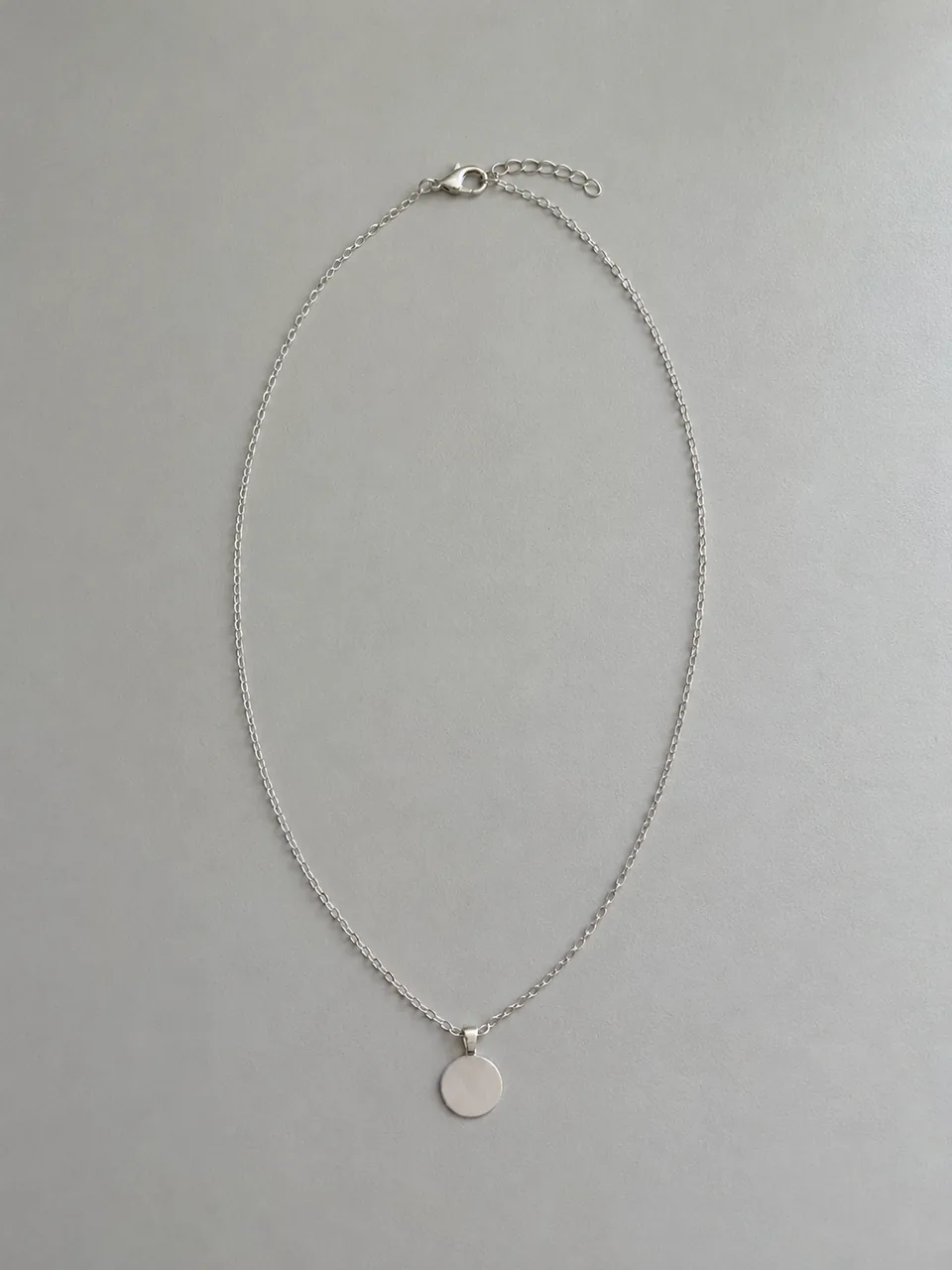 Before
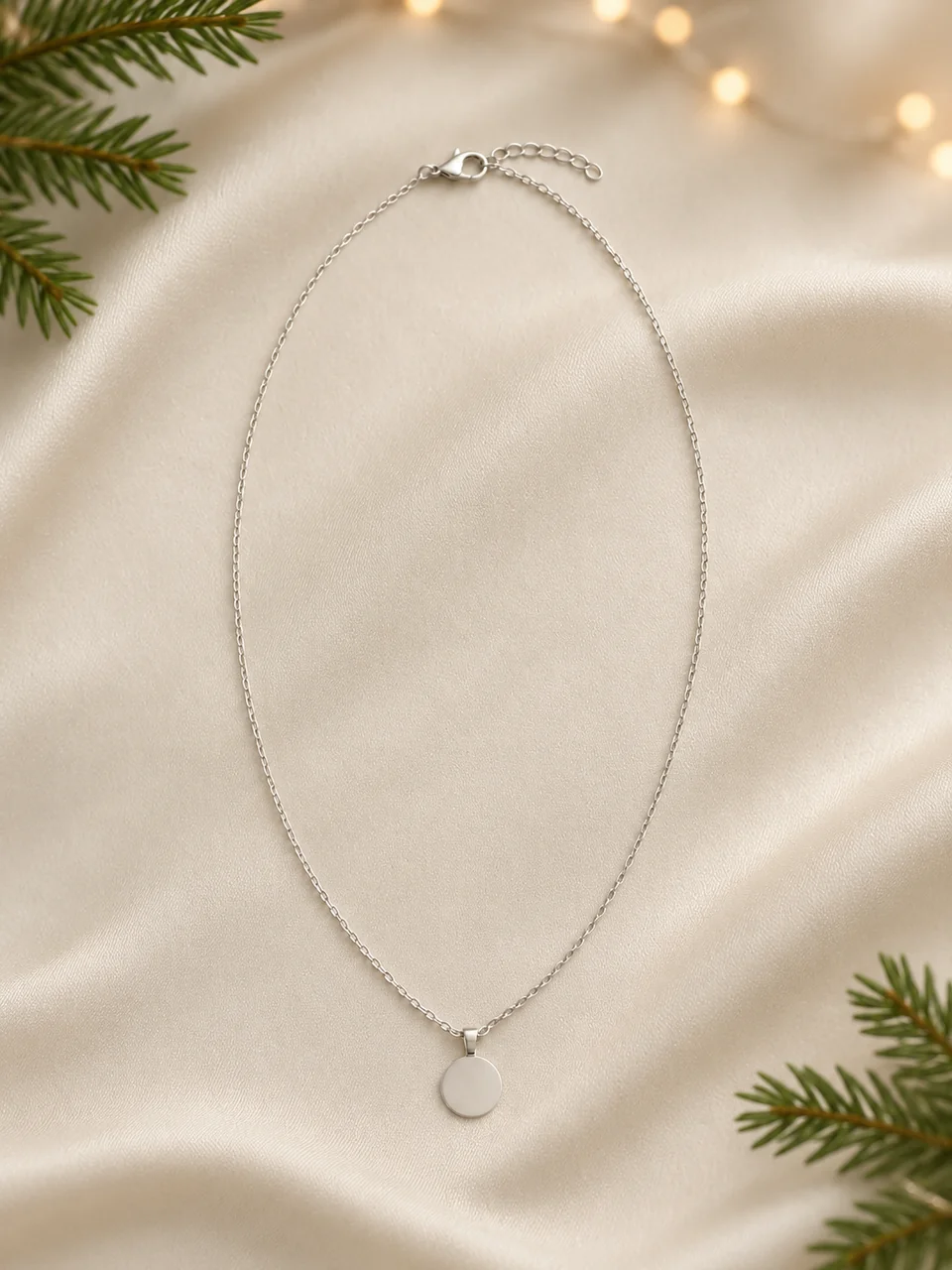 After
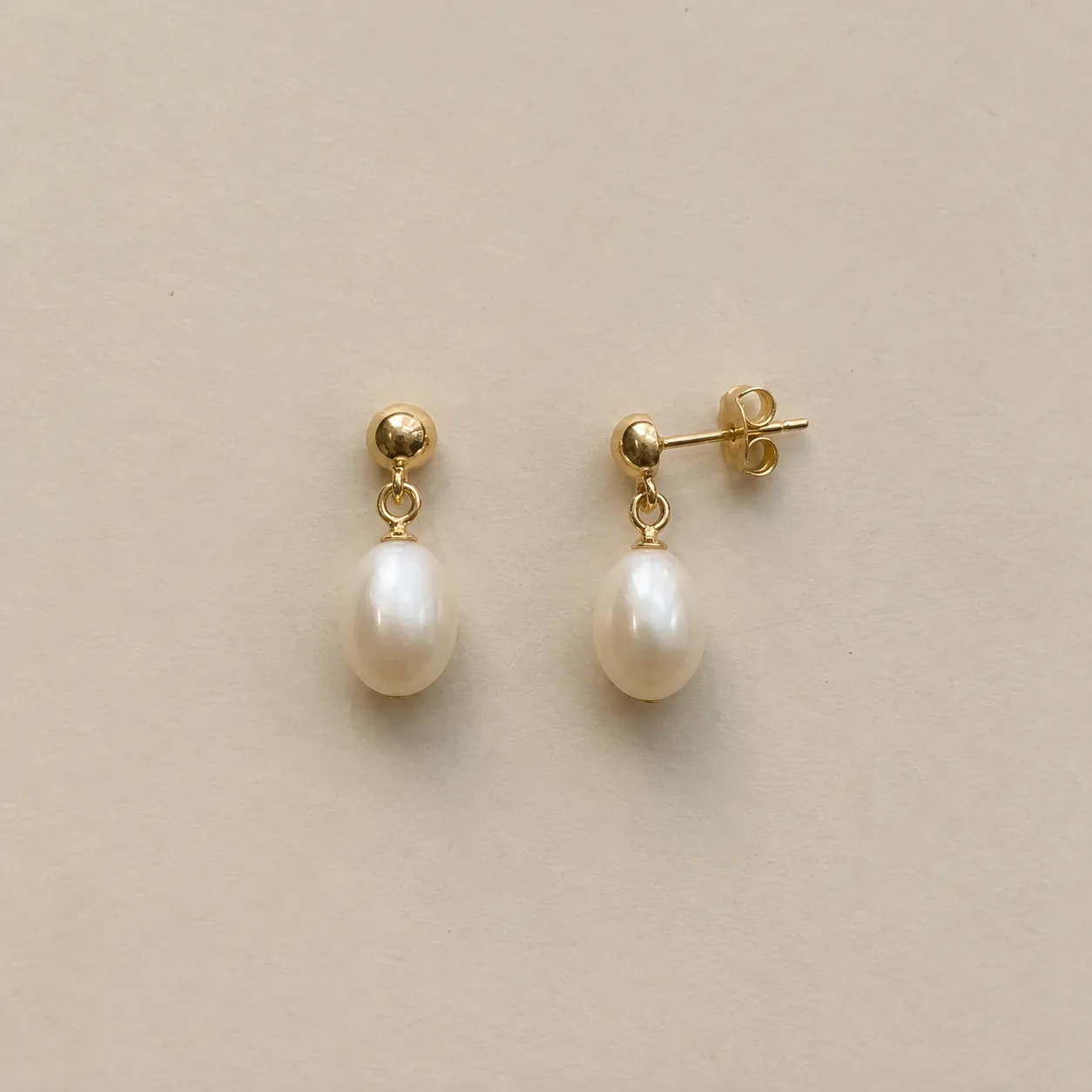 Before
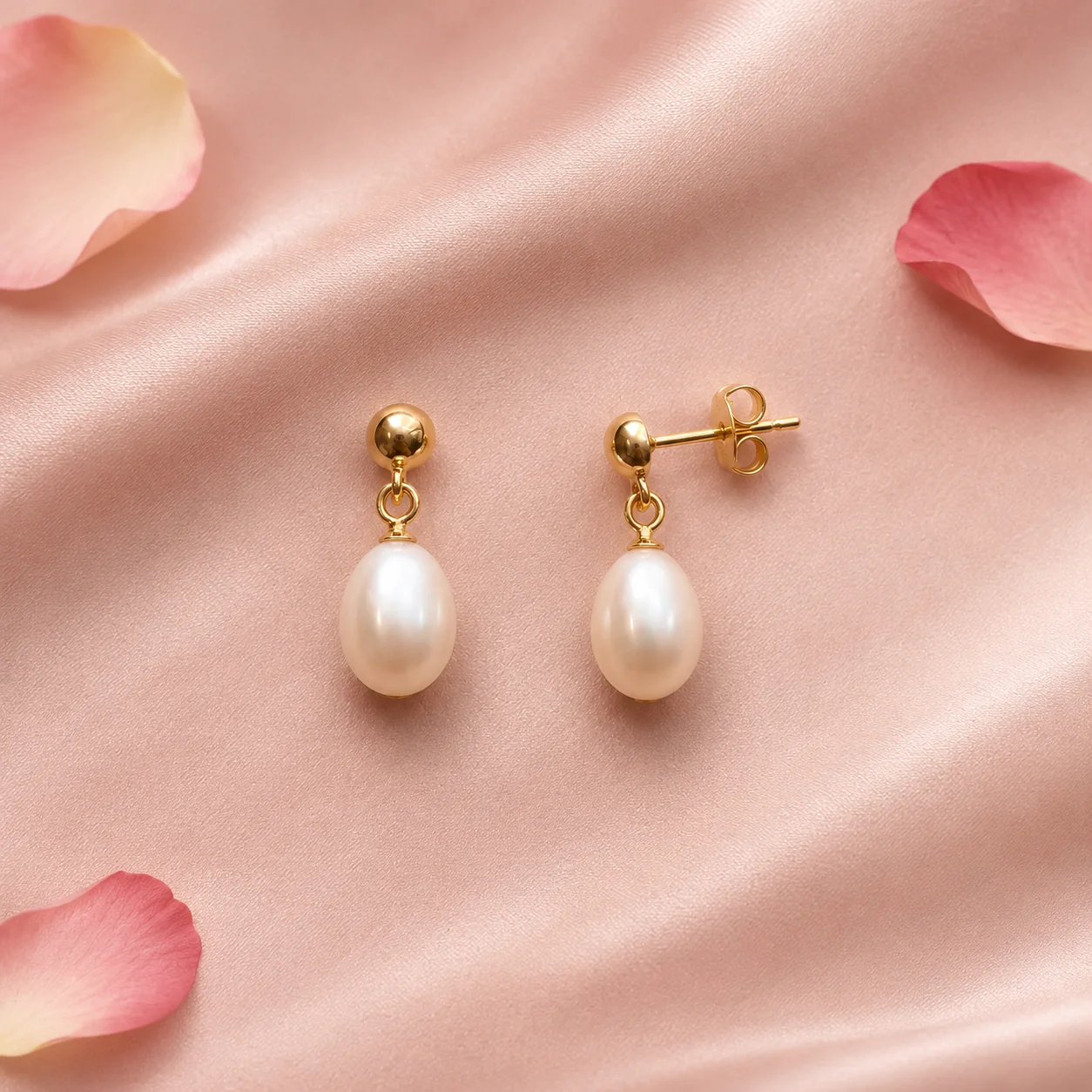 After
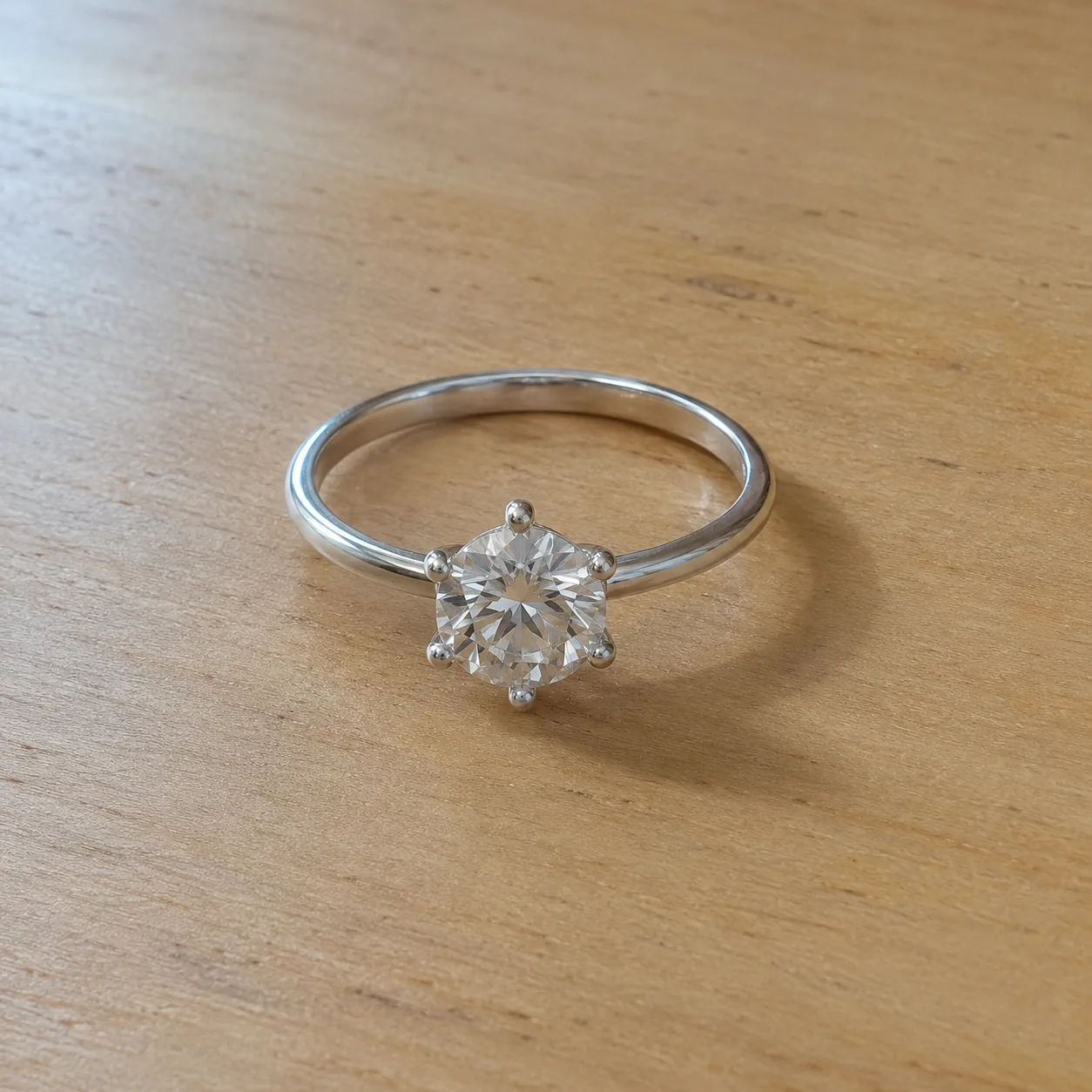 Before
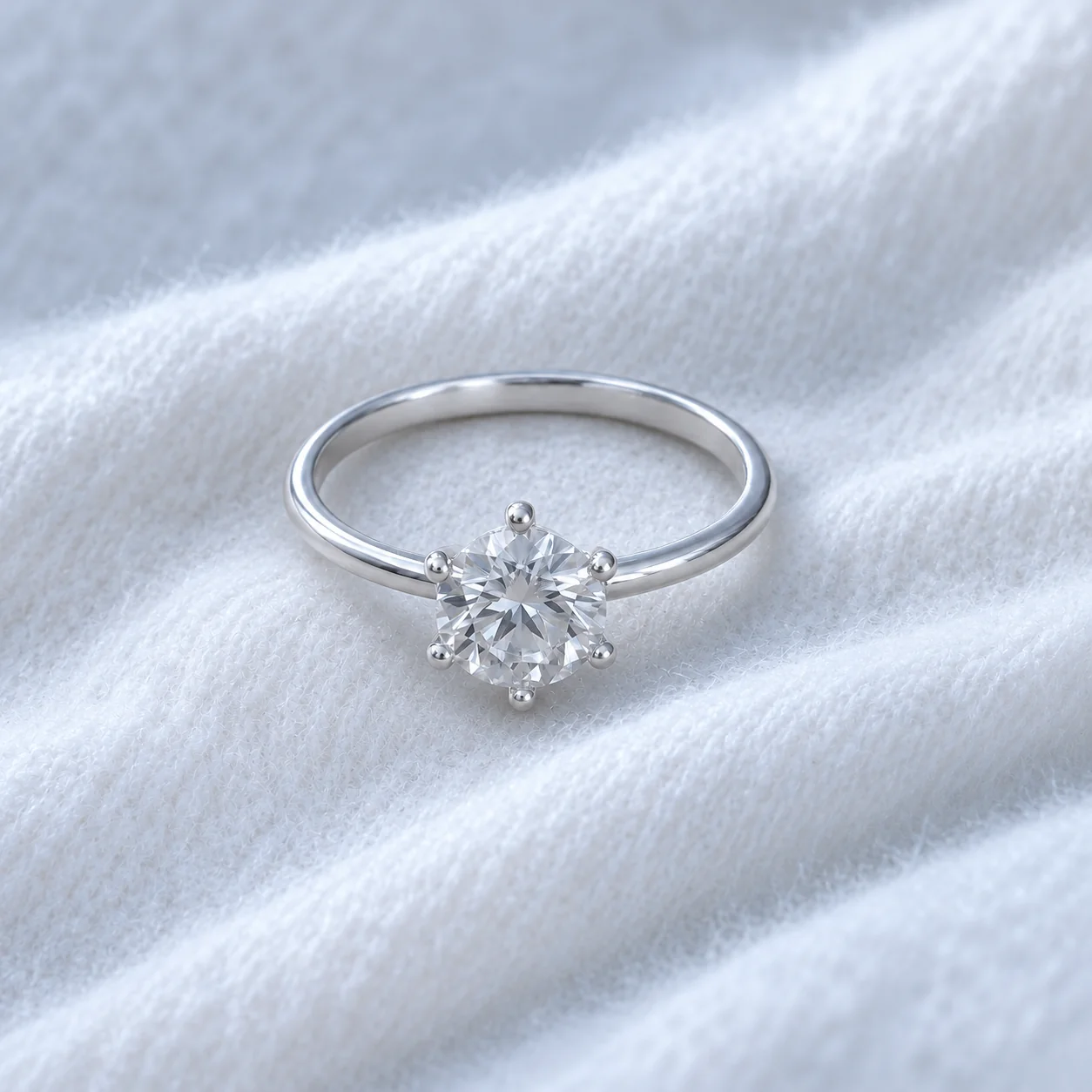 After
02
Holiday photography restyles products for a season so that listings, ads and emails feel timely. For jewelry the seasons that matter most are the gift moments: Christmas and the winter holidays, Valentine’s Day and Mother’s Day.
A seasonal image works through a few cues, not a costume. Evergreen and warm lights say Christmas; cool white textures say winter; blush tones and petals say Valentine’s Day; fresh flowers say Mother’s Day. The piece stays the clear focus and the cues stay in the background.
This tool keeps your piece exactly as photographed and adds only those cues. It deliberately avoids gift boxes, ribbons and greeting text, because those would imply packaging or messages that do not ship. For your real gift packaging, use the packaging tool.
Seasonal images also need to respect what ships. A sprig of evergreen is styling; a wrapped box with a bow is a promise. That is why this tool adds only background cues and leaves packaging to the packaging tool, which works from a photo of your real box.
03
Use one PNG, JPEG or WebP up to 20 MB with the whole piece in soft light. A plain background gives the seasonal styling the most room.
Select Christmas, Winter, Valentine's Day or Mother's Day, plus the jewelry type and a 1:1, 3:4 or 4:3 frame. Add a note such as “gold and green tones only”.
Compare stones, metal and clasps with your photo, and check that no box, ribbon or text appeared. Publish seasonal images a few weeks before the date. Each run is a separate paid generation.
04
Plan seasonal images around your calendar.
| Season | Visual cues | Best pieces | Publish from |
|---|---|---|---|
| Christmas | Evergreen sprigs, warm blurred lights | Gold pieces, gift favorites | Early November |
| Winter | Soft white fabric, cool light | Silver, pearls, clear stones | December to February |
| Valentine's Day | Blush tones, a few petals | Hearts, pendants, rings | Mid January |
| Mother's Day | Fresh spring flowers, daylight | Birthstones, initials, lockets | Four weeks before the date |
05
Seasonal images pay off when they go live on time.
Restyle the pieces that already sell, not the whole catalog. A few strong seasonal images beat dozens of rushed ones.
Seasonal images should add to a listing, not replace its main photo. Keep your accurate catalog image first all year.
Christmas imagery in February looks neglected. Remove seasonal images when the moment has passed.
Mother's Day falls on different dates in different countries. Check the date for each market you sell to.
Warm evergreen and candlelight suit gold; cool whites and frost tones suit silver and pearls. Matching tones keeps the image calm.
In December, add a note about the last order date for delivery before the holiday to listings that use seasonal images, so gift buyers are not disappointed.
06
07
Festive scenes hide changes in busy backgrounds.
| Check | Good result | Reject if |
|---|---|---|
| Piece | Same stones, metal and shape | Any detail redesigned |
| Metal tone | True to the piece despite warm light | Silver turned gold or gold turned orange |
| Props | Seasonal cues stay apart | A sprig or petal covers a detail |
| Packaging and text | None added | Boxes, ribbons or greetings appear |
| Focus | The piece is the sharpest point | Lights or flowers draw the eye first |
08
Seasonal images make a gift guide feel curated and current.
Example: ten best sellers restyled for Christmas.
A seasonal hero image lifts a holiday email above routine product mail.
Example: a pendant with blush tones for a Valentine's email.
Timely creative signals that a piece is a gift option now.
Example: earrings with spring flowers for Mother's Day ads.
A seasonal secondary image freshens a listing without replacing the main photo.
Example: a winter image added as the fourth listing photo.
Late-season shoppers look for quick gifts that will arrive in time.
Example: a winter image added to pieces that ship within two days.
09
A simple plan keeps seasonal images timely and tidy.
Pick the ten to twenty pieces most likely to be bought as gifts this season.
Generate all Christmas images together, then winter ones, so each set uses the same mood and format.
Add seasonal images as secondary listing photos, in gift guides, in emails and in ads, never as the only image.
Note when each season ends and remove or swap the images then.
Save each season’s images with the date and channel used, so next year you can reuse what worked and avoid repeating what did not.
Before you publish
AI may alter small stones, prongs, chains or metal tone, especially under warm holiday light. Compare every result with your photo and reject anything that changes the piece.
Seasonal props are styling, not part of the sale. Keep a plain catalog image in every listing so buyers see exactly what arrives.
Questions
It is seasonal product photography for gift moments such as Christmas, winter, Valentine's Day and Mother's Day. A few background cues set the season while the piece stays the clear focus.
From early November, so gift guides, ads and listings are ready before peak shopping. Remove the images after the holidays and keep your catalog image first all year.
Blush and cream tones, soft light and a few petals kept away from the piece. Hearts, pendants and rings suit the season best. Avoid greeting text in the image itself.
Fresh spring flowers and daylight with personal pieces such as birthstones, initials and lockets. Check the Mother's Day date for each country you sell to.
No. It avoids boxes, ribbons and greeting text so the image does not promise packaging you do not ship. To show your real gift packaging, use the packaging photography tool with a photo of your box.
Mostly, but formats differ: use 1:1 for listings and feeds, 3:4 for pins and stories, and 4:3 for emails and banners. Generate the format each channel needs from the same source photo.
Each image costs 15 credits on the default Fast setting, including your reference photo. New accounts that use Google sign-in or a Gmail address get 20 free credits, enough for one image. Free-credit images carry a watermark and are for personal use; use paid credits for store and marketplace images.
Your upload is private and scheduled for deletion after one day. On a free account, generated images stay in My Creations for 14 days; paid plans and credit packs keep them longer.
Upload a product photo, choose a season and check the piece before your campaign goes live.
Upload a jewelry photo