Give every piece air
Crowded flat lays read as clutter. Leave clear space between pieces so each outline is visible at thumbnail size.
Jewelry Studio · Flat lay
A flat lay looks straight down on a styled surface. Upload a photo of one piece or a set and choose how to arrange it: centered, in a grid, loosely or with a couple of quiet props.
Updated · Image25 Jewelry Studio
15 credits · Fast · Medium · 1 image
Includes one reference photo. Every new generation costs 15 credits.
Email sign-in keeps your selection. Google sign-in leaves this page; reselect your photo and settings after returning.
Single piece
One piece centered, seen from directly above.
This jewelry flat lay photography tool restages your photo as a strictly overhead shot. Choose a single piece, a collection grid, a loose arrangement or minimal props; it keeps exactly the pieces in your photo and costs 15 credits per image.
01
One piece, a set in a row and a styled arrangement, all from above.
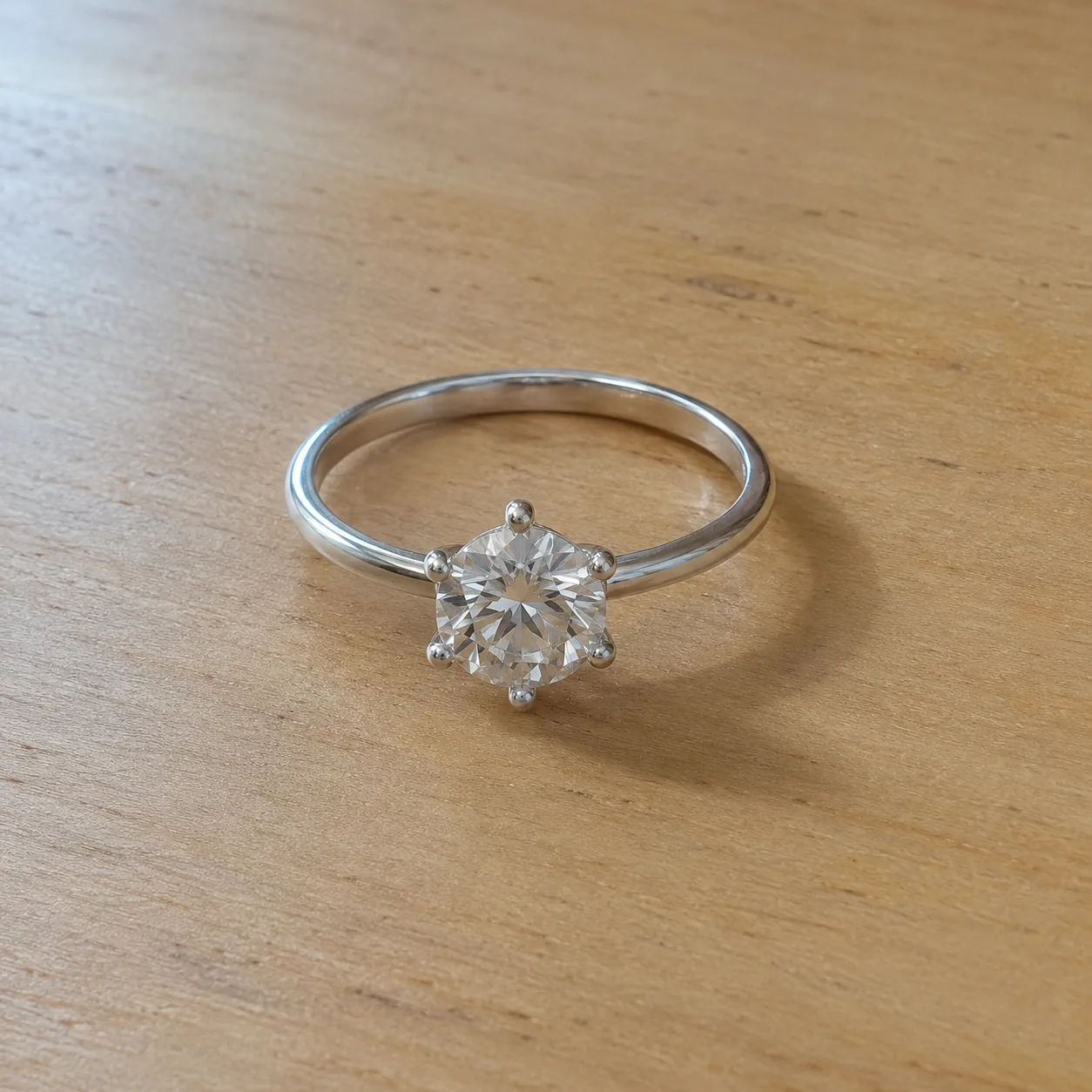 Before
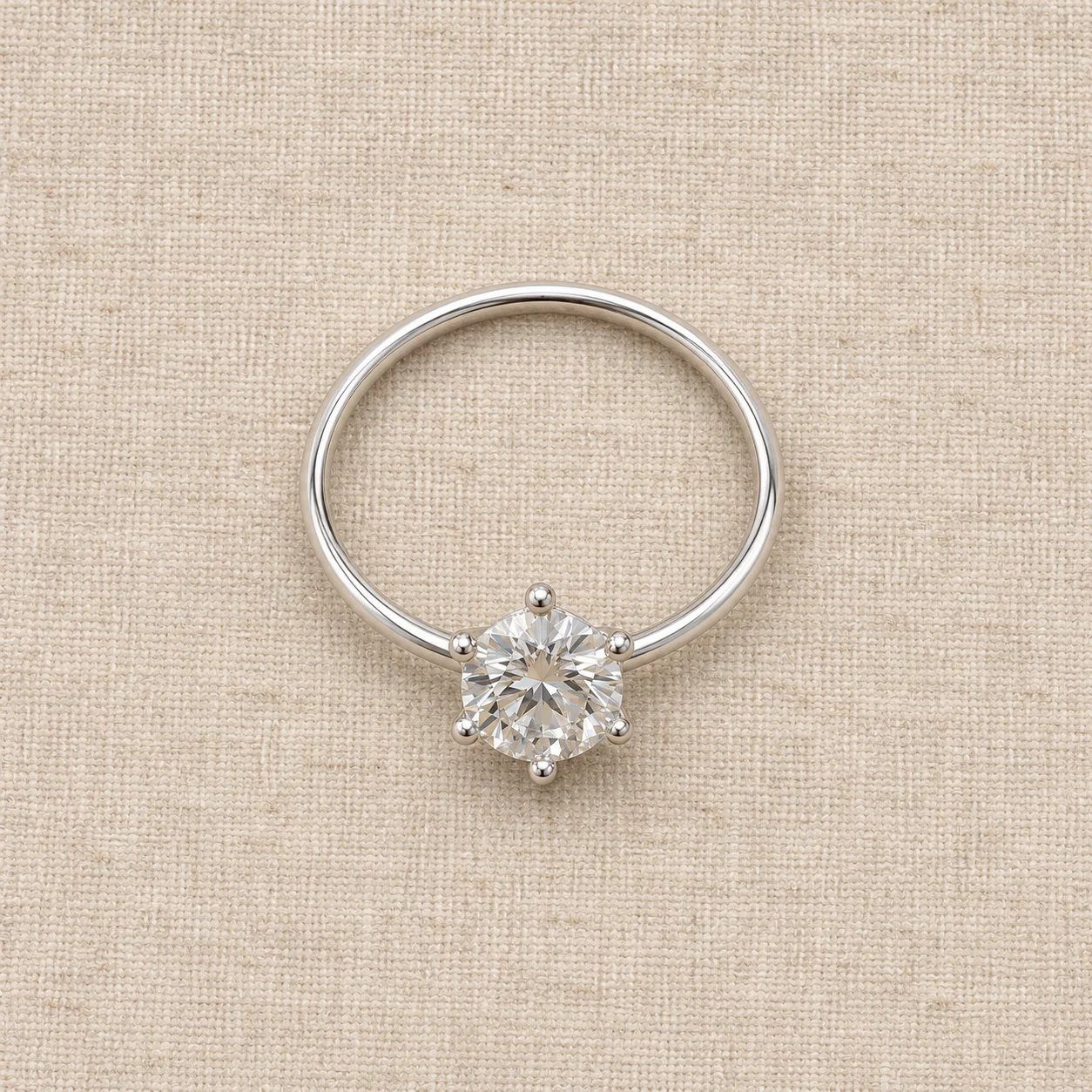 After
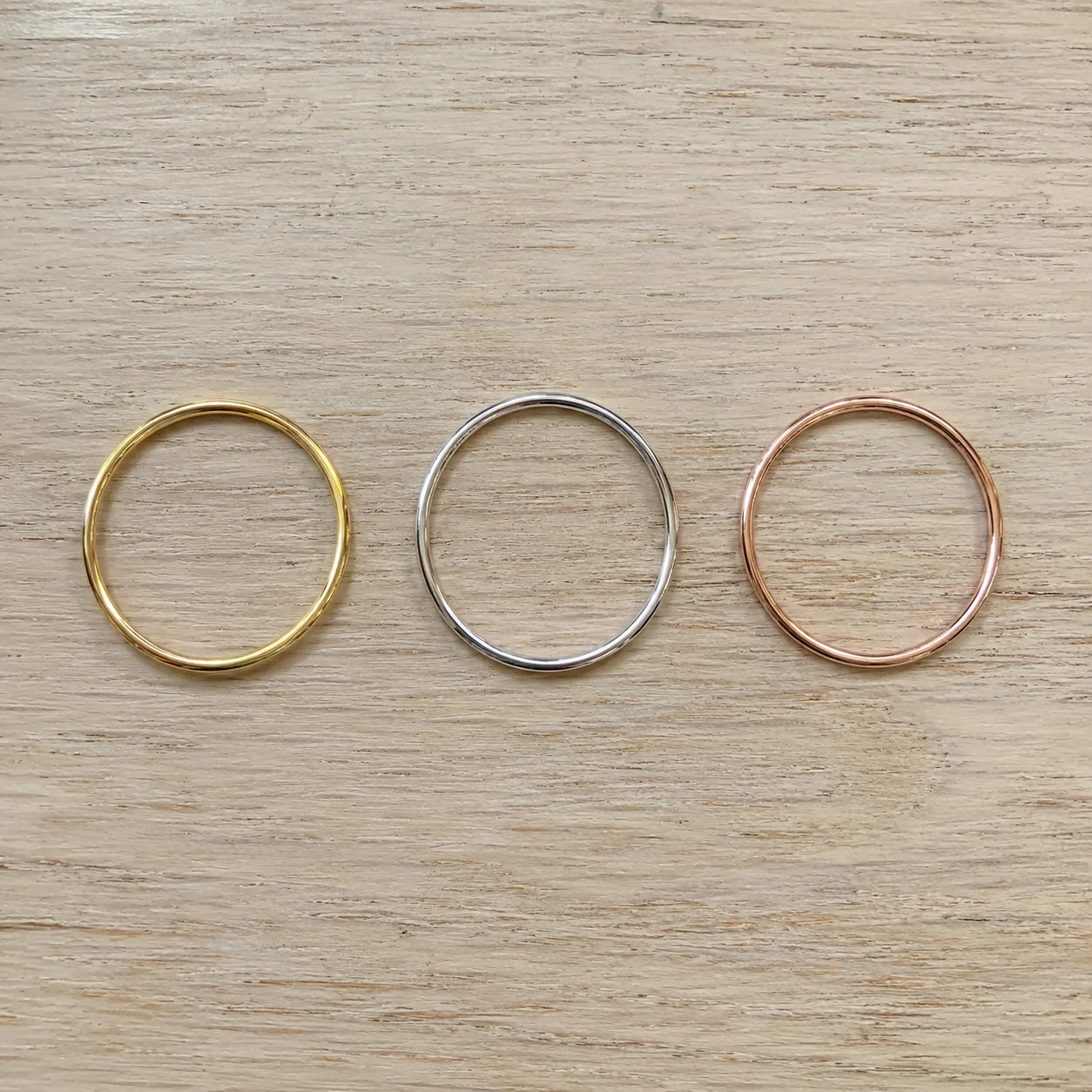 Before
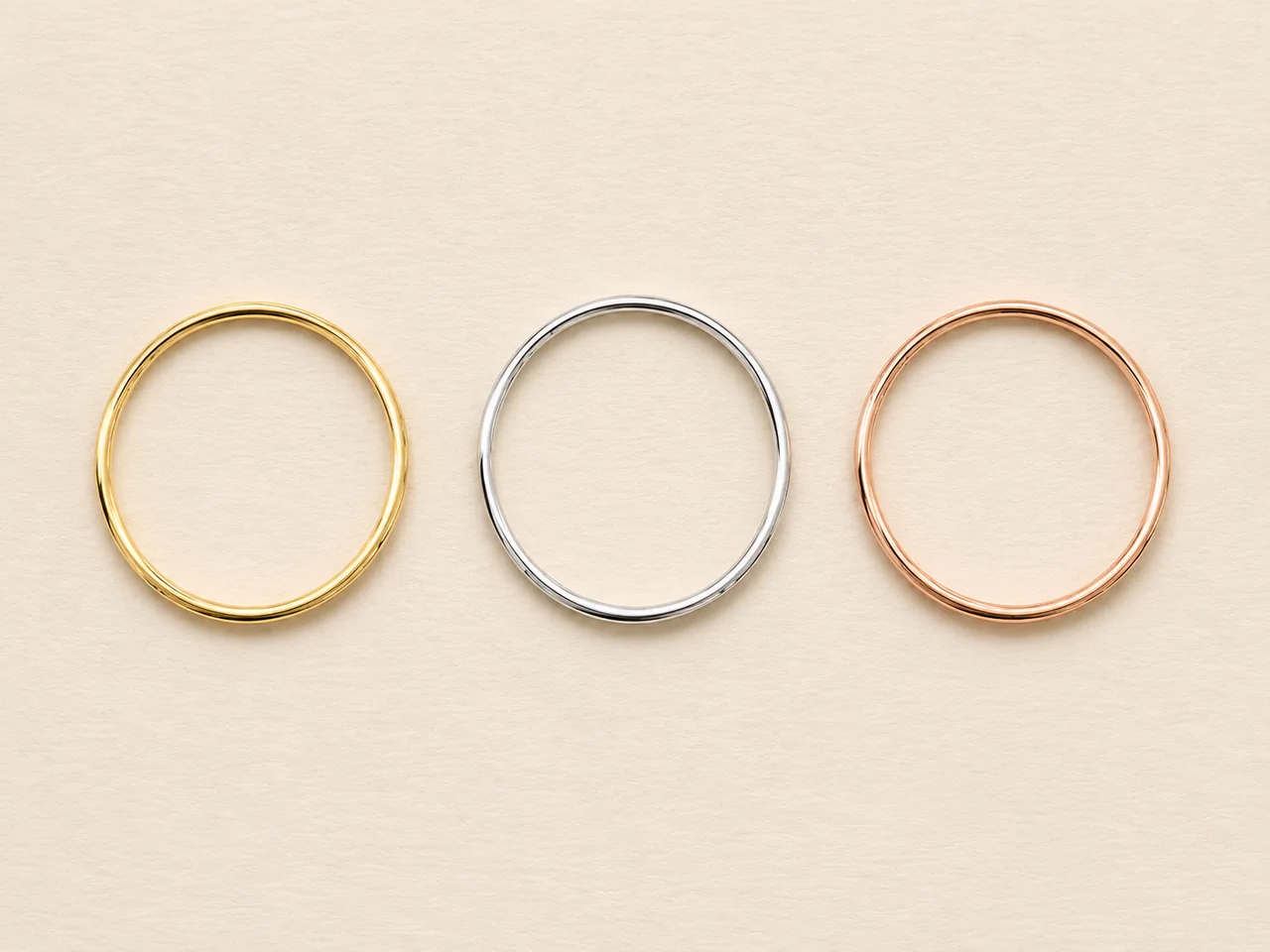 After
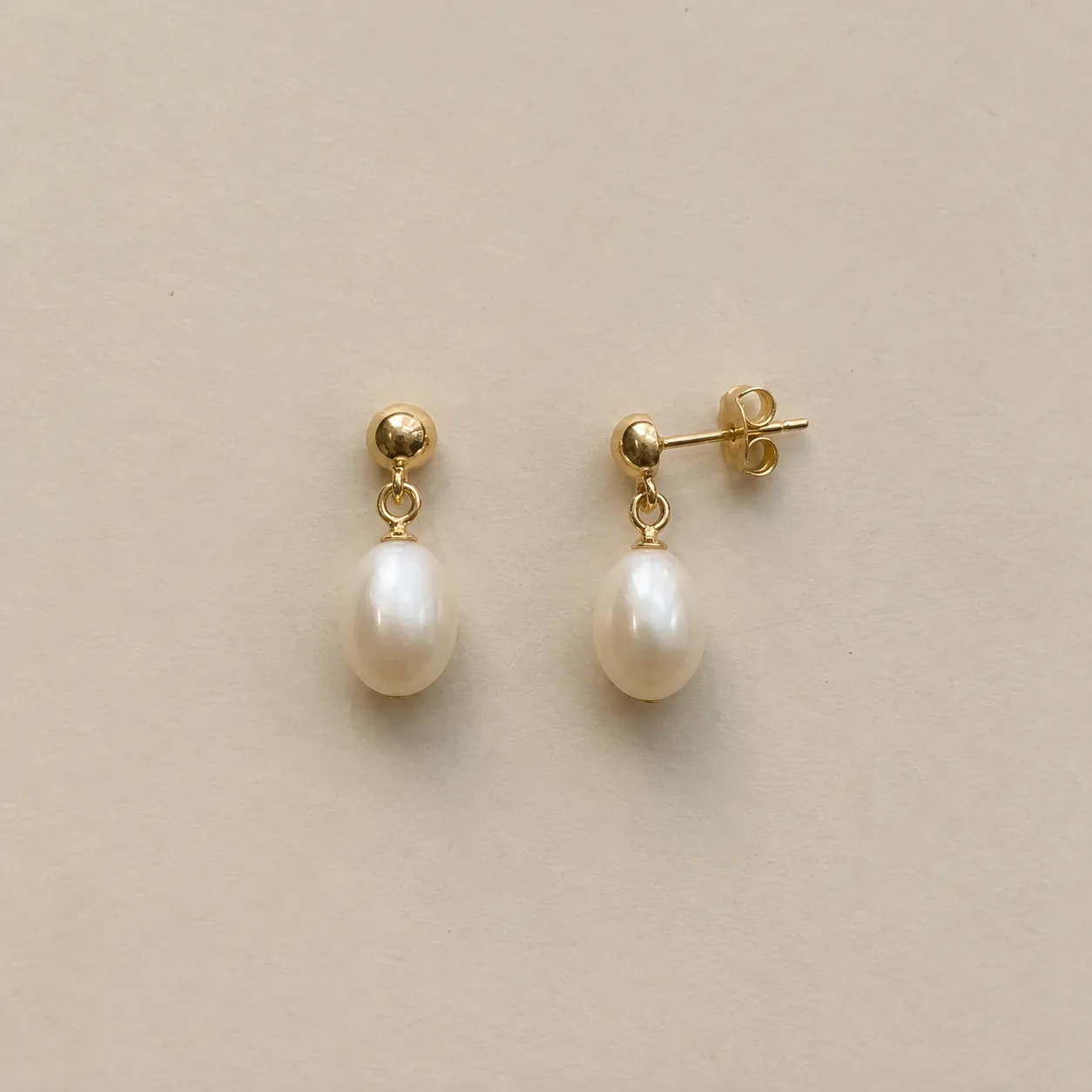 Before
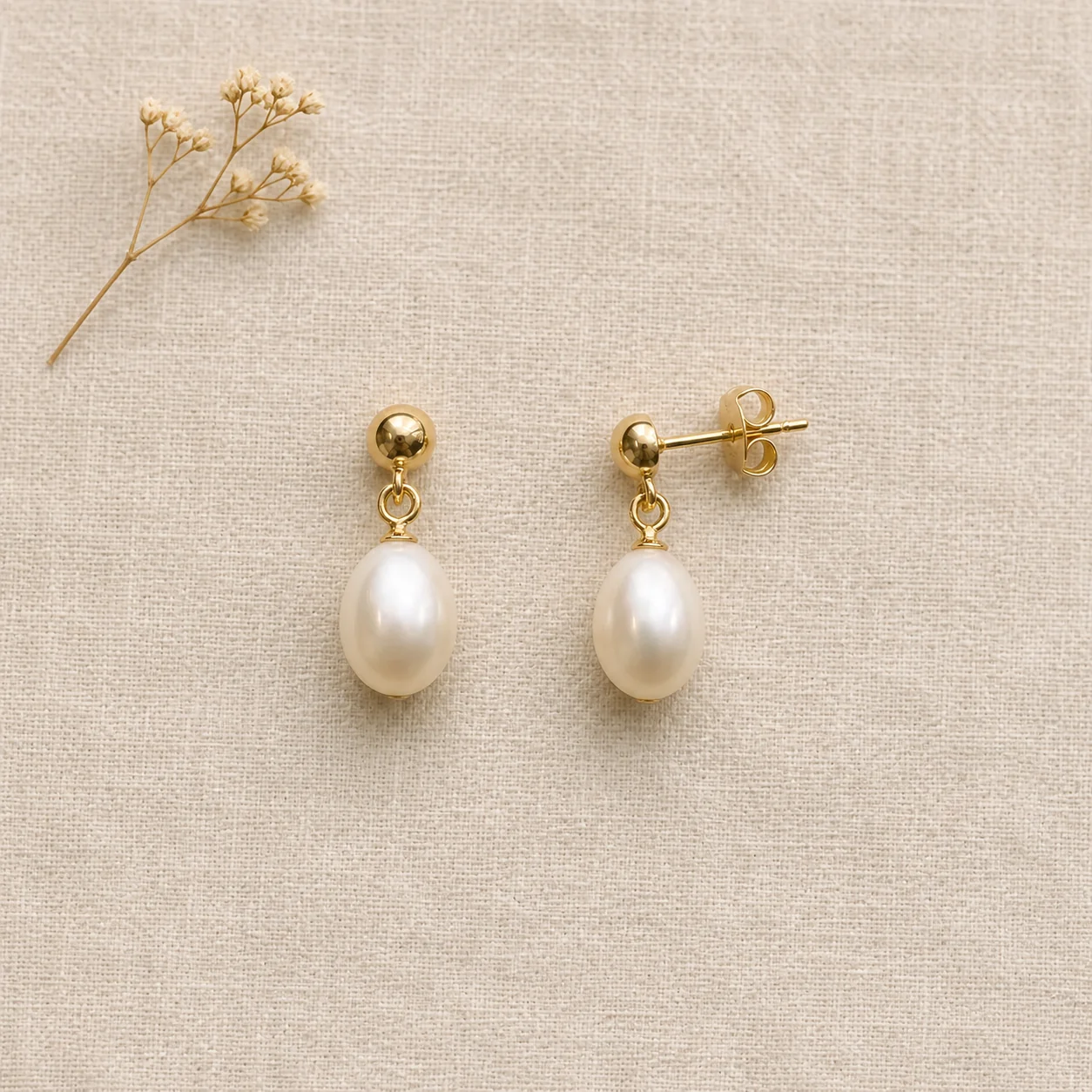 After
02
A flat lay is a photo taken from directly above a surface, with the pieces laid flat and arranged like a small composition. It is the standard look for collection overviews, social posts and lookbook pages because it shows everything at once with no perspective distortion.
Flat lays are about spacing and surface. Pieces need room to breathe, chains need clean curves, and the surface (linen, paper, stone or wood) sets the mood. Props, when used, stay small and apart so the jewelry remains the subject.
This tool is built for that job. It keeps exactly the pieces in your photo, so a set of three rings stays three rings, and it never covers a stone or clasp with a prop. The arrangement options decide how the pieces relate to each other.
Because a flat lay can include several pieces, it is also the clearest way to show a set. When you sell pieces together, photograph exactly the pieces in the set; when you sell them separately, say so in the listing so buyers do not expect the whole arrangement.
03
Lay every piece you want in the flat lay on a plain surface and shoot from above in soft light. Use one PNG, JPEG or WebP up to 20 MB. The tool keeps exactly these pieces.
Select Single piece, Collection grid, Loose arrangement or With minimal props, plus the main jewelry type and a 1:1, 4:3 or 3:4 frame. Add a note such as “use a pale linen surface”.
Count the pieces, then compare each one with your photo: stones, chains and clasps. Download only results that match. Each new arrangement is a separate paid generation.
04
Pick the arrangement by where the image will be used.
| Arrangement | Looks like | Best format | Best for |
|---|---|---|---|
| Single piece | One piece centered with space around it | 1:1 | Product pages and thumbnails |
| Collection grid | Every piece evenly spaced in rows | 4:3 | Collections, sets, line sheets |
| Loose arrangement | Pieces placed naturally, chains curving | 1:1 or 3:4 | Social posts and lookbooks |
| With minimal props | A dried stem or pebble beside the piece | 1:1 | Brand and gift imagery |
05
Four habits that make overhead shots look intentional.
Crowded flat lays read as clutter. Leave clear space between pieces so each outline is visible at thumbnail size.
Lay chains in a soft U or oval rather than a straight line, and keep clasps visible at one end.
Linen feels handmade, paper feels clean, stone feels premium. Use one family per collection so pieces belong together.
A prop should add mood, not compete. One small neutral object, placed apart from the jewelry, is enough.
Leave the corners and edges calm. Pieces or props touching the frame edge make a flat lay feel cramped and crop badly in square thumbnails.
06
07
Overhead shots make missing or extra pieces easy to spot.
| Check | Good result | Reject if |
|---|---|---|
| Piece count | Exactly the pieces in your photo | A piece added, removed or duplicated |
| Each piece | Same stones, metal and shape | Any piece redesigned |
| Chains | Continuous, with clasps visible | Links merged or chains broken |
| Props | Small and apart from the jewelry | A prop covers or touches a detail |
| Viewpoint | Straight down, no tilt | The camera angle drifted |
08
A grid shows a whole drop at once.
Example: five rings from a new collection in one 4:3 grid.
Loose arrangements feel styled without looking staged.
Example: earrings and a necklace on linen, 3:4.
Show exactly what is included in a set.
Example: a matching necklace and earrings, overhead.
Consistent overhead shots line up neatly in a wholesale PDF.
Example: every chain in the range laid in the same curve.
A seasonal flat lay ties a limited drop together.
Example: a winter collection on pale stone with one dried stem.
09
Flat lays shine when several images work together.
Start with a Collection grid of the full drop so buyers see the range at once.
Follow with Single piece images on the same surface so each product page matches the collection image.
Add one With minimal props image for social posts and the collection banner.
Close with a real photo of one piece worn or beside a common object, since overhead shots flatten size.
The same overhead source photo can feed several arrangements, so one careful shoot of a set gives you a grid, a loose layout and a styled version.
Before you publish
AI may change small stones, chain links or clasps, and in a set it may drift a piece’s size. Compare every piece with your photo and reject results that misrepresent what ships.
If a flat lay shows several pieces, make clear in your listing which pieces are included in the purchase.
Questions
A strictly overhead view, a calm textured surface, clear space between pieces, chains laid in soft curves and at most one or two small props. Consistency across a collection matters more than any single styling trick.
Yes. Photograph every piece you want together, then choose Collection grid or Loose arrangement. The tool keeps exactly the pieces in your photo and never adds or removes jewelry.
Try a loose arrangement on linen in 3:4, a single piece with a dried stem in 1:1, or a matched set in a tidy grid. Keep one surface family across posts so your feed looks consistent.
Overhead photos show shapes without perspective distortion and line up neatly in grids. Angled shots show depth and setting height better, so most listings use both.
The tool is instructed to keep props small, neutral and apart from the jewelry. Check every result and reject any where a prop touches or hides a detail.
Linen and cotton paper suit handmade and minimalist brands, pale stone suits premium pieces, and light wood suits warm, casual collections. Pick a surface that contrasts with the metal and keep it across the collection.
Each image costs 15 credits on the default Fast setting, including your reference photo. New accounts that use Google sign-in or a Gmail address get 20 free credits, enough for one image. Free-credit images carry a watermark and are for personal use; use paid credits for store and marketplace images.
Your upload is private and scheduled for deletion after one day. On a free account, generated images stay in My Creations for 14 days; paid plans and credit packs keep them longer.
Photograph the pieces you want together, choose an arrangement and count every piece before you publish.
Upload a photo of your pieces