Keep the jewelry the focus
Everyday items should be out of focus or at the edge of the frame. If a cup or book draws the eye first, the image is selling the wrong thing.
Jewelry Studio · Lifestyle
Lifestyle images help buyers imagine owning a piece. Upload one product photo and place it in an everyday moment, with no models, hands or wearing claims.
Updated · Image25 Jewelry Studio
15 credits · Fast · Medium · 1 image
Includes one reference photo. Every new generation costs 15 credits.
Email sign-in keeps your selection. Google sign-in leaves this page; reselect your photo and settings after returning.
Vanity tray
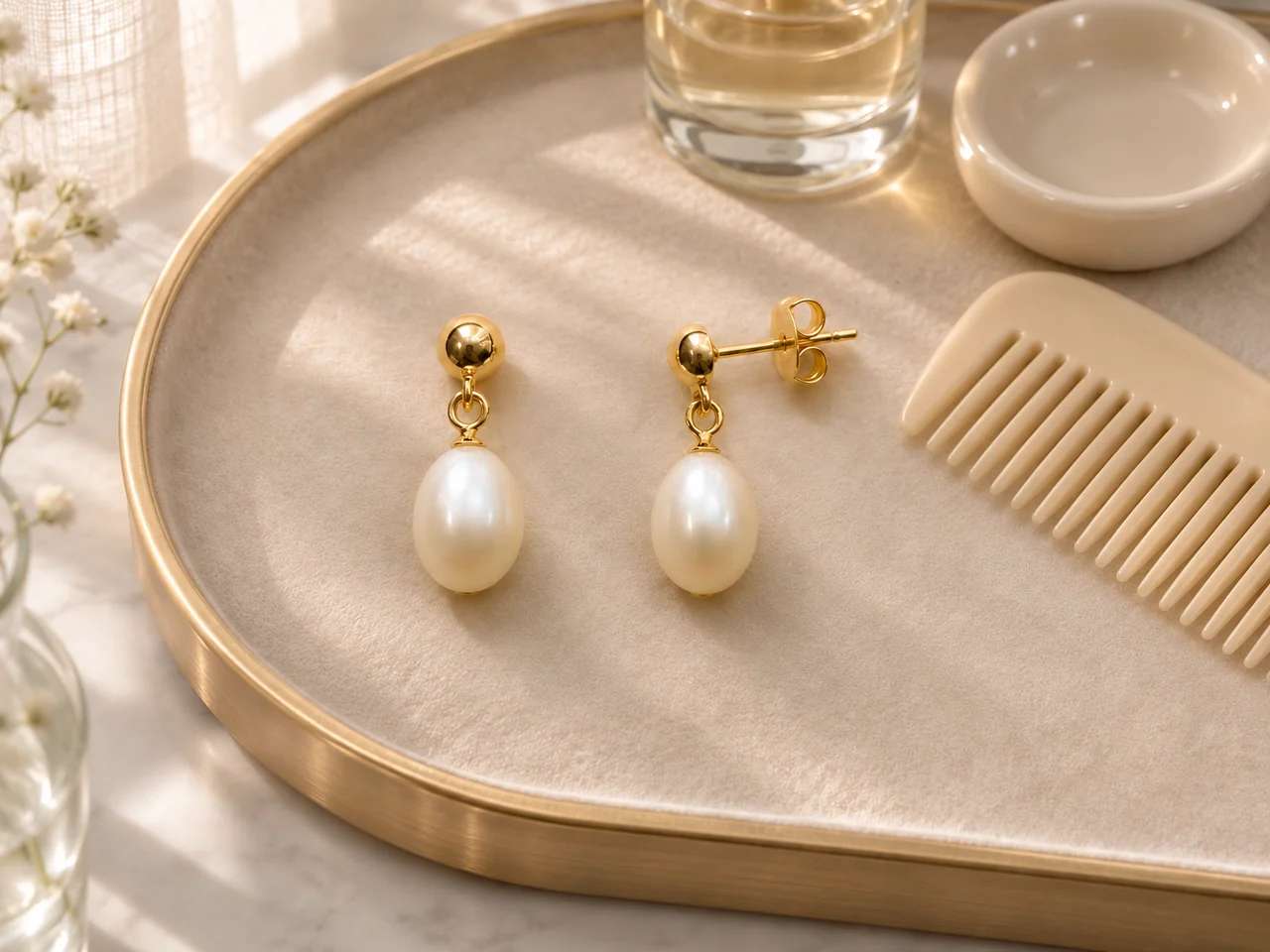
On a dressing-table tray with everyday items.
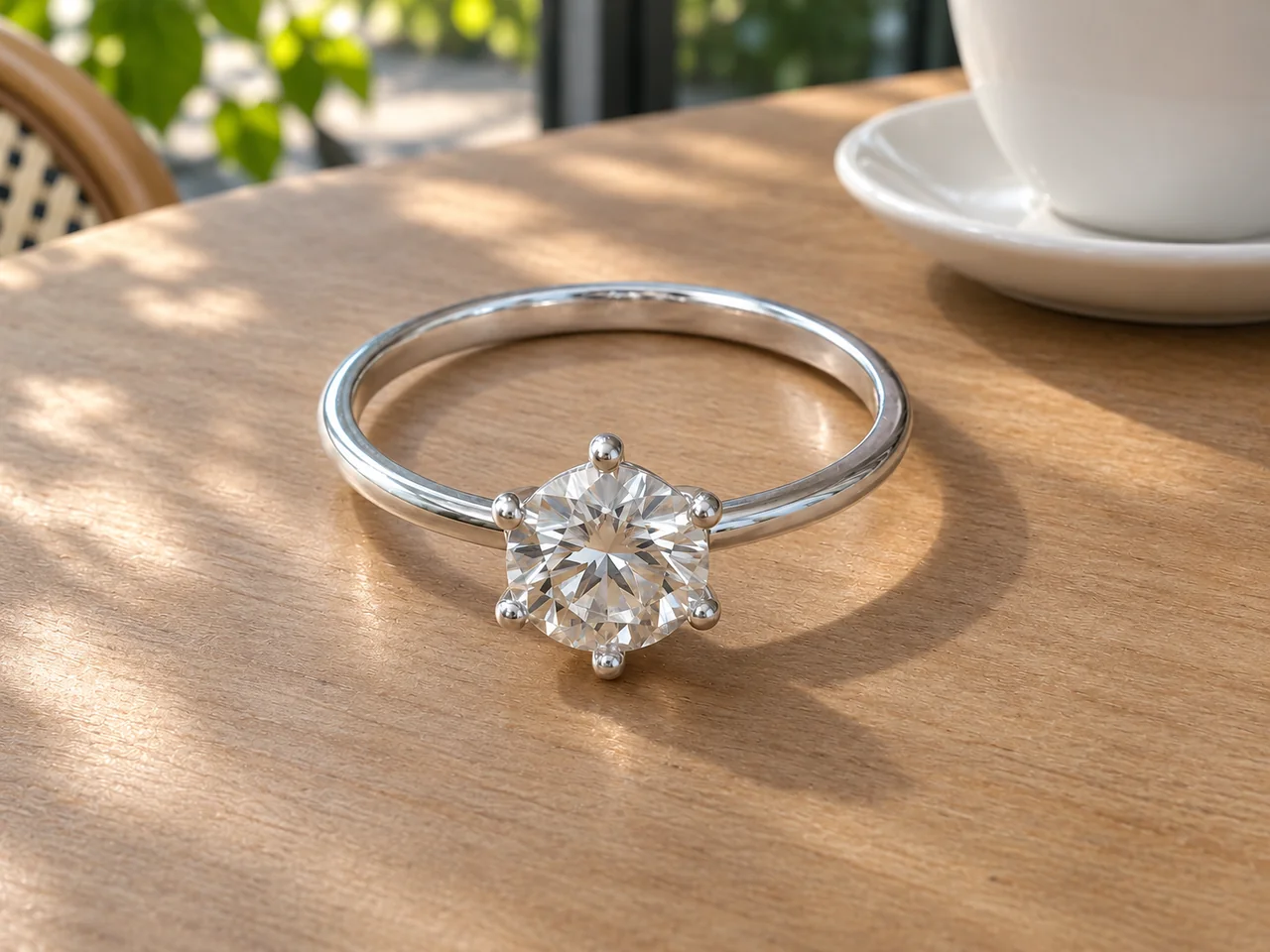
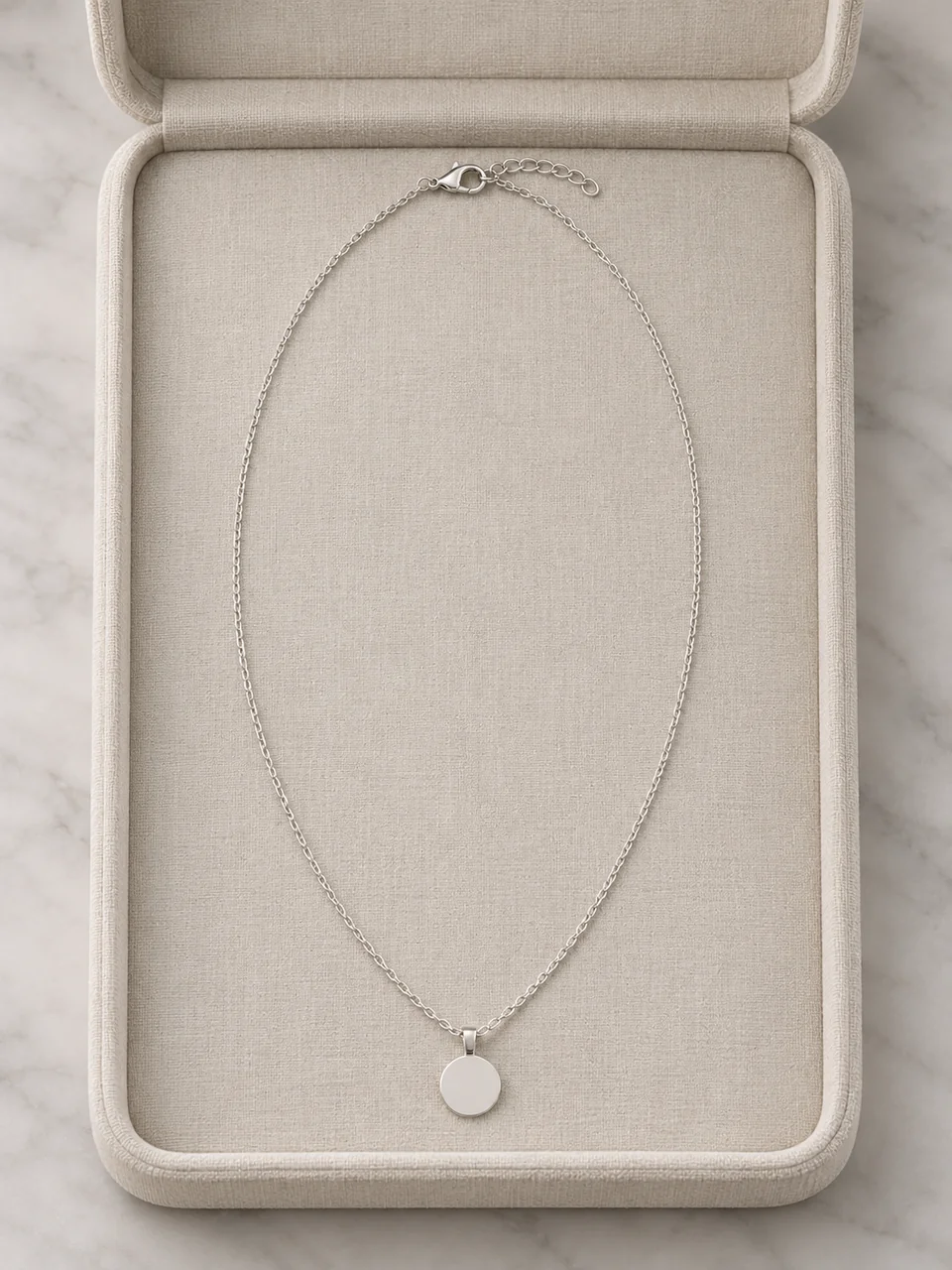
This jewelry lifestyle photos tool places the piece from your photo in an everyday setting: a vanity tray, a bedside table, a café table or an open organizer. Nobody wears it, so the image never implies fit, and it costs 15 credits per image.
01
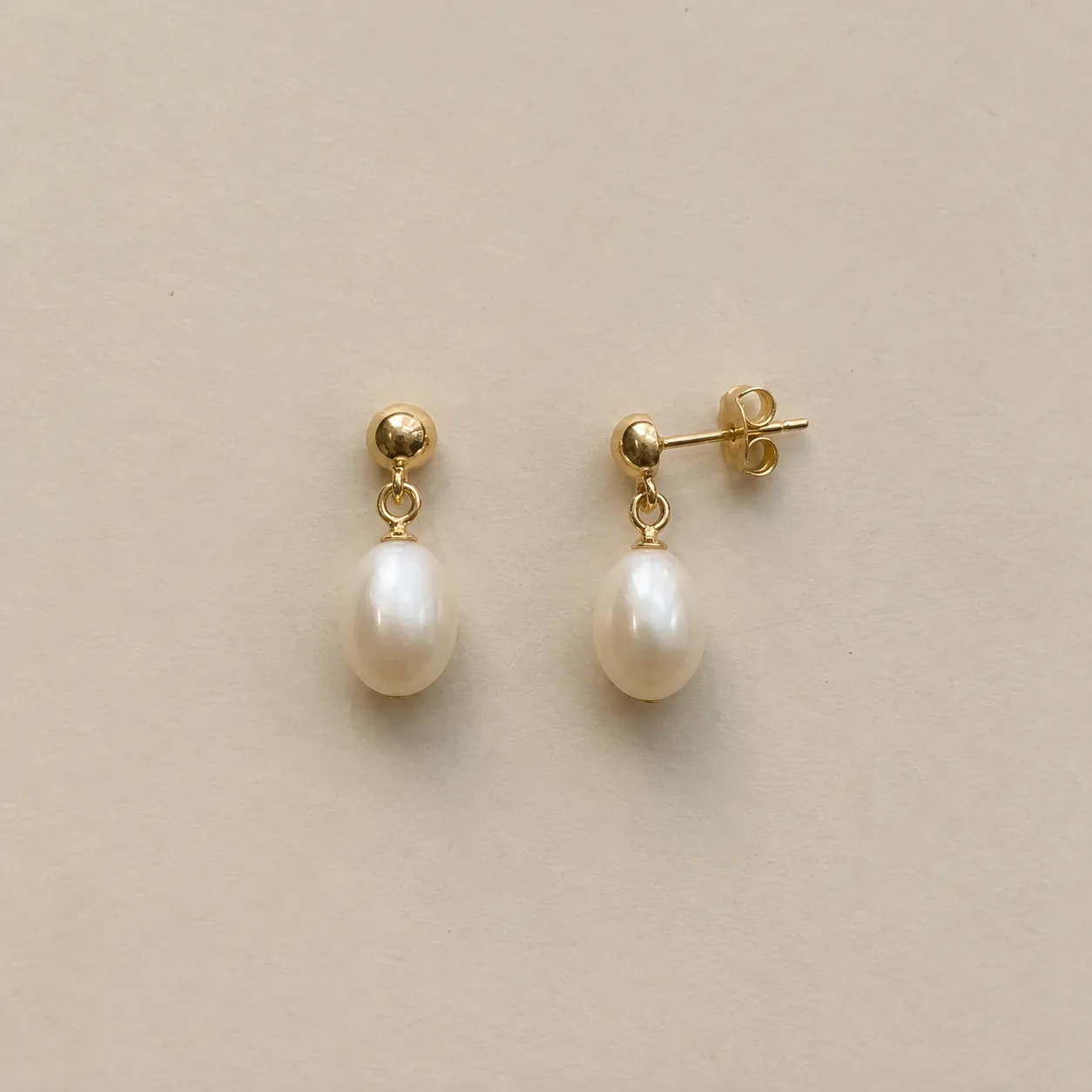
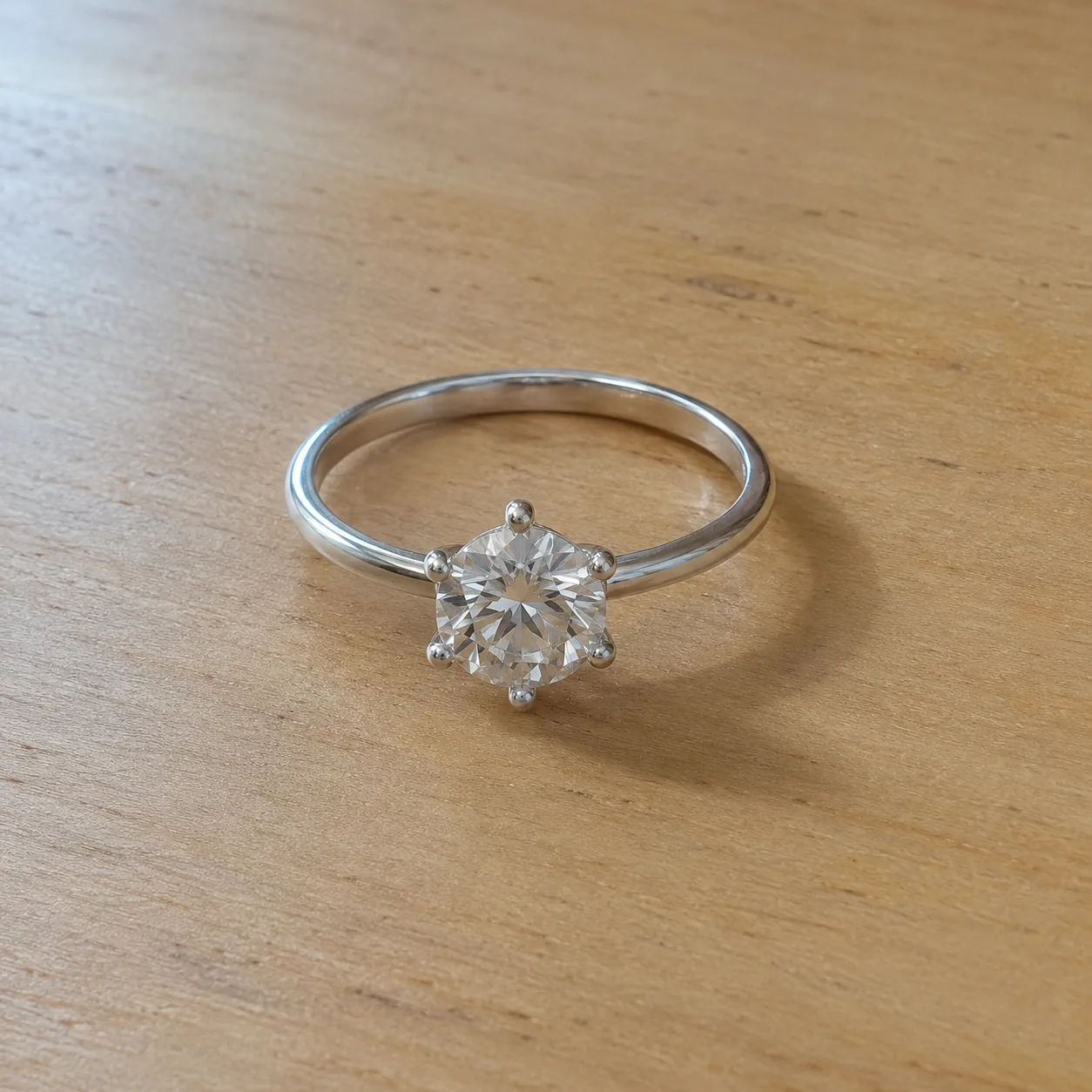
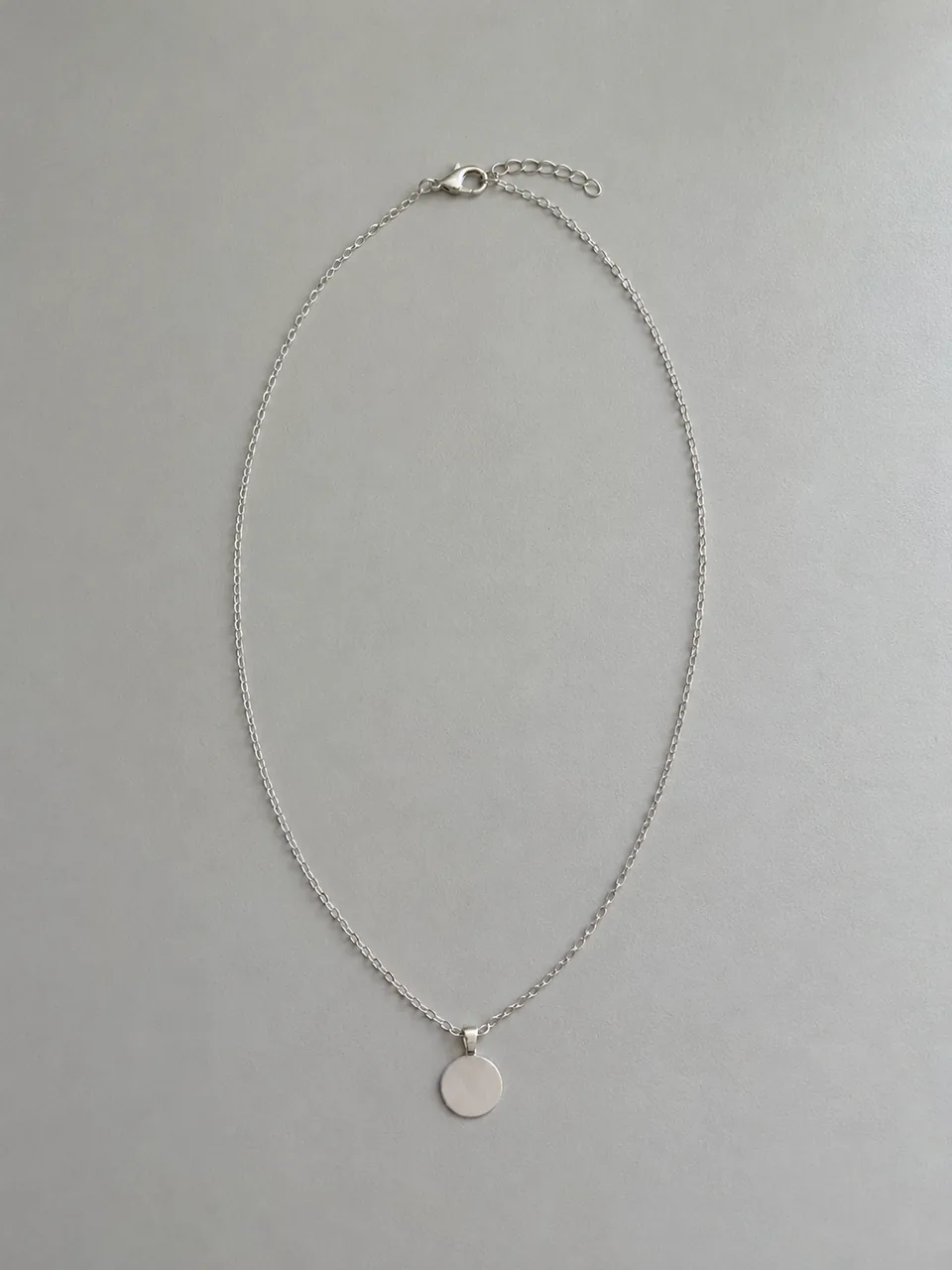
Everyday moments built around a plain product photo.
 Before
 After
 Before
 After
 Before
 After
02
Lifestyle photos show a product in the context of daily life rather than on a plain backdrop. For jewelry, that usually means the places a piece lives between wears: a dressing-table tray, a bedside table, a café table, an organizer.
They do a different job from catalog shots. A white background answers “what is it?”. A lifestyle image answers “what would it be like to own it?”. Most stores use both: catalog images for the main photo and lifestyle images further down the listing and on social media.
This tool keeps people out of the frame on purpose. A generated hand or ear would imply a size and fit the image cannot know. Showing the piece at rest in a believable setting sells the feeling without making a claim about how it wears.
Everyday settings also help small shops look more established. A consistent setting across a collection, such as the same vanity tray or café table, works like a brand signature without the cost of a styled shoot for every piece.
03
Use one PNG, JPEG or WebP up to 20 MB with the whole piece visible in soft light. A plain background works best as a starting point.
Select Vanity tray, Bedside table, Café table or Jewelry organizer, plus the jewelry type and a 1:1, 3:4 or 4:3 frame. Add a note such as “keep the cup out of focus”.
Compare stones, metal and clasps with your photo first; then check that everyday items stay plain, unbranded and secondary. Each run is a separate paid generation.
04
Pick the setting that matches how your buyer lives.
| Setting | Feeling | Best pieces | Best format |
|---|---|---|---|
| Vanity tray | Getting ready, daily ritual | Earrings, rings, delicate chains | 4:3 |
| Bedside table | Quiet, personal, evening | Sentimental pieces, pendants | 1:1 or 4:3 |
| Café table | Out and about, casual | Everyday rings and bracelets | 4:3 |
| Jewelry organizer | Collecting, curating | Necklaces and sets | 3:4 |
05
A lifestyle image fails when it looks staged or busy.
Everyday items should be out of focus or at the edge of the frame. If a cup or book draws the eye first, the image is selling the wrong thing.
Morning daylight for a vanity, warm lamp glow for a bedside, bright daylight for a café. Light tells the viewer the time of day.
Logos on cups, books or boxes distract and can create rights problems. The tool keeps everyday items plain and unbranded.
A minimalist brand suits clean cafés and plain trays; a romantic brand suits bedside scenes. Choose the setting your buyer recognizes.
One or two everyday objects are enough. A crowded table competes with small jewelry and makes the scene feel staged.
Place the jewelry where light falls naturally, such as near a window on a vanity or under a lamp on a bedside table. A small highlight on the metal draws the eye straight to it.
06
07
Check the piece first and the scene second.
| Check | Good result | Reject if |
|---|---|---|
| Piece | Same stones, metal, chain and clasp | Any detail redesigned |
| Focus | The jewelry is the sharpest point | A prop is sharper or larger |
| People | No hands, faces or body parts | A hand or ear appears |
| Branding | Plain, unbranded items | Logos or text on props |
| Scale | The piece looks its real size | It looks oversized next to objects |
08
A lifestyle image after the catalog shots adds warmth to a listing.
Example: a pendant on a bedside table as the third image.
Everyday moments fit naturally into feeds and stories.
Example: earrings on a vanity tray for a morning post.
Scenes set a mood for new arrivals and gift edits.
Example: a ring on a café table in a weekend email.
Lifestyle creative often outperforms plain product shots in social ads.
Example: a necklace in an organizer, 4:3, for a carousel.
Lifestyle settings help gift buyers picture the moment.
Example: a ring on a bedside table in an anniversary gift guide.
09
Lifestyle images support the sale; they do not replace product shots.
Lead with a clear catalog image on white or a light backdrop.
Add an angle or detail shot so buyers understand construction.
Place one everyday setting here to help buyers imagine owning the piece.
Finish with a real worn photo or a photo beside a common object, plus measurements in the description.
Swap a café table for a bedside scene in winter or a vanity tray for spring launches, keeping the same piece and format so the listing stays consistent.
Before you publish
AI may alter small stones, prongs, chains or clasps while building a scene. Compare every result with your photo and reject anything that changes the piece.
Everyday items in the scene are not part of the purchase. Keep a plain catalog image in every listing so buyers see exactly what they receive.
Questions
They are product images that show a piece in an everyday setting, such as a vanity tray or bedside table, instead of on a plain backdrop. They help buyers imagine owning the piece and work alongside catalog images.
A generated hand, ear or neck would imply a size and fit the image cannot verify. Showing the piece at rest in a real-looking setting gives the lifestyle feeling without that claim. For worn images, use the on-model tools, which handle placement and scale separately.
After your main catalog image. Lead with a clear, accurate product photo, then use one or two lifestyle images to show mood and context.
The tool is instructed to keep everyday items plain, unbranded and secondary. Check every result and reject any with text, logos or items that look like part of the sale.
Café table and vanity tray suit everyday rings; bedside table suits engagement and sentimental rings. Use 4:3 so the setting has room around a small piece.
They often help as supporting images because they add context and mood, which plain product shots cannot. They work best alongside an accurate catalog image, not instead of it; test them in your own listings and ads.
Each image costs 15 credits on the default Fast setting, including your reference photo. New accounts that use Google sign-in or a Gmail address get 20 free credits, enough for one image. Free-credit images carry a watermark and are for personal use; use paid credits for store and marketplace images.
Your upload is private and scheduled for deletion after one day. On a free account, generated images stay in My Creations for 14 days; paid plans and credit packs keep them longer.
Upload a clean product photo, choose an everyday setting and check the piece before you publish.
Upload a jewelry photo