Who are these jewelry photography guides for?
Independent makers, small brands and resellers who photograph and list their own jewelry online, mostly with a phone and a small budget.
AI Jewelry Studio · Guides
Short, practical guides for people who make and sell jewelry: how to shoot a better source photo, what marketplaces require, and how to use AI without misrepresenting a piece.
Updated · Image25 Jewelry Studio
These jewelry photography guides cover phone photography, marketplace photo rules and honest AI editing. Each guide links its sources with the date they were checked and points to the Jewelry Studio tool that does the job.
01
 Guide · Updated November 6, 2026One Idea, Four Engagement Ring Concepts: A Brief-First WorkflowA brief-first workflow for designing an engagement ring with AI: decide what stays fixed, lock it, and compare four concepts that differ only in direction.Read the guide
 Guide · Updated November 6, 2026How to Make a Necklace Length Chart From Real MeasurementsHow to measure chains, choose the lengths to show, and present a necklace length chart that buyers can trust.Read the guide
 Guide · Updated November 6, 2026Jewelry Listing Photo Checklist: What to Show and WhyThe images every jewelry listing should include, in order, with what each one answers and which can be AI-assisted.Read the guide
 Guide · Updated November 5, 2026Jewelry Metal Color Preview: One Design in Three GoldsHow to preview one jewelry design in yellow, white and rose gold, why the golds look the way they do, and how to label metal previews honestly.Read the guide
 Guide · Updated November 5, 2026Ring-on-Hand Product Photos Without a Hand ModelHow to make worn ring images from a product photo: which pose and finger to choose, how to check scale and prongs, and when a real hand photo is still the better choice.Read the guide
 Guide · Updated November 4, 2026Christmas Jewelry Photo Ideas for Your Product ListingsChristmas and winter styling ideas for jewelry product photos, a seasonal photo schedule and the mistakes that cheapen holiday images.Read the guide
 Guide · Updated November 4, 2026Jewelry White Background Requirements on Etsy, Amazon and ShopifyWhich marketplaces require a white background for jewelry photos, how strict each one is, and how to get a clean white image.Read the guide
 Guide · Updated November 4, 2026How to Photograph Rings: Angles, Prongs and ShankAngles, setup and light for ring photos that show the stone, prongs and shank, with a checklist for every ring style.Read the guide
 Guide · Updated November 4, 2026How to Photograph Necklaces: Chain, Clasp and PendantLayouts, light and framing for necklace photos that show the chain, clasp and pendant, with tips for every necklace style.Read the guide
 Guide · Updated November 4, 2026How to Photograph Earrings: Pairs, Backs and ScaleHow to photograph earrings as a matched pair, show posts, hooks and backs, and help buyers judge scale.Read the guide
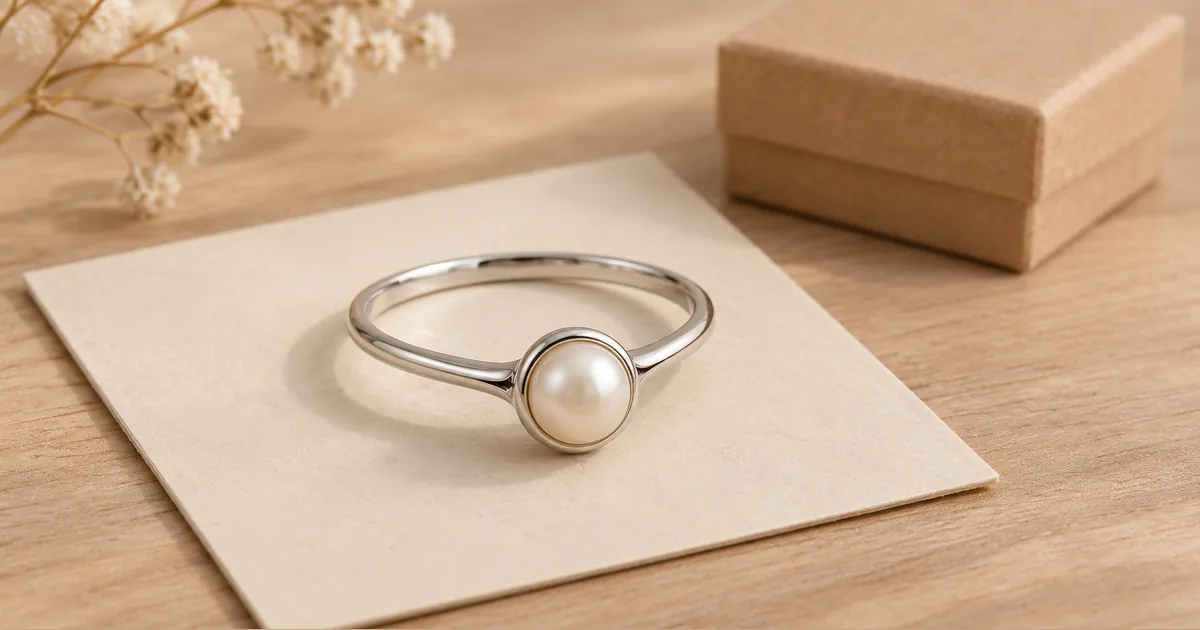 Guide · Updated November 3, 2026Etsy AI Photo Rules for Jewelry Listings After the 2026 UpdateWhat Etsy’s October 2026 listing image update means for jewelry sellers: the unedited photo rule, AI images, exceptions and a listing checklist.Read the guide
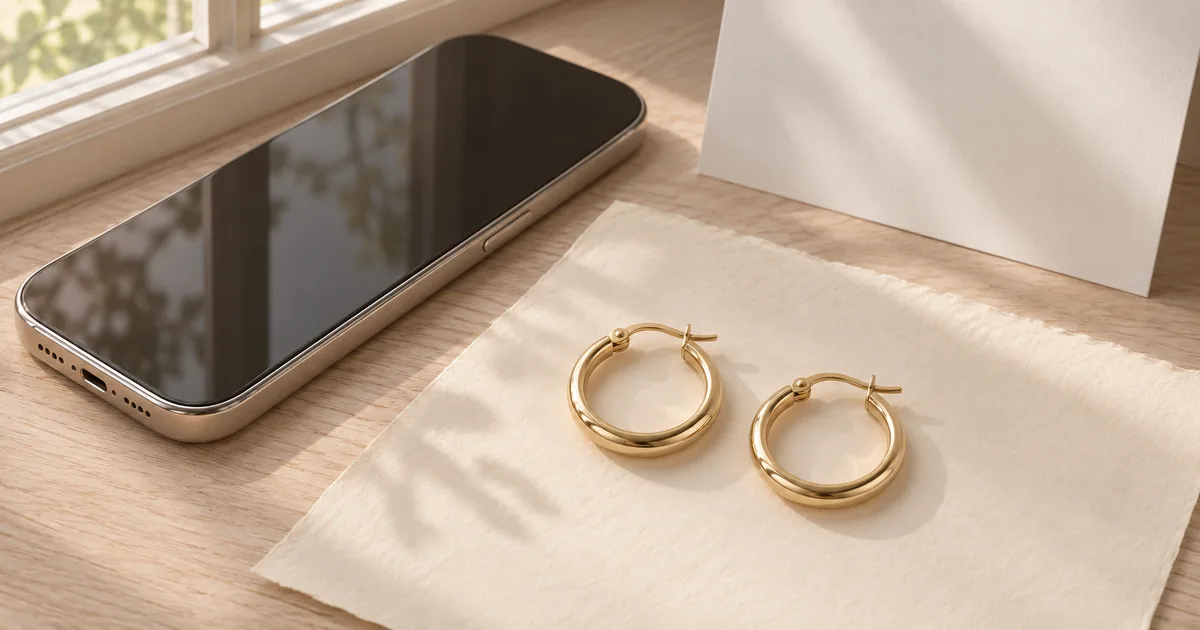 Guide · Updated November 3, 2026How to Photograph Jewelry With Your Phone, Then Improve It With AIA simple phone setup for sharp, accurate jewelry photos, the settings that matter, and which AI tool to use after the shot.Read the guide
02
Every guide answers one practical question for jewelry sellers. Platform rules come from the platform’s own policy pages, linked in a Sources section with the date we checked them. Where public coverage is the only detail available, we say so.
Hands-on guides describe a setup you can repeat with ordinary equipment. Example images help you compare composition, lighting and detail before you prepare your own product photos.
We do not claim results we have not produced, and we never present a generated image as evidence of materials, size or gemstone quality.
03
Guides in preparation include a jewelry listing photo checklist, how to make a necklace length chart from real measurements, and how to preview one design in yellow, white and rose gold.
Questions
Independent makers, small brands and resellers who photograph and list their own jewelry online, mostly with a phone and a small budget.
No. Guides summarize platform rules and link the official policy pages with the date we checked them. Platforms change their rules, so confirm the current wording before you rely on a summary.
No. The photography advice works with any camera. The AI tools are optional finishing steps, and every guide explains what they should and should not change.
Start with your sharpest phone photo and the tool that fits the job.
Open the AI Jewelry Studio