Chain and link bracelets
The pattern is the product. Closed loop on Clean Studio or Flat Lay shows it best; check that links keep their shape and size all the way around.
Jewelry Studio · Bracelets
Bracelets are judged on how they close and how they sit. Upload one bracelet photo and choose a loop, a clasp close-up, an upright bangle or a stack, then a backdrop.
Updated · Image25 Jewelry Studio
15 credits · Fast · Medium · 1 image
Includes one reference photo. Every new generation costs 15 credits.
Email sign-in keeps your selection. Google sign-in leaves this page; reselect your photo and settings after returning.
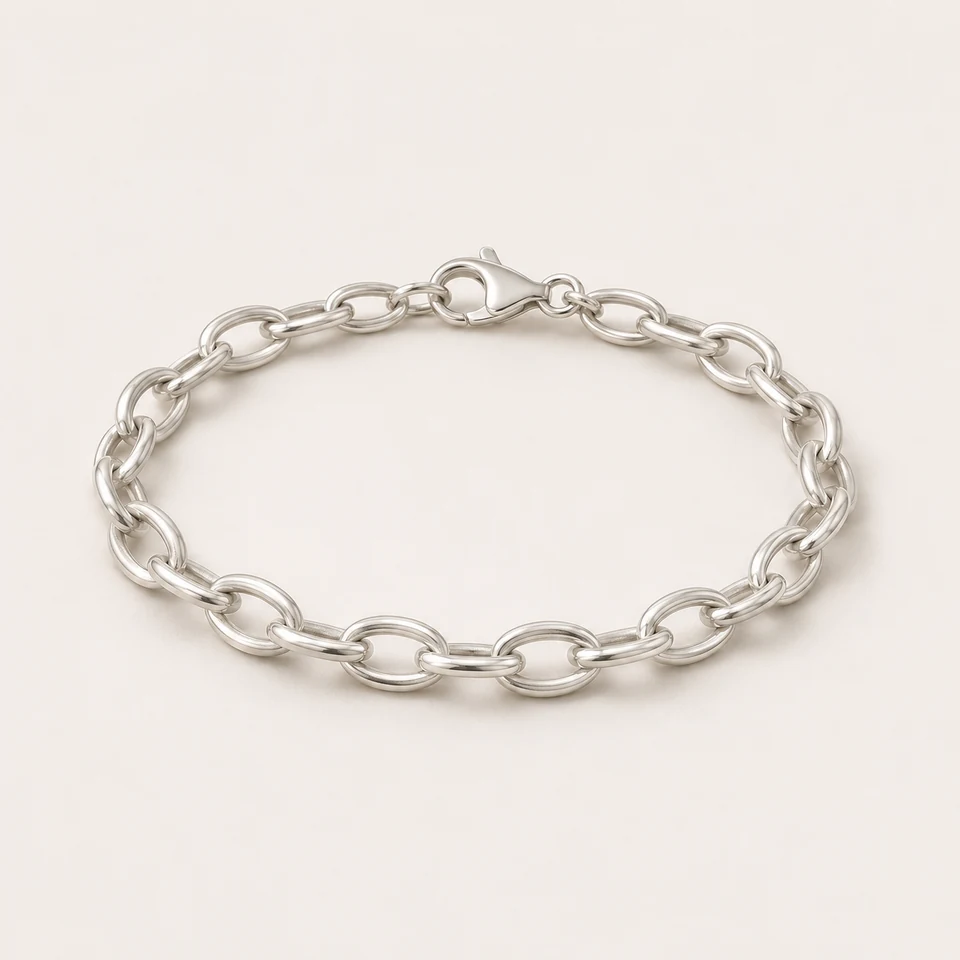 Closed loop · Clean Studio · Bracelet
AI bracelet photography restages a photo of your real bracelet in a chosen layout: a closed loop, a clasp detail, an upright bangle or a stack as photographed. Pick a backdrop and format; one image costs 15 credits with the links and clasp preserved.
01
Loops, clasps and standing cuffs from one source photo each.
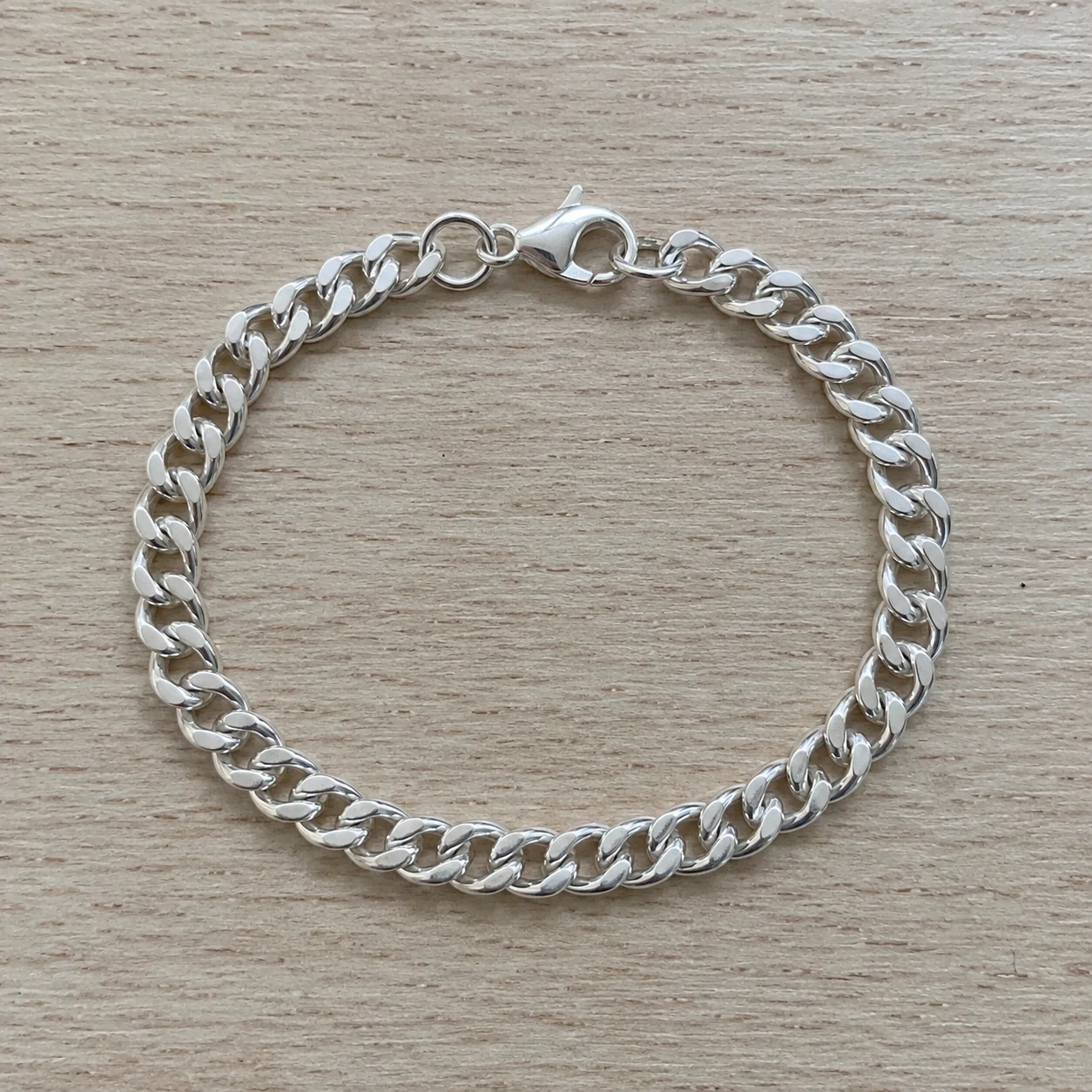 Before
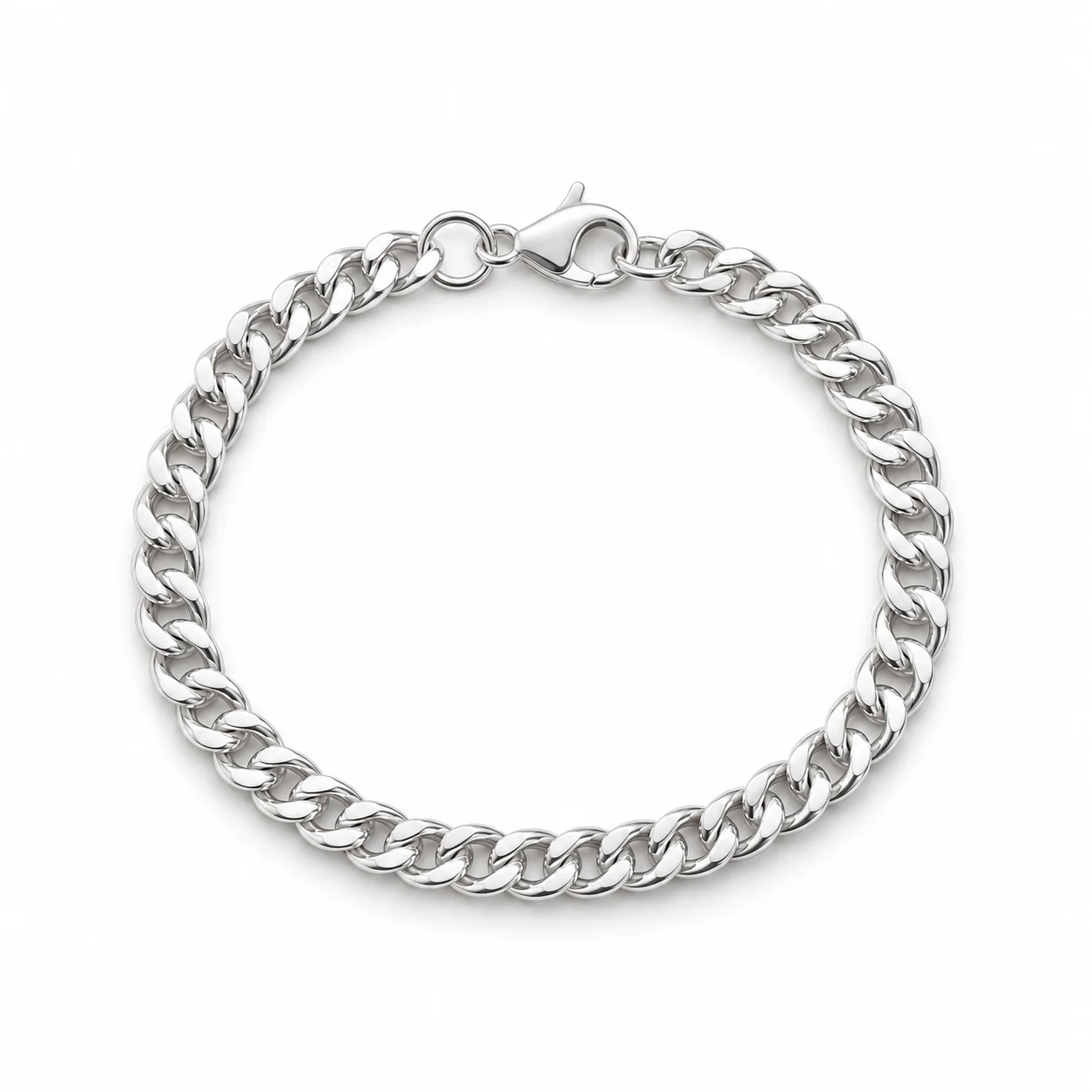 AfterBefore
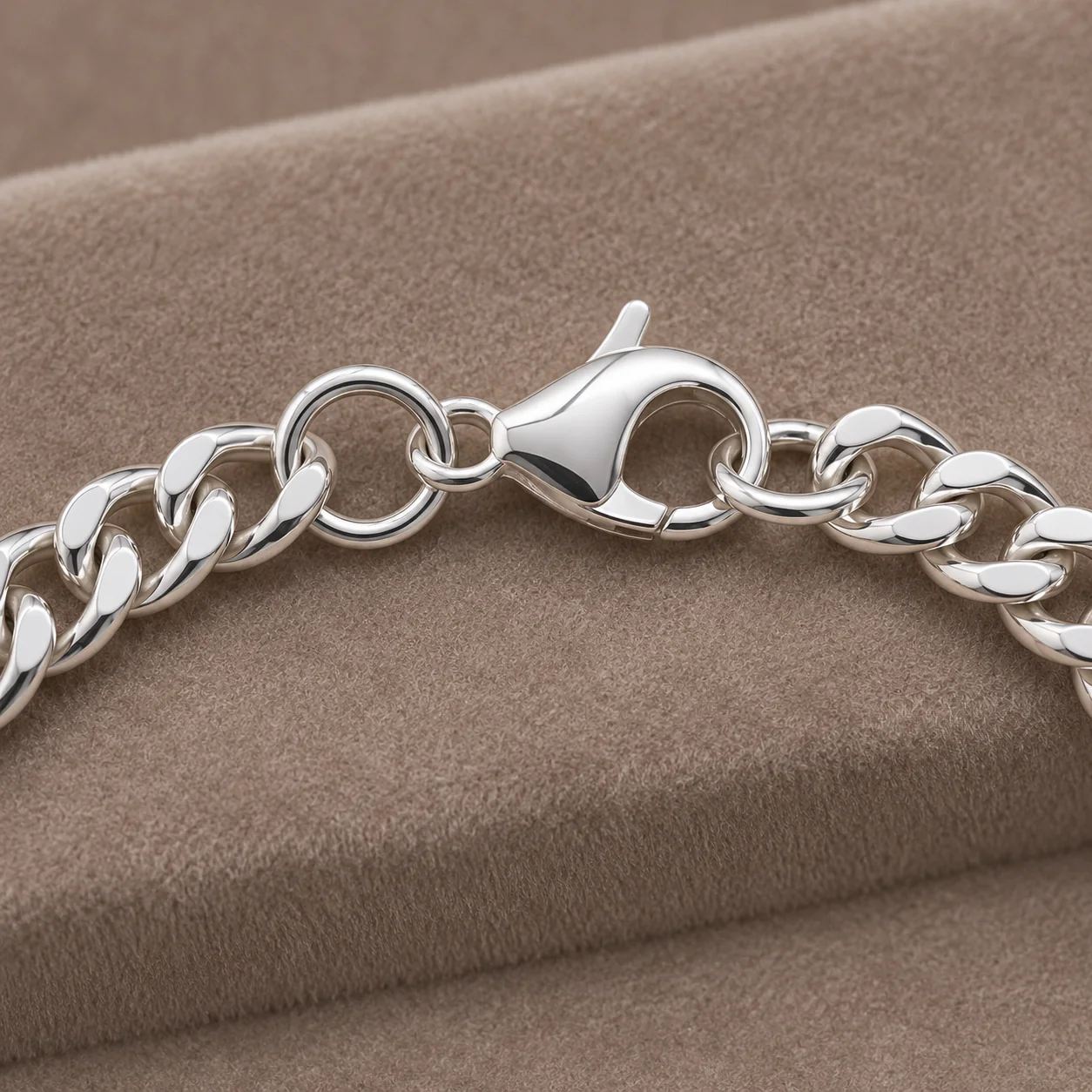 After
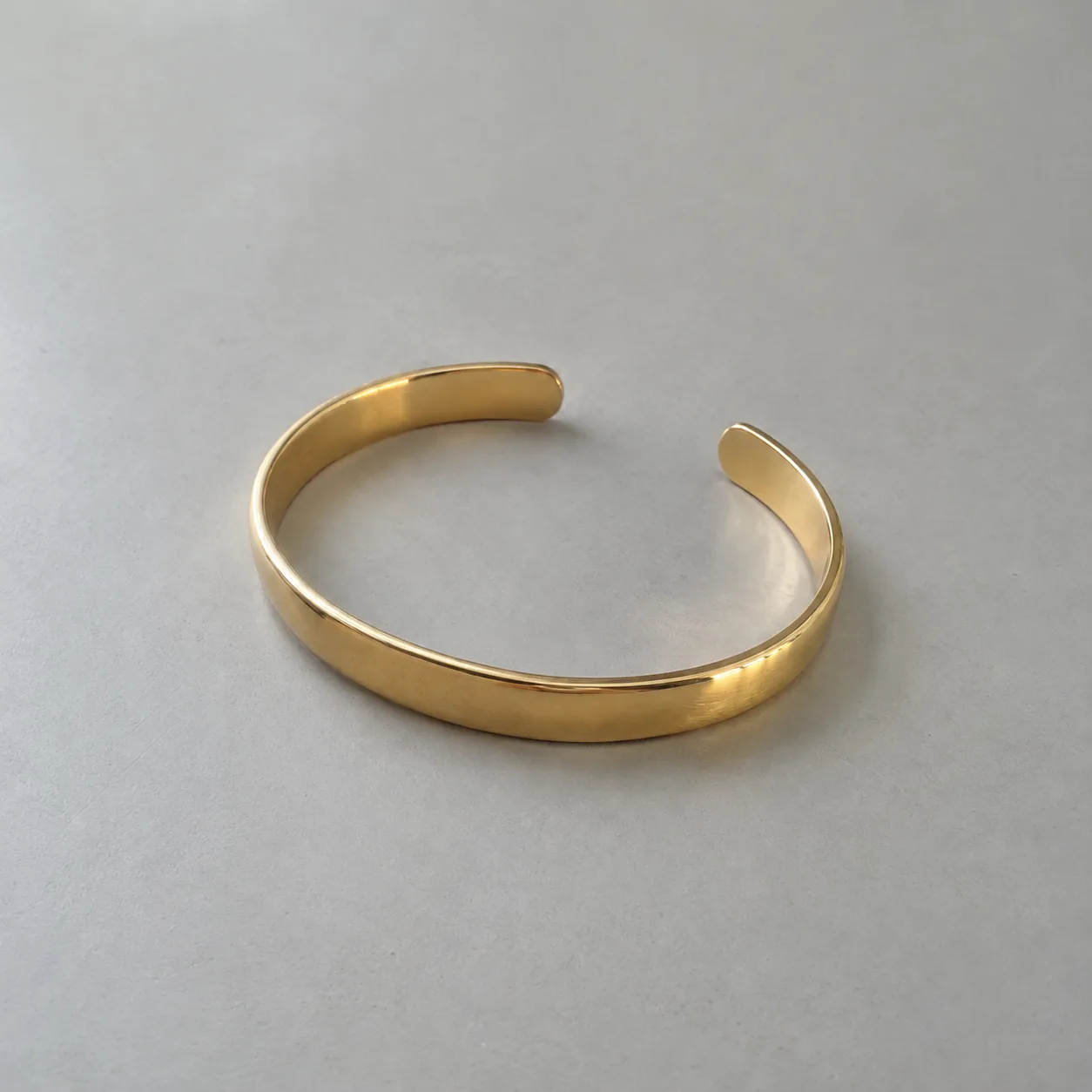 Before
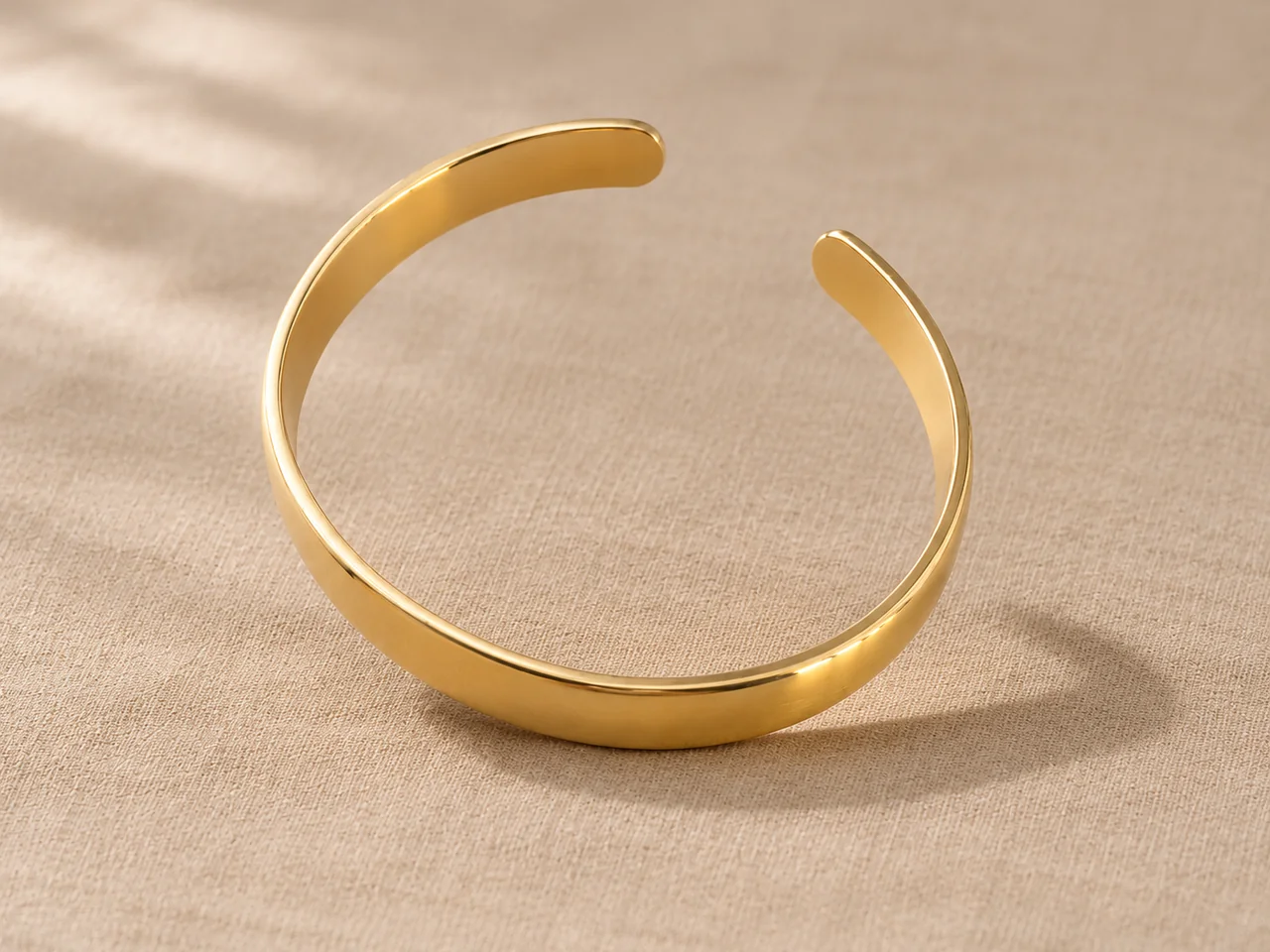 After
02
It is reference-based editing tuned for bracelets. Your photo is the source of truth for the link pattern, the clasp, any charms or stones and the overall shape. The tool rebuilds only the layout, backdrop and light around them.
Bracelets show their construction in a way rings and necklaces do not. A chain bracelet is a loop of repeated links held by one clasp, so a buyer wants to see that the loop is continuous and how it closes. A bangle or cuff is a rigid shape, so its outline and any opening matter more than its surface.
That is why the tool offers layouts instead of one generic scene. A closed loop shows a chain’s full length and pattern. A clasp detail answers how it fastens. An upright pose shows a bangle’s circle or a cuff’s gap. A stack shows bracelets sold or styled together, exactly as many as in your photo.
03
Lay chains in a loose circle with the clasp visible, or stand a bangle slightly tilted, and photograph it in soft light. Use one PNG, JPEG or WebP up to 20 MB.
Select Closed loop, Clasp detail, Upright bangle or Stack as photographed. Then pick Clean Studio, Flat Lay, Soft Lifestyle or Velvet Display and a 1:1, 4:3 or 3:4 frame. Add a note such as “keep the lobster clasp at the top”.
Follow the links around the loop, compare the clasp type and count any charms or stones. Download only results that match your bracelet. Each new layout is a separate paid generation.
04
Most listings need one full view and one detail view.
| Layout | Shows | Best format | Best for |
|---|---|---|---|
| Closed loop | Full chain, link pattern and clasp | 1:1 | First image of a chain or charm bracelet |
| Clasp detail | Clasp type and the nearest links | 1:1 | How the bracelet fastens |
| Upright bangle | Outline, opening and profile | 4:3 | Bangles, cuffs and hinged bracelets |
| Stack as photographed | Several bracelets together | 4:3 or 3:4 | Sets and styling ideas |
05
Each style has a detail buyers check first.
The pattern is the product. Closed loop on Clean Studio or Flat Lay shows it best; check that links keep their shape and size all the way around.
A bangle is a closed circle, so the outline must stay round and unbroken. Upright bangle shows the full ring; check thickness and any texture.
A cuff has a deliberate opening. Keep the gap in the same place and the same width as in your photo, and check the rounded ends.
Rows of small stones and clusters of charms are the hardest details for AI. Shoot sharp, count stones and charms in the result, and add a note naming any charm that must stay visible.
06
07
Compare these points with the real bracelet before you download.
| Check | Good result | Reject if |
|---|---|---|
| Link pattern | Same link style and size all the way around | Links change style, merge or repeat oddly |
| Clasp | Same clasp type in a plausible place | The clasp vanished or doubled |
| Loop or outline | An unbroken loop or the same bangle shape | Gaps, extra loops or a changed opening |
| Stones and charms | Same count, color and placement | Stones missing or charms added |
| Stack | Same number and order of bracelets | A bracelet added or removed |
| Metal tone | Matches the bracelet in daylight | Gold shifted toward rose or silver toward gray |
08
A closed loop for the whole piece and a clasp detail for the fastening cover the first two questions.
Example: a curb chain on Clean Studio, then its clasp on velvet.
Upright bangles on one backdrop make thickness and finish easy to compare.
Example: five bangles upright on Soft Lifestyle linen.
Show a set exactly as sold so buyers know how many pieces arrive.
Example: a three-bracelet stack on Flat Lay, 4:3.
A loop shows the arrangement; a detail shows the charm that makes it personal.
Example: a charm bracelet loop plus a close view of one charm.
09
Four images answer almost every bracelet question.
Use Closed loop or Upright bangle on Clean Studio as the first image so the whole bracelet reads at thumbnail size.
Add a Clasp detail on the same backdrop. For bangles without a clasp, show the opening or hinge instead.
A single Soft Lifestyle or velvet image adds warmth without making the listing feel inconsistent.
Photograph the bracelet worn or beside a ruler and state the measured inner length or diameter.
Before you publish
AI may change link patterns, clasps, stone rows or the number of charms, and it cannot know the real length or wrist size. Measure the bracelet and state its length in your listing; never infer it from a generated image.
The tool works without a pixel mask, so it cannot lock every detail. Reject any result that differs from the real bracelet.
Questions
Use Closed loop as the first image for chain and charm bracelets, Upright bangle for bangles and cuffs, and add a Clasp detail so buyers see how it fastens. Use Stack as photographed only for sets sold together.
Lay the bracelet in a loose circle with the clasp at the top, shoot from directly above in soft light, then choose Clasp detail for a closer view. The clasp must be visible in your source photo for the result to be accurate.
Yes. Upright bangle stands the piece slightly tilted so its full outline reads. The tool keeps the shape and any opening from your photo; check that the circle is unbroken and the thickness matches.
It is instructed to keep links, clasp, stones, charms and shape as photographed. Fine chains and stone rows can still change, so compare every result with the real bracelet before you use it.
Not on this page; it makes product shots without people. For worn images, use Bracelet on Wrist, and keep a real photo when buyers need to judge scale on the body.
Aim for four: a full view (loop or upright), a clasp or opening detail, one styled image and a real scale photo, worn or next to a ruler. Keep the AI images on one backdrop and state the measured length in the description.
Each image costs 15 credits on the default Fast setting, including your reference photo. New accounts that use Google sign-in or a Gmail address get 20 free credits, enough for one image. Free-credit images carry a watermark and are for personal use; use paid credits for store and marketplace images.
Your upload is private and scheduled for deletion after one day. On a free account, generated images stay in My Creations for 14 days; paid plans and credit packs keep them longer.
Upload a bracelet photo with the clasp visible, choose a layout and backdrop, and check every link before you publish.
Upload a bracelet photo